
Low organic traffic usually comes from a stacked set of issues, not one missing plugin. A WordPress site can publish regularly, pass plugin checks, and still struggle because crawl paths, titles, internal links, and page speed are pulling in different directions. This WordPress SEO guide shows what to fix first so better organic traffic becomes a realistic outcome instead of a vague goal.
There is no single setting that makes rankings jump overnight. Better results usually come from a cleaner setup, stronger page targeting, and fewer technical mistakes. If you want a second set of eyes before changing settings, WordPress SEO Expert can help you review the real bottlenecks and separate high-impact fixes from busywork.
Start with the problems that block growth
Most WordPress sites do not fail because the content is terrible. They underperform because Google cannot clearly understand which pages matter, how they connect, or why one page should rank over another. That is why the first pass should focus on indexing, site structure, and page targeting before you spend more time publishing.
Begin by checking whether important pages can be crawled and indexed, whether categories and service pages have clear intent, and whether posts support those commercial pages with internal links. If you recently launched or redesigned the site, review a WordPress SEO checklist for new websites because default settings often create ranking problems before content quality even becomes the issue.
The 5 priorities that improve organic traffic
Better organic traffic usually comes from five priorities in this order: indexability, keyword targeting, on-page clarity, internal linking, and performance. This order matters because faster pages and nicer meta descriptions will not help much if Google is indexing the wrong URLs or missing the important ones.
| Priority | What to check first | Why it matters |
|---|---|---|
| Indexability | Noindex tags, robots rules, sitemap setup, canonicals | Google cannot rank pages it cannot trust or access |
| Keyword targeting | One clear topic per page, no overlapping pages | Prevents pages from competing with each other |
| On-page clarity | Titles, headings, intro copy, image alt text | Helps Google and users understand relevance fast |
| Internal linking | Links between related posts, service pages, and categories | Distributes authority and clarifies site structure |
| Performance | Image size, caching, scripts, mobile usability | Improves user experience and removes friction |
Set up one clean SEO foundation
The best WordPress SEO setup is usually the simplest one. Use one SEO plugin, one sitemap source, one preferred domain version, and one clear URL structure. Sites get messy when owners stack overlapping plugins or leave old settings in place after a redesign or migration.
Make sure your permalink structure is readable, your preferred domain resolves with redirects, and your sitemap only includes pages that should rank. Google recommends descriptive and concise title text and specifically warns against keyword stuffing and repetitive boilerplate titles in title elements, so the page title strategy should be deliberate instead of templated beyond recognition. Google also uses titles and headings to understand page content, which is why weak titles create weak search signals even when the page itself is useful.
A weak title might be SEO Services | SEO Company | SEO Expert. A stronger title is WordPress SEO Services for Small Businesses. The second version is clearer, more specific, and easier for both users and search engines to interpret.
Match one page to one search intent
Organic traffic improves when each important page has a defined job. If one page tries to rank for three different services, two locations, and a how-to topic at the same time, Google gets mixed signals. Clear targeting usually beats broader, diluted targeting.
Give each page one primary intent. A service page should target a service term. A blog post should answer a specific question. A location page should focus on one local market. When multiple pages chase the same phrase with only slight wording changes, they often compete with each other instead of helping the site grow.
This is where many stalled sites get stuck. They keep publishing new posts without deciding which terms belong to category pages, service pages, product pages, or supporting blog content. If that sounds familiar, a structured review of your technical SEO foundation and page targeting can show whether the issue is relevance, structure, or crawl waste.
Improve on-page SEO without chasing plugin scores
Plugin scores are useful prompts, not ranking goals. Real on-page SEO is about making the topic obvious, useful, and easy to scan. If the title, heading, intro paragraph, and supporting subtopics all point in the same direction, the page usually performs better than a page stuffed with variations.
Start with the title tag and main heading. Keep them specific and aligned with the page topic. Then make sure the first paragraph answers the query quickly instead of warming up for 200 words. Add descriptive subheadings that reflect the real questions a reader has next. Use images where helpful, but write alt text to describe the image naturally rather than forcing keywords into every field.
Meta descriptions do not directly improve rankings, but they can improve click-through rate by setting a clear expectation in search results. Write them like a promise of value, not a list of phrases.
Use internal links to support your money pages

Internal linking is one of the most underused ways to improve organic traffic on WordPress. It helps search engines discover related pages, understand topical relationships, and identify which pages you consider important. It also gives users a better path through the site.
Link from blog posts to relevant service pages, from service pages to supporting guides, and between related articles where the next step makes sense. Descriptive anchor text works better than vague text because it gives context. Google recommends anchor text that is descriptive, concise, and relevant to the destination page.
A simple rule works well here: every new post should support at least one core page, and every core page should receive links from multiple relevant posts. That creates a stronger site structure than publishing isolated articles that never connect back to the pages that generate leads.
If you’re experiencing these symptoms, our team at WordPress SEO Expert can help. We look at crawl paths, page intent, and internal linking patterns before recommending more content, which usually saves site owners from months of publishing into the void.
Fix speed issues that actually affect SEO
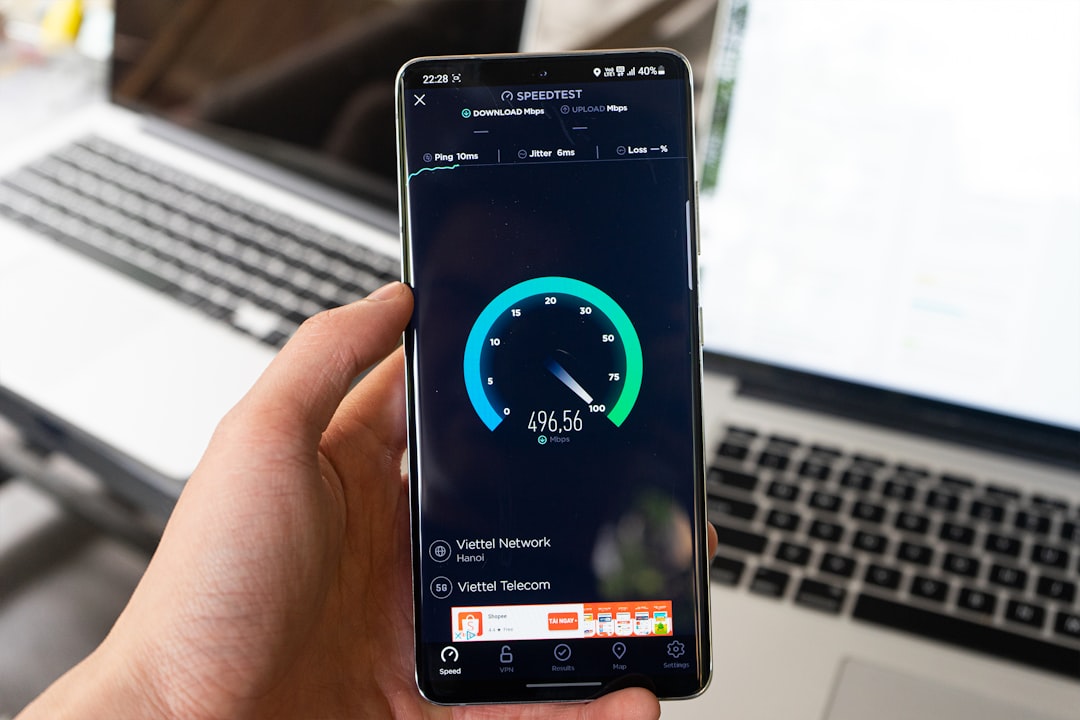
Site speed matters, but it is not the first thing to blame for weak rankings. It matters most when content quality and authority are already competitive and the site experience is clearly getting in the way. The goal is not a perfect lab score. The goal is a site that loads fast enough on real devices and does not frustrate users.
Google replaced FID with INP as a Core Web Vital on March 12, 2024, so responsiveness is now measured differently than many older speed guides suggest. WordPress also introduced native lazy loading for images in version 5.5, which helps by default on modern installs. Even so, large hero images, extra scripts, and weak hosting still cause most speed problems on small business sites.
Focus first on the basics that move the needle: compress oversized images, enable caching, remove unnecessary plugins, and test the site on mobile. If you need a step-by-step performance workflow, review our guide on how to improve WordPress site speed for SEO for the practical fixes and expected impact ranges.
What better traffic should look like
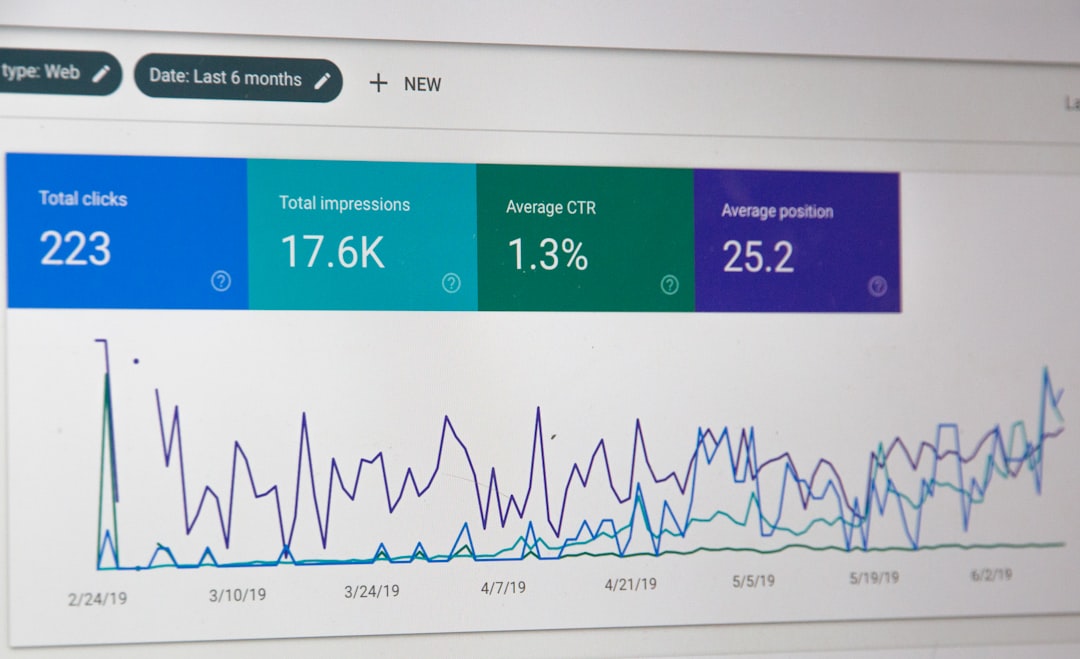
Better organic traffic does not always mean a huge jump in total sessions right away. Often the first signs are better impressions on the right pages, more clicks to service or product pages, and fewer cases where irrelevant blog posts are the only URLs attracting visits. Quality usually improves before volume does.
Watch for changes in the pages that matter most. Are your priority pages being indexed? Are they earning impressions for the terms they were built to target? Are supporting posts funneling visitors deeper into the site? Those patterns tell you more than a raw traffic chart on its own.
When to get help
If you have already published consistently, installed the usual plugins, and still are not seeing traction, the next step is usually diagnosis, not more random optimization. Most underperforming WordPress sites have a few technical issues, a few targeting issues, and a few content structure issues that compound together.
WordPress SEO Expert can help you identify what is actually holding the site back, whether that is indexing, cannibalization, page speed, weak internal linking, or a scattered content plan. Request a free WordPress SEO audit if you want a practical roadmap instead of another generic checklist.

















