
Most new WordPress sites do not struggle because they picked the wrong plugin. They struggle because the basics were never set up in the right order. A solid WordPress SEO guide for new websites starts with indexability, site structure, page targeting, and measurement so you are not publishing into a setup that quietly holds rankings back.
Google’s own guidance puts the emphasis on helpful, people-first content, descriptive page elements, and crawlable links rather than shortcuts or plugin scores. That is why a new site should focus first on a clean foundation, then on content that matches what real searchers want. If you want a second set of eyes before making changes, WordPress SEO Expert can help you sort out what to fix first.
What should a new WordPress site do first for SEO?
Start by making sure search engines can crawl and index the site, then build a simple page plan before you worry about advanced tactics. Most early SEO problems come from overlooked settings, unclear page purpose, and weak internal linking rather than from anything complicated.
Begin with the Reading settings in WordPress and confirm the site is not blocking search engines. WordPress documents that the “Discourage search engines from indexing this site” option adds a noindex directive when enabled, which is why this is one of the first checks on any new build. After that, use a clean permalink structure, install one SEO plugin instead of several overlapping ones, and map one primary topic to each important page.
If you want the technical launch details in checklist form, review our WordPress SEO checklist for new websites. It pairs well with this guide because this article focuses on what to do after the site structure is in place.
The best SEO setup for a brand-new WordPress site
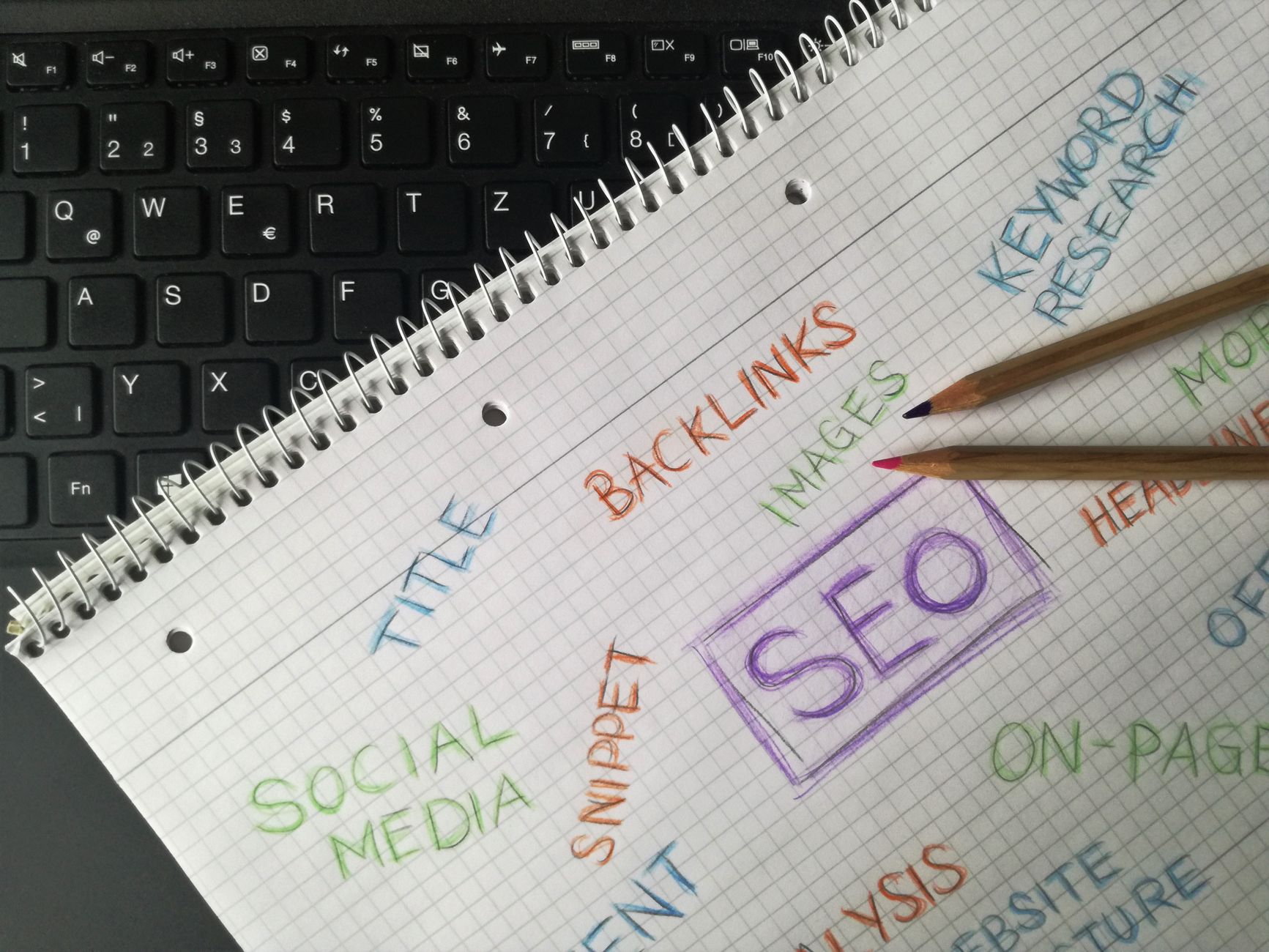
The best setup is usually the simplest one you can maintain. New sites do better with one SEO plugin, a small number of high-value pages, clear navigation, and Search Console installed from day one.
| Area | What to set up first | Why it matters |
|---|---|---|
| Indexing | Confirm search engine visibility is enabled and important pages are indexable | If Google cannot index the site, nothing else matters yet |
| URLs | Use a clean permalink structure and one preferred site version | Consistent URLs reduce duplication and confusion |
| SEO plugin | Install one plugin and configure titles, canonicals, and sitemaps | One clean setup avoids conflicting metadata |
| Core pages | Create homepage, service or category pages, about page, and contact page | These pages give the site commercial and trust signals |
| Internal links | Link related pages with descriptive anchor text | Crawlable links help search engines understand page relationships |
| Measurement | Connect Google Search Console and review impressions, clicks, CTR, and position | You need feedback before making optimization decisions |
How many pages should you launch with?
You do not need dozens of pages to give a new website a fair start. A smaller set of clear, useful pages usually performs better than a rushed launch filled with thin content and overlapping topics.
For most small business sites, the minimum useful structure is a homepage, one page for each core service or category, an about page, a contact page, and a few supporting articles that answer real customer questions. The point is not to hit a page count. The point is to make sure each page has a job. When multiple pages target the same idea, new sites often create cannibalization before they have earned enough authority for it.
This is the same practical approach we use in our WordPress SEO strategy for small business: one primary topic per important page, then supporting content that strengthens the main pages instead of competing with them.
What on-page SEO matters most on a new website?
New websites should focus on a few on-page basics that clearly signal relevance. Titles, headings, internal links, page purpose, and useful copy matter more than chasing perfect plugin scores or squeezing keywords into every sentence.
Google recommends using words people would use to look for your content in prominent places such as the title, main heading, alt text, and link text. In practical terms, that means writing a homepage title that says what the business actually does, using one clear H1 per page, and organizing subheadings around the questions a visitor is likely to ask next.
Weak example: SEO Services | SEO Company | SEO Expert.
Stronger example: WordPress SEO Services for Small Businesses.
That same clarity should carry through the body copy. A service page should explain what is included, who it is for, what problems it solves, and how someone takes the next step. A blog post should answer a specific question fully enough that the reader does not need to bounce back to search immediately.
Why internal linking matters on day one
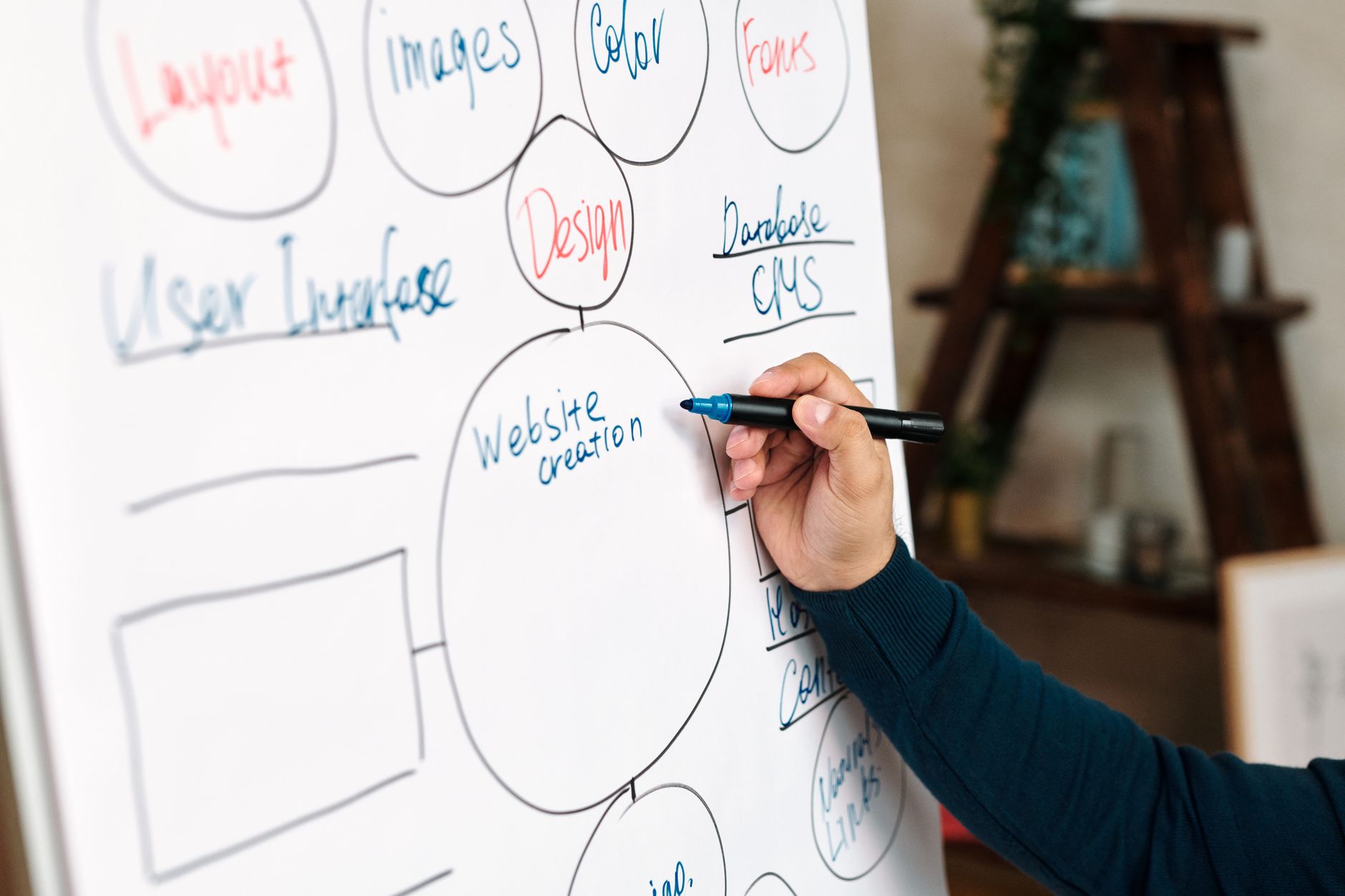
Internal links help new sites faster than most owners expect because they improve discovery and clarify site structure. If pages are isolated, Google has fewer signals about which pages matter and how they connect.
Google’s Search Essentials specifically call out crawlable links and descriptive link text as important best practices. That means linking from broad pages to more specific ones, from blog posts to related service pages, and from supporting resources back to the main page you want to strengthen. Descriptive anchors work better than vague labels because they tell both users and search engines what they will find next.
If your structure already feels messy, we recommend stepping back before publishing more content. WordPress SEO Expert can help diagnose whether the bottleneck is technical, structural, or content-related so you do not waste time pushing updates into the wrong area.
How to measure early SEO progress without overreacting
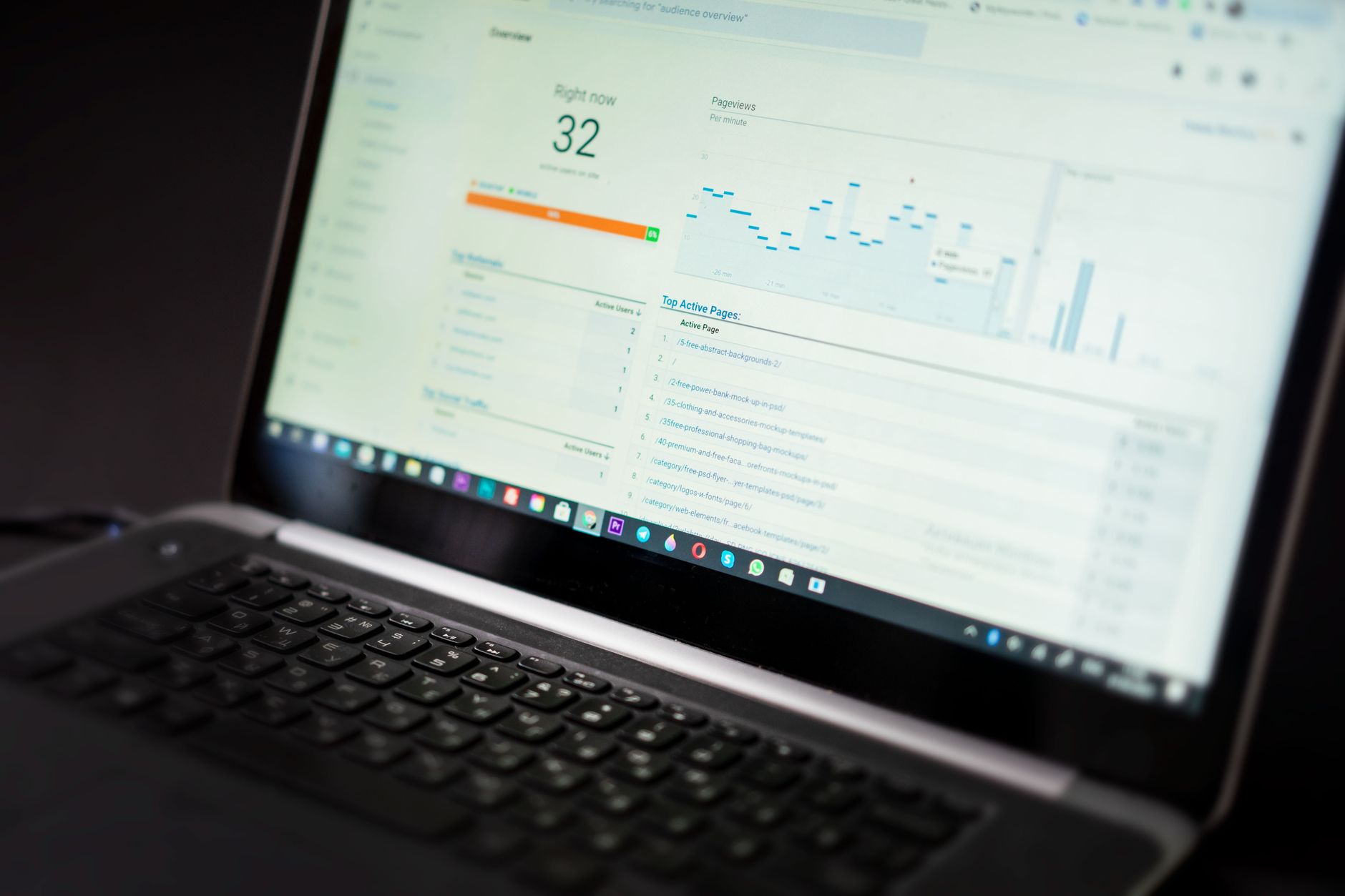
Use Google Search Console early, but do not expect instant traffic. For a new site, early progress often shows up first as impressions and query visibility before clicks meaningfully grow.
Google’s Performance report shows clicks, impressions, average CTR, and average position. Those four metrics are enough to guide your first rounds of improvement. Rising impressions can mean Google is beginning to understand your pages. Low CTR on a page with impressions can point to a weak title or poor intent match. Flat visibility across the whole site usually means the site needs more authority, better targeting, or technical cleanup rather than another plugin.
A simple review rhythm works well for new websites. Check Search Console monthly, look for pages gaining impressions, note which queries Google is associating with each page, and update the pages with the clearest upside first. Most site owners do not have one catastrophic problem. They have a stack of smaller issues that compound over time.
Common SEO mistakes new WordPress sites make
Most new-site SEO mistakes are boring, which is exactly why they get missed. The usual issues are blocked indexing, too many plugins doing the same job, unclear page targets, thin pages, and no plan for internal links.
| Mistake | Why it hurts | What to do instead |
|---|---|---|
| Launching with search visibility blocked | The site can be excluded from search results | Check Reading settings before and after launch |
| Installing multiple SEO plugins | Conflicting canonicals, titles, and sitemaps can appear | Pick one plugin and configure it properly |
| Publishing many similar pages | Pages compete with each other for the same intent | Map one main topic to each important page |
| Writing for plugin scores | The content becomes repetitive and less useful | Write for the searcher’s question and next action |
| Ignoring Search Console | You lose the clearest view of what Google is seeing | Review performance data regularly and update based on evidence |
A simple SEO roadmap for the first 90 days
New websites usually need a short, prioritized roadmap more than a huge strategy document. The goal in the first 90 days is to build a stable foundation, publish the right pages, and learn from real performance data.
| Time period | Primary focus |
|---|---|
| Days 1 to 30 | Fix indexing settings, configure one SEO plugin, finalize page structure, and publish core pages |
| Days 31 to 60 | Improve title tags, headings, internal links, and page copy based on intent |
| Days 61 to 90 | Publish supporting articles, review Search Console patterns, and strengthen pages earning impressions |
If you are working through these steps and still cannot tell what is holding the site back, our team at WordPress SEO Expert can help. A focused review is often more useful than another generic checklist because it shows which issue is actually limiting progress on your site.
Final takeaway
A good WordPress SEO guide for new websites is not about doing everything. It is about doing the right things in the right order: make the site indexable, give each page a clear purpose, build a simple internal linking structure, and use Search Console to guide updates. That is how new sites avoid wasted effort and build momentum the right way.
If you want a practical plan instead of guesswork, contact WordPress SEO Expert today to schedule a consultation. We will help you identify the technical issues, page gaps, and content priorities most likely to move the needle first.

















