

Getting started with WordPress SEO is less about learning every tactic and more about fixing the right things in the right order. Most beginners do not struggle because WordPress is impossible to optimize. They struggle because generic advice mixes technical setup, content writing, and plugin features into one noisy checklist.
A green light in an SEO plugin does not mean the page deserves to rank. What matters first is whether search engines can crawl your important pages, whether each page targets a clear topic, and whether your internal links reinforce what matters most. If you want a broader foundation first, review our practical WordPress SEO guide for DIY site owners.
What should beginners focus on first?
Beginners should focus on crawlability, page targeting, and internal linking before chasing advanced features. This order keeps you from wasting time on cosmetic settings while the pages that matter most are still hard to discover, poorly organized, or unclear to Google.
That means starting with a simple setup. Make sure your site is visible to search engines, your main pages have clear titles, and your navigation helps users move logically through the site. If the basics are messy, schema settings and plugin scores will not rescue performance.
Start with one SEO plugin
One well-configured SEO plugin is enough for most WordPress sites. Running overlapping plugins often creates duplicate metadata, conflicting canonicals, and competing sitemap outputs that make troubleshooting harder than it needs to be.
If your site has changed hands or gone through redesigns, plugin overlap is one of the first things to check. Keep one main SEO plugin and remove the extras unless they serve a separate, necessary purpose. If you are unsure whether your setup is cluttered, our guide on how to fix WordPress SEO setup problems walks through the most common conflicts.
Make sure search engines can index your site
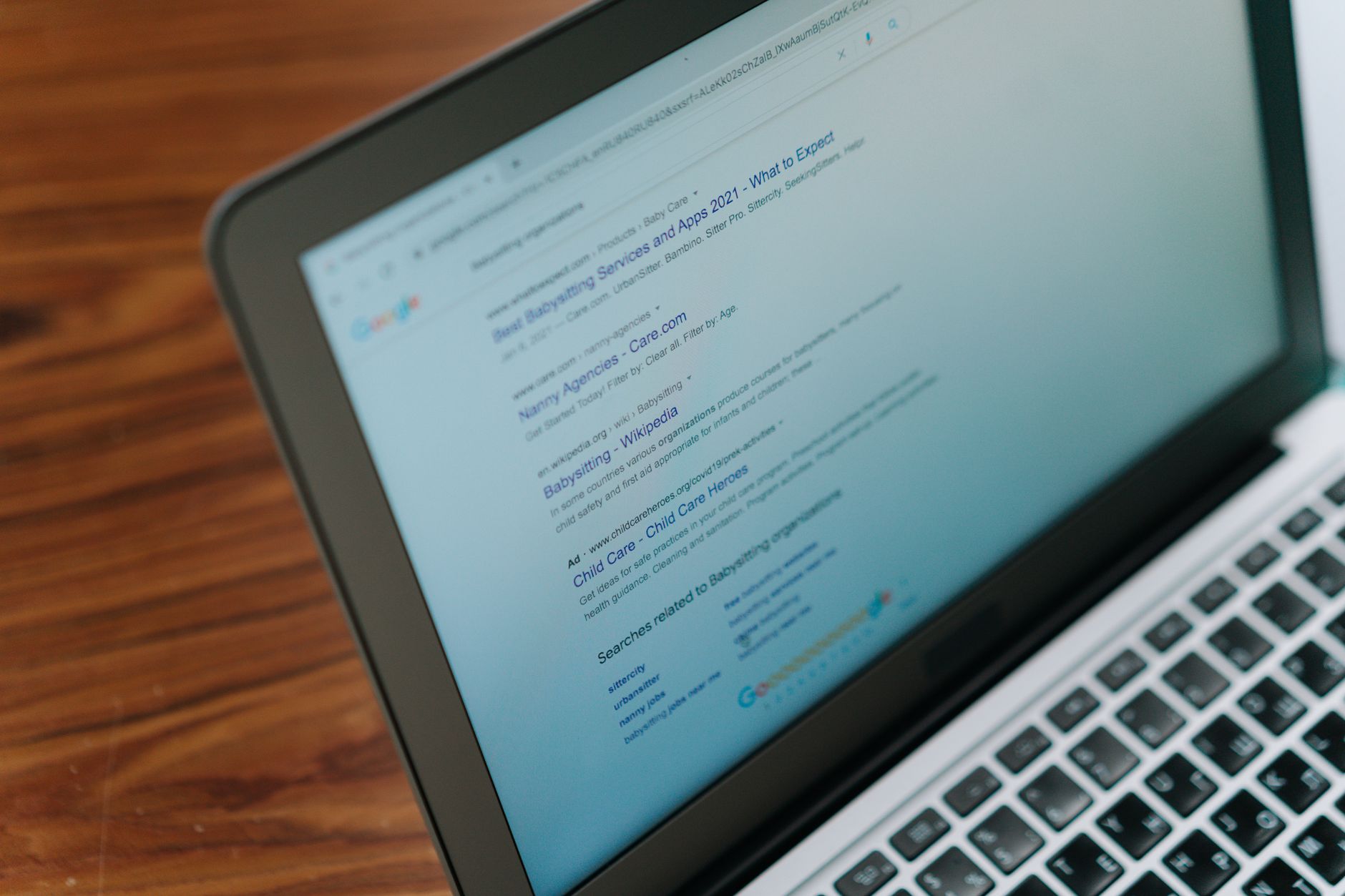
If search engines cannot crawl and index the right pages, the rest of your SEO work will underperform. Beginners should check visibility settings, sitemap status, and whether important pages are linked from crawlable parts of the site.
In WordPress, common beginner problems include the site being set to discourage indexing, thin archive pages being left open unnecessarily, and important service or product pages being buried too deep. Google explains that search engines discover pages through links, which is why crawlable internal links matter so much for new and growing sites. You can review Google’s guidance on making links crawlable for the underlying principle.
Fix page titles before anything advanced
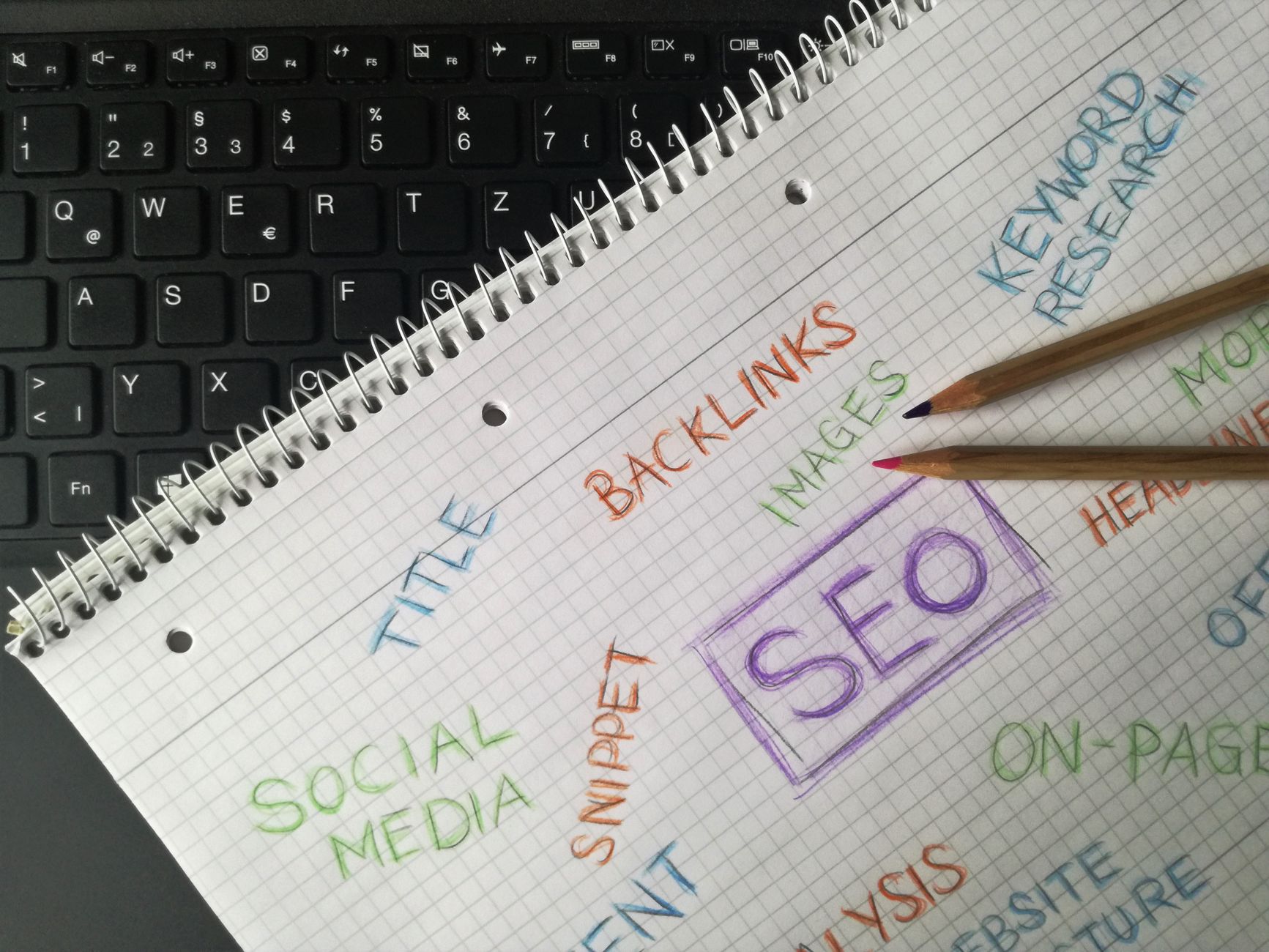
Page titles are one of the highest-impact on-page elements beginners control. Clear, descriptive titles help search engines understand the page and help searchers decide whether your result matches what they need.
Google recommends descriptive, concise title text and warns against repetitive boilerplate and keyword stuffing in title elements. That is why titles like SEO Services | SEO Company | SEO Expert are usually weaker than a title that names the actual page topic. Google’s documentation on title links explains the same principle.
| Weak title | Stronger title |
|---|---|
| SEO Services | SEO Company | SEO Expert | WordPress SEO Services for Small Businesses |
| Blog | WordPress SEO Tips for Local Businesses |
| Home | Family Law Attorney in Phoenix, AZ |
Fix the titles on your homepage, main service pages, category pages, and posts already getting impressions first. Beginners often spend too much time rewriting low-value pages while their most important pages still have vague titles.
Use headings to organize the page clearly
Headings help users and search engines understand the structure of a page. A simple hierarchy is usually enough: one clear H1, H2s for main sections, and H3s only when a section needs further breakdown.
This is not about stuffing keywords into every heading. It is about making the page easier to scan and easier to understand. If a visitor can quickly see what the page covers, the heading structure is probably doing its job.
Write for one topic per page
Beginners get better SEO results when each page targets one clear topic and one clear intent. Trying to make one page rank for every variation usually creates vague copy that satisfies no one well.
Your homepage should target your broadest core offering. Service pages should target commercial or transactional intent. Blog posts should answer informational questions and then guide readers toward more important pages. This structure reduces overlap and makes internal linking much easier to manage.
Internal links matter more than most beginners expect


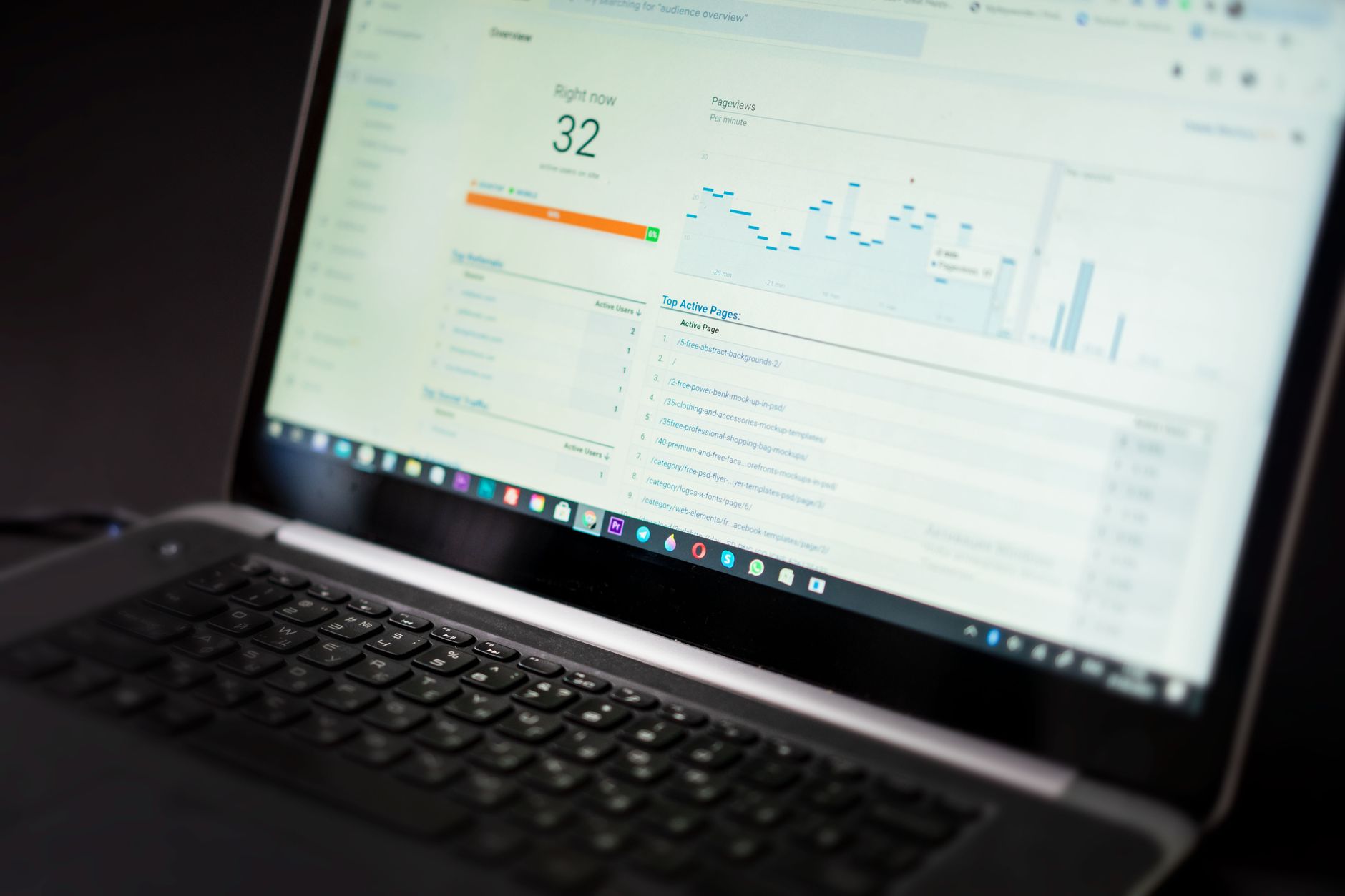
Internal links help search engines discover pages, understand hierarchy, and see which pages matter most on your site. They also help users move from general information to the page that solves their problem.
Beginners often rely only on menus and forget contextual links inside page content. That leaves important pages under-supported. Add descriptive links from blog posts to service pages, connect related posts naturally, and make sure your core pages are referenced from multiple crawlable locations. If your rankings are flat and you are not sure whether the real problem is indexing, duplication, weak targeting, or plugin clutter, WordPress SEO Expert can help.
Do not over-index archive pages
Many WordPress sites create extra archive pages automatically, and beginners often leave them all indexable without asking whether they add value. Thin tag archives, duplicate author archives, and low-value date archives can dilute your site structure instead of helping it.
If you run a single-author site, your author archive may add little value. If your tags only contain one post each, those pages are usually weak. Keep the parts of WordPress that improve navigation and noindex the parts that create clutter.
Speed matters, but simplicity matters more
Beginners should aim for a clean, usable site rather than a perfect performance score. Slow sites can hurt usability, but obsessing over tiny score improvements before fixing indexing and content priorities usually sends effort in the wrong direction.
Start with the basics: compress oversized images, use one caching system, remove unused plugins, and avoid bloated layouts where possible. Google includes page experience guidance in its search documentation, but for most smaller WordPress sites, the practical goal is a site that loads cleanly and works well for real users, not a screenshot-worthy number. Google’s overview of page experience in Search supports that broader focus.
Beginner SEO priorities in order
The best beginner plan is sequential, not scattered. Fix the issues that block visibility before the issues that polish visibility.
| Priority | What to do first | Why it matters |
|---|---|---|
| 1 | Confirm indexing and crawl access | Pages cannot rank if search engines cannot reach them |
| 2 | Use one SEO plugin | Reduces conflicts and keeps settings manageable |
| 3 | Improve titles on key pages | Strengthens relevance and click potential |
| 4 | Clarify one topic per page | Reduces overlap and improves intent match |
| 5 | Add stronger internal links | Improves discovery and page hierarchy |
| 6 | Clean up archives and duplicates | Prevents thin or repetitive pages from crowding the site |
| 7 | Improve speed and polish | Supports usability after the foundation is stable |
What beginners should stop doing
Beginners usually improve faster when they stop chasing plugin scores, stop publishing thin pages for every keyword variation, and stop adding tools before understanding the existing setup. More settings do not automatically create better SEO.
You do not need a perfect score. The goal is a site that loads cleanly, is easy to use, and sends consistent signals about which pages matter most. That usually comes from fewer plugins, clearer page targeting, and a stronger internal structure.
When to get professional help
Beginner SEO gets easier when you know whether the problem is technical, structural, or strategic. If you have already done the basic setup work and your site still is not gaining traction, the next step is usually diagnosis, not more random changes.
WordPress SEO Expert can help you sort out what to fix first without turning your site into a plugin experiment. Book a free SEO consultation. No pitch, no pressure. Just an honest look at what your site actually needs and whether your current setup is part of the solution or part of the problem.
Contact WordPress SEO Expert today to schedule a consultation if you want a practical plan that helps your site grow without overcomplicating the setup.

















