
Low rankings usually come from a scattered plan, not one missing plugin. If you are new to WordPress SEO, the fastest way to make progress is to fix the settings that affect visibility first, then improve the pages that matter most. A plugin can help you manage titles and sitemaps, but it will not rank your site by itself.
This beginner-friendly walkthrough explains what to set up first, what to ignore for now, and how to avoid the mistakes that quietly hold sites back. If you want a broader technical baseline after this, review our WordPress SEO best practices and compare plugin options in our Yoast SEO vs Rank Math guide.
What is WordPress SEO?
WordPress SEO is the process of making your site easier for search engines to crawl, understand, and trust. For beginners, that usually means getting indexing, page titles, internal links, and content structure right before worrying about advanced features.
Most site owners do not have one catastrophic problem. They have a stack of smaller issues that compound over time. A page with a weak title, poor internal links, thin copy, and messy archive settings will struggle even if your SEO plugin shows a green light.
What to do first
Start by making sure your important pages can actually be found and indexed. Before you rewrite copy or install another tool, check whether your site is visible to search engines, your main pages are linked in navigation, and your SEO plugin is creating a sitemap.
Inside WordPress, review your homepage, service pages, product categories, and top blog posts first. These are usually the pages closest to leads or sales. If those pages are hard to reach, blocked from indexing, or buried under low-value archive pages, no amount of keyword tweaking will solve the bigger problem.
A simple beginner priority order
| Priority | What to check | Why it matters |
|---|---|---|
| 1 | Indexing and crawl access | Pages cannot rank if search engines cannot reach them |
| 2 | Page titles and headings | Helps search engines and users understand the page |
| 3 | Internal linking | Strengthens site structure and page discovery |
| 4 | Content quality | Gives each page a clear purpose and better search intent match |
| 5 | Speed and cleanup | Improves usability without distracting from bigger issues |
Use one SEO plugin, not several
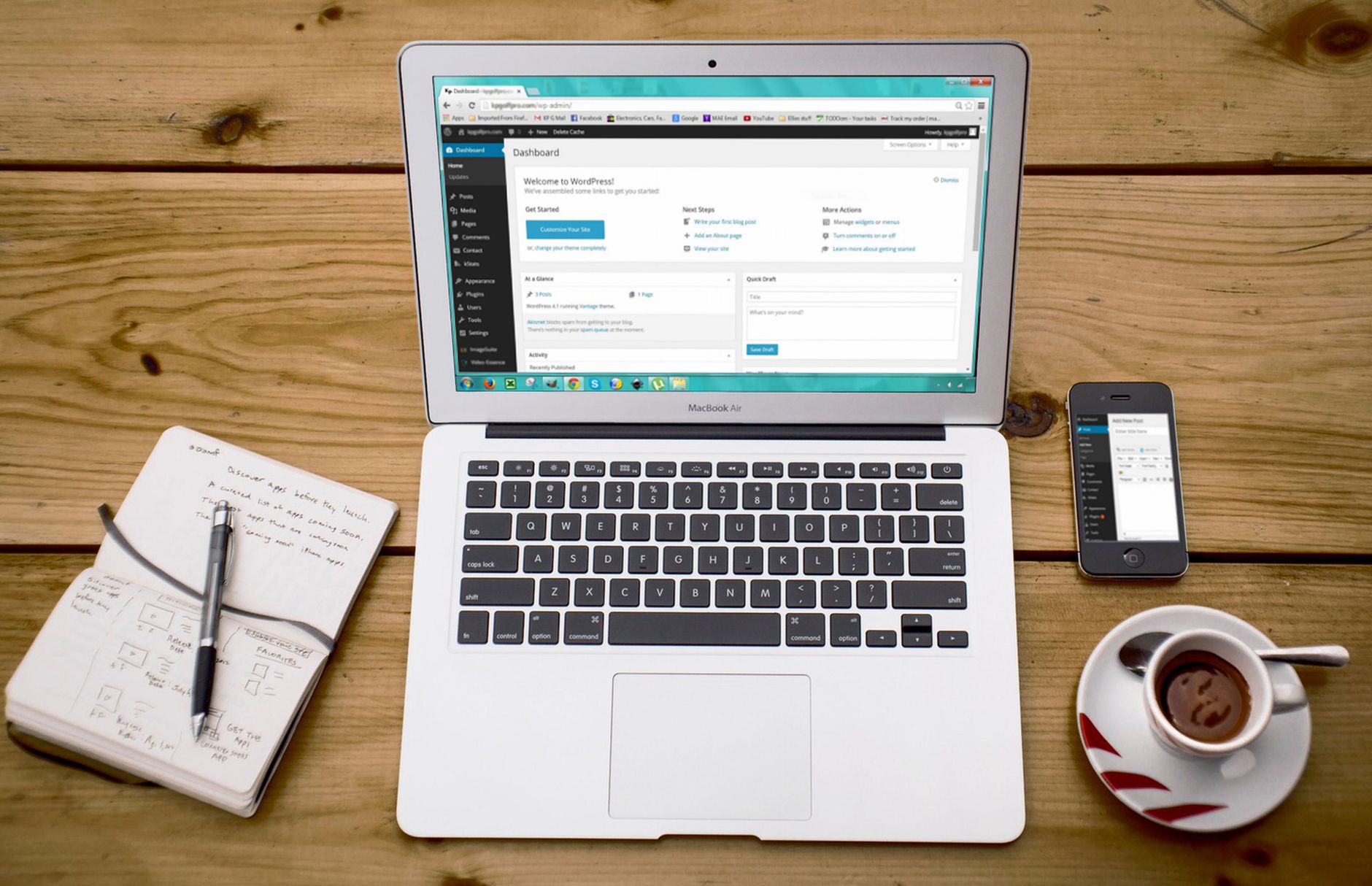
One well-configured SEO plugin is enough for most beginners. Running overlapping plugins often creates duplicate metadata, conflicting canonicals, and competing sitemap outputs that make troubleshooting harder later.
Pick one plugin, configure the basics, and stop there. You need title settings, meta description fields, XML sitemaps, and archive controls. You do not need to enable every advanced module on day one. The goal is a clean setup that is easy to understand and maintain.
If you are deciding between common plugin options, start with the workflow that feels clearest to you. The gap between tools is usually not that one works and one does not. The gap is in interface, included features, and how much complexity you want to manage as a beginner.
Write better titles before chasing scores
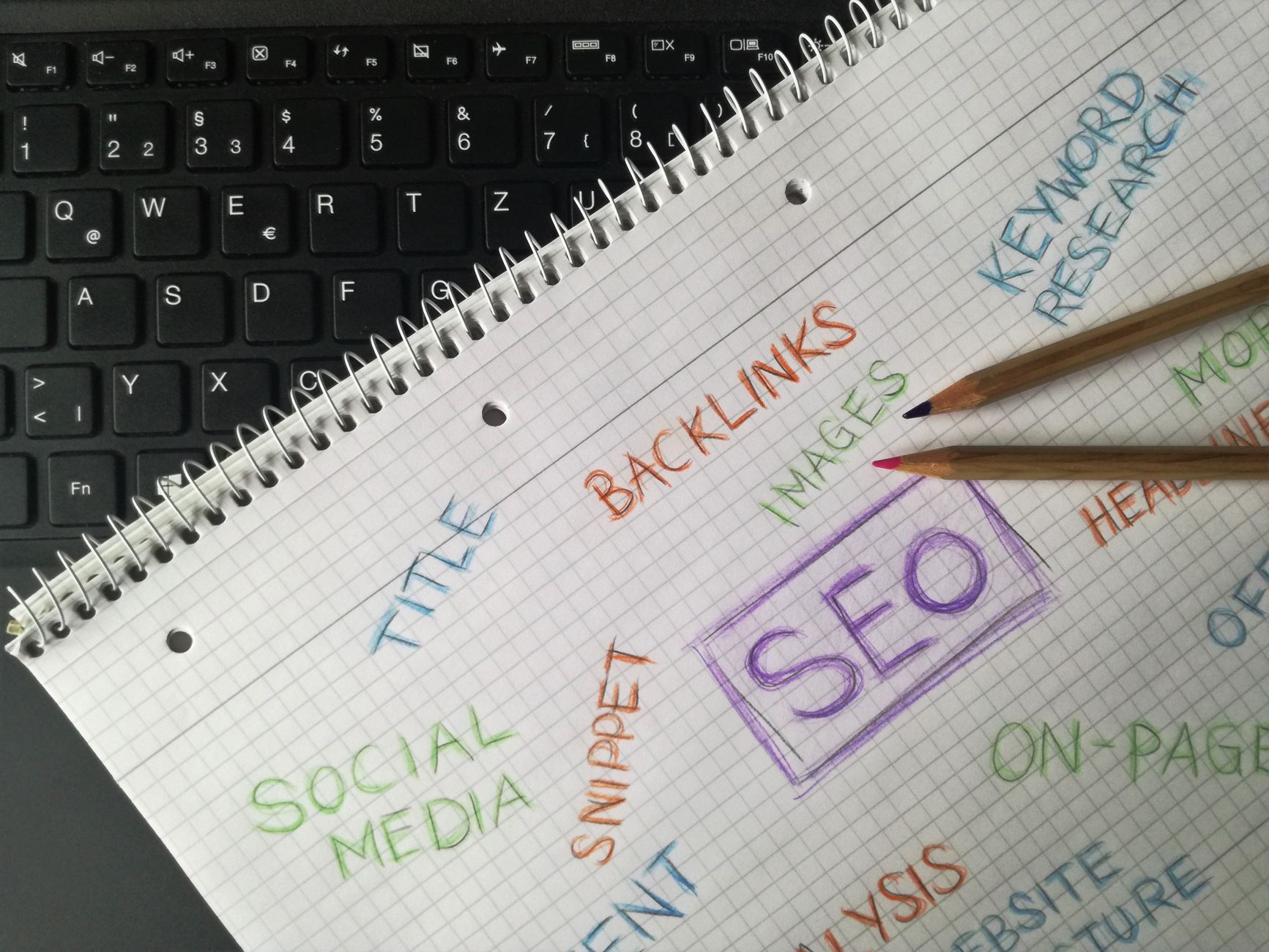
Your page title is one of the strongest on-page signals you control. Google recommends descriptive, concise title text and warns against keyword stuffing and repetitive boilerplate, so beginners should focus on clarity instead of cramming variations into every field.
A green light in an SEO plugin does not mean the page deserves to rank. If the title is vague or repetitive, rewrite it so a real person immediately understands what the page offers.
| Weak title | Stronger title |
|---|---|
| SEO Services | SEO Company | SEO Expert | WordPress SEO Services for Small Businesses |
| Blog | WordPress SEO Tips for Beginners |
| Best Plugins, SEO Plugins, WordPress Plugins | Best WordPress SEO Plugin for Beginners |
Google also notes that it may use your meta description when it summarizes the page better than the on-page copy. That means your description should support clicks with a short, relevant summary, not a pile of repeated keywords.
Make your site easy to crawl
Search engines need clean paths through your site. For beginners, that means linking key pages from menus or relevant content, avoiding orphan pages, and keeping archives and duplicate URLs under control.
Google recommends descriptive anchor text because it helps explain the destination page. Link related posts together in plain language, connect broad informational pages to service pages, and make sure your most important pages are not hidden three or four clicks deep.
If your site already has content, go back and add links between related pages instead of publishing another thin article on nearly the same topic. Beginners often get more value from better internal linking than from writing more low-impact posts.
Keep content focused and useful

Each page should answer one main need clearly. A focused page with one topic, one clear heading structure, and a useful next step usually performs better than a bloated page trying to rank for everything.
Start with one clear H1, break the page into logical sections, and keep paragraphs short enough to scan. Use words your audience would actually search for in the title, main heading, and supporting subheadings. That matches Google’s beginner guidance more closely than obsessing over plugin scores.
You also do not need a separate post for every tiny keyword variation. Consolidating overlapping posts into one stronger page is often the better move, especially on smaller sites with limited authority.
If you are not sure whether your current setup is helping or quietly hurting you, WordPress SEO Expert can help. We can review the pages that matter most and tell you what to fix first without turning the process into a six-month rebuild.
Speed matters, but not first
Site speed matters when it affects usability, but beginners should not let speed scores distract them from indexing, titles, and content structure. Fix the issues that block visibility before the issues that polish visibility.
That usually means reducing oversized images, removing plugins you do not need, and using caching appropriately. You do not need a perfect score. The goal is a site that loads cleanly and is easy to use.
Beginner mistakes to avoid
Most beginner SEO mistakes are not dramatic. They are small habits that create clutter. If you avoid these early, your site will stay easier to manage as it grows.
| Mistake | Better approach |
|---|---|
| Installing multiple SEO plugins | Use one plugin and configure it well |
| Writing titles for plugin scores | Write clear titles for humans first |
| Publishing thin near-duplicate posts | Consolidate into stronger pages |
| Ignoring internal links | Link related pages with descriptive anchor text |
| Chasing perfect optimization scores | Aim for clarity, structure, and crawlability |
A simple 30-day plan
The best beginner plan is short and practical. You do not need a giant checklist. You need a sequence you can actually finish.
In week one, confirm your site is indexable and choose one SEO plugin. In week two, rewrite titles and descriptions for your most important pages. In week three, improve internal linking and navigation. In week four, update weak pages so each one targets a clear topic and answers it well.
This is also a good time to compare your setup against a stronger baseline. Our WordPress SEO best practices article goes deeper on technical priorities, and our Yoast SEO vs Rank Math comparison can help if you are still deciding which plugin to keep.
When to get help
If you have fixed the basics and rankings still feel stuck, the problem is usually not effort. It is prioritization. A short diagnostic review can often reveal whether your bottleneck is technical SEO, weak page targeting, duplicate URLs, or poor internal structure.
WordPress SEO Expert can help you sort that out quickly. Book a free SEO consultation. No pitch, no pressure. Just an honest look at what your site actually needs and whether your current setup is part of the solution or part of the problem.
Contact WordPress SEO Expert today to schedule a consultation and get a clearer plan for what to fix first on your WordPress site.

















