
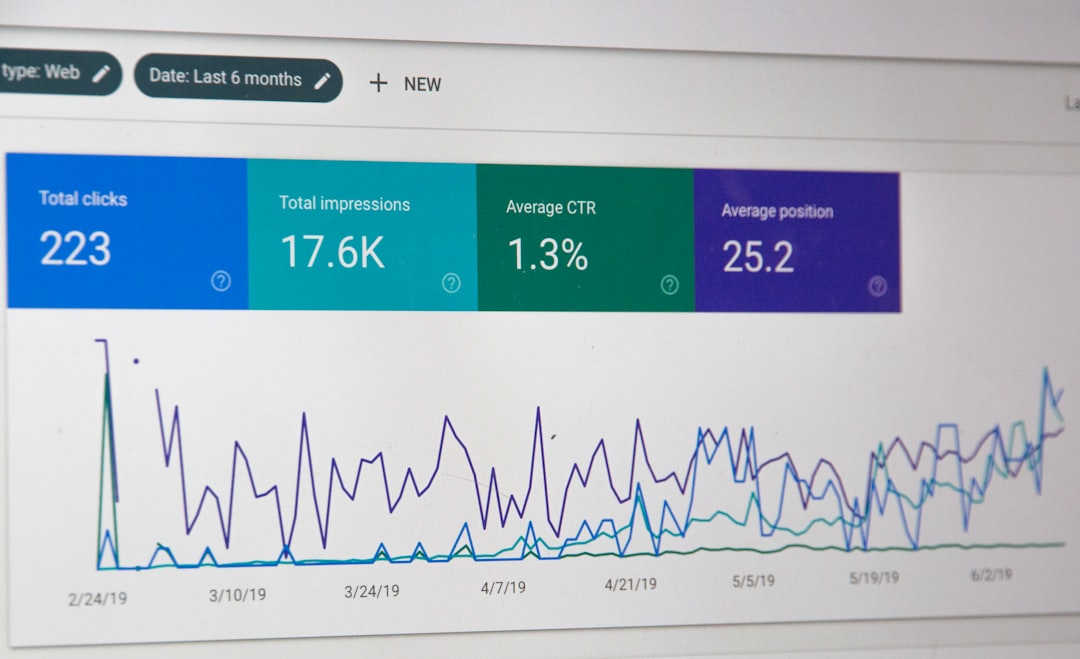
WordPress SEO is easier to understand when you stop looking for tricks and focus on how search engines find, read, and trust your pages. In simple terms, it means making your WordPress site clear, useful, fast, and easy to crawl so the right pages can rank for the right searches.
Most sites do not have one giant SEO problem. They usually have a stack of smaller issues: weak page titles, thin content, slow images, poor internal linking, or settings that quietly block crawling. That is why a site can look fine on the surface and still struggle to rank.
If you are trying to figure out where things usually break first, our WordPress SEO checklist for new websites covers the launch settings that often cause invisible indexing problems. If you need a broader starting point, our WordPress SEO for beginners guide walks through the core setup in plain language.
What WordPress SEO actually means
WordPress SEO means helping search engines understand what each page is about and helping users reach the most useful page on your site. That includes titles, headings, URLs, internal links, image handling, page speed, and the overall quality of your content.
WordPress gives you a solid base, but it does not make every decision for you. You still need to choose the right permalink structure, avoid plugin conflicts, write focused pages, and make sure important content is indexable.
How SEO works on a WordPress site
SEO on WordPress works in a simple sequence: search engines discover your pages, crawl them, understand their content, and decide how useful they are compared with other pages. If something breaks early in that chain, later improvements will not do much.
For example, a well-written page cannot rank if it is set to noindex. A fast page may still underperform if the title is vague. A strong service page may stay buried if no other pages link to it internally. The goal is not to perfect one element. The goal is to remove the bottlenecks in order.
The 5 parts of WordPress SEO
Most WordPress SEO work fits into five practical areas. When rankings are stuck, this is the fastest way to understand what to check first instead of bouncing between random tips and plugin scores.
| Area | What it means | Why it matters |
|---|---|---|
| Indexing | Making sure search engines can access important pages | If pages cannot be indexed, they cannot rank |
| On-page SEO | Improving titles, headings, content, and search intent | Helps Google match your page to relevant searches |
| Technical SEO | Cleaning up crawl issues, duplicate URLs, sitemaps, and site structure | Removes hidden problems that hold back visibility |
| Content | Publishing helpful pages that answer specific questions | Gives search engines something worth ranking |
| Authority | Earning trust through links, mentions, and strong site quality | Helps competitive pages perform better over time |
What to fix first on most WordPress sites
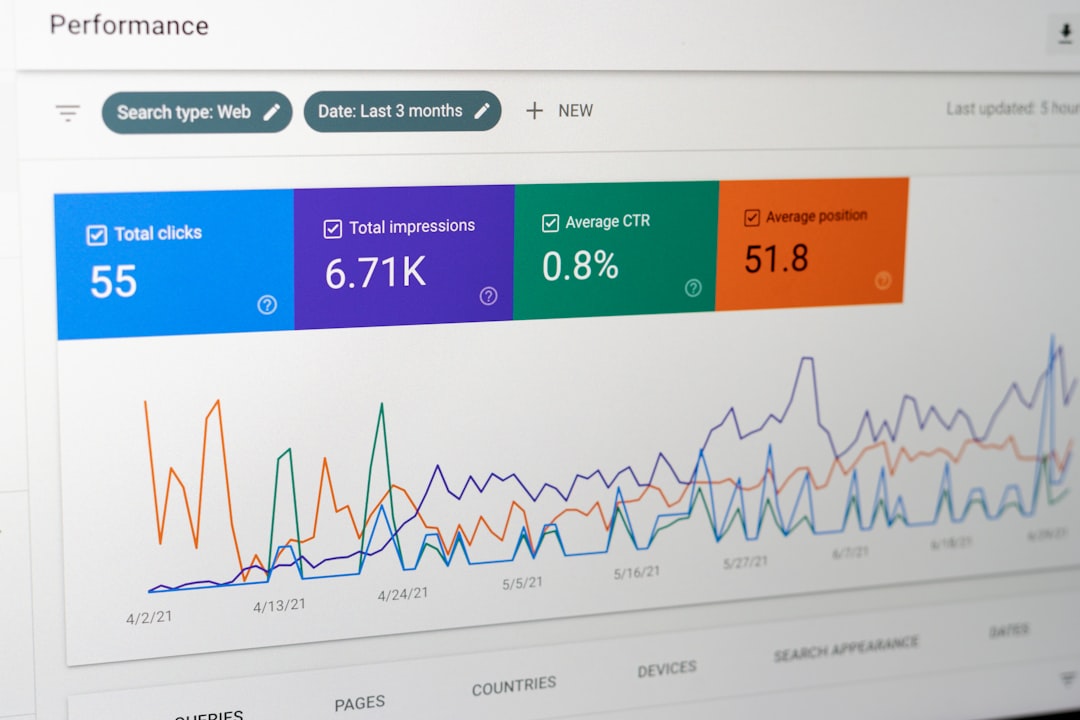
The best first step is usually not publishing more content. It is checking whether the site is crawlable, indexable, and clearly structured. More content on top of technical confusion usually creates a bigger mess, not better rankings.
Start here in order: confirm search engines can index the site, use clean URLs, write unique page titles, improve internal links, and reduce obvious speed problems like oversized images. Once those basics are stable, you can decide whether the next issue is content quality, page targeting, or competition.
1. Make sure your site is not blocking search engines
This is the first thing to check because everything else depends on it. In WordPress, a single setting can discourage search engines from indexing the site, and that mistake is common after redesigns, staging copies, or rushed launches.
Review Settings, then Reading, and make sure search visibility is configured correctly. Also check that your important pages are not accidentally marked noindex by an SEO plugin or template setting.
2. Use simple, readable URLs
Readable URLs make pages easier to understand for both users and search engines. On most WordPress sites, the post name structure is the cleanest default because it creates short slugs that reflect the topic of the page.
Do not keep changing URLs without a plan. If a page already has traffic or links, changing the slug without a redirect can create avoidable losses.
3. Write better titles before rewriting full pages
Page titles are one of the quickest ways to improve clarity. A vague title makes it harder for Google and searchers to understand the page, even if the content itself is decent.
Weak title: SEO Services | SEO Company | SEO Expert. Stronger title: WordPress SEO Services for Small Businesses. The stronger version names the service, the platform, and the audience without sounding stuffed.
4. Build internal links on purpose
Internal links help search engines discover pages and understand how topics connect across your site. They also help visitors move from broad education to deeper service or problem-specific pages.
Link naturally from relevant phrases inside the body of your content. If a page discusses crawl issues or indexing problems, it makes sense to connect that topic to a deeper technical explanation rather than leaving the page isolated.
5. Fix obvious speed problems
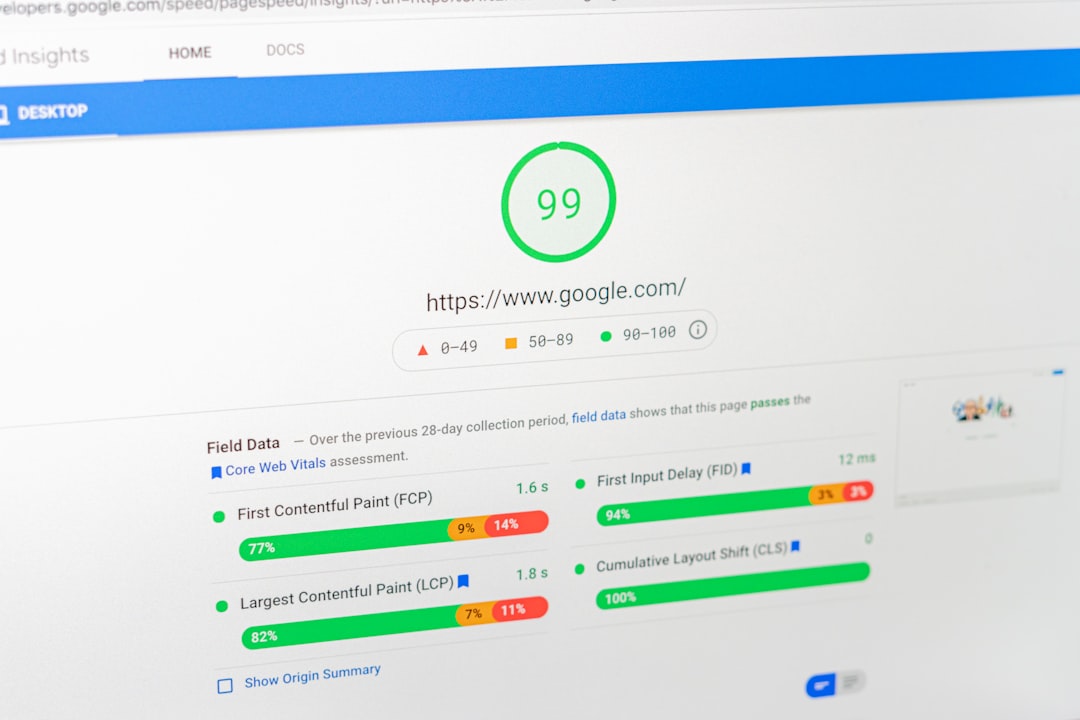
Speed matters because slow pages create friction for users and can weaken overall site quality. On WordPress sites, the biggest problems are often oversized images, too many overlapping plugins, and heavy themes loading unnecessary code.
You do not need a perfect performance score. You need a site that loads reasonably fast, works well on mobile, and does not frustrate visitors before they even reach the content.
Do you need an SEO plugin?
Yes, most WordPress sites benefit from one SEO plugin, but it is a control panel, not a ranking button. A plugin helps manage titles, meta descriptions, canonicals, sitemaps, and basic schema. It does not replace strategy, content quality, or technical judgment.
The common mistake is treating plugin scores as the goal. Green lights do not mean the page deserves to rank. One clean setup is usually better than stacking multiple SEO plugins that output conflicting metadata.
Simple WordPress SEO checklist
If you want the short version, this is the checklist that covers the basics. Work through it in order. That way, you fix the problems most likely to hold back rankings before spending time on advanced tasks.
| Priority | What to check | Why first |
|---|---|---|
| 1 | Indexing settings and noindex issues | Pages must be allowed into search results |
| 2 | Permalink structure and URL consistency | Clean URLs support crawling and maintenance |
| 3 | Unique titles and clear headings | Improves topical relevance and click appeal |
| 4 | Internal links between related pages | Helps discovery and topic relationships |
| 5 | Image compression and mobile speed | Reduces friction and improves usability |
If you are seeing traffic drops, index bloat, or pages that refuse to rank despite solid content, WordPress SEO Expert can help. We diagnose what is actually holding the site back before recommending a long list of changes.
Common myths that confuse site owners
Most SEO confusion comes from oversimplified advice. The truth is usually less exciting but more useful: there is rarely one plugin, one score, or one trick that fixes everything.
Myth one: installing an SEO plugin is enough. It is not. Myth two: more keywords always help. They do not if the page becomes awkward or unfocused. Myth three: every page needs to be perfectly optimized before publishing. It does not. A clear page with the right intent and solid internal support often beats an overworked page built around plugin suggestions.
When simple SEO advice is no longer enough
Simple SEO gets you through the basics, but some sites need deeper diagnosis. That is usually the case after migrations, redesigns, traffic drops, or long periods of publishing without results.
If you have already handled the fundamentals and rankings are still flat, the issue may be technical debt, weak page targeting, duplicate content, or a mismatch between what users search and what your pages actually offer. That is where a structured review becomes more useful than another checklist.
If you want a second set of eyes before changing settings or rewriting pages, WordPress SEO Expert can help. Review our services, request a free WordPress SEO audit, or book a free SEO consultation to see which fixes are worth doing first.
Final takeaway
WordPress SEO explained simply comes down to this: make your pages easy to find, easy to understand, and worth visiting. Start with indexing, site structure, titles, internal links, and page speed. Then improve content based on what your audience actually needs.
When the basics are right, SEO gets less mysterious. And when the basics are wrong, no plugin feature will rescue the site. If you want help sorting out what is broken versus what can wait, contact WordPress SEO Expert today to schedule a consultation.

















