
Low rankings usually come from a scattered plan, not one missing plugin. Most WordPress sites do not have one catastrophic SEO problem. They have a stack of smaller issues around indexing, titles, internal links, duplicate URLs, and plugin setup. This checklist answers the questions that matter first so you can fix the issues that block visibility before the ones that only polish it.
If you want a broader foundation before working through this checklist, start with our WordPress SEO best practices guide. If plugin choice is part of the confusion, our Yoast SEO vs Rank Math comparison can help you simplify your setup.
What should you check first in WordPress SEO?
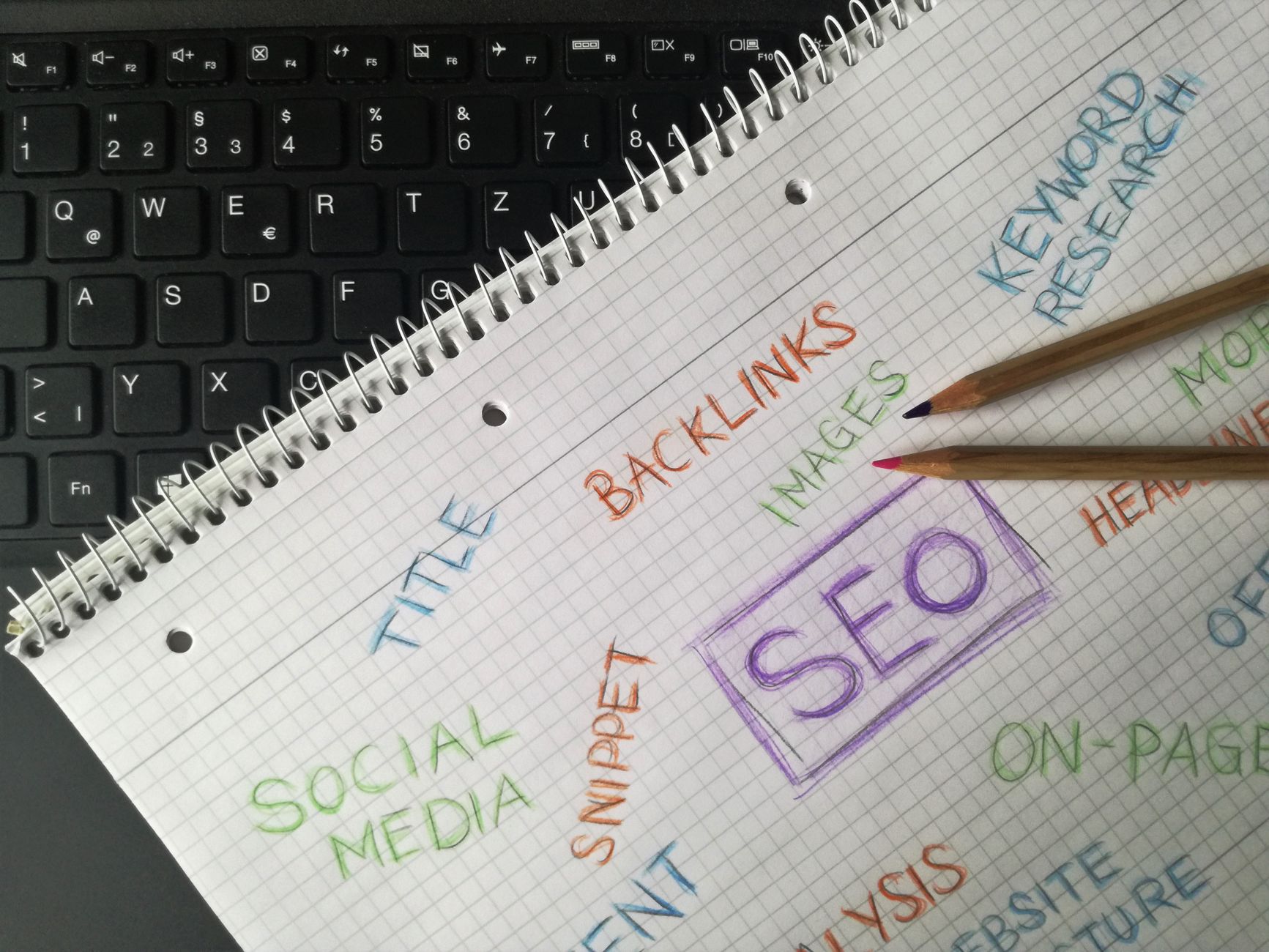
Check crawlability and indexability first because nothing else helps if search engines cannot reach the right pages. Before rewriting titles or adding schema, make sure important pages can be crawled, indexed, and reached through normal internal links.
Start by confirming that your key service pages, category pages, and core blog posts are not accidentally set to noindex. Then make sure they are included in your XML sitemap and linked from other crawlable pages. Google recommends using crawlable anchor links with href attributes and descriptive anchor text so it can discover pages and better understand site structure. It also recommends that every page have a descriptive title and meta description.
Quick first-pass checks
| Check | What you want to see |
|---|---|
| Search engine visibility setting | Unchecked if you want the site indexed |
| Important pages | Indexable, live, and internally linked |
| XML sitemap | Contains the pages that should rank |
| Internal links | Use normal anchor links with clear anchor text |
Do you need more than one SEO plugin?
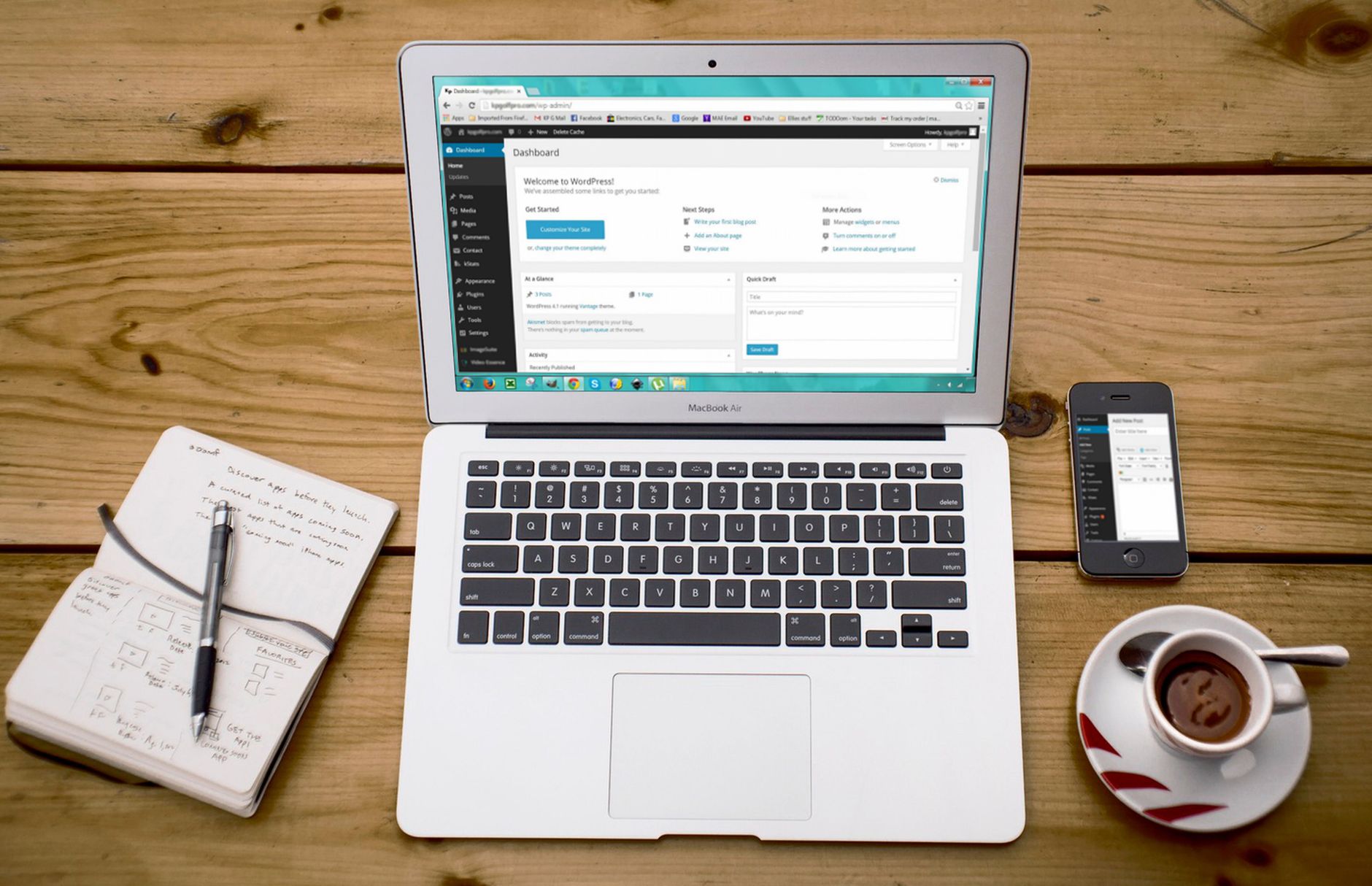
No. One well-configured SEO plugin is enough for most WordPress sites. Running overlapping plugins often creates duplicate metadata, conflicting canonicals, and competing sitemap outputs that make troubleshooting harder, not easier.
The goal is not to collect features. The goal is a clean setup you can actually control. If you are comparing options, focus on which plugin fits your workflow, site type, and budget. A green light in a plugin does not mean the page deserves to rank, and installing extra plugins does not create extra SEO value.
If you are not sure whether your current plugin configuration is helping or quietly hurting you, WordPress SEO Expert can help. We can review your current setup and show you what to keep, what to remove, and what to reconfigure first.
How should you write title tags?
Write titles for humans first, then make sure they are specific to the page. Good titles are descriptive, concise, and distinct. Google recommends descriptive and concise title text and warns against keyword stuffing and repetitive boilerplate across pages.
That means you do not need a title stuffed with every variation of a keyword. You need a title that clearly tells the searcher what the page is about. Shorter, cleaner titles also reduce the chance of awkward truncation in search results.
| Weak title | Stronger title |
|---|---|
| SEO Services | SEO Company | SEO Expert | WordPress SEO Services for Small Businesses |
| Blog | WordPress SEO Checklist for Small Business Sites |
| Blue Widgets, Best Blue Widgets, Buy Blue Widgets | Blue Widgets for Commercial Kitchens |
Do meta descriptions still matter?
Yes, but mostly as click support, not as a magic ranking lever. A useful meta description can help summarize the page more clearly and improve how compelling your result looks in search.
Google says snippets are primarily generated from on-page content, but it may use the meta description when that description better summarizes the page. That is why unique, page-specific descriptions are worth writing for your most important URLs. Keep them clear, relevant, and aligned with the actual content on the page.
What causes duplicate URL problems in WordPress?
Duplicate URL issues usually come from archives, parameters, attachment pages, inconsistent internal linking, and WooCommerce filters. When several URLs show near-identical content, search engines get mixed signals about which version matters most.
Common problem sources include category or tag archives with little unique value, attachment pages that should not stand alone, trailing slash inconsistencies, and filter URLs that generate endless combinations. Fix the canonical version first, then make sure internal links point to that version consistently. In many cases, this work is more valuable than publishing another thin post.
How important is internal linking?

Internal linking is one of the most practical SEO improvements you can make because it helps search engines discover pages, understand topic relationships, and judge which pages matter most. It also gives users a clear next step instead of a dead end.
Link related posts and service pages where the connection genuinely helps the reader. Use descriptive phrases, not generic anchor text. Google recommends anchor text that is descriptive, concise, and relevant to the target page. If an important page is only sitting in the sitemap but barely linked from the site, that page is probably under-supported.
Should you chase perfect plugin scores?
No. Chasing perfect plugin scores usually leads to awkward copy and wasted time. The goal is not a perfect score. The goal is a page that loads cleanly, is easy to use, and clearly satisfies the searcher’s intent.
Plugin suggestions can be useful prompts, but they are not rankings. If a recommendation makes the title unreadable, forces repetitive headings, or pushes you to jam keywords into a paragraph, skip it. Practical SEO beats cosmetic plugin wins every time.
What is the right order for fixing SEO issues?
Fix the issues that block visibility before the issues that polish visibility. That means indexing, crawl access, duplicate URL control, and internal linking usually deserve attention before schema tweaks or score chasing.
| Priority | What to fix | Why it comes first |
|---|---|---|
| 1 | Indexing and crawl access | Pages cannot rank if they are blocked or excluded |
| 2 | Canonicals and redirects | Prevents duplicate URL confusion and diluted signals |
| 3 | Title tags and page intent | Improves relevance and click-through potential |
| 4 | Internal linking | Supports discovery, hierarchy, and topic relationships |
| 5 | Speed and template issues | Improves usability and overall page experience |
| 6 | Content depth and formatting | Helps the page satisfy intent more clearly |
| 7 | Schema and cleanup tasks | Supports cleaner technical signals after the basics are fixed |
What should you stop doing right now?
Stop stacking plugins, publishing thin near-duplicate pages, and treating SEO plugin indicators as the goal. Those habits create clutter faster than they create results.
Most site owners do not need a bigger checklist. They need a shorter sequence and the discipline to work it in order. Clean up what is already on the site before adding more pages, more tools, or more automation.
If your rankings are flat after a redesign, migration, or plugin overhaul, WordPress SEO Expert can help. We will look at what is actually blocking visibility and give you a practical plan instead of a vague sitewide wish list.
The best next step
The best next move is usually a focused review of your highest-value pages, not a full rewrite of the entire site. Start with the pages tied to leads, sales, or existing impressions, then work outward from there.
Book a free SEO consultation with WordPress SEO Expert. No pitch, no pressure. Just an honest look at what your site actually needs and whether your current setup is part of the solution or part of the problem. Contact WordPress SEO Expert today to schedule a consultation.

















