
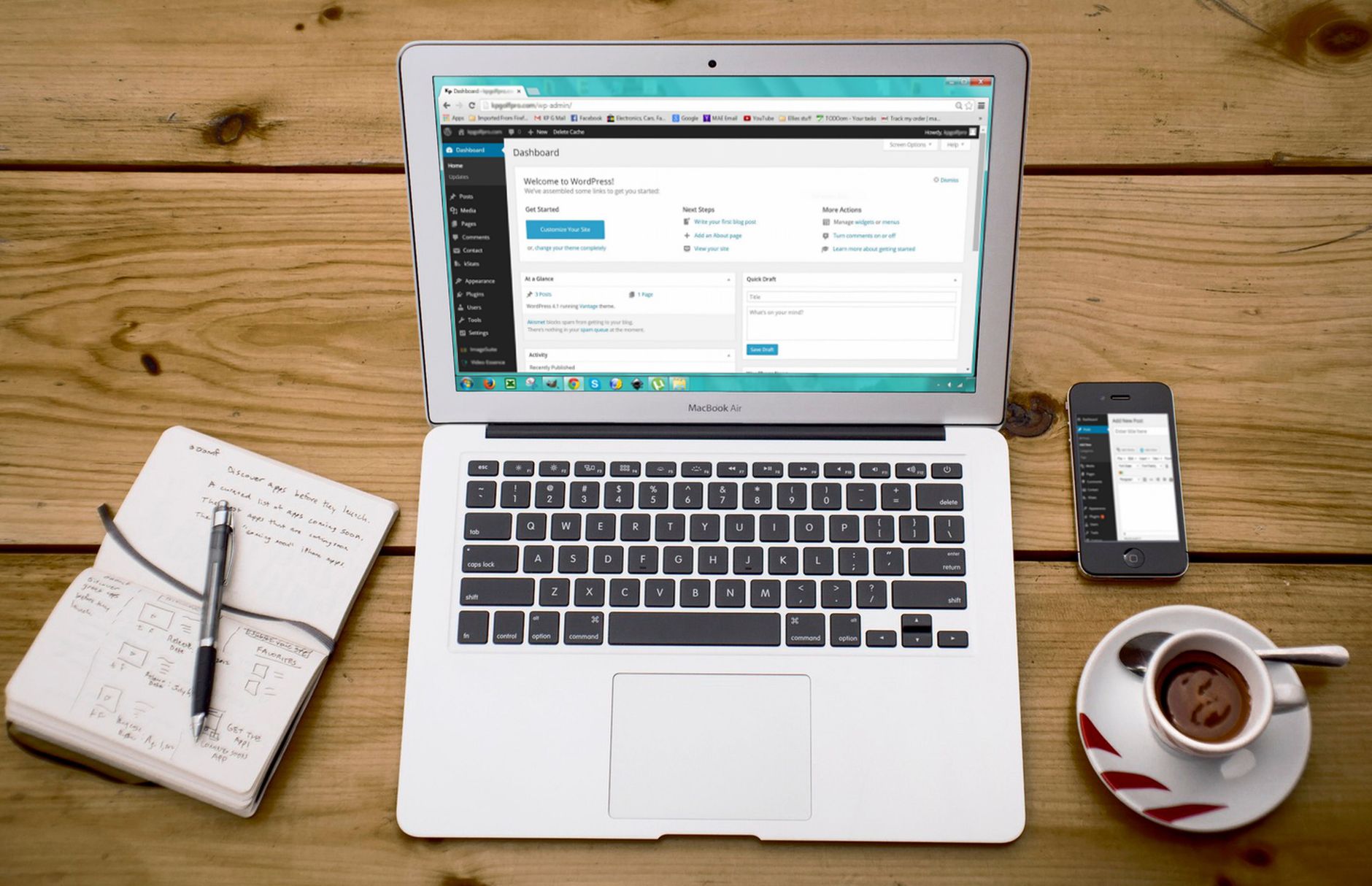
WordPress SEO usually stalls for one reason: site owners chase plugin scores before they fix crawling, indexing, page quality, and site structure. The fastest way to improve rankings is to work in order, from technical basics to advanced optimization, so each later change builds on a solid foundation.
This guide walks through WordPress SEO from beginner to advanced without the usual fluff. You will see what to set up first, what to ignore, and when more advanced work like canonicals, archive control, internal linking, and performance tuning actually matters.
Start with the basics that block rankings
Beginner WordPress SEO is mostly configuration, not theory. If search engines cannot crawl the right version of your site, or if WordPress is outputting poor defaults, publishing more content will not solve the problem.
Check these first: make sure search engine visibility is enabled, confirm your preferred domain redirects properly, use a clean permalink structure, install one SEO plugin instead of several overlapping ones, and verify that your main pages are indexable. If you are launching a new site, review this WordPress SEO checklist for new websites before you publish anything important.
| Area | What to check first | Why it matters |
|---|---|---|
| Indexing | Search engines are not discouraged in Settings | A sitewide noindex issue can suppress the entire site |
| URLs | Preferred www or non-www version redirects correctly | Prevents duplicate versions of the same pages |
| Permalinks | Post name structure is enabled | Creates readable, stable URLs |
| SEO plugin | Use one plugin and configure titles, metadata, and sitemaps | Avoids conflicting tags and sitemap issues |
| Core pages | Homepage, service pages, and key posts are indexable | Ensures the pages that matter can rank |
Pick a clean SEO setup before you chase tactics
There is no single best WordPress SEO setup for every site, but there is a best setup for your workflow. The key is simplicity: one SEO plugin, a sensible title template, clear sitemap settings, and no duplicated functionality across multiple plugins.
Google recommends titles that are unique, clear, and concise, and specifically warns against keyword stuffing and repetitive boilerplate titles. It also notes that title links can be truncated in search results depending on device width. That is why short, descriptive page titles usually outperform bloated templates stuffed with city names, service names, and brand terms. Use your SEO plugin to set clean defaults, then manually improve titles on your most valuable pages.
Weak title: SEO Services | SEO Company | SEO Expert
Stronger title: WordPress SEO Services for Small Businesses
Build pages around intent, not plugin lights

On-page SEO starts with matching the page to a real search intent. A green light in a plugin does not mean the page deserves to rank. Rankings improve when the page answers the query clearly, covers the right subtopics, and makes navigation easy for both users and crawlers.
For most small business WordPress sites, that means writing one clear target topic per page, using descriptive headings, tightening introductions, improving internal links, and removing filler sections that add length but no value. If your pages feel vague or repetitive, our guide to real WordPress SEO fixes pairs well with this because performance and content clarity often fail together, especially on builder-heavy sites.
A practical beginner workflow looks like this: choose one primary keyword, identify the question behind it, write the clearest answer near the top of the page, and support that answer with examples, proof, and related subtopics. Do not force exact-match phrases into every heading. Clear language beats awkward optimization.
Move into intermediate SEO once the foundation is clean
Intermediate WordPress SEO is where most ranking gains happen. Once your basics are in place, the next layer is cleaning up the parts of WordPress that quietly create thin, duplicate, or low-value pages.
This usually includes deciding which archives should be indexed, tightening category structure, improving internal links between related content, and checking canonical tags on pages that can be reached through multiple URLs. Google says a self-referential canonical on the canonical page itself is recommended, and that redirects plus canonicals together are stronger than relying on one signal alone. For WordPress sites with tags, filters, author archives, and parameter URLs, this matters more than most beginners realize.
| Intermediate area | Typical fix | Common mistake |
|---|---|---|
| Category archives | Keep only useful, content-rich categories indexable | Indexing thin archives with no unique value |
| Tag archives | Noindex unless they serve a real navigation purpose | Creating dozens of near-empty tag pages |
| Canonical tags | Verify canonicals point to the preferred URL | Letting plugins or themes output conflicting canonicals |
| Internal linking | Link related pages with descriptive anchor text | Publishing isolated posts with no supporting links |
| Sitemaps | Include important indexable content only | Submitting low-value or noindex pages |
Advanced WordPress SEO is mostly about diagnosis
Advanced SEO is not about adding more tactics for the sake of it. It is about diagnosing why rankings are stuck after the obvious fixes are done. That usually means looking at crawl waste, Core Web Vitals, content cannibalization, migration damage, JavaScript rendering problems, and weak internal architecture.
Google now crawls and indexes almost all sites with a smartphone crawler, so mobile rendering is not optional. If your mobile version hides content, breaks navigation, or loads slowly because of oversized assets and heavy scripts, search performance can suffer even when the desktop version looks fine.
This is also the stage where you stop asking, “What plugin setting am I missing?” and start asking, “Which bottleneck is actually limiting performance?” On some sites it is index bloat. On others it is a slow template, duplicated service pages, or a migration that broke redirects and canonicals. Low rankings usually come from a stack of smaller issues, not one catastrophic error.
Site speed matters, but not before indexing and relevance
Performance helps most when your site is already relevant enough to compete. Speed is rarely the first reason a weak page fails to rank, but it becomes important when two pages are otherwise close in usefulness and authority.
The most common WordPress speed problems are oversized images, render-blocking scripts, low-quality hosting, and too many plugins doing overlapping work. A typical image-heavy homepage can improve substantially just by compressing large media files, enabling caching, and removing scripts that load on every page for no reason. If speed is clearly part of the problem, this guide on how to improve WordPress site speed for SEO walks through the exact fixes in the right order.
A useful stopping rule: if the site is crawlable, your core pages are indexed, the content matches intent, and your performance is already solid on mobile, stop obsessing over micro-gains and move back to content quality, internal links, and page usefulness.
A simple beginner-to-advanced roadmap
The easiest way to approach WordPress SEO is to treat it as a sequence. Fix the blockers first, then improve the pages that make money, then diagnose the deeper issues that only appear after the basics are stable.
| Stage | Main goal | What to do next |
|---|---|---|
| Beginner | Make the site crawlable and indexable | Check visibility, redirects, permalinks, plugin setup, and page indexing |
| Early intermediate | Improve page targeting and titles | Align pages to search intent and rewrite weak metadata |
| Intermediate | Reduce duplicate and low-value URLs | Clean up archives, canonicals, sitemaps, and internal links |
| Advanced | Diagnose stubborn ranking plateaus | Review speed, mobile rendering, crawl waste, cannibalization, and migrations |
What most site owners should ignore
Most WordPress sites do not need more SEO tricks. They need fewer conflicting plugins, better titles, cleaner site structure, and stronger pages. You can safely ignore keyword density formulas, plugin score chasing, and any advice that treats SEO as a checklist you complete once.
Google’s own starter documentation makes the same point indirectly: there are no secrets that automatically rank a site first. Clear titles, helpful content, and accessible site structure beat gimmicks. That is good news, because those are the parts you can actually control.
If you are not sure whether your site has a beginner problem or an advanced one, WordPress SEO Expert can help. We look at what is actually holding rankings back before recommending changes, so you are not wasting time inside plugin dashboards hoping for a breakthrough.
When to get a second set of eyes
If you have already published content, installed the usual plugins, and your rankings still feel stuck, the issue is usually prioritization. A short audit can tell you whether the problem is technical, content-related, architectural, or competitive before you spend another month changing the wrong things.
WordPress SEO Expert can help you sort beginner fixes from advanced diagnostics, especially if your site has gone through a redesign, migration, or traffic drop. Request a free WordPress SEO audit if you want a second set of eyes before changing more settings, and contact WordPress SEO Expert today to schedule a consultation.

















