
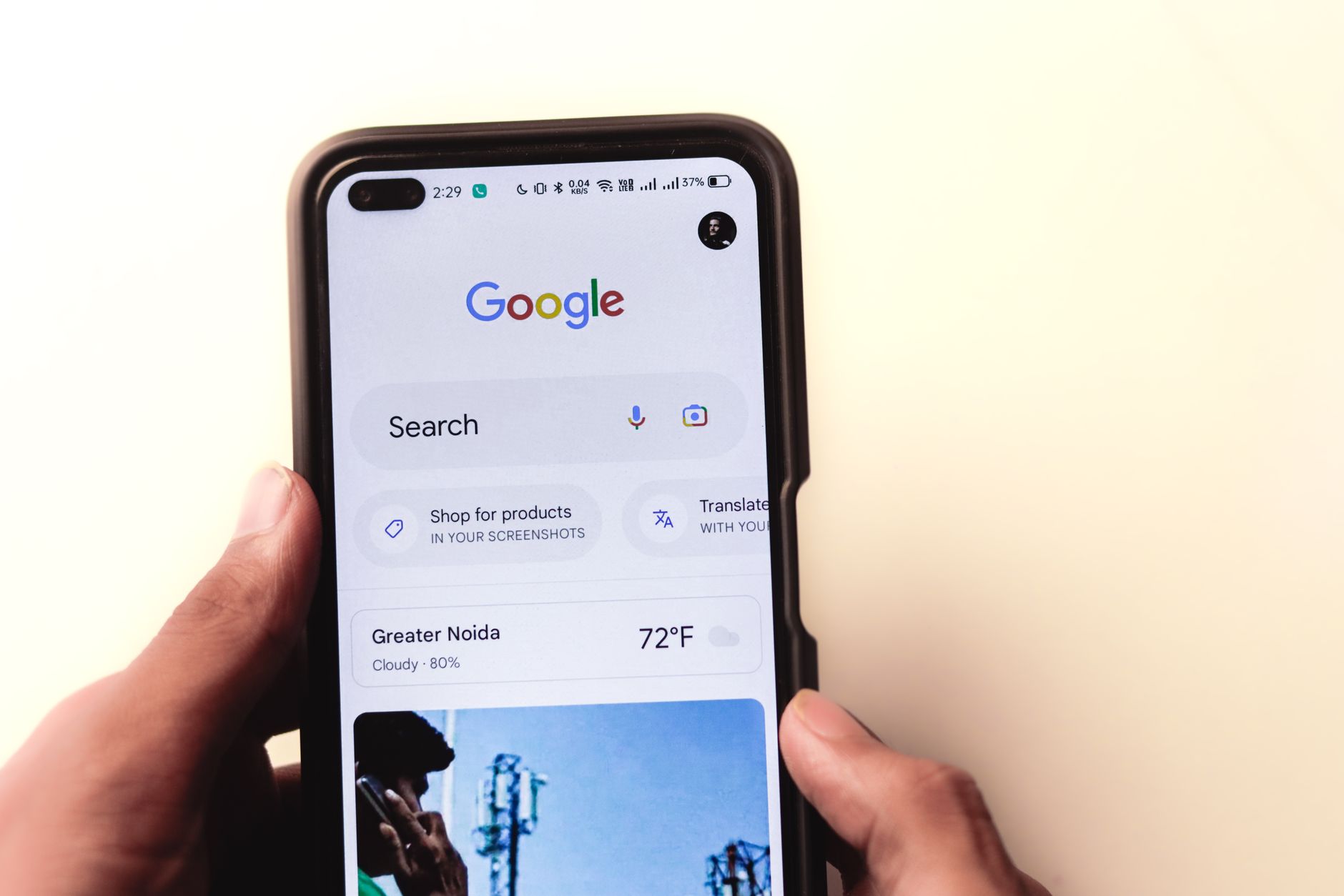
Mobile SEO on WordPress is usually a prioritization problem, not a plugin problem. If your rankings are flat on phones, the first wins usually come from making the mobile version complete, fast enough to use, and easier for Google to crawl without friction.
A green light in an SEO plugin does not mean the page deserves to rank. The goal is not a perfect score. The goal is a site that loads cleanly, keeps the same important content across devices, and sends clear signals about which pages matter most.
What are mobile SEO fundamentals on WordPress?
The core fundamentals are simple: keep your mobile content equivalent to desktop, remove avoidable speed problems, use clear titles and internal links, and avoid plugin overlap. Google uses a mobile crawler by default, so the mobile version is the version that needs to carry the full SEO load.
That is why mobile SEO is not a separate layer you add later. It sits inside the main setup. If you need a broader baseline first, review our WordPress SEO setup for beginners guide and WordPress SEO setup best practices to clean up the foundation before chasing smaller fixes. to clean up the foundation before chasing smaller fixes.
What should you fix first?
Fix the issues that block visibility before the issues that polish visibility. For most WordPress sites, that means checking mobile content parity, image weight, front-end scripts, tap usability, and title clarity before spending more time on minor plugin suggestions.
| Priority | What to review | Why it matters |
|---|---|---|
| 1 | Mobile content parity | Google needs the same primary content, links, and signals on mobile |
| 2 | Large above-the-fold images | Heavy media often slows the first screen on phones |
| 3 | Theme and plugin scripts | Extra code delays rendering and interaction |
| 4 | Menus, buttons, and forms | Usability problems create friction for visitors |
| 5 | Titles and internal links | Clearer signals improve navigation and topic understanding |
Why does mobile content parity matter?

Your mobile pages should carry the same primary SEO signals as desktop. If important text, internal links, metadata, or structured data disappear on phones, you reduce what search engines can evaluate and what users can act on.
This problem often comes from page builders, tabs, accordions, mobile-only templates, and aggressive design simplification. Google’s mobile-first guidance is clear that the mobile version should expose the primary content you want to rank with, not a stripped-down version that hides key sections until a difficult interaction happens.
How important is page speed for mobile SEO?
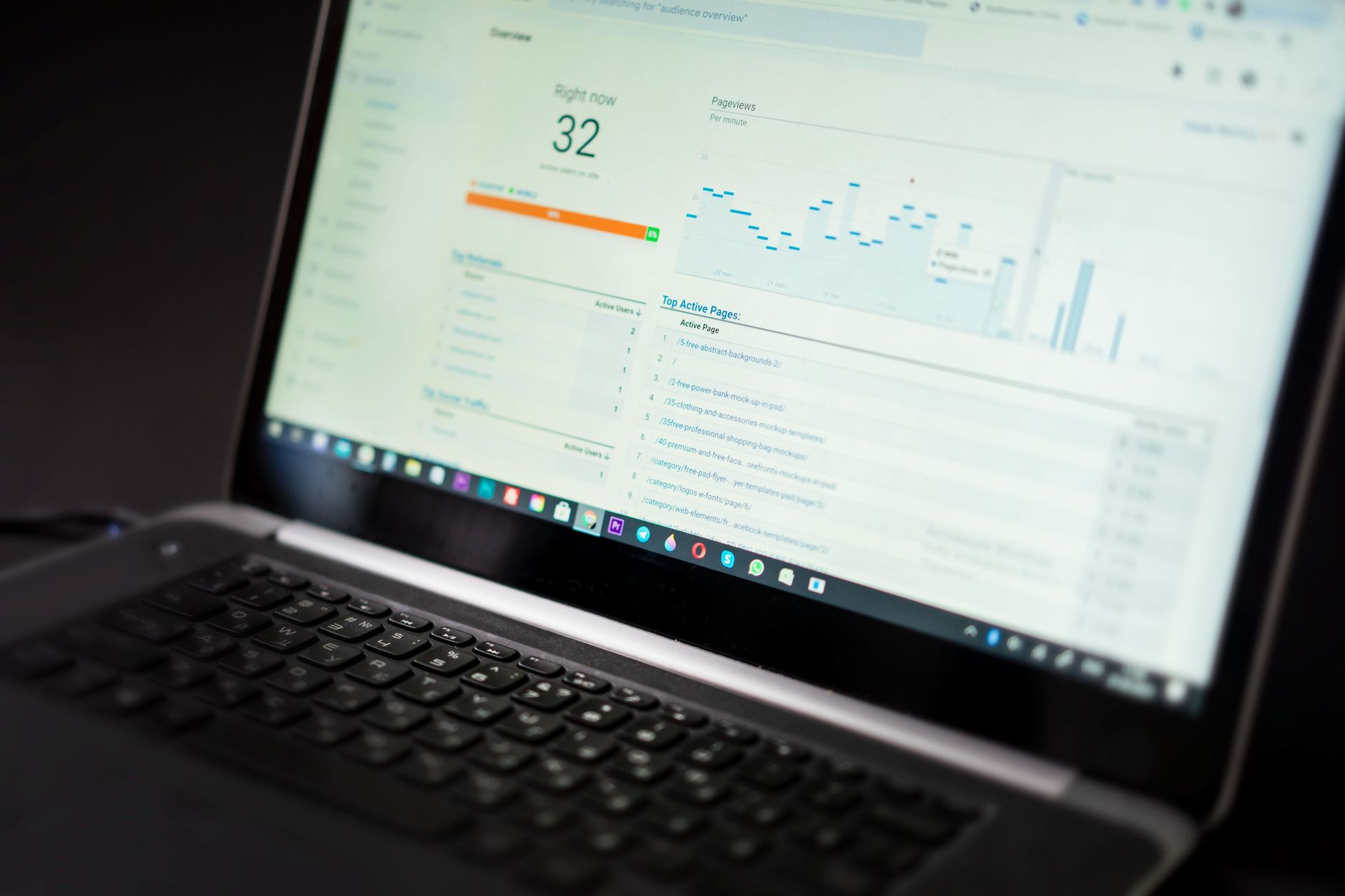
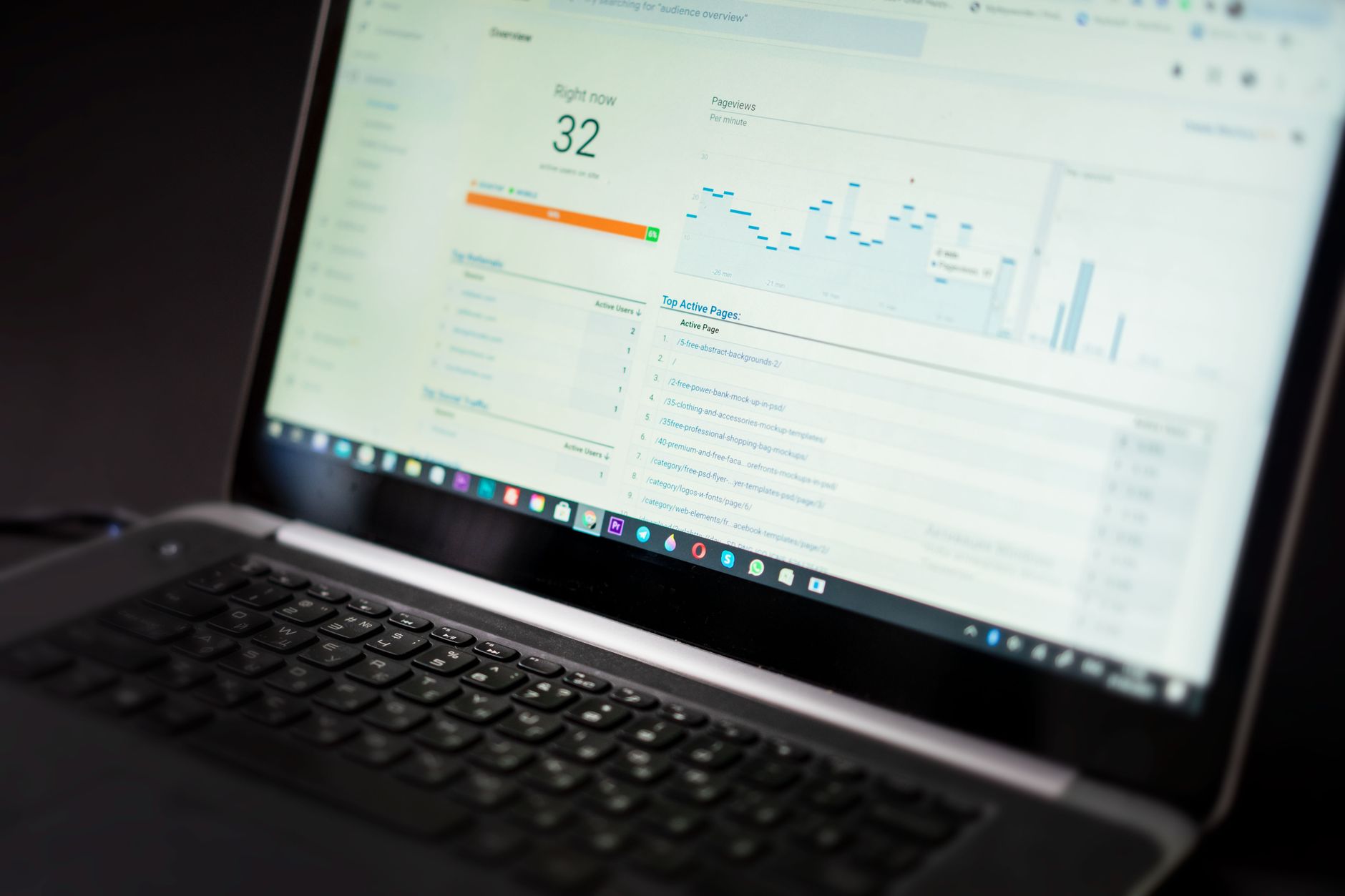
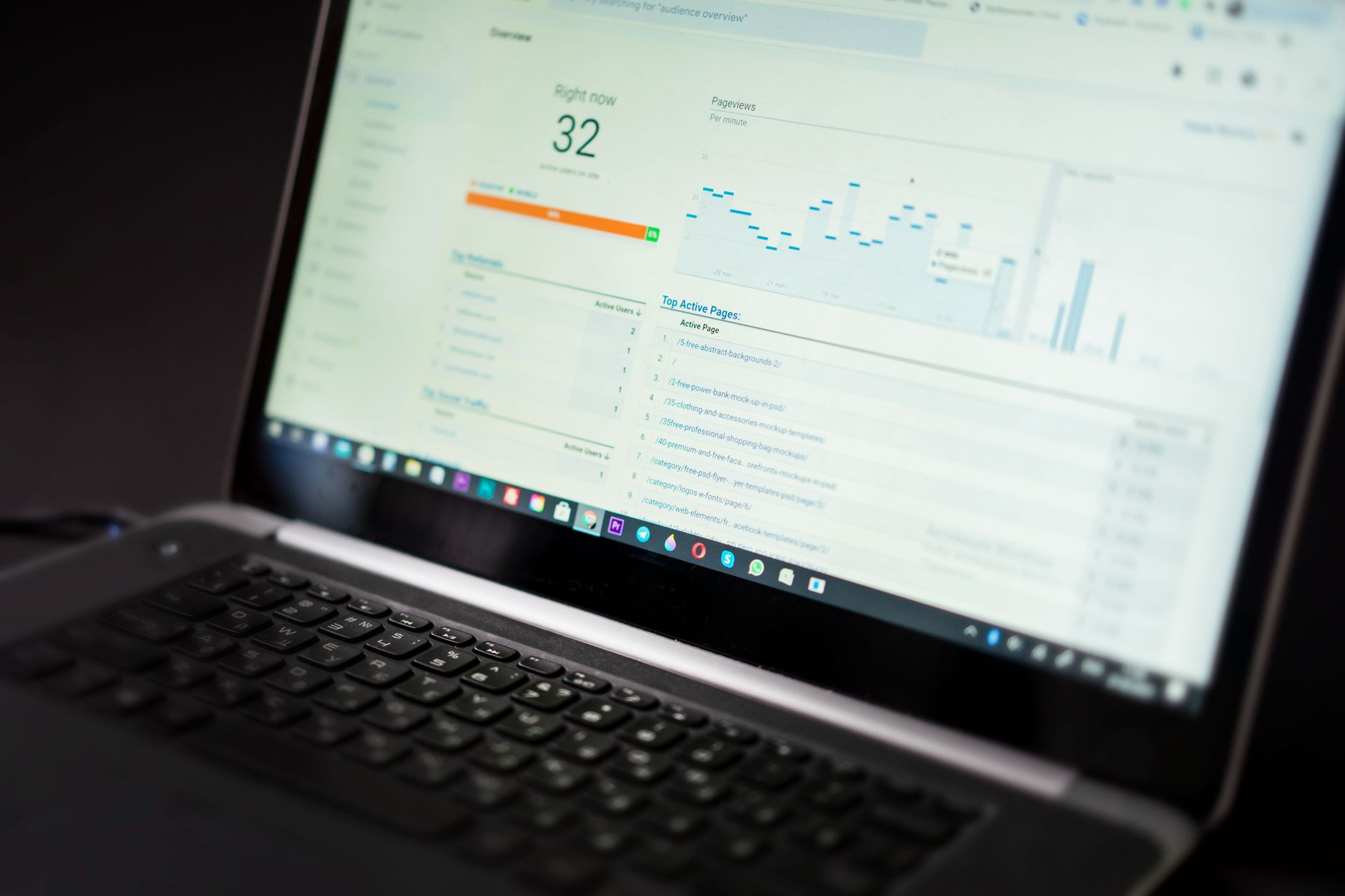
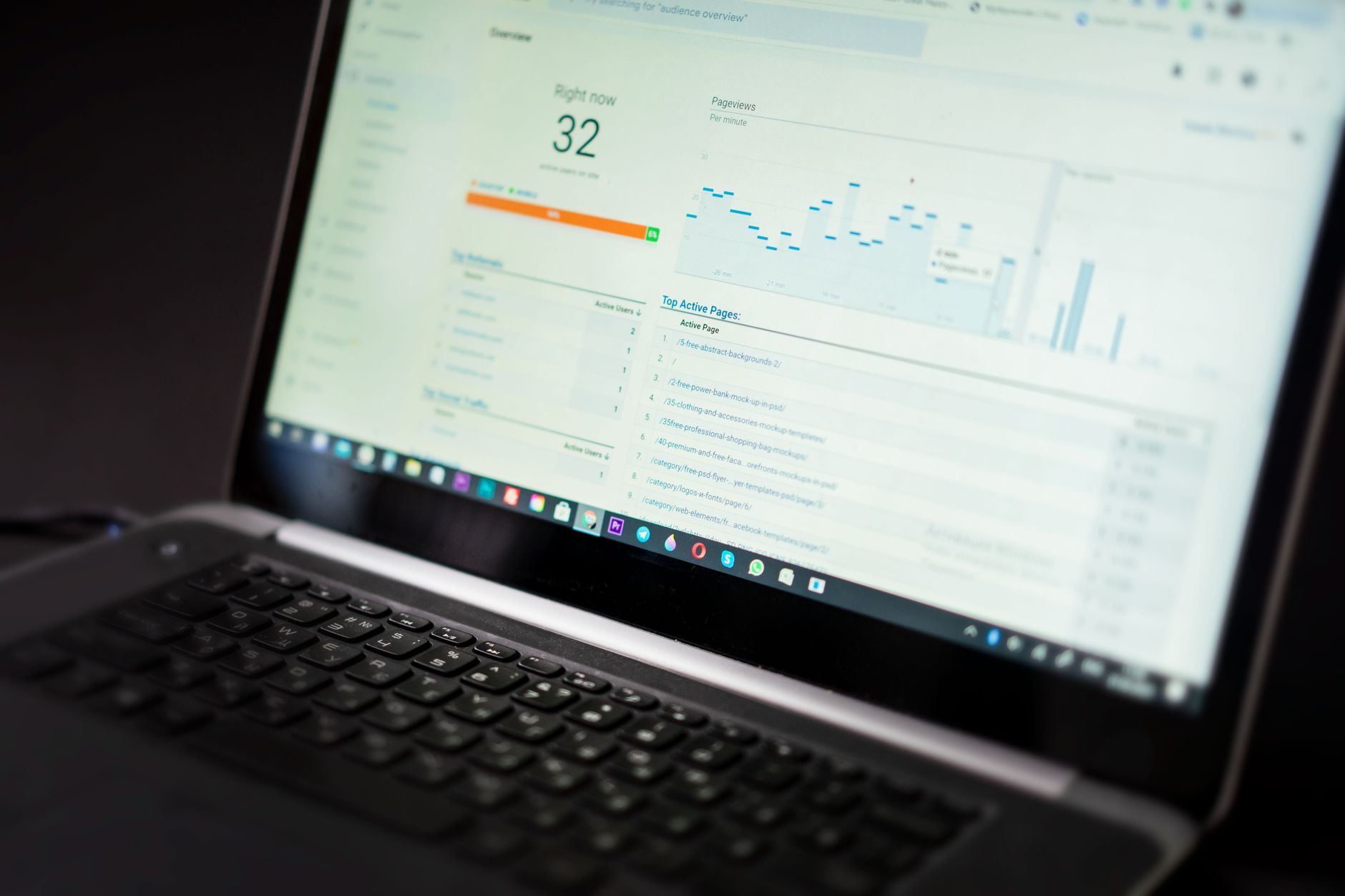
Speed matters, but it should be handled as a practical diagnostic issue, not as a chase for perfect scores. The fastest progress usually comes from improving the templates and assets that hurt real users most, especially on top pages and first-screen content.
Google recommends good Core Web Vitals as a user experience target, with Largest Contentful Paint under 2.5 seconds, Interaction to Next Paint under 200 milliseconds, and Cumulative Layout Shift under 0.1. Those benchmarks are useful, but they work best when you pair them with cleaner templates and fewer unnecessary front-end features.
Start with hero images, sliders, videos, chat widgets, review carousels, and scripts that load sitewide without a strong reason. Most WordPress sites do not have one catastrophic mobile issue. They have a stack of smaller issues that compound over time.
If your setup feels bloated, our guide on how to improve your WordPress SEO setup is a good next step. If you are seeing these symptoms, our team at WordPress SEO Expert can help.
Do SEO plugins solve mobile optimization?
No. One well-configured SEO plugin is enough, but no plugin can fix a weak mobile layout, oversized images, intrusive overlays, or confusing page targeting. Plugin scores are support signals, not proof of quality.
Running overlapping SEO plugins often creates duplicate metadata, conflicting canonicals, and competing sitemap outputs. A simpler setup usually gives you cleaner signals and fewer hidden conflicts. This is one reason many stalled sites improve more from simplification than from adding another tool.
How should you write titles for mobile search?
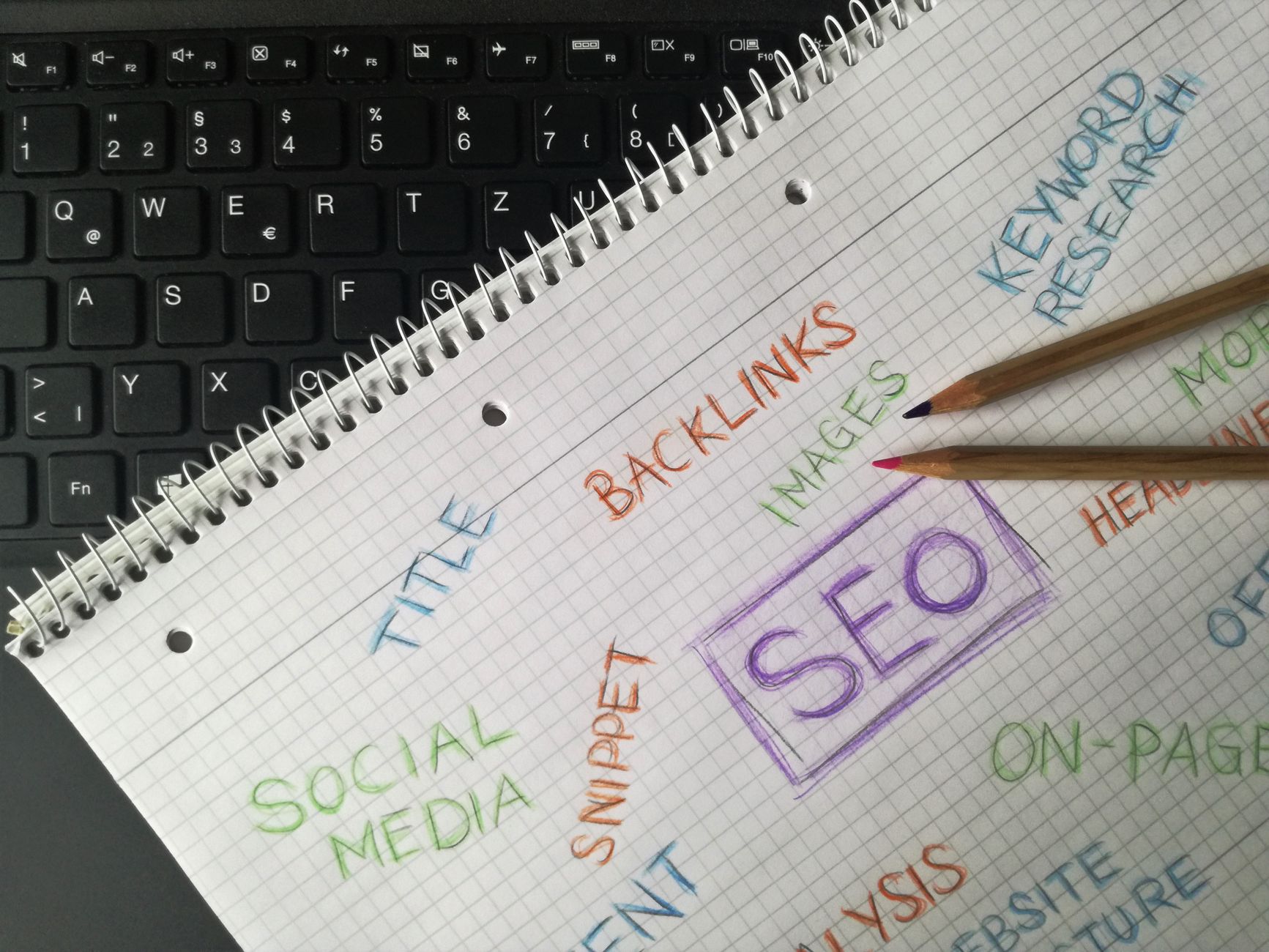
Write titles that are descriptive, concise, and easy to understand on a small screen. Google recommends clear title text, and mobile search leaves less room for clutter, repetition, and vague keyword stacks.
| Weak title | Stronger title |
|---|---|
| SEO Services | SEO Company | SEO Expert | WordPress Mobile SEO Fundamentals |
| Mobile SEO for WordPress Site Optimization Guide | How to Improve Mobile SEO on WordPress |
| Best WordPress SEO Mobile Optimization Services | Mobile SEO Fixes for WordPress |
Lead with the main topic, then add a short qualifier only if it helps. You do not need to force every variation into one title. Clearer titles improve readability for users and reduce the temptation to stuff boilerplate into every page.
What role do internal links play on mobile?
Internal links still matter on mobile because they help users and search engines move through the site logically. The key is to keep them descriptive, visible, and useful instead of burying them in cramped layouts or removing them to make the design look cleaner.
Keep a smaller number of stronger links on the page. Link to relevant supporting resources with clear anchor text, and make sure those links remain accessible on phones. Google’s guidance on links also emphasizes crawlable HTML anchor links and descriptive anchor text, which aligns with a simpler WordPress structure.
A practical mobile SEO workflow
The best workflow is to diagnose the mobile version the way users experience it. Check your most important templates on a real phone, confirm the main content is present, and remove the front-end clutter that gets in the way of crawling, speed, and conversions.
Use this order: review content parity, test key templates in PageSpeed Insights, compress or resize major images, reduce unnecessary scripts, confirm menus and forms work cleanly, and then refine titles and internal links. That sequence keeps you focused on the fixes most likely to improve visibility.
When should you ask for help?
If you have already cleaned up images and plugins but rankings are still flat, the problem may be broader than mobile speed alone. Indexing, duplication, weak targeting, and plugin clutter often overlap, which is why isolated fixes do not always move the needle.
WordPress SEO Expert can review your setup, identify what is actually holding the site back, and help you prioritize the fixes that matter first. Contact WordPress SEO Expert today to schedule a consultation. No pitch, no pressure. Just an honest look at what your site actually needs and whether your current setup is part of the solution or part of the problem.

















