

Low rankings usually come from a scattered plan, not one missing plugin. A clean WordPress SEO setup starts by making sure search engines can crawl the right pages, understand what each page is about, and avoid duplicate signals from overlapping tools. This guide walks you through the setup sequence that matters most so you can fix the foundation before you chase plugin scores.
If you want a broader baseline before changing settings, review our WordPress SEO best practices. If you are still deciding between tools, our Yoast SEO vs Rank Math comparison can help you avoid a switch later.
Step 1: Confirm your site can be indexed
Check indexing before anything else. If your site is set to discourage search engines, or if important pages are blocked or noindexed, title tags and content updates will not do much.
In WordPress, go to Settings, then Reading, and make sure the search engine visibility box is not checked on a live site. Then review your key pages, including service pages, product categories, and cornerstone posts, to confirm they are indexable and linked from other crawlable pages. Google recommends using crawlable links and descriptive anchor text so search engines can better understand site structure and discover important pages.
Step 2: Install one SEO plugin only
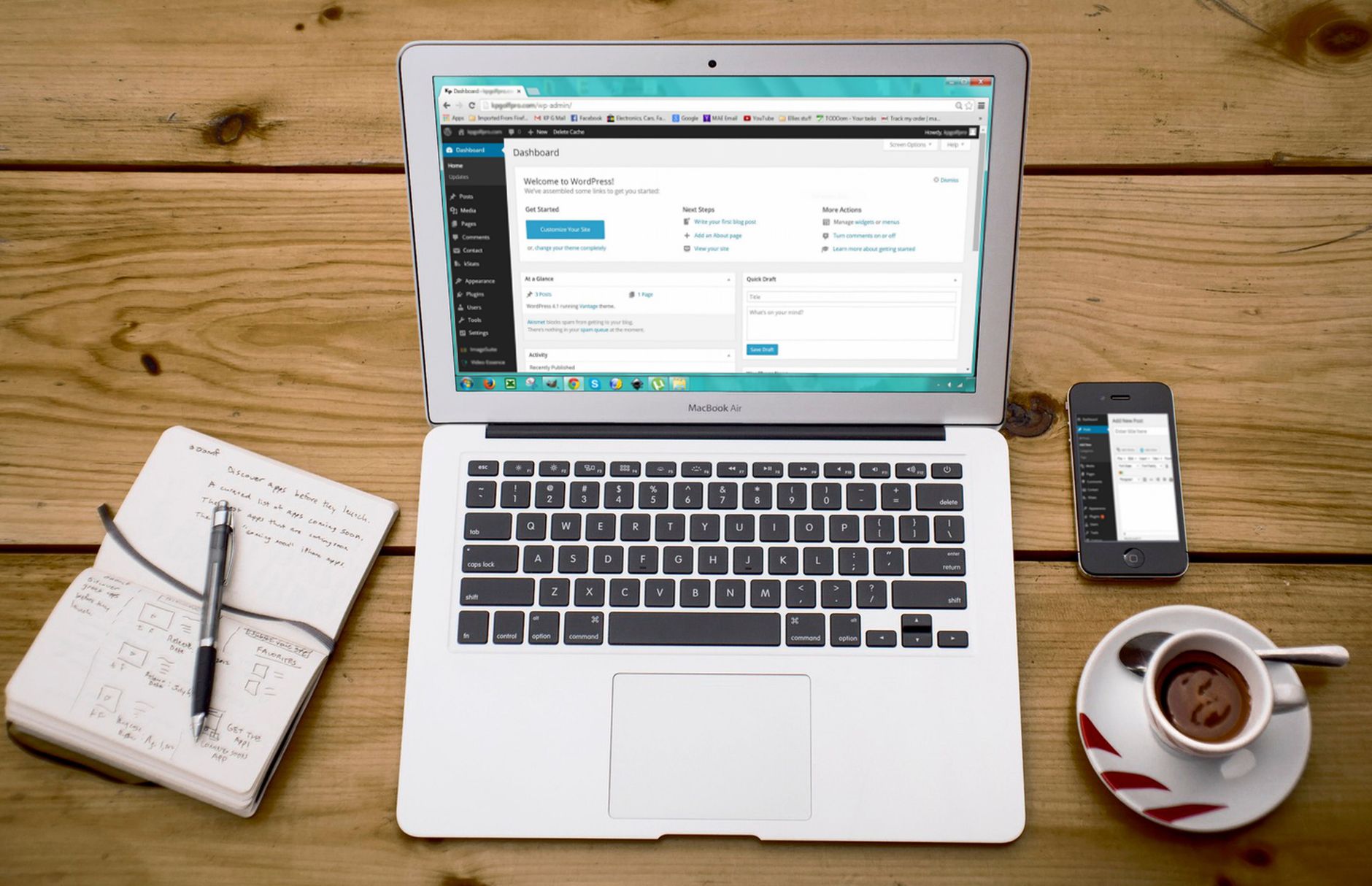
One well-configured SEO plugin is enough. Running overlapping plugins often creates duplicate metadata, conflicting canonicals, and competing sitemap outputs.
Choose one primary plugin, usually Yoast SEO, Rank Math, AIOSEO, or SEOPress, and remove the rest. The goal is not to unlock every feature. The goal is to control titles, meta descriptions, sitemaps, canonicals, and indexing rules from one place. A green light in an SEO plugin does not mean the page deserves to rank. It only means the plugin thinks certain inputs are present.
If you are unsure which plugin fits your site type, WordPress SEO Expert can help you pick the cleanest setup instead of the busiest one.
Step 3: Configure title tags and meta templates
Set title and meta templates early so new pages do not publish with weak defaults. This creates consistency without forcing every page into the same boilerplate.
Google recommends descriptive, concise title text and warns against keyword stuffing and repetitive boilerplate. In practice, that means each important page should have a distinct title that clearly matches the page topic and search intent. Use your plugin templates for posts, pages, and archives, then manually improve titles on your most valuable pages.
| Weak title | Stronger title |
|---|---|
| SEO Services | SEO Company | SEO Expert | WordPress SEO Services for Small Businesses |
| Blog | WordPress SEO Tips for Service Businesses |
| Blue Widgets, Best Blue Widgets, Buy Blue Widgets | Blue Widgets for Commercial Kitchens |
Write meta descriptions as click support, not as a ranking shortcut. Google may use the meta description tag when it better summarizes the page, so make each one useful and specific instead of repeating the same sentence across the site.
Step 4: Turn on XML sitemaps and submit them
XML sitemaps help search engines find the URLs you want crawled, but they work best when they reflect a clean site structure. A sitemap should support good architecture, not compensate for bad architecture.
Enable the sitemap feature in your SEO plugin and review what it includes. Remove low-value archives, thin attachment pages, or other URLs you do not want indexed. Then submit the sitemap in Google Search Console. If your sitemap contains pages that are noindexed, redirected, or not linked anywhere internally, clean that up before you move on.
Step 5: Set archive and taxonomy rules carefully
Archives can help or hurt depending on how your site is organized. Many WordPress sites create more taxonomy pages than they can support with unique value.
For most small business sites, categories may be useful, while tags often create thin near-duplicate pages. Review category, tag, author, and date archives in your plugin settings. If an archive does not serve visitors and does not add unique search value, noindex it. This is especially important on sites that publish irregularly or only have a small blog library.
Step 6: Fix permalink and canonical issues
Clean URLs and consistent canonicals reduce duplicate confusion. If several versions of the same page exist, search engines may split signals or choose a version you did not intend.
Use a simple permalink structure, keep internal links consistent, and review canonical settings generated by your SEO plugin. Common WordPress duplication issues include attachment URLs, parameter URLs, tag archives, and WooCommerce filter combinations. Fix the issues that block visibility before the issues that polish visibility.
If your rankings dropped after a redesign or migration, this is one of the first places we would check. WordPress SEO Expert can help diagnose whether the real problem is redirects, canonicals, or indexing settings before more damage compounds.
Step 7: Connect Google Search Console and analytics

Setup is incomplete without measurement. You need to see what Google is indexing, which queries generate impressions, and where technical issues are surfacing.
Verify your site in Google Search Console, submit your sitemap, and review the indexing and page reports after major changes. Connect your analytics platform as well so you can compare rankings, clicks, and conversions. This helps you prioritize pages that already have traction instead of editing randomly across the site.
Step 8: Build internal links on purpose
Internal linking is one of the fastest ways to strengthen site structure without publishing more content. It helps users find the next relevant page and helps search engines understand which pages matter most.
Link broad informational posts to service pages, connect related posts naturally, and make sure important commercial pages are not isolated. Google recommends descriptive, reasonably concise anchor text. If a page only exists in your sitemap and nowhere else in your site structure, it needs more internal support.
For example, a plugin comparison post can support a wider setup guide, and a technical audit page can support a post about crawl and indexing cleanup. That kind of structure is far more useful than stuffing exact-match anchors everywhere.
Step 9: Improve speed where it affects real pages

Site speed matters when it improves usability on the templates people actually visit. You do not need a perfect score. The goal is a site that loads cleanly and is easy to use.
Start with your homepage, core service pages, top blog posts, and key WooCommerce templates. Review image sizes, caching, script bloat, and unused plugins. Most site owners do not have one catastrophic problem. They have a stack of smaller issues that compound over time. A lighter theme, cleaner plugin stack, and better caching usually matter more than micro-optimizing every page element.
If speed is clearly part of the problem, our broader article on WordPress SEO best practices is a good next step before deeper performance work.
Step 10: Add schema carefully
Schema helps search engines understand page meaning, but it is not a substitute for strong content or clean technical setup. Use only the schema that matches what users can actually see.
Google’s structured data guidelines make clear that markup should reflect visible page content. That means adding relevant organization, article, product, breadcrumb, or local business schema where appropriate, not enabling every schema type your plugin offers just because it is available.
What to do first if you feel overwhelmed
Start with crawlability, indexing, canonicals, and titles. Those usually create more movement than polishing schema settings or chasing plugin recommendations.
| Priority | What to check first | Why it matters |
|---|---|---|
| 1 | Indexing and crawl access | Pages cannot rank if search engines cannot reach or index them properly |
| 2 | Canonicals and redirects | Prevents duplicate URL confusion and diluted signals |
| 3 | Titles and page intent | Improves relevance and click-through potential |
| 4 | Internal linking | Strengthens discovery, hierarchy, and topical relationships |
| 5 | Sitemaps and archive rules | Keeps technical signals cleaner as the site grows |
If you are working through this list and still are not sure what is helping versus what is just adding clutter, WordPress SEO Expert can help. Book a free SEO consultation. No pitch, no pressure. Just an honest look at what your site actually needs and whether your current setup is part of the solution or part of the problem.
The bottom line
A strong WordPress SEO setup is less about having more tools and more about having fewer conflicts. When your indexing rules, titles, canonicals, sitemaps, and internal links work together, content has a better chance to perform.
Contact WordPress SEO Expert today to schedule a consultation if you want a practical review of your setup, a clear fix-first roadmap, and a cleaner path to better rankings.

















