

Low rankings usually come from a scattered setup, not one missing plugin. SEO for WordPress is simpler than most site owners expect: make sure search engines can reach your pages, use clear titles and headings, publish genuinely useful content, and connect related pages with internal links.
WordPress gives you a strong starting point, but it does not make the important decisions for you. The real work is choosing clean settings, avoiding plugin clutter, and fixing the small issues that compound over time. If you are brand new to the topic, our WordPress SEO for beginners guide goes deeper into first-step setup.
What SEO for WordPress actually means

SEO for WordPress means helping search engines understand your site and helping visitors land on the right page. In practice, that usually means improving titles, headings, URLs, internal links, image handling, page speed, and the overall usefulness of the content on each page.
There is no single plugin or switch that makes a site rank. Most underperforming sites have a stack of smaller problems: duplicate titles, thin content, weak internal linking, slow pages, or important pages that are hard for search engines to crawl. That is why a page can be well written and still struggle.
The simple version of how WordPress SEO works
Think of WordPress SEO as four core jobs. First, search engines need to crawl and index your important pages. Second, each page needs a clear topic. Third, the content has to satisfy the searcher better than weaker alternatives. Fourth, your site needs enough structure and speed to support a good experience.
If one of those jobs breaks, rankings usually stall. This is why chasing plugin scores often wastes time. A green light inside an SEO plugin does not fix poor search intent targeting, confusing site structure, or technical issues behind the scenes.
Start with these 5 WordPress SEO basics
If you want the short version, focus on five basics before anything advanced. These are the areas most likely to improve visibility because they affect whether your pages can be found, understood, and trusted.
| Area | What to check first | Why it matters |
|---|---|---|
| Indexing | Make sure important pages are not blocked from search engines | Pages cannot rank if they are not crawlable or indexable |
| Titles and headings | Give each page one main topic with a unique title | Helps search engines understand page purpose quickly |
| Content | Answer one clear search intent per page | Pages rank better when they solve a specific problem well |
| Internal links | Link related pages naturally inside the body content | Improves discovery, context, and user navigation |
| Page speed | Reduce oversized images and unnecessary plugin weight | Supports usability and removes performance bottlenecks |
1. Make sure search engines can access your site
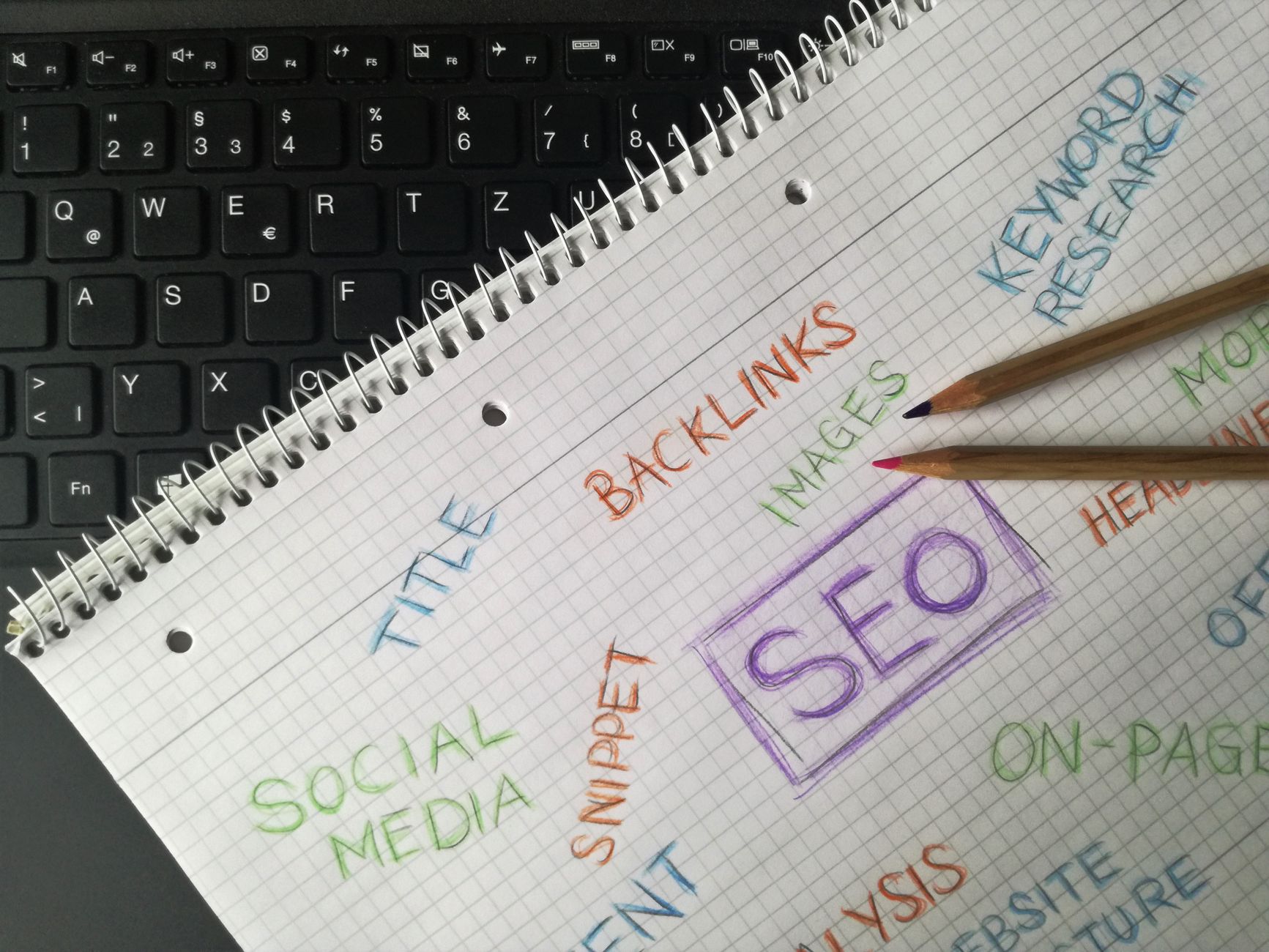
This comes first because everything else depends on it. If your site is discouraging indexing, has broken crawl paths, or hides important pages too deep in the structure, content work will not deliver much value.
Check whether your key pages are accessible through normal site navigation, included in your sitemap, and not blocked by accidental settings left over from a redesign or staging copy. If you suspect deeper crawl or indexing issues, review our technical SEO services to see what usually breaks visibility.
2. Write titles for humans first, search engines second
Your page title should explain exactly what the page offers in plain language. A strong title improves clarity immediately, while a vague or repetitive title makes it harder for both users and search engines to understand the page.
Weak title: SEO Services | SEO Company | SEO Expert. Stronger title: SEO for WordPress Explained Simply. The second version is clearer, more focused, and better aligned with what a searcher expects to find on the page.
3. Keep each page focused on one main intent
Most pages perform better when they answer one primary question well. If a page tries to explain beginner SEO, sell services, compare plugins, and discuss site speed all at once, it usually ends up too broad to rank strongly for any one search.
That does not mean writing thin pages. It means building a clear main topic, then covering the obvious subquestions under it. If your pages exist but still underperform, our on-page SEO services show how we improve alignment between titles, headings, and search intent.
4. Use internal links on purpose
Internal links are one of the simplest WordPress SEO wins because they help users and search engines move through the site logically. They show which pages are related and help important pages collect more context and visibility.
Link from descriptive phrases inside the body, not from random blocks of boilerplate. A page about beginner SEO can naturally link to deeper pages about technical cleanup, content optimization, or site speed when those topics come up.
5. Improve speed without turning it into a science project

Speed matters, but most site owners do not need a perfect performance score. They need a site that loads cleanly, avoids obvious bloat, and does not frustrate users with giant images, unstable layouts, or heavy plugin overlap.
Start with image compression, fewer unnecessary plugins, and a sensible caching setup. If you want exact fixes instead of vague advice, our guide on how to improve WordPress site speed for SEO breaks down what to change first.
Do you need an SEO plugin?
Yes, most WordPress sites benefit from one SEO plugin, but only one. A good plugin gives you control over titles, meta descriptions, canonical settings, and sitemap basics. It does not replace strategy, content quality, or technical judgment.
The mistake is stacking multiple SEO plugins or treating plugin recommendations like ranking guarantees. Use one clean setup, configure the essentials, and spend more time improving pages than chasing editor scores.
Common WordPress SEO mistakes
Most SEO problems on WordPress are basic but expensive. They usually come from publishing without a plan, installing too many overlapping plugins, or ignoring internal structure while focusing only on content volume.
Common examples include duplicate titles, thin archive pages, weak internal linking, oversized images, and writing headings around keywords instead of real questions. None of these issues looks dramatic alone, but together they can keep a site stuck for months.
If you are experiencing these symptoms, our team at WordPress SEO Expert can help. A focused audit usually reveals which two or three fixes will matter first, so you do not waste time on generic checklists.
When simple SEO stops being enough
Simple SEO gets you surprisingly far, but some sites need a deeper review. That is especially true after redesigns, migrations, traffic drops, or years of publishing without a clear structure.
If your rankings are still flat after fixing titles, content focus, internal links, and basic speed, the issue may be technical, competitive, or architectural. WordPress SEO Expert can help you sort out what is actually holding the site back before you change more settings.
Final takeaway
SEO for WordPress is not about finding a hidden trick. It is about getting the fundamentals right in the right order: indexing, page focus, useful content, internal linking, and a technically clean site. Most wins come from doing the basics consistently, not from adding complexity.
Contact WordPress SEO Expert today to schedule a consultation. If you want a second set of eyes before making more changes, we can help you identify the bottlenecks and build a practical roadmap for your WordPress site.

















