
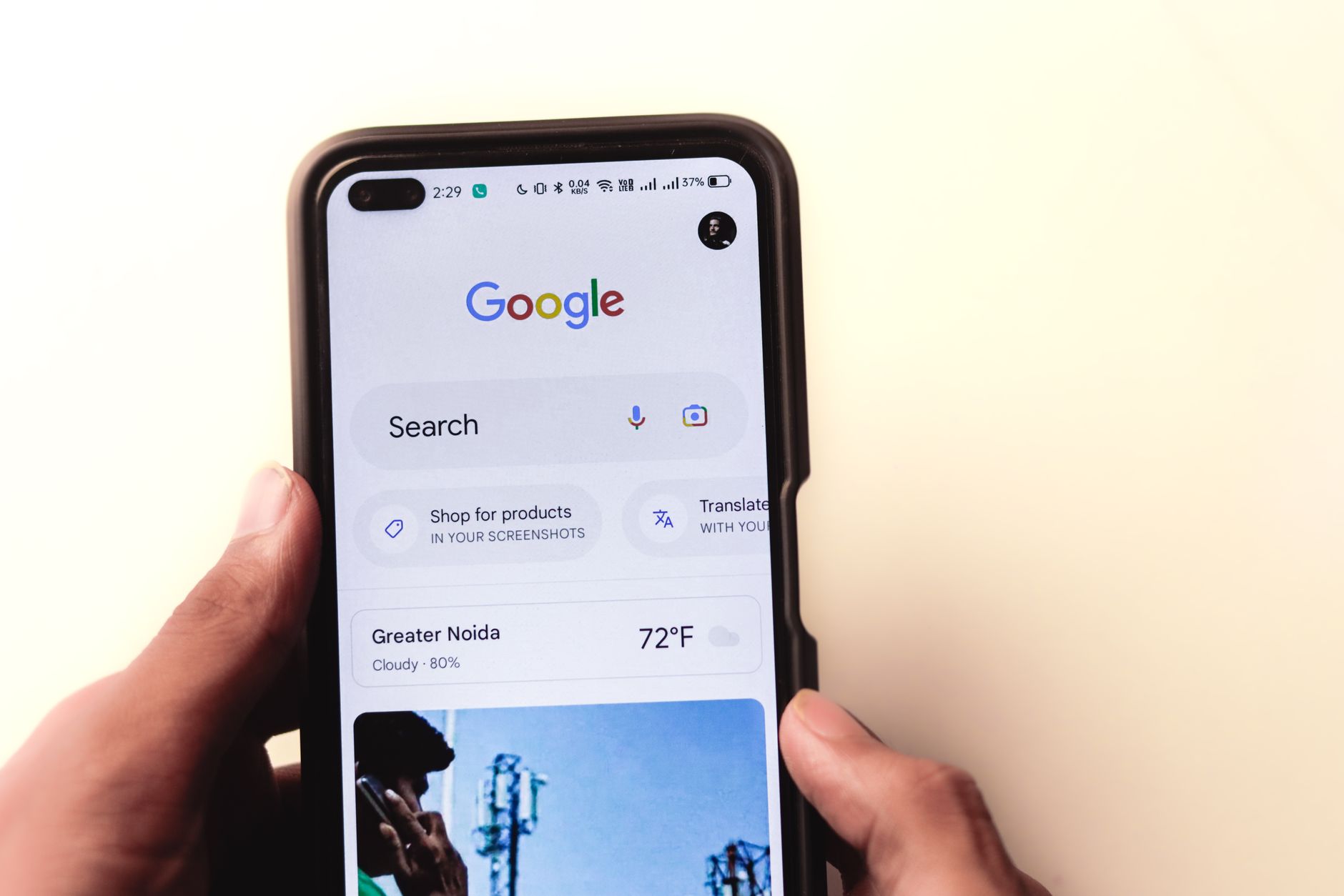
Mobile SEO for WordPress services is usually a prioritization problem, not a plugin problem. If your service pages look fine on desktop but struggle on phones, the issue is often a mix of slow templates, missing mobile content, cluttered layouts, and weak internal signals that make it harder for Google and users to trust the page.
Google now evaluates sites with mobile-first indexing, which means the mobile version needs the same important content, links, and metadata users see on desktop. That is why mobile optimization for service pages is less about chasing scores and more about making your key pages usable, complete, and technically clean on smaller screens. If you need a broader starting point, review our WordPress mobile SEO checklist and WordPress SEO practical guide for DIY site owners.
What does mobile SEO optimization actually mean?
Mobile SEO optimization means your WordPress service pages work just as well for Google and for visitors on a phone as they do on desktop. The core goal is content parity, clean performance, stable layouts, and clear next steps that users can tap without friction.
Google recommends keeping the same primary content, links, structured data, and metadata across mobile and desktop versions. Google also recommends descriptive, concise title text and descriptive anchor text so search engines and users can understand what each page is about. A green light in an SEO plugin does not mean the page deserves to rank. The page still has to load well, answer the query clearly, and move the user toward contact, booking, or purchase.
What should you fix first on mobile service pages?
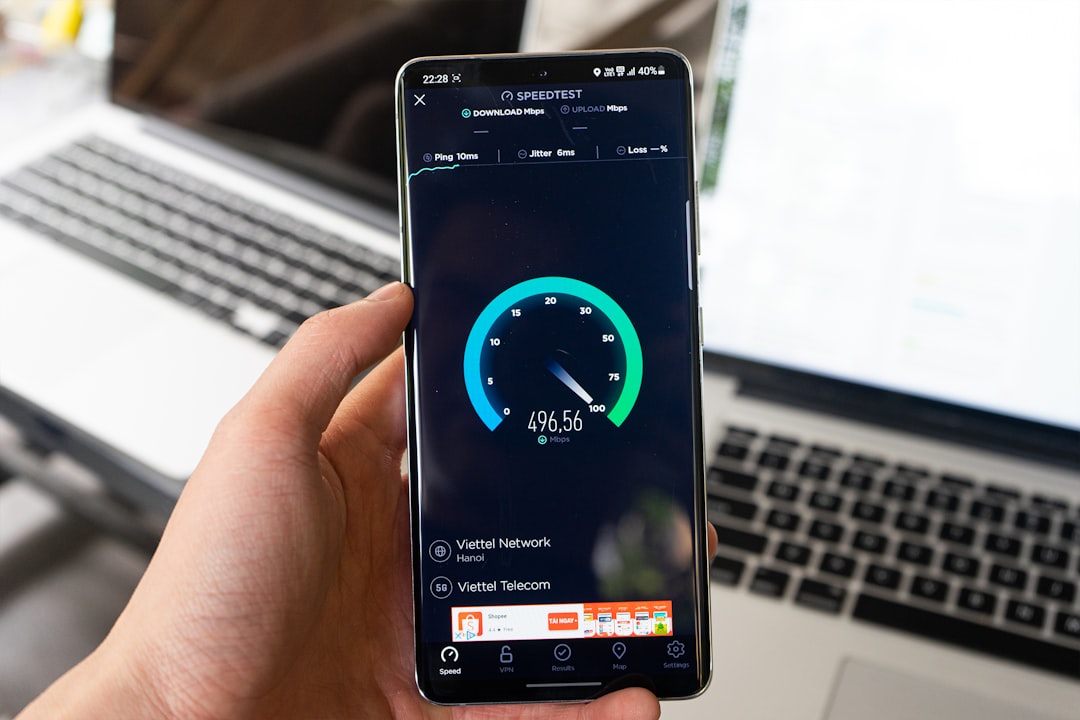
Start with the issues that block visibility before the issues that polish visibility. For most WordPress sites, that means checking mobile content parity, page speed on key templates, tap usability, and internal linking before you spend time on minor plugin settings.
| Priority | What to review | Why it matters |
|---|---|---|
| 1 | Mobile content parity | Google needs the same important text, links, and metadata on mobile |
| 2 | Hero images and media weight | Heavy top-of-page assets often slow loading on service pages |
| 3 | Theme and plugin front-end bloat | Extra scripts delay rendering and interaction |
| 4 | Buttons, forms, and sticky elements | Mobile friction hurts usability and lead generation |
| 5 | Internal links and page paths | Clear paths help users and reinforce page importance |
This order keeps you focused on the changes that affect both search visibility and conversions. Most site owners do not have one catastrophic problem. They have a stack of smaller issues that compound over time.
How fast should a mobile page be?
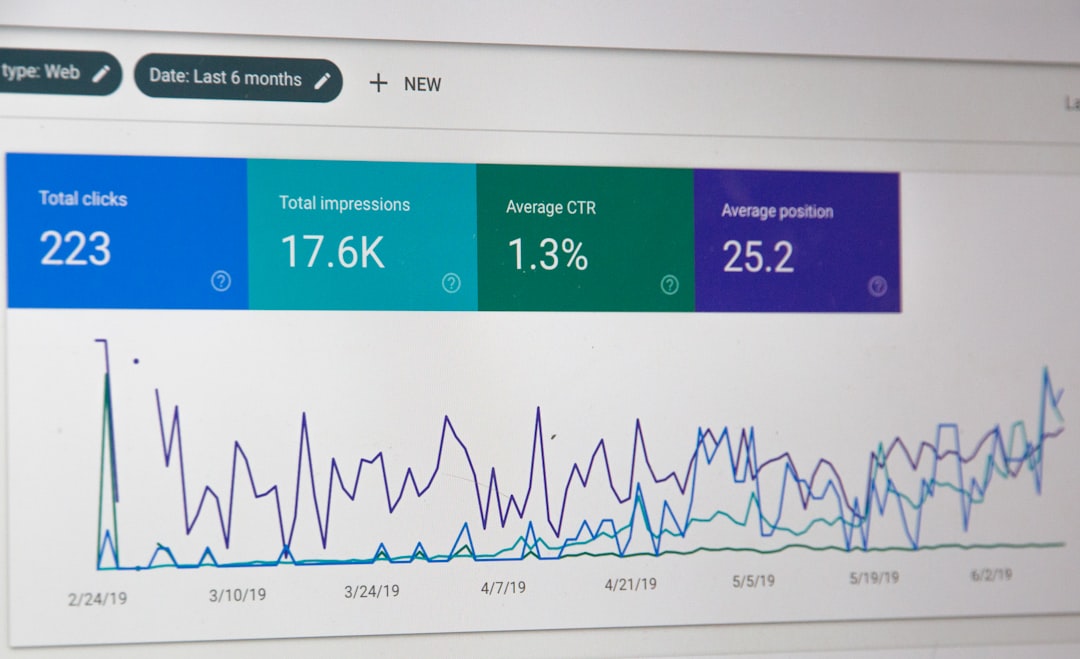
A good mobile benchmark is simple: aim for Core Web Vitals that meet Google’s recommended thresholds on your important templates. That means Largest Contentful Paint within 2.5 seconds, Interaction to Next Paint under 200 milliseconds, and Cumulative Layout Shift under 0.1.
Those numbers are useful because they push you toward a page that feels stable and responsive, not just a pretty lab score. PageSpeed Insights also combines lab testing with real-world Chrome UX Report data when enough field data exists, which makes it more useful than relying on a plugin badge alone. Test your homepage, your main service page, and one supporting article separately because those templates often behave very differently on mobile.
How do titles and links affect mobile SEO?
Titles and internal links still matter on mobile, but small screens punish clutter faster. The best setup is a concise title that states the service clearly and internal links with descriptive anchor text that help users move to the next logical page.
Google advises using descriptive and concise title text, not repetitive boilerplate or keyword stuffing. It also recommends anchor text that is descriptive, reasonably concise, and relevant to the destination page. This is especially important on service sites where users often need a second confirming page before they contact you.
| Weak title | Stronger title |
|---|---|
| SEO Services | SEO Company | SEO Expert | Mobile SEO for WordPress Services |
| WordPress SEO Mobile Optimization Services Company | WordPress Mobile SEO for Service Pages |
| Mobile SEO Help | How to Improve Mobile SEO on WordPress |
If your site structure is scattered, use internal links to connect service pages with supporting educational content. A related article like our WordPress mobile SEO checklist can support a service page naturally, while a broader resource like the WordPress SEO practical guide for DIY site owners helps readers who need more context before they take action.
What mobile SEO mistakes hurt WordPress service pages most?

The biggest problems are usually hidden in the template, not the copy. Mobile pages lose traction when important text disappears on phones, oversized images dominate the first screen, popups cover the content, or multiple plugins load scripts that the page does not really need.
One well-configured SEO plugin is enough. Running overlapping plugins often creates duplicate metadata, conflicting canonicals, and competing sitemap outputs. The same simplicity rule applies to front-end features. Sliders, chat tools, review widgets, animation effects, and sticky banners can all be useful, but not when they crowd a service page and slow the first interaction. You do not need a perfect score. The goal is a site that loads cleanly, is easy to use, and sends consistent signals about which pages matter most.
If you are seeing these symptoms, our team at WordPress SEO Expert can help. We look at the real blockers first so you do not waste time tuning details that will not move rankings or leads.
When should you get professional help?
You should get help when the site has already had basic cleanup, but rankings, mobile usability, or lead quality are still flat. That usually means the problem is not one setting. It is a mix of indexing, page targeting, internal linking, template performance, and conversion friction working against each other.
WordPress SEO Expert helps site owners sort out whether the real issue is mobile content parity, plugin clutter, weak page targeting, or a broader technical SEO problem. Book a free SEO consultation. No pitch, no pressure. Just an honest look at what your site actually needs and whether your current setup is part of the solution or part of the problem.
Contact WordPress SEO Expert today to schedule a consultation.

















