

SEO results feel vague when you only check rankings once in a while. The fix is to track a short set of signals in the right order: visibility, clicks, page-level traffic, conversions, and technical health. That gives you a clearer picture of whether your WordPress SEO work is actually moving the business forward.
Most site owners do not have one clean SEO number that tells the whole story. They have a mix of small wins and small misses. A page may gain impressions before it gains clicks. Traffic may rise before leads do. And a keyword can move up without producing any real business value. That is why SEO tracking needs a simple framework, not a plugin score.
If you are still tightening the technical foundation first, review our WordPress SEO checklist for new websites and our guide on improving WordPress site speed for SEO. Better tracking helps most when the basic crawl, index, and speed issues are already under control.
What should you track first?
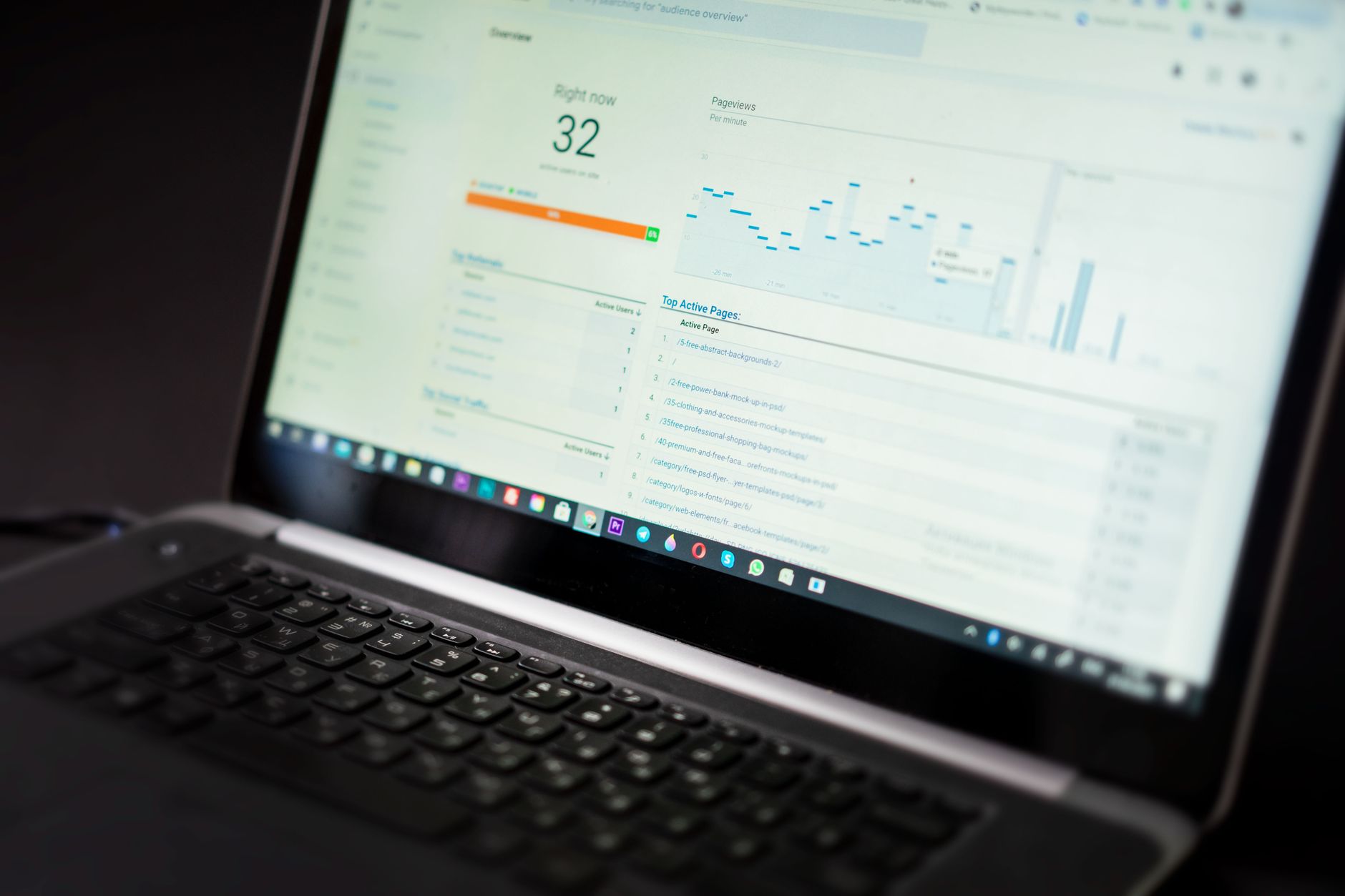
Start with Google Search Console and Google Analytics 4. Search Console shows how your site performs in Google Search through clicks, impressions, CTR, and average position, while GA4 helps you see what visitors do after they land on the site.
This distinction matters. Search Console tells you whether Google is showing your pages and whether searchers are clicking. GA4 tells you whether that traffic turns into contact form submissions, calls, purchases, or other key actions. If you only look at one platform, you miss half of the story.
| Tool | What to track | Why it matters |
|---|---|---|
| Google Search Console | Clicks, impressions, CTR, average position | Shows whether search visibility is improving |
| Google Analytics 4 | Landing page sessions, engagement, key events | Shows whether SEO traffic produces useful actions |
| Rank tracker | Primary keyword movement | Useful for trend checks, but not enough on its own |
| Spreadsheet or Looker Studio | Monthly trend reporting | Keeps reporting consistent and easier to compare |
The five metrics that actually matter
Track five core metrics before you add anything more advanced. Those are impressions, clicks, CTR, organic landing page traffic, and conversions. This is enough to spot whether the problem is visibility, weak snippets, poor page targeting, or low conversion quality.
1. Impressions
Impressions show how often your site appeared in Google Search. When impressions rise, Google is testing or showing your pages more often, even if clicks have not improved yet.
This is often the first positive signal after on-page updates or internal linking improvements. If impressions are flat for weeks, the page may still have indexing, relevance, or competition problems.
2. Clicks
Clicks show how many times users visited your site from Google Search. They are more meaningful than rankings alone because they reflect actual traffic, not just where a query appeared on average.
Google recommends focusing more on trends in clicks and impressions than on position by itself. A page moving from average position 18 to 11 may be progress, but you will feel the result when clicks grow, not when a report looks slightly better.
3. CTR
CTR shows how often people click after seeing your result. If impressions are rising but CTR is weak, your title tag and meta description may be too generic, misaligned with search intent, or being outranked by stronger SERP features.
This is where better messaging often beats more publishing. A useful title rewrite can improve click-through without needing a full page rewrite.
4. Organic landing page traffic
Landing page traffic shows which specific pages attract organic visitors. Use the GA4 landing page report to see whether your service pages, blog posts, category pages, or product pages are the ones driving search sessions.
This matters because broad sitewide traffic can hide underperforming money pages. A blog post may bring visits while your service pages stay flat. That is a content strategy issue, not a technical tracking issue.
5. Conversions or key events
Conversions are the business outcome. For most small business WordPress sites, that means form submissions, booked calls, quote requests, purchases, or tracked phone clicks. If SEO traffic rises but these do not, the traffic may be mismatched or the page may need stronger calls to action.
WordPress SEO Expert usually treats this as the final filter. Rankings without leads are not a win. Better visibility is useful, but qualified actions are what justify the effort.
How to set up a simple monthly SEO tracking system

Use a monthly tracking rhythm, not daily checking. Search data naturally moves up and down, and recent Search Console data can still be preliminary. Monthly comparisons make trends easier to read without overreacting to noise.
A practical setup is one spreadsheet tab per month or one simple dashboard. Keep the same measurements every time so your reports stay comparable.
| Area | What to record each month | Good question to ask |
|---|---|---|
| Search Console | Total clicks, impressions, CTR, average position | Is visibility rising, and are clicks keeping pace? |
| Top pages | Best and worst performing landing pages | Which pages gained or lost traction? |
| Top queries | Main search terms by clicks and impressions | Are we attracting the right searches? |
| Conversions | Leads, purchases, calls, or key events from organic traffic | Is SEO helping the business, not just traffic charts? |
| Technical health | Indexing issues, Core Web Vitals, major errors | Did a technical problem slow progress? |
How to read Search Console without confusing yourself
Search Console is the best SEO tracking tool for most WordPress sites, but it is easy to misread. The biggest mistake is obsessing over average position without checking clicks, impressions, and page-level data alongside it.
Average position is exactly that: an average. It can shift because different pages rank for the same query, because devices vary, or because Google shows your site in multiple positions over time. Use it as context, not as the main score.
A better workflow is this: start with clicks and impressions, filter down to a page, then check the queries behind that page. If a page has high impressions and weak clicks, improve the snippet. If it has low impressions, the issue is more likely relevance, authority, or indexing.
If a page is not showing up at all, use the URL Inspection tool in Search Console to see what Google knows about that specific URL and whether it appears indexable. That is often faster than guessing whether the page has a plugin, crawl, or canonical issue.
What to track by page type
Different page types should not be judged the same way. Service pages, blog posts, and WooCommerce category pages usually serve different purposes, so their SEO results should be interpreted differently.
| Page type | Main metric | Secondary metric |
|---|---|---|
| Service pages | Conversions from organic traffic | Clicks for high-intent queries |
| Blog posts | Organic landing page traffic | Internal link assists to service pages |
| Category pages | Clicks and impressions | Conversion rate or assisted revenue |
| Product pages | Organic revenue or purchases | CTR from product-focused queries |
This keeps reporting honest. A blog post that builds visibility may still be valuable even if it does not convert directly. A service page with decent rankings but no inquiries has a different problem and needs a different fix.
If you are seeing technical friction in the background, our article on WordPress site speed fixes for SEO can help you rule out performance issues before you blame content or rankings.
When rankings go up but results do not
Higher rankings do not always mean better SEO results. If positions improve but clicks, leads, or sales stay flat, the page may be ranking for the wrong terms, the snippet may not attract clicks, or the page may not convert the traffic it gets.
This is why a narrow rank-tracking mindset causes so much confusion. Ranking reports can look encouraging while the business sees no difference. When that happens, check search intent first. Then check whether the page asks visitors to take a clear next step.
If you are experiencing these symptoms, our team at WordPress SEO Expert can help. We look at the query, the page, the conversion path, and the technical setup together so you are not fixing the wrong layer of the problem.
A simple 90-day benchmark to use
Compare results over 90 days when possible. Search Console shows a default view for the past three months, which makes it a practical window for spotting direction without getting distracted by short-term fluctuations.
For most small business sites, the useful question is not whether every metric improved at once. It is whether the trend is moving in the right order. A healthy pattern often looks like this: impressions rise first, then clicks improve, then the right landing pages begin producing more leads.
If that sequence is not happening, you have a better starting point for diagnosis. Flat impressions suggest an indexing, authority, or relevance issue. Better clicks without better leads suggest messaging or conversion friction. This is the kind of pattern-based reading that makes SEO tracking useful.
Final takeaway
The best way to track WordPress SEO results is to keep the system small and consistent. Measure search visibility in Search Console, measure on-site outcomes in GA4, and review the same pages and queries every month. That is usually enough to show what is improving and what still needs work.
If your tracking is messy, or you are not sure which numbers matter for your site, WordPress SEO Expert can give you a second set of eyes. Contact WordPress SEO Expert today to schedule a consultation and find out what is actually holding your rankings and conversions back.

















