

Most WordPress SEO tutorials make the process feel harder than it is. Better rankings usually come from fixing the right issues in the right order, not from adding more plugins or chasing every green light in your SEO tool.
A green light in an SEO plugin does not mean the page deserves to rank. What matters is whether your site is crawlable, your pages match search intent, your titles are clear, and your internal links point search engines toward the pages that matter most.
If your setup feels messy or your traffic is flat, WordPress SEO Expert can help you sort out what to fix first. This tutorial walks through the practical steps in a sequence that makes sense for real WordPress sites.
Start With the SEO Basics First
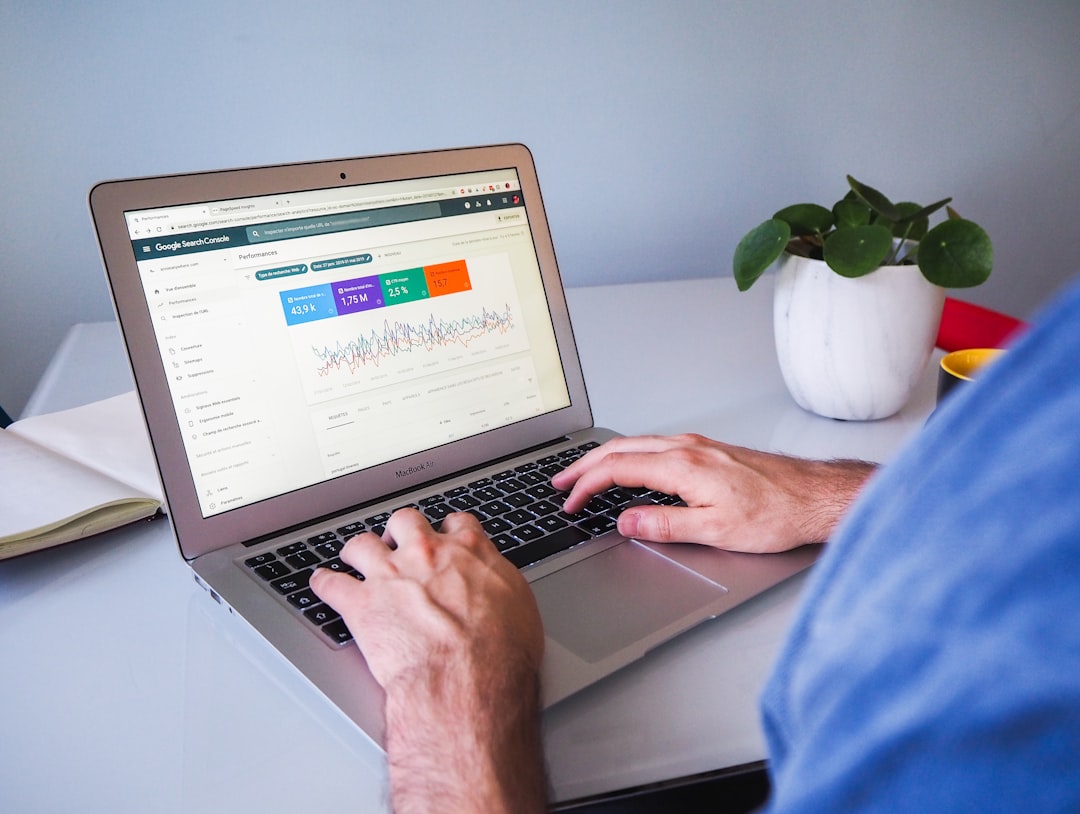
The fastest way to optimize WordPress SEO is to get the foundation right before you rewrite pages or publish more content. If search engines cannot crawl the right URLs or your site is sending mixed signals, content edits alone will not solve the problem.
Start by checking whether your site is indexable, whether your preferred pages are included in your XML sitemap, and whether one SEO plugin is controlling your metadata. If you need a broader baseline, review a practical WordPress SEO guide for DIY site owners before changing too many settings at once.
Use one SEO plugin
One well-configured SEO plugin is enough. Running overlapping plugins often creates duplicate metadata, conflicting canonicals, and competing sitemap outputs that make troubleshooting harder than it needs to be.
If your site has been updated by multiple people over time, plugin overlap is one of the first things to check. Simplifying your setup is often a quicker win than adding new features.
Check search visibility settings
Before doing anything else, make sure WordPress is not discouraging search engines from indexing the site. This setting lives under Settings and Reading in the WordPress dashboard and is easy to overlook on rebuilt or staging-based sites.
Then review your sitemap and confirm your important pages are included. Service pages, product pages, core category pages, and valuable blog posts should be easy for search engines to find.
Fix Titles Before You Touch Minor Settings
Title tags usually give you one of the clearest on-page SEO wins. A weak title can make a relevant page look generic, while a strong title helps both search engines and users understand exactly what the page offers.
Google recommends descriptive, concise title text rather than repetitive boilerplate or keyword stuffing. That means your title should target one clear topic instead of trying to cram in every variation.
| Weak title | Stronger title |
|---|---|
| SEO Services | SEO Company | SEO Expert | WordPress SEO Services for Small Businesses |
| Blog | WordPress SEO Tips for Service Businesses |
| WordPress SEO Tutorial | How to Optimize WordPress SEO Step by Step |
Focus first on your homepage, primary service pages, important category pages, and posts that already get impressions. If you are fixing broader setup problems at the same time, a guide to fixing WordPress SEO setup problems on this site is a useful companion resource.
Improve Page Structure and Content Targeting
Once the technical basics are stable, your next priority is making each page clearly about one thing. Many WordPress sites underperform because pages are vague, overlapping, or trying to target too many intents at once.
Give every important page one primary topic. Your H1 should describe that topic clearly, your subheadings should support it logically, and the body copy should answer the searcher’s main question without drifting into unrelated terms.
Use a clean heading structure
Each page should have one H1, followed by H2s for major sections and H3s where needed. Headings are not just a visual design choice. They help organize the page for readers and reinforce topical structure for search engines.
Match the page to search intent
A tutorial should teach. A service page should persuade and convert. A product page should help someone evaluate or buy. When one page tries to do all three, rankings often stall because the page sends mixed signals.
Most site owners do not have one catastrophic problem. They have a stack of smaller issues that compound over time. Weak targeting, unclear headings, thin internal linking, and plugin clutter often show up together.
Strengthen Internal Links


Internal linking is one of the most underused WordPress SEO improvements. It helps search engines discover pages, understand topic relationships, and identify which pages carry the most weight on your site.
Link related blog posts to service pages, connect overlapping guides, and make sure important pages are not only reachable from the main menu. Descriptive anchor text works better than vague phrases because it gives clearer context.
If you are experiencing these symptoms, our team at WordPress SEO Expert can help. A focused review can usually tell whether your rankings are being held back by weak structure, indexing problems, or unclear page targeting.
Clean Up Technical SEO Issues
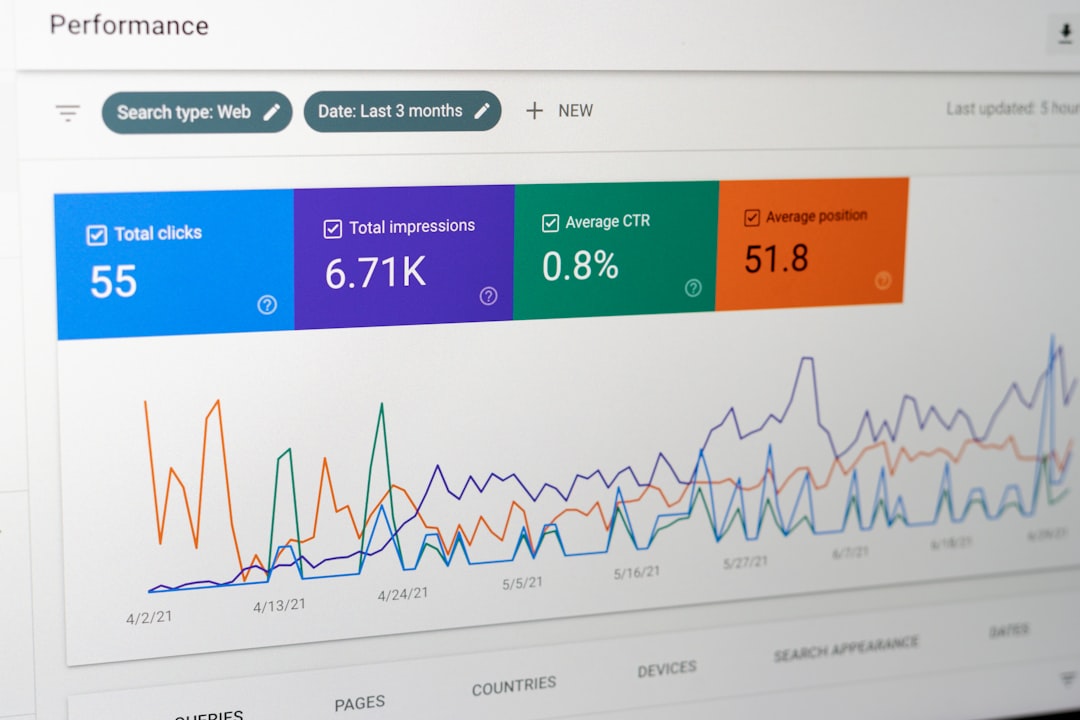
Technical SEO matters most when it blocks visibility. You do not need a perfect setup in every advanced area, but you do need a clean crawl path to your important pages and a site structure that does not generate unnecessary duplication.
Common WordPress issues to check
Review thin archive pages, attachment pages, broken internal links, redirect chains, and duplicate URL paths. These are common on WordPress sites that have gone through redesigns, plugin changes, or content migrations.
Fix the issues that block visibility before the issues that polish visibility. That usually means crawl access, indexing rules, canonical consistency, and redirects come before schema tweaks or snippet experiments.
Keep speed work practical
Site speed matters when slow pages frustrate users or make the site harder to use. You do not need a perfect score. The goal is a site that loads cleanly, is easy to use, and sends consistent signals about which pages matter most.
Compress large images, use caching, remove unused plugins, and test your main templates separately. Homepages, service pages, and blog posts often perform differently, so treat them as separate templates when diagnosing performance.
A Simple Order of Operations
If you are overwhelmed, use a simple sequence. This keeps you from spending hours on low-impact edits while larger technical or structural issues still suppress performance.
| Priority | What to fix | Why it matters |
|---|---|---|
| 1 | Search visibility and indexing | Pages cannot rank if search engines cannot access them |
| 2 | SEO plugin conflicts | Prevents duplicate metadata and mixed signals |
| 3 | Title tags and page targeting | Improves relevance and click potential |
| 4 | Internal links | Strengthens structure and page discovery |
| 5 | Speed and cleanup work | Improves usability after the core issues are stable |
What to Stop Doing
Stop chasing plugin scores as if they are rankings. Stop adding overlapping tools when the existing setup is already unclear. Stop publishing thin pages just to cover slight keyword variations.
SEO usually improves when the site becomes simpler, clearer, and easier to crawl. One strong page is often better than several weak pages competing for the same intent.
When to Get Help
If your rankings are flat after you have handled the basics, the issue is often prioritization rather than effort. An outside review can quickly show whether the real problem is indexing, duplicate URLs, internal linking, weak page targeting, or plugin clutter.
WordPress SEO Expert can help you diagnose what to fix first without turning your site into a plugin experiment. Book a free SEO consultation. No pitch, no pressure. Just an honest look at what your site actually needs and whether your current setup is part of the solution or part of the problem.
Contact WordPress SEO Expert today to schedule a consultation if you want a practical plan for improving WordPress SEO without overcomplicating it.

















