

Low rankings usually come from a scattered plan, not one missing plugin. Measuring WordPress SEO performance starts with the right signals, in the right order, so you do not mistake motion for progress. The goal is not to obsess over plugin scores. The goal is to see whether your pages are earning more visibility, more qualified clicks, and more business value over time.
If you use WordPress, the cleanest place to start is Google Search Console. It shows clicks, impressions, click-through rate, and average position for your site in Google Search, which makes it the most useful first dashboard for SEO measurement. If you need a stronger setup before you review metrics, start with our WordPress SEO best practices and our comparison of Yoast SEO vs Rank Math so your tracking reflects a cleaner foundation.
What should you measure first?
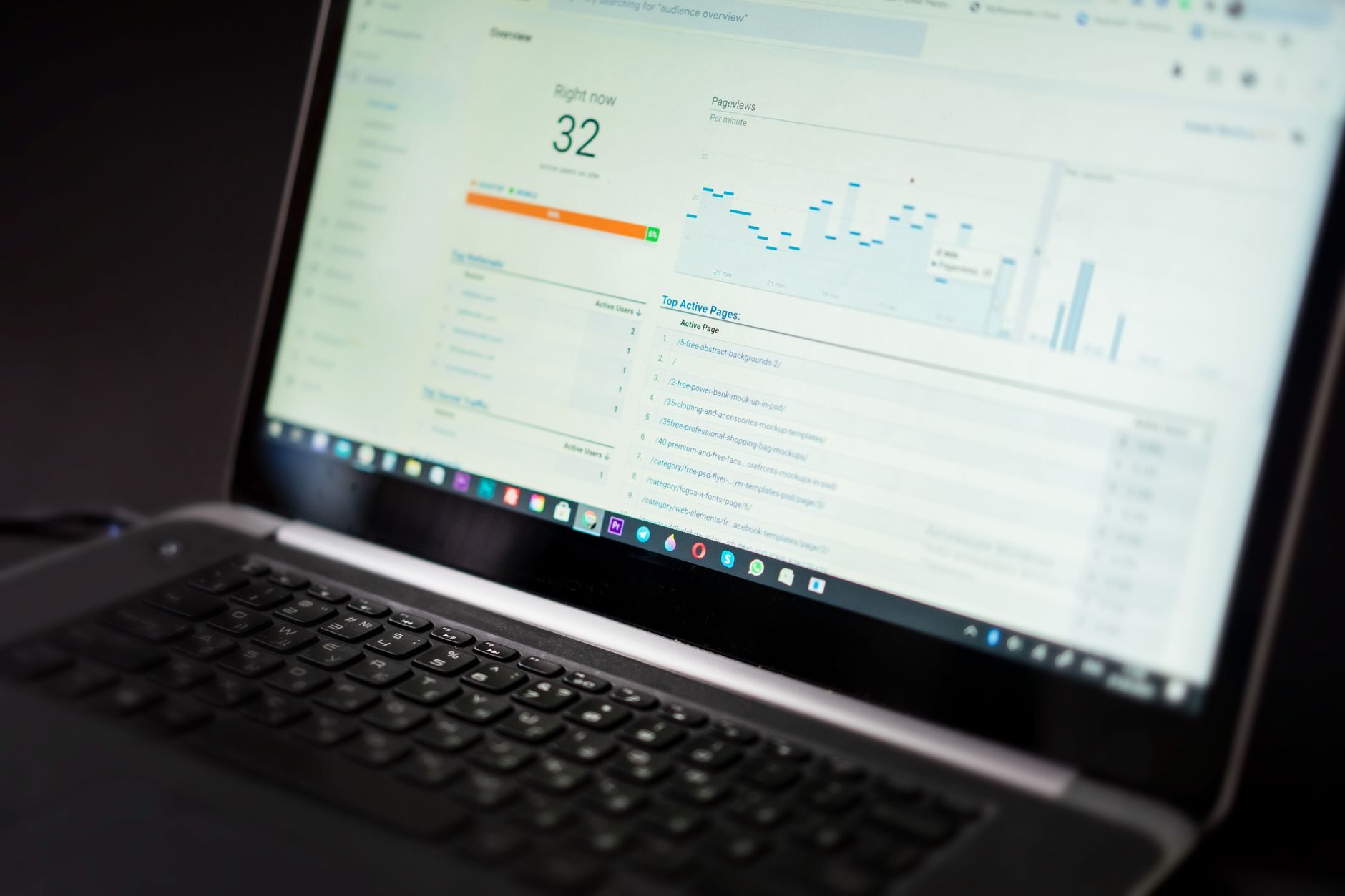
Measure visibility before polish. The first numbers to watch are impressions, clicks, CTR, and average position because they show whether Google is surfacing your pages and whether searchers are choosing them.
Google Search Console’s Performance report is built around those four metrics. Impressions show how often your pages appeared in search. Clicks show how often searchers visited your site from search results. CTR shows how efficiently those impressions turn into visits. Average position shows the average topmost placement of your site or page for the queries where it appeared. Used together, these metrics tell you whether your SEO changes are increasing reach, improving click appeal, or both.
| Metric | What it tells you | What to do with it |
|---|---|---|
| Impressions | How often your page appears in Google Search | Use it to spot growing visibility before clicks rise |
| Clicks | How many visits search sends | Track whether SEO work is producing traffic |
| CTR | How often impressions turn into clicks | Improve titles and descriptions when impressions rise but clicks lag |
| Average position | Your average topmost ranking placement | Use as a trend signal, not a vanity score |
Why plugin scores are the wrong KPI
A green light in an SEO plugin does not mean the page deserves to rank. Plugin scores are editing aids, not performance measurements, so they should never be your main KPI.
Most site owners do not have one catastrophic problem. They have a stack of smaller issues that compound over time. A post can score well in a plugin and still underperform because it targets the wrong query, sits on a weak template, has poor internal links, or competes with duplicate pages. One well-configured SEO plugin is enough. Running overlapping plugins often creates duplicate metadata, conflicting canonicals, and competing sitemap outputs, which makes real measurement harder instead of easier.
How to use Google Search Console correctly

Use Google Search Console as your main SEO scorecard, but read it carefully. It is best for trends, page opportunities, and query insights, not for judging success from one day of movement.
Start in the Performance report and compare the last 28 days against the previous 28 days. Then review three views in order: queries, pages, and devices. Queries show what people searched before your site appeared. Pages show which URLs are gaining or losing visibility. Devices help you catch mobile-specific weakness that a desktop-only review can miss. Google also notes that property-level and page-level data can be counted differently, so do not panic if chart totals and page rows do not look identical.
If a page is not performing at all, move to URL Inspection. That report helps you check whether Google indexed the page, whether the indexed version matches what you expect, and whether duplication or crawl problems are getting in the way. Fix the issues that block visibility before the issues that polish visibility.
A simple review sequence
Use the same sequence every month so you can separate real trends from noise. Consistency matters more than building an overly complex reporting stack.
| Step | What to review | Main question |
|---|---|---|
| 1 | Impressions | Is Google showing your pages more often? |
| 2 | Clicks | Is visibility turning into traffic? |
| 3 | CTR | Are titles and snippets strong enough to win clicks? |
| 4 | Average position | Are rankings trending in the right direction? |
| 5 | Top pages and top queries | Which URLs deserve the next round of work? |
| 6 | URL Inspection for weak pages | Is the problem indexing, duplication, or page quality? |
Which pages should you track?
Track the pages closest to revenue, plus the pages closest to page one. That usually means service pages, key product or category pages, and blog posts already earning impressions.
The biggest mistake is spreading attention evenly across every URL. Your homepage matters, but so do the pages tied directly to leads and sales. Focus on pages with one of these patterns: high impressions and low CTR, improving position but flat clicks, or steady visibility with declining traffic. Those patterns usually point to titles, intent mismatch, content depth, internal linking, or technical friction. If you are not sure which issue comes first, WordPress SEO Expert can help.
What counts as real SEO progress?

Real progress is not one ranking jump for one keyword. Real progress is a broader pattern of more impressions, more qualified clicks, stronger page coverage, and better performance on the pages that matter most.
In practice, that means looking for direction, not perfection. A page that moves from low visibility to steady impressions is improving, even if traffic has not caught up yet. A service page that gets more impressions but a weak CTR likely needs a better title and clearer search alignment. A page with flat impressions after multiple edits may have a deeper issue with indexability, duplication, or weak internal authority. Google recommends focusing more on trends in clicks and impressions than position alone, which is the right mindset for WordPress site owners who want cleaner decisions.
How often should you check SEO performance?
Check core SEO metrics weekly for awareness and monthly for decisions. Daily checking usually creates anxiety and leads to overreaction.
Search performance naturally moves around due to seasonality, query mix, device mix, and Google’s own reporting behavior. A weekly glance helps you catch obvious drops after a redesign, migration, or plugin change. A monthly review is better for deciding what to fix next. If traffic falls sharply after launch, review redirects, canonicals, index settings, and sitemap output immediately. That kind of drop is a diagnostic issue, not a wait-and-see issue.
If you are experiencing these symptoms, our team at WordPress SEO Expert can help.
What to include in a simple WordPress SEO report
Your report should be short enough to use. Include only the signals that help you decide what to do next, not a giant dashboard that nobody acts on.
A practical monthly report includes total clicks, total impressions, average CTR, average position, top winning pages, top declining pages, top queries by impressions, top queries by clicks, and a short action list for the next 30 days. Add notes for major site changes such as migrations, plugin switches, URL removals, and template edits. That context makes the numbers easier to interpret later.
The best next step
The best next step is to build one clean measurement routine and use it consistently. Start with Search Console, focus on a small set of high-value pages, and let trends guide your priorities.
You do not need a perfect score. The goal is a site that loads cleanly, is easy to use, and earns more qualified search traffic over time. If you are not sure whether your current reporting setup is helping or hiding the real problem, WordPress SEO Expert can give you an honest diagnosis of what your site actually needs. Contact WordPress SEO Expert today to schedule a consultation.

















