
Low rankings usually come from a scattered plan, not one missing plugin. If you want to improve WordPress SEO without touching code, start with the settings that control indexing, then tighten page targeting, internal links, and speed. Most sites do not need a rebuild. They need a cleaner setup and a better order of operations.
WordPress SEO Expert helps site owners fix the issues that keep WordPress sites stuck. If you want a second set of eyes before changing plugins or templates, review our practical WordPress SEO framework and our site speed fixes for SEO to see how we approach cleanup first.
Start with the settings that can block SEO
The first win is making sure search engines can crawl and index the pages you actually want ranked. In WordPress, a single checkbox can quietly hold the whole site back, so this should come before titles, plugins, or content updates.
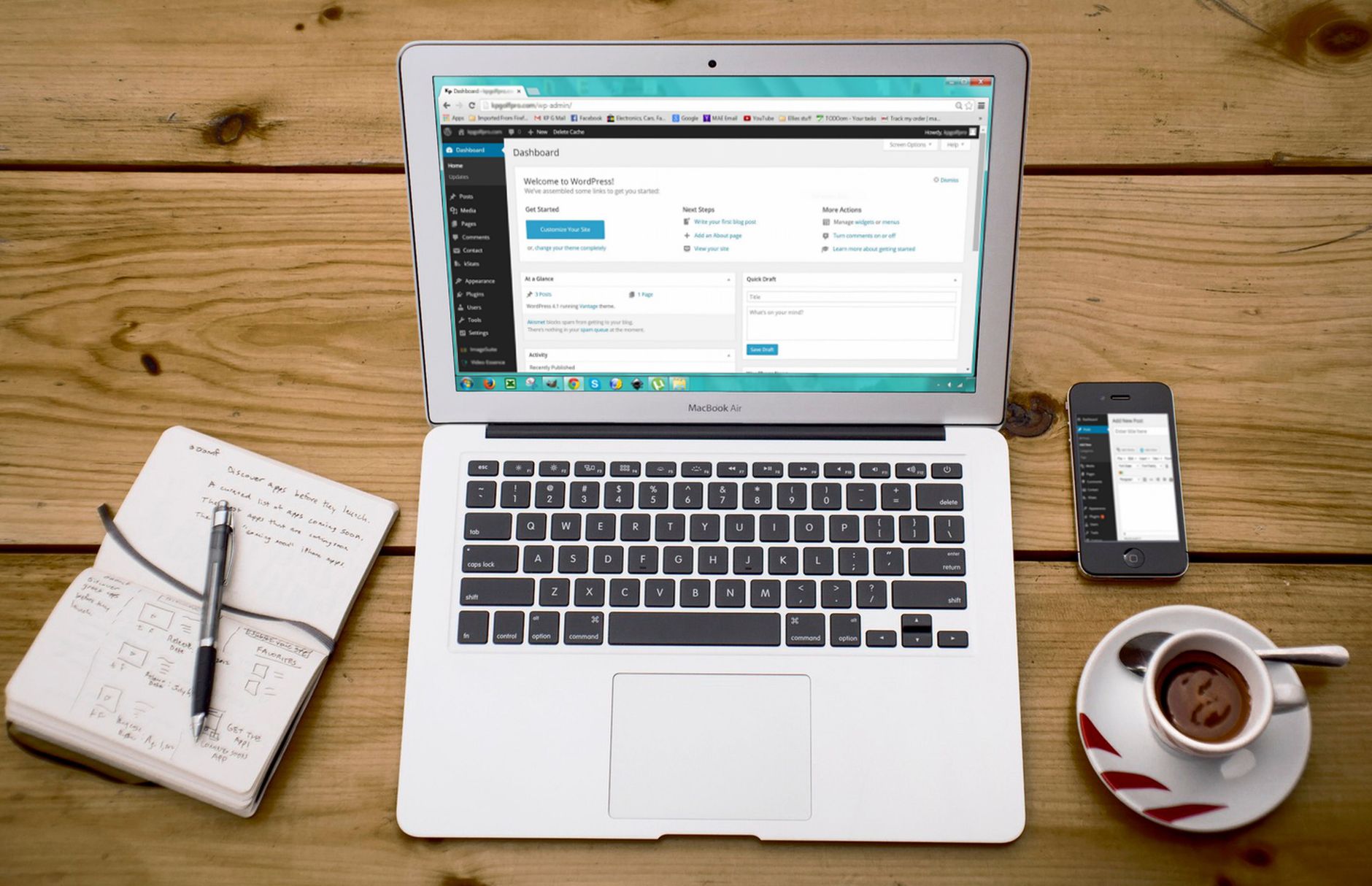
Open Settings, then Reading, and confirm the Search Engine Visibility option is not discouraging indexing. WordPress documentation explains that this setting asks search engines not to index the site and can output a noindex directive. Next, check Settings, then Permalinks, and use a clean structure such as Post name so URLs stay readable and easier to understand.
What to check first
Look for these issues before you do anything else: the site is hidden from search engines, important pages are set to noindex, or URLs are cluttered and inconsistent. If any of those are present, fixing them will usually help more than installing another SEO tool.
Use one SEO plugin, not a stack of them
There is no single best SEO plugin for every WordPress site, but there is a clear rule here: use one solid plugin and configure it fully. Running overlapping SEO, schema, redirect, and sitemap plugins often creates more confusion than improvement.
A good setup should handle title tags, meta descriptions, XML sitemaps, and basic index controls in one place. Keep the plugin stack lean. If one plugin already creates your sitemap, do not add another just for the same feature. Plugin green lights are not the goal. Clear metadata and clean crawl signals are.
A simple no-code plugin checklist
| Area | What to do | Why it matters |
|---|---|---|
| Titles and meta | Set unique SEO titles and descriptions for key pages | Helps search engines and users understand each page |
| Sitemaps | Use one sitemap source only | Avoids duplicate or conflicting signals |
| Index controls | Noindex thin archives or low-value pages where appropriate | Reduces crawl waste |
| Redirects | Handle old URLs in one plugin or at the platform level | Prevents chains and errors |
Improve titles and headings page by page
Better on-page SEO usually comes from clearer targeting, not more keywords. Each important page should answer one main search intent, use one clear H1, and have a title that tells both Google and the visitor exactly what the page is about.
Google recommends descriptive, concise title text and advises against keyword stuffing or repetitive boilerplate titles. That means a service page should not use a vague title like SEO Services | SEO Company | SEO Expert if the page is really about WordPress SEO for small businesses.
Weak vs stronger page targeting
| Element | Weak example | Stronger example |
|---|---|---|
| Title tag | SEO Services | SEO Company | WordPress SEO Services for Small Businesses |
| H1 | Welcome to Our Site | WordPress SEO Help for Stuck Rankings |
| Meta description | We offer many SEO solutions for your business. | WordPress SEO fixes for indexing, content, and speed. See what to change first without coding. |
Match the visible page heading to the page topic, then support it with H2 sections that answer related questions. This keeps the page easier to scan and reduces mixed signals between your title, heading, and body copy.
Strengthen internal links before publishing more

Internal linking is one of the best no-code SEO fixes because it helps search engines discover important pages and helps users move to the next useful step. If a page matters to your business, it should receive contextual links from related pages, not just from the menu.
Start with your money pages and your strongest blog posts. Add descriptive anchor text inside relevant paragraphs, not sitewide footer clutter. For example, if a post mentions crawl issues, link naturally to a page about how to optimize WordPress SEO. If it discusses load times or Core Web Vitals, connect that section to WordPress site speed fixes for SEO.
A simple rule works well here: every important page should be reachable within a few clicks and should have links from pages that share the same topic or intent. Many sites do not have one catastrophic problem. They have orphan pages, weak anchors, and scattered content that compound over time.
Clean up images and speed with plugin settings

Slow pages often lose ground because they are heavy, cluttered, or trying to load too much at once. You do not need to code performance fixes to get meaningful gains. You do need specific plugin settings and realistic expectations.
Start with image compression, lazy loading, page caching, and script cleanup. A large image-heavy homepage can improve noticeably once oversized images are compressed and below-the-fold media is delayed. If speed is one of your main issues, our WordPress speed guide for SEO walks through the practical order of fixes.
No-code speed improvements worth doing first
| Priority | What to change | Expected benefit |
|---|---|---|
| 1 | Compress large images and serve modern formats through one image plugin | Reduces page weight and improves loading |
| 2 | Enable page caching through one reliable caching plugin | Improves repeat visits and server response |
| 3 | Remove unused plugins and widgets | Reduces script bloat |
| 4 | Check mobile layout and spacing | Improves usability and engagement |
Do not chase a perfect tool score if the site is already usable and your important pages are loading well. A cleaner experience matters more than performance theater.
If you are experiencing these issues, our team at WordPress SEO Expert can help. We can review your setup and tell you which fixes are worth doing first, without pushing a bloated plugin stack.
Prune thin pages and low-value archives
Publishing more content will not help if older content is thin, overlapping, or poorly linked. A smaller set of stronger pages usually performs better than dozens of near-duplicate pages competing with each other.
Review tag archives, attachment pages, outdated posts, and pages that get no traffic or links. Some should be improved, some should be merged, and some should be removed from the index. This is especially useful on older sites where years of publishing created clutter that search engines still have to crawl.
A practical no-code WordPress SEO order
If your rankings are stuck, work in sequence instead of bouncing between random tactics. Setup errors and weak page targeting usually limit results more than advanced tricks do, especially on small business WordPress sites.
| Step | Focus | What success looks like |
|---|---|---|
| 1 | Indexing and permalinks | Important pages are crawlable and URLs are clean |
| 2 | SEO plugin cleanup | One plugin controls metadata and sitemaps |
| 3 | Titles and headings | Each page targets one main intent clearly |
| 4 | Internal linking | Important pages get contextual links |
| 5 | Speed and image cleanup | Pages load faster and feel easier to use |
| 6 | Content pruning | Thin or duplicate pages stop diluting the site |
Final takeaway
You can improve WordPress SEO without coding by fixing the parts of the site that create confusion: indexing settings, plugin overlap, weak page targeting, poor internal linking, and slow page templates. Most gains come from tightening what already exists, not from chasing the newest tactic.
Contact WordPress SEO Expert today to schedule a consultation. We will help you identify what is actually holding your rankings back and build a practical SEO plan you can execute without code-heavy changes.

















