
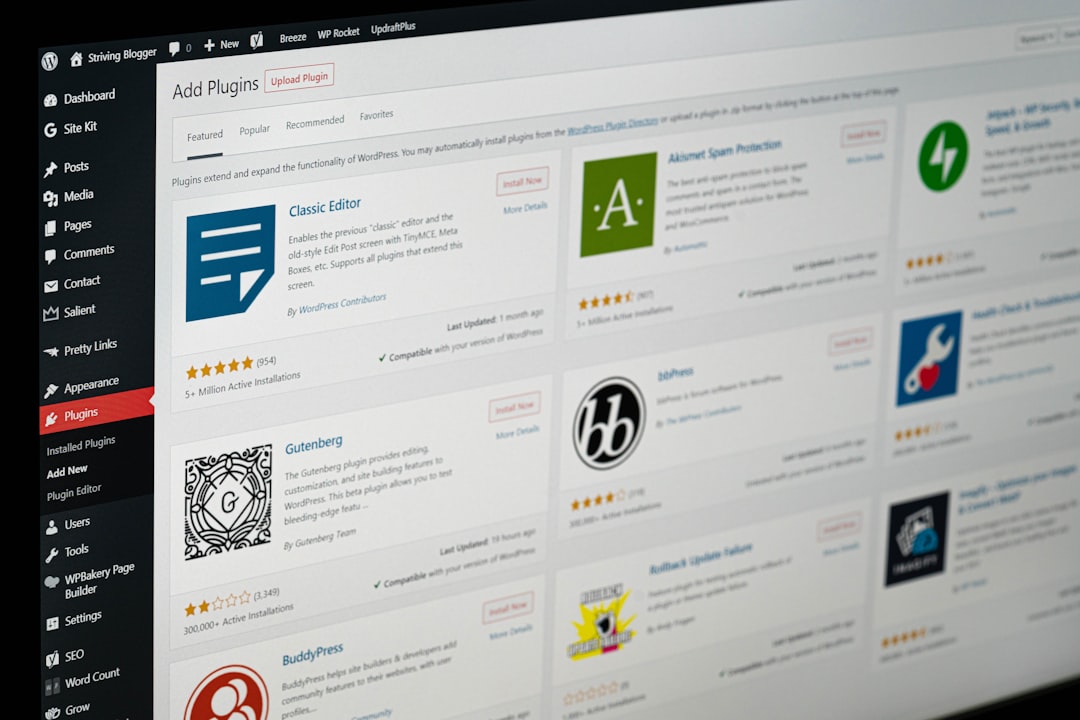
Improving WordPress SEO does not always require advanced programming skills. Many important SEO improvements can be handled through WordPress settings, quality content, proper website organization, and commonly available SEO tools.
The key is knowing which changes actually matter and applying them carefully. A no-code approach can be especially useful for small businesses and website owners who want to improve search visibility without changing the website’s code.
Start With Keyword Research
Keyword research is one of the easiest SEO activities to perform without coding.
Use tools such as Google Keyword Planner, Ubersuggest, or other keyword research platforms to find relevant searches.
Look for keywords that:
- Match your services or products
- Reflect real customer needs
- Have appropriate search intent
- Can realistically be targeted
- Fit naturally into your content
Avoid choosing keywords simply because they have high search volume.
Improve Page Titles and Headings
WordPress allows you to edit page content without touching code.
Review your important pages and make sure their titles clearly describe the subject. Use headings to organize sections logically.
For example, instead of a vague heading such as “Our Services,” a page can use a more descriptive heading that explains the actual service.
This makes the page easier for visitors to understand and gives search engines clearer context.
Write Better Content
One of the most valuable no-code SEO improvements is improving the quality of your content.
Make sure each page:
- Answers the visitor’s main question
- Uses clear language
- Covers important information
- Avoids unnecessary repetition
- Provides useful examples
- Has logical sections
Do not increase word count just for SEO. Add information when it improves the reader’s understanding.
Improve Internal Links

You can create internal links directly from the WordPress editor.
Review related pages and connect them where appropriate.
For example, a blog post about WordPress website optimization can link to a related SEO service page. This helps visitors discover additional information and creates stronger connections between pages.
Use descriptive anchor text that gives readers an idea of where the link leads.
Optimize Images
Images can improve content, but they should be handled carefully.
Before uploading an image, consider whether the file is larger than necessary. Compress suitable images and use appropriate dimensions.
Add descriptive alt text when the image conveys useful information. Alt text should describe the image naturally rather than being used as a place to insert keywords repeatedly.
Use an SEO Plugin Correctly
WordPress SEO plugins can simplify many common tasks.
Depending on the plugin you use, you may be able to manage titles, descriptions, sitemaps, schema-related settings, and other SEO features without editing code.
However, avoid installing several plugins that perform the same SEO functions. Conflicting settings can create unnecessary problems.
Improve Website Navigation
You can improve site structure without programming.
Review your menus and make sure important pages are easy to reach. Organize related content into sensible categories and use internal links between relevant pages.
A visitor should not have to search through several unrelated pages to find an important service or product.
Monitor Google Search Console
Google Search Console provides useful information without requiring technical skills.
You can monitor:
- Search queries
- Clicks
- Impressions
- Average position
- Indexing information
- Sitemap status
- Certain page experience reports
This data can help you identify pages that need attention.
Improve Mobile Usability
Use WordPress themes and page layouts that work well across different screen sizes.
Check important pages on your phone and look for:
- Difficult navigation
- Tiny text
- Poorly sized buttons
- Overlapping elements
- Slow-loading images
- Difficult forms
These problems can affect the overall user experience even if the desktop version looks fine.
Use Data Before Making Major Changes
One advantage of a no-code SEO approach is that many improvements can be tested through content and configuration changes first.
Review the data, identify a problem, make a focused change, and monitor the results.
For example, if a page receives many impressions but few clicks, you might review its title and description rather than completely rebuilding the website.
Know When Professional Help Is Useful
No-code SEO can handle many everyday improvements, but larger websites may still have technical issues that require specialist knowledge.
Complex indexing problems, large-scale migrations, advanced performance issues, and complicated website structures may benefit from a WordPress SEO professional.
The goal is not to code everything yourself. It is to use the tools available in WordPress effectively and bring in technical expertise when the situation requires it.

















