

Low rankings usually come from a scattered plan, not one missing plugin. Better WordPress search engine optimization results usually come from fixing indexing, page titles, internal links, and content structure in the right order instead of chasing plugin scores.
Most site owners do not have one catastrophic problem. They have a stack of smaller issues that compound over time. If you fix the issues that block visibility before the issues that polish visibility, your pages usually become easier to crawl, easier to understand, and easier to rank.
If you want a stronger baseline before changing settings, review our WordPress SEO best practices and our comparison of Yoast SEO vs Rank Math to avoid overlapping tools and weak defaults.
Start With What Blocks Rankings First

The first step is making sure search engines can reach, index, and interpret the right pages. If crawlability, indexing rules, or canonical signals are off, better copy alone usually will not move the page very far.
Check whether your key service pages, product categories, and core blog posts are indexable, linked from crawlable pages, and included in your XML sitemap when they should be. This is especially important after redesigns, plugin changes, or template edits that quietly change archive settings or canonical output.
One clean setup matters here. Running overlapping SEO plugins often creates duplicate metadata, conflicting canonicals, and competing sitemap outputs. One well-configured SEO plugin is enough.
Write Titles That Deserve the Click
Your title tag is one of the strongest on-page signals you control, and it also shapes whether someone clicks. Google recommends descriptive, concise titles and warns against keyword stuffing and repetitive boilerplate across pages.
A green light in an SEO plugin does not mean the page deserves to rank. Clear titles that match the page intent usually perform better than awkward titles stuffed with near-duplicate keywords.
| Weak title | Stronger title |
|---|---|
| SEO Services | SEO Company | SEO Expert | WordPress SEO Services for Small Businesses |
| WordPress SEO | SEO Tips | SEO Help | How to Improve WordPress SEO Results |
| Blog | WordPress SEO Tips for Service Businesses |
Keep your most important pages distinct. If every title uses the same pattern with only one swapped word, both users and search engines get weaker signals about what each page is actually about.
Improve Internal Links Before Publishing More Posts
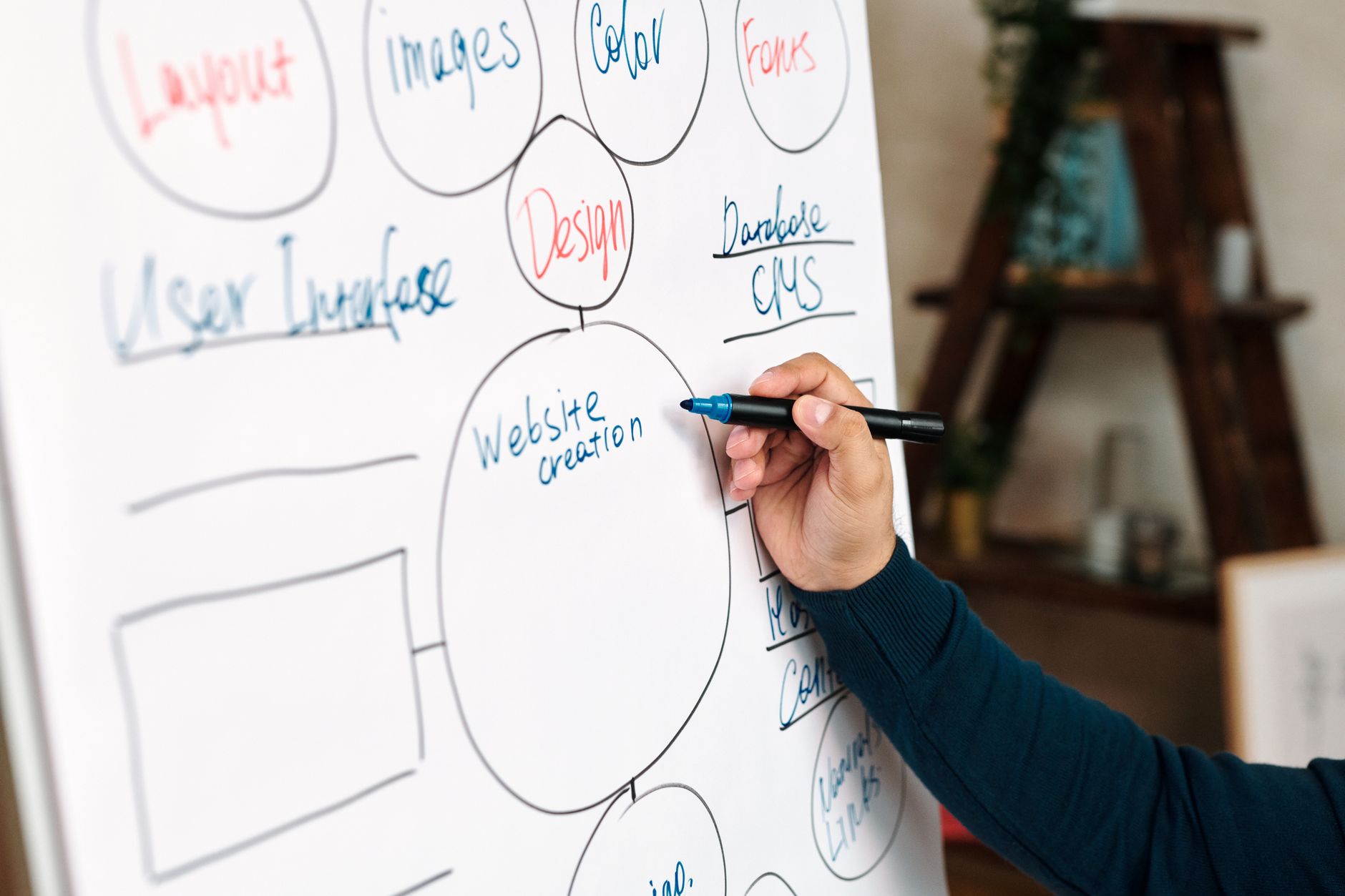
Internal linking often produces faster gains than publishing another thin article. Better links help search engines discover pages, understand hierarchy, and see which URLs matter most on your site.
Link broad informational posts to service pages, connect related posts, and make sure valuable pages are not buried several clicks deep. Google recommends anchor text that is descriptive and concise, which means generic phrases add less value than natural phrases that describe the destination clearly.
If you already have related content, use it intentionally. For example, a post about settings and foundations can link naturally to WordPress SEO best practices, while plugin setup decisions can point readers to Yoast SEO vs Rank Math.
If you are not sure which pages should pass the most internal authority, WordPress SEO Expert can help you map the structure before you spend more time writing new content.
Fix Duplicate and Competing URLs
Many WordPress sites underperform because several URLs compete to represent the same topic. When that happens, canonical signals, internal links, and crawl attention get diluted across duplicates instead of reinforcing one primary page.
Common causes include tag archives, attachment pages, filtered WooCommerce URLs, pagination paths, and old slugs left live after updates. Choose the main version, link to it consistently, and redirect outdated alternatives when needed.
This is also where many store owners lose traction. Publishing more category text will not solve duplicate paths if the store architecture keeps creating crawl noise in the background.
Make Content Easier to Scan and Satisfy

Better WordPress SEO results usually come from clearer content, not longer content. One focused page that answers a real need often beats several thin pages built around slight keyword variations.
Use one clear H1, logical subheadings, short paragraphs, and sections that answer the reader’s next question directly. Google emphasizes helpful, people-first content created to benefit users rather than content designed mainly to manipulate rankings.
That means you do not need a perfect score. The goal is a page that loads cleanly, reads naturally, and gives the visitor a clear next step.
Prioritize the Work in the Right Order
If your site feels stuck, the answer is usually prioritization. Fix the issues that block visibility before the issues that polish visibility, then improve the pages closest to leads, sales, or page-one potential.
| Priority | What to review first | Why it matters |
|---|---|---|
| 1 | Indexing and crawl access | Pages cannot perform if search engines cannot reach or index them properly. |
| 2 | Canonicals and redirects | Prevents duplicate URL confusion and diluted signals. |
| 3 | Titles and search intent | Improves relevance and click-through potential. |
| 4 | Internal linking | Strengthens discovery, hierarchy, and topic relationships. |
| 5 | Content structure | Helps users and search engines understand the page faster. |
| 6 | Speed and template issues | Improves usability and reduces friction on key pages. |
This sequence keeps you from wasting time on cosmetic edits while larger technical problems remain unresolved. It also gives you a practical stopping point so you do not over-optimize pages that already do their job well.
What to Stop Doing
Stop treating plugin scores as the goal. Stop stacking multiple SEO plugins. Stop publishing thin near-duplicate posts to cover every minor keyword variation. Those habits usually create more noise than momentum.
A cleaner structure, stronger internal links, clearer titles, and fewer competing URLs will usually do more for WordPress search engine optimization than another round of low-priority tweaks.
If you are experiencing these symptoms, our team at WordPress SEO Expert can help. We can review your setup, identify what is actually holding rankings back, and give you a clear order of operations without the usual agency fog.
The Best Next Step
The best next move is a focused review of your highest-value pages, not a sitewide rewrite. Start with the pages already earning impressions, the pages closest to page one, and the pages tied directly to leads or sales.
WordPress SEO Expert can help you sort out whether your biggest issue is technical SEO, weak on-page targeting, poor internal linking, or content overlap. Book a free SEO consultation. No pitch, no pressure. Just an honest look at what your site actually needs and whether your current setup is part of the solution or part of the problem.
Contact WordPress SEO Expert today to schedule a consultation and get a clearer plan for what to fix first on your WordPress site.

















