

Beginner WordPress SEO goes better when you stop chasing scattered tips and start working in the same order professionals do. Most sites are not held back by one missing trick. They are slowed down by a few small problems in indexing, page targeting, internal links, and plugin setup that stack together.
The expert mindset is simple: fix the issues that block visibility before the issues that polish visibility. A green light in an SEO plugin does not mean the page deserves to rank. What matters more is whether search engines can reach the right pages, understand what each page is about, and see a clear structure that supports your most important content.
What experts do first
Experts start with diagnosis, not tools. Before changing titles, adding schema, or installing another plugin, they check whether the site is crawlable, whether important pages are indexable, and whether the current setup is sending mixed signals.
That usually means reviewing search visibility settings, sitemap output, archive behavior, canonical tags, and the overall page structure. If you need a broader baseline before making changes, read this practical WordPress SEO guide for DIY site owners. It pairs well with a beginner-focused plan because it shows how the layers work together.
The order matters more than most beginners think
Professionals do not treat WordPress SEO like a checklist where every task has equal value. They prioritize in sequence. If Google cannot crawl or index the right URL, improving the meta description will not solve the real problem. If three pages target the same phrase, writing a longer post may only create more overlap.
This is why expert work feels calmer and more focused. The goal is not to do everything. The goal is to do the right things in the right order.
How experts simplify the plugin setup


Most beginners assume better SEO comes from adding more features. Experts usually do the opposite. They simplify the stack, keep one primary SEO plugin, and remove overlapping tools that generate duplicate metadata, competing sitemaps, or conflicting canonical signals.
One well-configured SEO plugin is enough for most sites. If your current setup feels cluttered or inconsistent, this guide to fixing WordPress SEO setup problems can help you identify what is actually hurting performance. Beginners often improve faster by removing conflict than by adding features.
Why plugin scores mislead beginners
Experts use plugins as control panels, not scoreboards. Google recommends descriptive and concise title text and advises against keyword stuffing, but plugin checks cannot judge search intent or whether the page is genuinely useful to the reader. They can only measure a narrow set of inputs.
That is why experienced practitioners treat green lights as optional feedback, not proof of quality. A page can score well inside a plugin and still fail because it targets the wrong query, buries its best page too deeply, or competes with another URL on the same site.
How experts handle titles, headings, and internal links





Experts make each important page easy to understand at a glance. They write specific page titles, keep headings logical, and use internal links to reinforce which pages matter most. This gives both users and search engines a cleaner map of the site.
Google says title elements should be descriptive and concise, and its guidance on links emphasizes crawlable HTML links with useful anchor text. For beginners, the takeaway is practical: name the page clearly, organize it cleanly, and link to related pages with words that describe the destination.
| Element | Weak approach | Stronger expert approach |
|---|---|---|
| Title tag | SEO Services | SEO Company | SEO Expert | WordPress SEO Services for Small Businesses |
| Heading structure | Multiple vague headings used for styling | One clear H1 with H2s and H3s in logical order |
| Internal links | Click here or random related posts | Descriptive links pointing to the next relevant page |
Most beginners do not need more pages at this stage. They need clearer signals on the pages they already have.
How experts approach technical SEO without panic
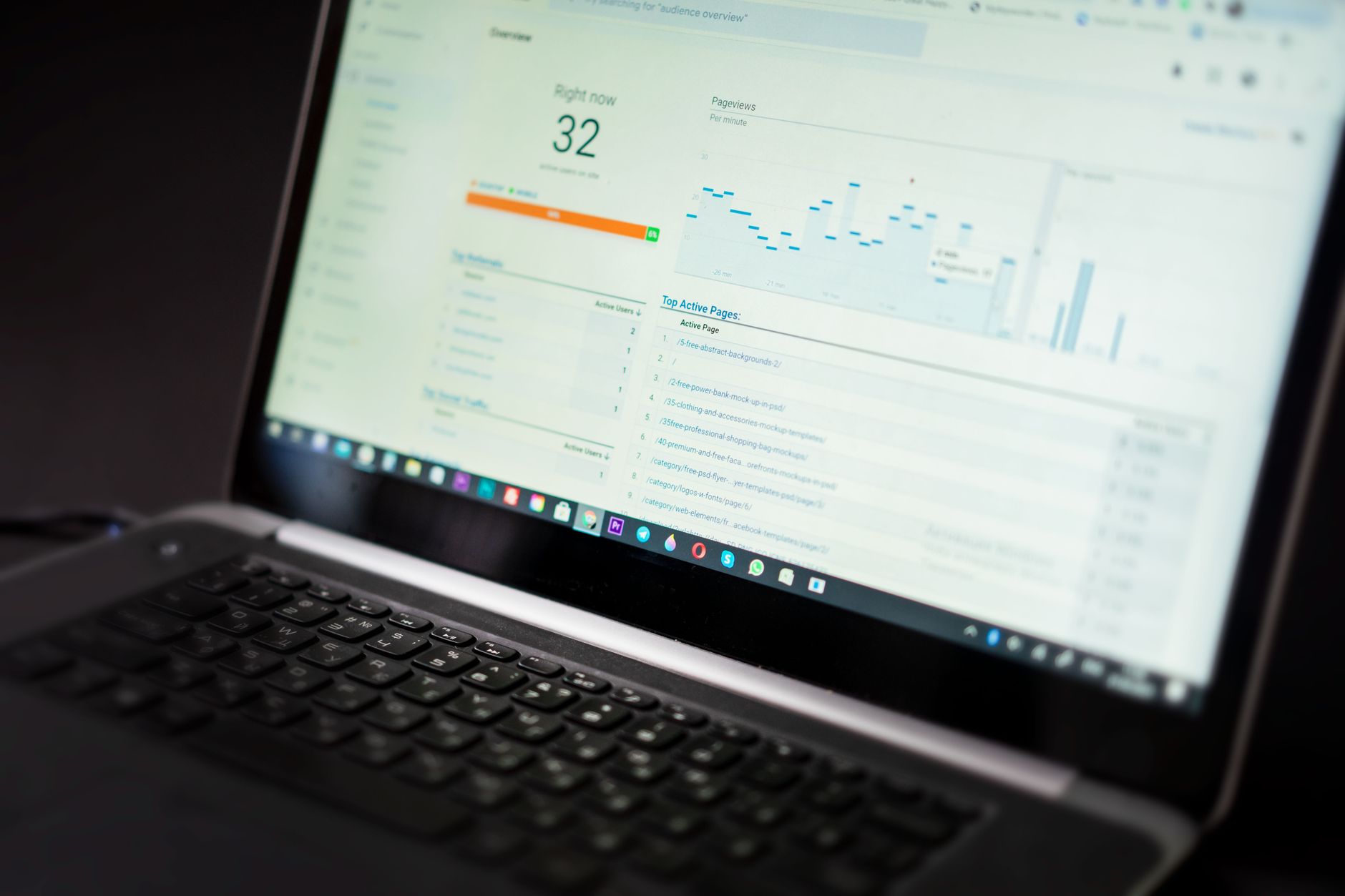
Technical SEO sounds intimidating, but experts usually focus on a short list of basics first. They check indexing, crawl access, duplicate URLs, broken internal links, and archive settings before worrying about advanced features.
This matters on WordPress because it is easy to create thin archives, attachment pages, or duplicate versions of content without realizing it. Most site owners do not have one catastrophic problem. They have a stack of smaller issues that compound over time.
What beginners should check first
Start by confirming that your key pages are indexable and included in your sitemap. Then review whether tag archives, author archives, and other low-value pages really need to be indexed. After that, make sure your important pages are linked from other crawlable pages on the site.
Experts also keep schema in perspective. Google’s structured data guidance makes clear that markup should reflect visible page content. That means schema can support understanding, but it cannot rescue a weak page or justify cluttering a site with markup that does not match what users actually see.
If you are experiencing these symptoms, our team at WordPress SEO Expert can help. We can sort out whether the real issue is indexing, duplication, weak targeting, or plugin clutter before you waste time changing the wrong settings.
How experts think about content for beginners
Experts do not publish content just to stay busy. They assign each page a job. One page targets one main intent, and supporting pages link naturally to that core page instead of competing with it.
For beginners, this means resisting the urge to create several thin posts on nearly identical topics. A stronger approach is to build one useful page around a clear question, then improve related pages so they support each other. That is usually more effective than splitting one topic into many shallow variations.
What experts want beginners to stop doing
They want beginners to stop measuring progress by plugin colors, stop adding overlapping tools, and stop polishing low-value pages before fixing visibility blockers. They also want beginners to stop assuming every SEO task matters equally.
You do not need a perfect score. The goal is a site that loads cleanly, is easy to use, and sends consistent signals about which pages matter most. That is the difference between a site that feels busy and a site that becomes easier for Google to understand.
A beginner-friendly expert checklist
If you want to follow the same logic experts use, keep the process simple. Start with visibility, move to page clarity, then strengthen structure. That order will save you from spending hours on tasks that look productive but do not solve the real bottleneck.
| Priority | What to do | Why it comes first |
|---|---|---|
| 1 | Check indexing and crawl access | Pages cannot rank if search engines cannot reach them |
| 2 | Use one SEO plugin and clean up conflicts | Mixed signals create sitewide confusion |
| 3 | Improve titles and headings on core pages | Clearer relevance helps both rankings and clicks |
| 4 | Add descriptive internal links | Supports discovery, hierarchy, and topic relationships |
| 5 | Expand or consolidate content carefully | Content works better after the foundation is stable |
When expert help makes sense
Sometimes the problem is not effort. It is that the next best step is hard to identify from inside the site. If your rankings are flat and you are not sure whether the real problem is indexing, duplication, weak targeting, or plugin clutter, WordPress SEO Expert can help you find the bottleneck and build a practical plan around it.
Book a free SEO consultation. No pitch, no pressure. Just an honest look at what your site actually needs and whether your current setup is part of the solution or part of the problem.
Contact WordPress SEO Expert today to schedule a consultation if you want a clearer path forward and a simpler WordPress SEO setup that supports growth instead of confusion.

















