

Low rankings usually come from a scattered plan, not one missing plugin. How experts approach SEO for WordPress is by diagnosing the stack of smaller issues first: search intent gaps, weak site structure, conflicting plugins, thin internal linking, and technical settings that quietly block stronger pages from performing.
That approach is less exciting than chasing a plugin score, but it is what moves sites forward. Google’s Search Essentials and guidance on helpful, reliable, people-first content both point in the same direction: useful pages, crawlable structure, and a site that works well for real visitors.
What experts do first
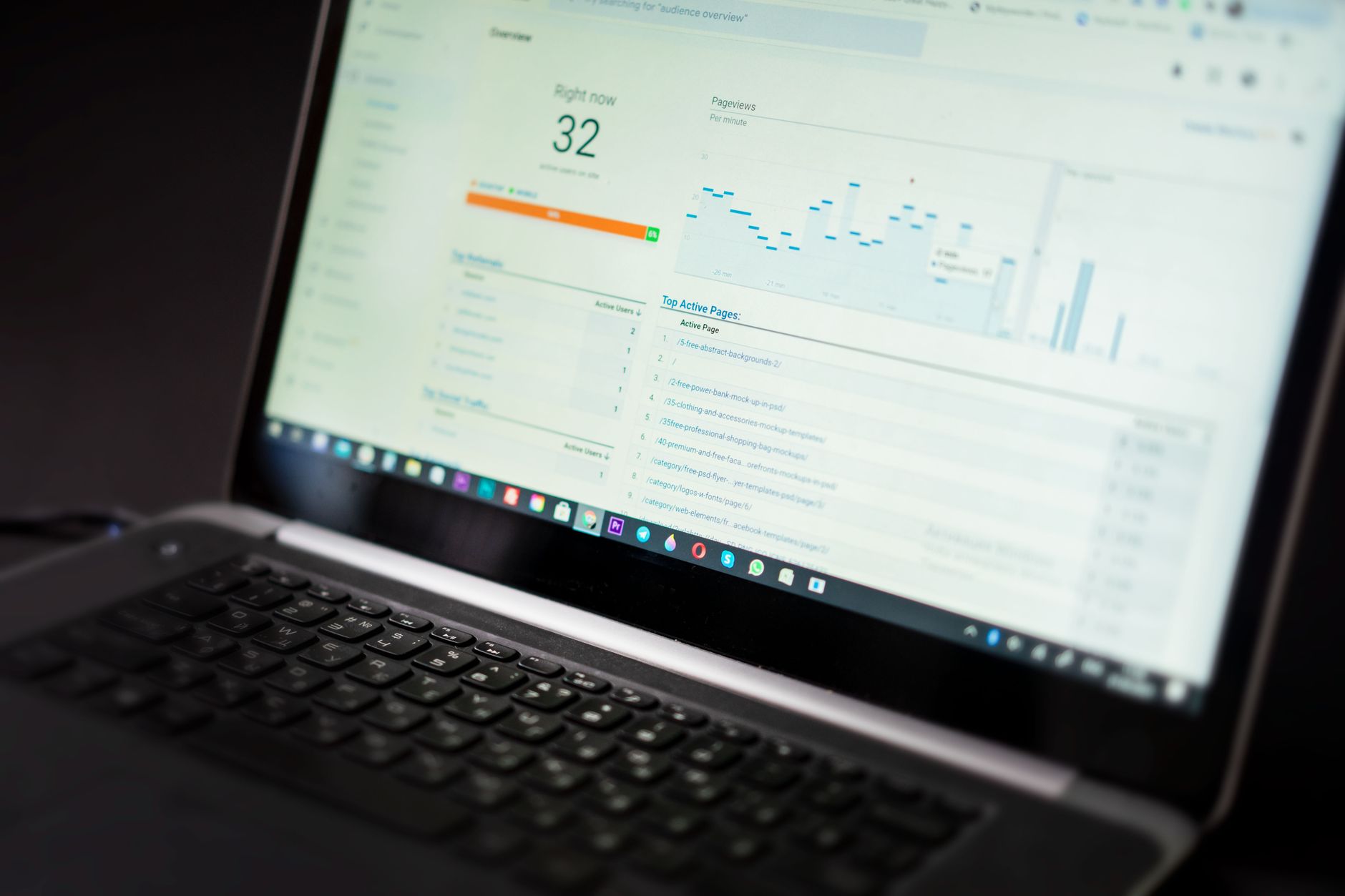
Experts start with diagnosis before tactics. The first job is to find out whether the site has a relevance problem, a technical problem, a structure problem, or a measurement problem. Until that is clear, changing plugin settings or publishing more blog posts is mostly guesswork.
That is why a real process usually begins with page-level review, indexability checks, title and heading review, internal link mapping, and Search Console analysis. Google’s Search Console documentation shows why this matters: the Performance report surfaces clicks, impressions, average CTR, and average position, which helps you see whether the issue is visibility, weak snippets, or intent mismatch. If you want a structured place to start, review our WordPress SEO checklist for new websites and compare those technical basics against your current setup.
The expert SEO sequence for WordPress
Experts do not treat every task as equally important. They work in a sequence that protects crawlability first, strengthens page targeting second, and only then expands content. That order prevents you from pouring effort into pages that search engines cannot interpret or prioritize correctly.
| Area | What experts check | Why it matters |
|---|---|---|
| Indexing | Noindex tags, robots rules, sitemap health, canonical output | If pages cannot be crawled or indexed, content improvements will not matter |
| Site structure | Navigation, orphan pages, category logic, internal links | Strong structure helps Google understand page importance and topical relationships |
| On-page targeting | Titles, H1s, search intent match, supporting subheadings | Pages rank better when the purpose is obvious and focused |
| Content quality | Depth, usefulness, duplication, missing buyer questions | Helpful pages are more likely to satisfy users and earn visibility |
| Performance | Template bloat, large media, caching, mobile usability | Slow or unstable pages can weaken user experience and conversions |
| Measurement | Search Console trends, page-level CTR, query overlap | Tracking shows what to improve first instead of guessing |
Technical SEO comes before content volume

Experts fix technical drag before asking a site to publish more. A WordPress site with crawl waste, duplicate archives, broken canonicals, or conflicting plugins can underperform even when the content itself is solid.
In practice, this means checking whether only one SEO plugin is controlling metadata, whether XML sitemaps reflect the pages you actually want indexed, and whether low-value archives are being treated deliberately instead of left on default settings. WordPress also includes a Site Health area under Tools that gives a useful snapshot of technical configuration, active plugins, and server details. For many owners, that is the easiest place to spot the first layer of problems before a deeper audit begins.
Most site owners do not have one catastrophic issue. They have a stack of smaller issues that compound over time. That is why a page can be well written and still underperform. If your site has been redesigned, migrated, or heavily edited, our WordPress SEO strategy for small business breaks down how to rebuild around page purpose and cleaner structure.
On-page SEO is about page purpose, not plugin scores
Experts use on-page SEO to clarify relevance, not to chase green lights. A page should target one primary topic, answer the next logical questions a visitor has, and make the action step obvious. That is very different from stuffing variations of the same keyword into every field.
A practical review usually includes the title tag, H1, opening paragraph, subheadings, image alt text, and internal anchor text. The question is simple: if someone lands here from search, is it immediately clear what the page is about and who it is for? Google’s guidance recommends using words people would actually search for in prominent locations like titles, headings, alt text, and link text. That is a relevance signal, not a density formula.
Weak title: SEO Services | SEO Company | SEO Expert.
Stronger title: WordPress SEO Services for Small Businesses.
The stronger version gives the page a clearer audience and use case. Experts make that kind of tightening decision across the whole site.
Internal links are treated like site structure, not decoration
Experts use internal links to show search engines which pages matter and how topics relate. On many WordPress sites, good pages stay weak simply because nothing important points to them with descriptive anchor text.
That is why internal links are reviewed alongside navigation, categories, and hub pages. Service pages should be linked from relevant blog posts. Blog posts should support commercial pages instead of floating as isolated traffic plays. Category pages should help users browse, not just exist because WordPress created them automatically. A cleaner internal link pattern helps both crawling and user flow.
If you are experiencing these symptoms, our team at WordPress SEO Expert can help. A diagnostic review is often enough to show whether the real bottleneck is technical, structural, or content-related before you start changing settings blindly.
Experts measure before they declare a fix successful
Experts do not assume a rewrite or plugin change worked just because the page looks better. They check whether impressions rise, whether CTR improves, whether the right queries appear, and whether the page starts attracting traffic that matches its intent.
Google’s documentation for the Performance report explains the four core metrics clearly: clicks, impressions, average CTR, and average position. Those numbers help interpret the type of problem in front of you. High impressions with weak CTR often point to title or snippet issues. Low impressions may point to indexing, internal links, or a query target that is too broad. Good position for the wrong query can signal that the page is relevant to a different intent than the one you planned for.
What expert SEO for WordPress usually avoids
Experts are usually defined as much by what they skip as by what they do. They avoid overlapping SEO plugins, avoid publishing content without a target page map, and avoid treating every plugin recommendation as a high-priority fix.
They also know when to stop. A clean site structure, clear titles, useful content, stable indexing, and consistent Search Console improvement matter more than squeezing out cosmetic gains that nobody will notice. The goal is not to create the busiest dashboard. The goal is to create a WordPress site that is easier for search engines to understand and easier for customers to use.
Final takeaway
How experts approach SEO for WordPress is straightforward: diagnose first, fix the foundation, clarify page purpose, strengthen internal links, and measure what changes. That is a more reliable path than chasing hacks, piling on plugins, or publishing content without a plan.
If you want a second set of eyes before changing core settings or rewriting important pages, contact WordPress SEO Expert today to schedule a consultation. We will help you identify what is actually holding your site back and what to fix first.

















