

Low rankings on ecommerce sites usually come from a scattered plan, not one missing plugin. Most stores do not have one catastrophic problem. They have a stack of smaller issues that compound over time: thin category pages, duplicate filter URLs, weak internal linking, and product pages that are hard for Google to interpret.
That is why a strong WordPress search engine optimization strategy for ecommerce sites starts with structure before polish. A green light in an SEO plugin does not mean the page deserves to rank. The goal is to make your store easy to crawl, easy to understand, and easy to use. If you need a baseline before changing anything, review our WordPress SEO best practices and our Yoast SEO vs Rank Math comparison to avoid tool-level mistakes that create technical clutter.
Start with crawlability and index control

The first priority is making sure Google can reach the pages that matter and spend less time on the pages that do not. Fix the issues that block visibility before the issues that polish visibility.
On ecommerce sites, the biggest crawl problems often come from faceted navigation, filter combinations, sort parameters, internal search pages, and duplicate category paths. Google has specifically warned that faceted navigation can create a large number of low-value URLs and is one of the most common causes of overcrawling on ecommerce sites. Google also explains that it learns site importance from internal links, not just URL structure, so your most important categories and products should be linked prominently from crawlable pages. Use that guidance when deciding what deserves indexable status and what should stay out of search. If you are not sure where crawl waste is happening, WordPress SEO Expert can help.
Make category pages your SEO workhorses
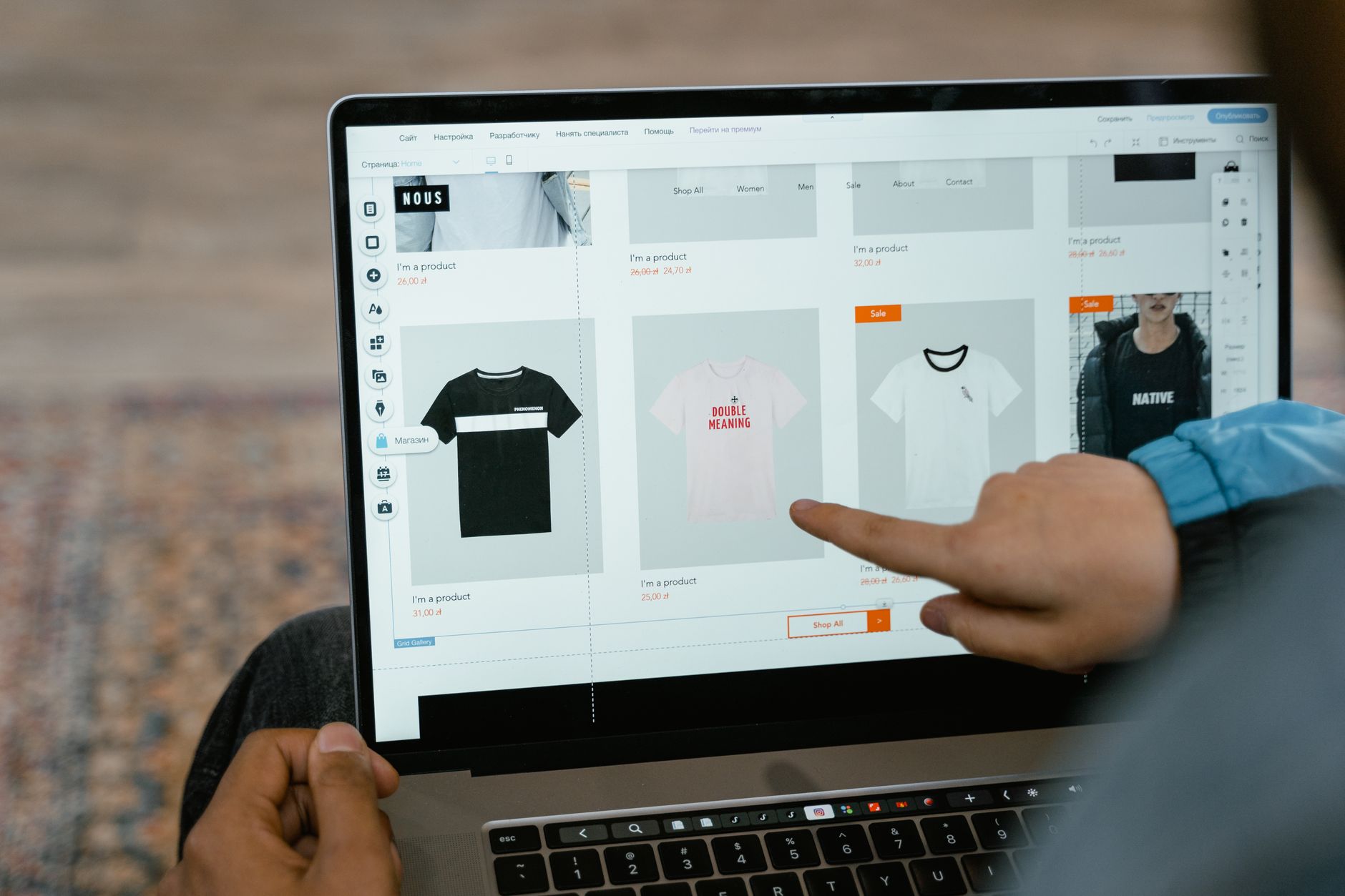
For most stores, category pages should do more SEO heavy lifting than individual blog posts. They match broad commercial intent, organize product relevance, and often have a better chance to earn links and rank consistently over time.
Many WordPress and WooCommerce stores underinvest in category pages. They publish dozens of products, then leave category templates with a heading, a product grid, and almost no useful context. A better approach is to strengthen the category title, write concise introductory copy that helps users choose, improve filters, and add internal links to subcategories or best-selling product groups. Keep the copy helpful and tight. You do not need to turn every category into a 2,000-word article. You need a page that clearly explains what belongs there and why a shopper should keep browsing.
Use product pages to reinforce trust and clarity

Product pages should answer buying questions fast. If a shopper cannot confirm what the product is, who it is for, and how it differs from nearby options, the page is weak for both conversions and SEO.
Write distinct product titles and descriptions instead of relying on manufacturer copy. Add clear specifications, shipping details, return information, FAQs, and variant details where relevant. Google recommends adding Product structured data to product pages, and notes that merchant listing experiences can highlight details such as price, availability, shipping, and return information when the markup and page content align. Google also recommends focusing product markup on pages about a single product or multiple variants of the same product, not broad category pages.
Handle variants and duplicate URLs carefully
Variant handling can quietly weaken an ecommerce site when every color, size, or currency setup creates conflicting URLs and mixed signals. The right setup depends on how different the variants really are, but consistency matters more than complexity.
Google advises stores to use consistent internal links, sitemap URLs, and canonical signals. It also documents support for product variants in structured data and recommends distinct URLs in some ecommerce cases, such as separate currency versions. For WooCommerce owners, this means you should decide early whether variants belong on one strong product URL or on separate pages with enough unique value to stand on their own. What usually hurts rankings is not the platform itself. It is an inconsistent mix of canonicals, variant URLs, and plugin settings.
Keep your internal linking intentional

Internal links tell Google which pages matter most and help shoppers move naturally from broad discovery to specific products. This is one of the simplest levers most WordPress stores underuse.
Link high-value categories from the main navigation, homepage sections, and relevant blog posts. Link supporting buying guides to product categories, and link category pages down into important product pages. Google recommends meaningful anchor text in ecommerce links, and its ecommerce site structure guidance makes clear that stronger internal linkage helps Google understand relative page importance. If you publish educational content, use it to support commercial pages instead of letting it sit in a separate content silo.
If your current content is getting impressions but not helping product and category pages move up, our WordPress SEO best practices article will help you tighten architecture and linking before you publish more pages.
Choose one SEO plugin and configure it well
One well-configured SEO plugin is enough. Running overlapping plugins often creates duplicate metadata, conflicting canonicals, and competing sitemap outputs.
For ecommerce sites, your plugin should support clean title templates, meta descriptions, schema settings, archive controls, breadcrumbs, and sitemap management. The gap between major plugins is not that one works and one does not. The gap is in workflow, WooCommerce support, and which features are free versus paid. If you are comparing setups, see our Yoast SEO vs Rank Math comparison. The key principle stays the same either way: configure one clean setup and then move on to the structural work that actually affects visibility.
Build a practical 90-day ecommerce SEO plan
The best strategy is sequential, not exhaustive. You do not need to fix every possible SEO issue this week. You need to fix the issues most likely to unblock growth first.
| Timeframe | Primary focus | What to do |
|---|---|---|
| Days 1 to 30 | Technical cleanup | Review indexing rules, filter URLs, canonicals, broken pages, sitemap coverage, and duplicate templates. |
| Days 31 to 60 | Category optimization | Improve category titles, intro copy, internal links, on-page structure, and supporting content around revenue-driving categories. |
| Days 61 to 90 | Product and content expansion | Upgrade priority product pages, add supporting guides, strengthen cross-linking, and refine schema where it matches visible content. |
This kind of sequence keeps teams from wasting weeks rewriting copy on pages that should not be indexed in the first place. It also helps store owners stop chasing plugin scores and start fixing the real constraints.
If you are dealing with crawl waste, duplicate product paths, or flat category rankings, WordPress SEO Expert can help. Book a free SEO consultation. No pitch, no pressure. Just an honest look at what your site actually needs and whether your current setup is part of the solution or part of the problem.
What to stop doing
Most ecommerce SEO plateaus come from repeated low-value habits, not from missing one advanced tactic. Stop publishing thin near-duplicate pages, stop letting filter URLs expand without a plan, and stop treating plugin recommendations like a strategy.
Also stop trying to make every page rank for every variation. A stronger store usually comes from consolidating overlapping intent into better category pages, improving product detail pages, and tightening internal links. You do not need a perfect score. The goal is a site that loads cleanly, is easy to use, and gives search engines fewer mixed signals.
The best next step
A good WordPress search engine optimization strategy for ecommerce sites starts with diagnosis, then prioritization, then execution. Most stores can grow without a full rebuild, but only if the smaller issues are found and fixed in the right order.
Contact WordPress SEO Expert today to schedule a consultation. We will help you determine whether your biggest constraint is technical SEO, category architecture, product page quality, or something more fundamental in how your store is set up.

















