
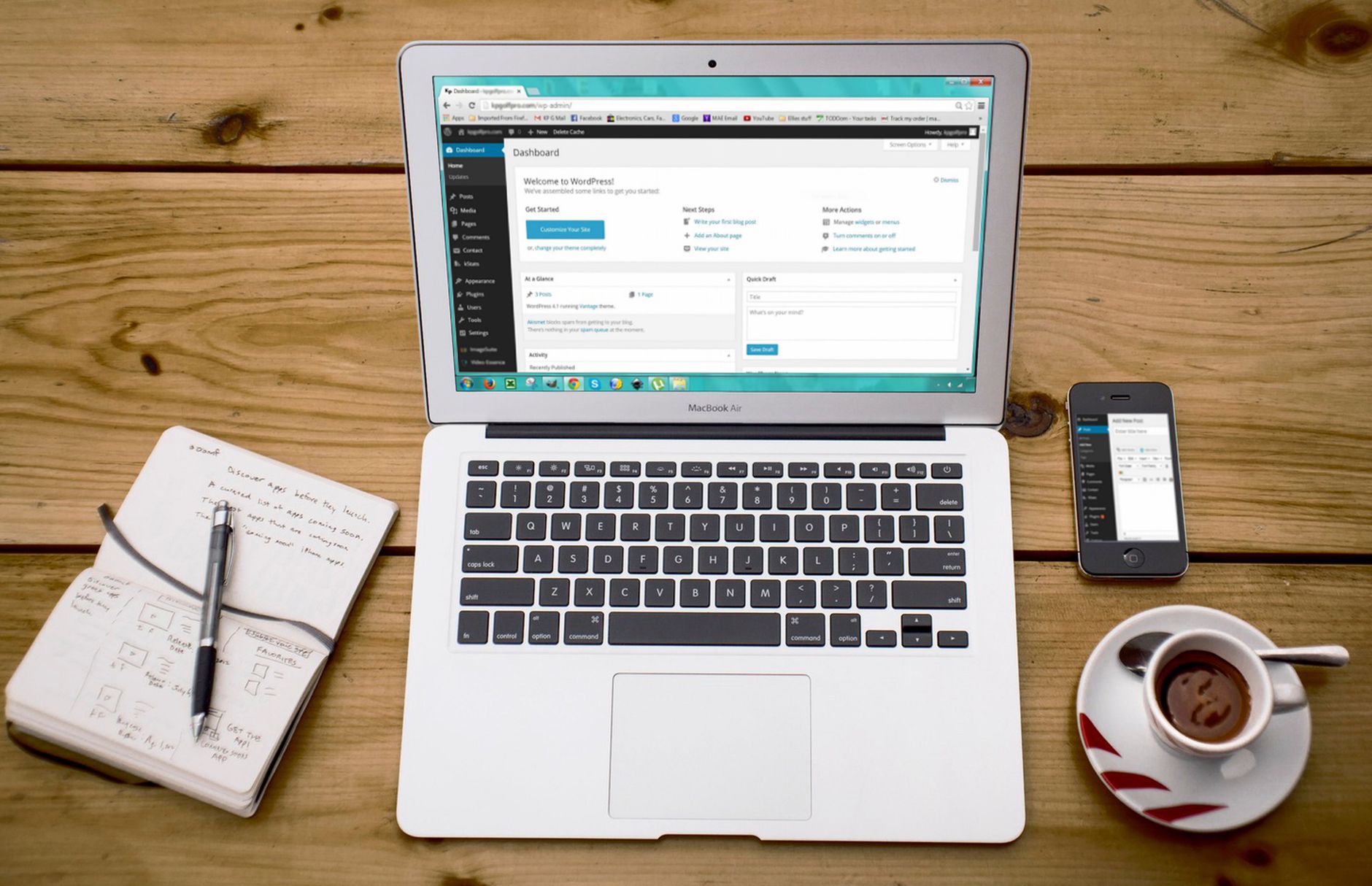
Most ecommerce SEO problems are not caused by one missing setting. They usually come from too many low-value URLs, weak category targeting, and a scattered plan. If you are new to store SEO, start by making your most important pages clear, crawlable, and easy to understand before you touch advanced features.
That matters even more on WordPress and WooCommerce, where product filters, variations, tags, and archives can quietly create duplicate paths. A green light in an SEO plugin does not mean the page deserves to rank. The goal is not a perfect score. The goal is a store that helps search engines find the right pages and helps shoppers reach them quickly.
What should beginners focus on first?
Beginners should focus on category pages, product page titles, crawl control, and internal links before they worry about extras like advanced schema tweaks. Fix the issues that block visibility before the issues that polish visibility.
For most ecommerce sites, that means choosing one SEO plugin, checking which pages should be indexed, tightening category structure, and writing titles that match what each page actually sells. If your foundation is messy, adding more tools usually adds more confusion. If you need a cleaner starting point, our WordPress SEO setup for beginners is a useful companion to this strategy.
Use one SEO plugin, not a stack
One well-configured SEO plugin is enough for most beginner ecommerce sites. Running overlapping plugins often creates duplicate metadata, conflicting canonicals, and competing sitemap outputs.
Keep the setup simple so you can tell what is actually controlling titles, canonicals, and indexing rules. WordPress SEO Expert usually sees more problems from plugin overlap than from missing plugin features. If you are still deciding what to keep, our Yoast SEO vs Rank Math comparison can help you choose one path and stick with it.
Prioritize category pages over individual products
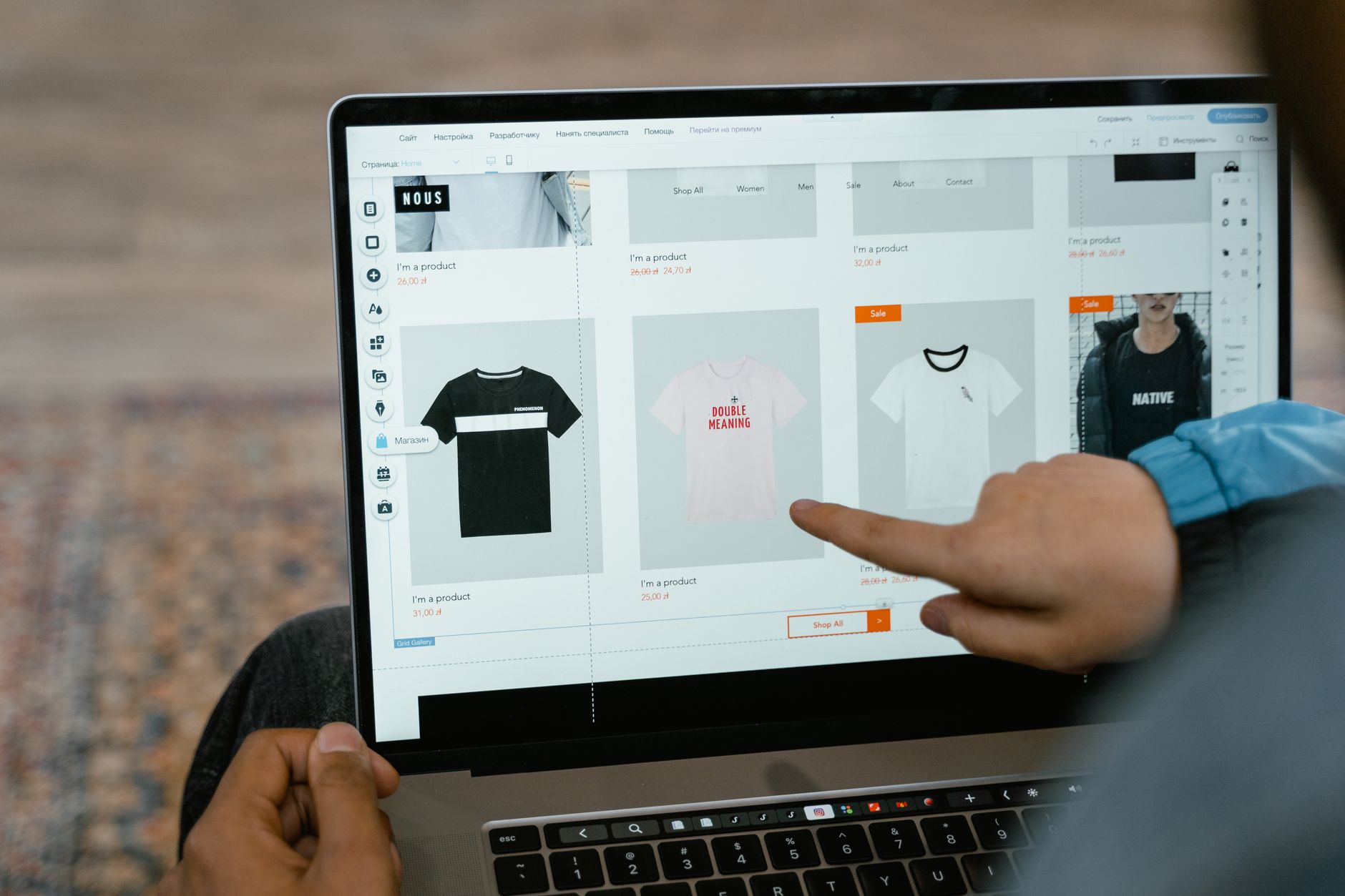
Category pages often do more SEO work than individual product pages, especially on smaller stores. They usually target broader buying terms, group related products, and give you more room to explain what the shopper will find.
Many beginners spend hours tweaking every product while their category pages have thin copy, vague titles, and weak internal links. Start by identifying your highest-value categories and make those pages the center of your strategy. Use a clear heading, short intro copy, helpful product organization, and links to supporting content where it makes sense.
Write titles that describe the page clearly
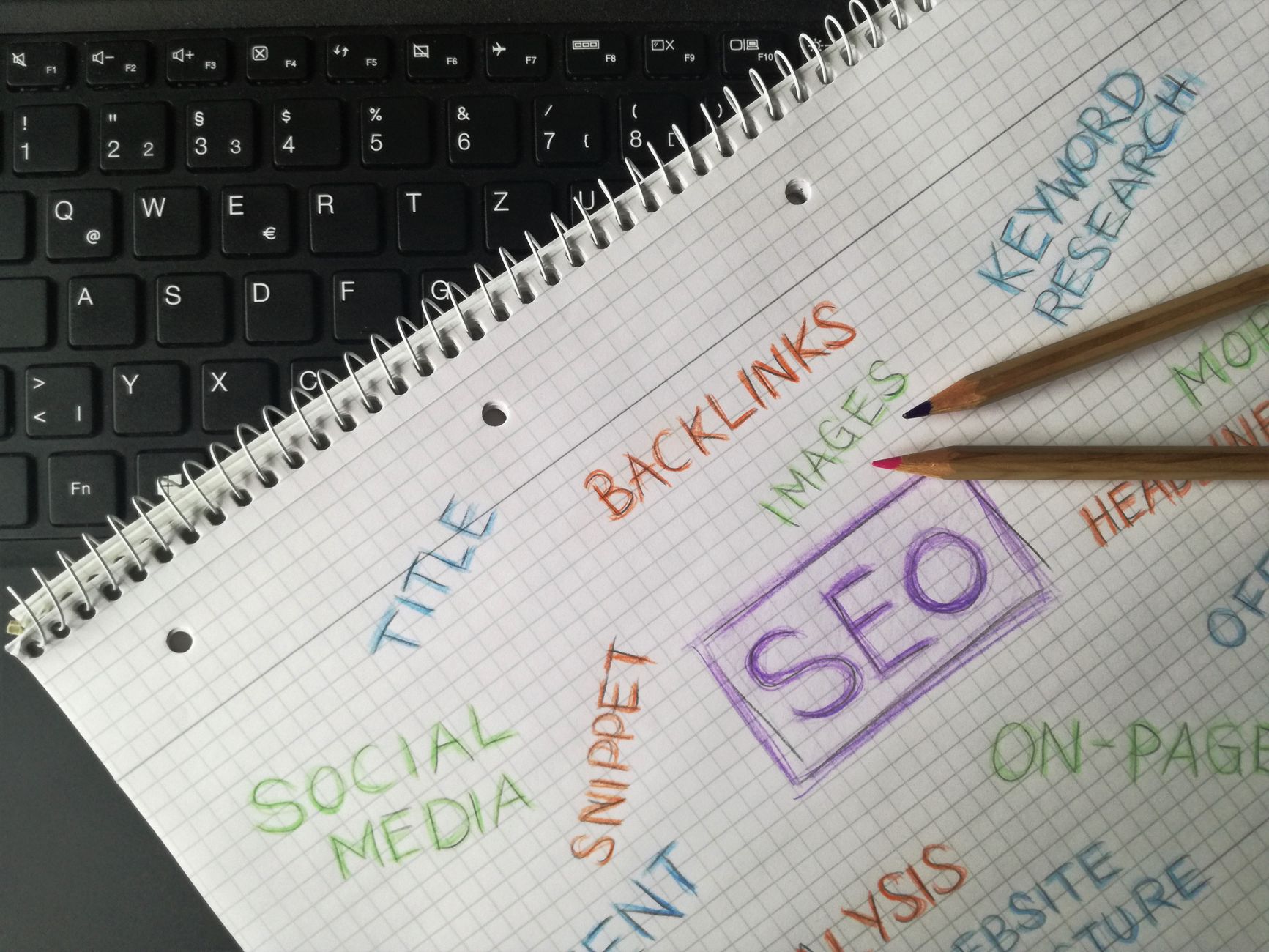
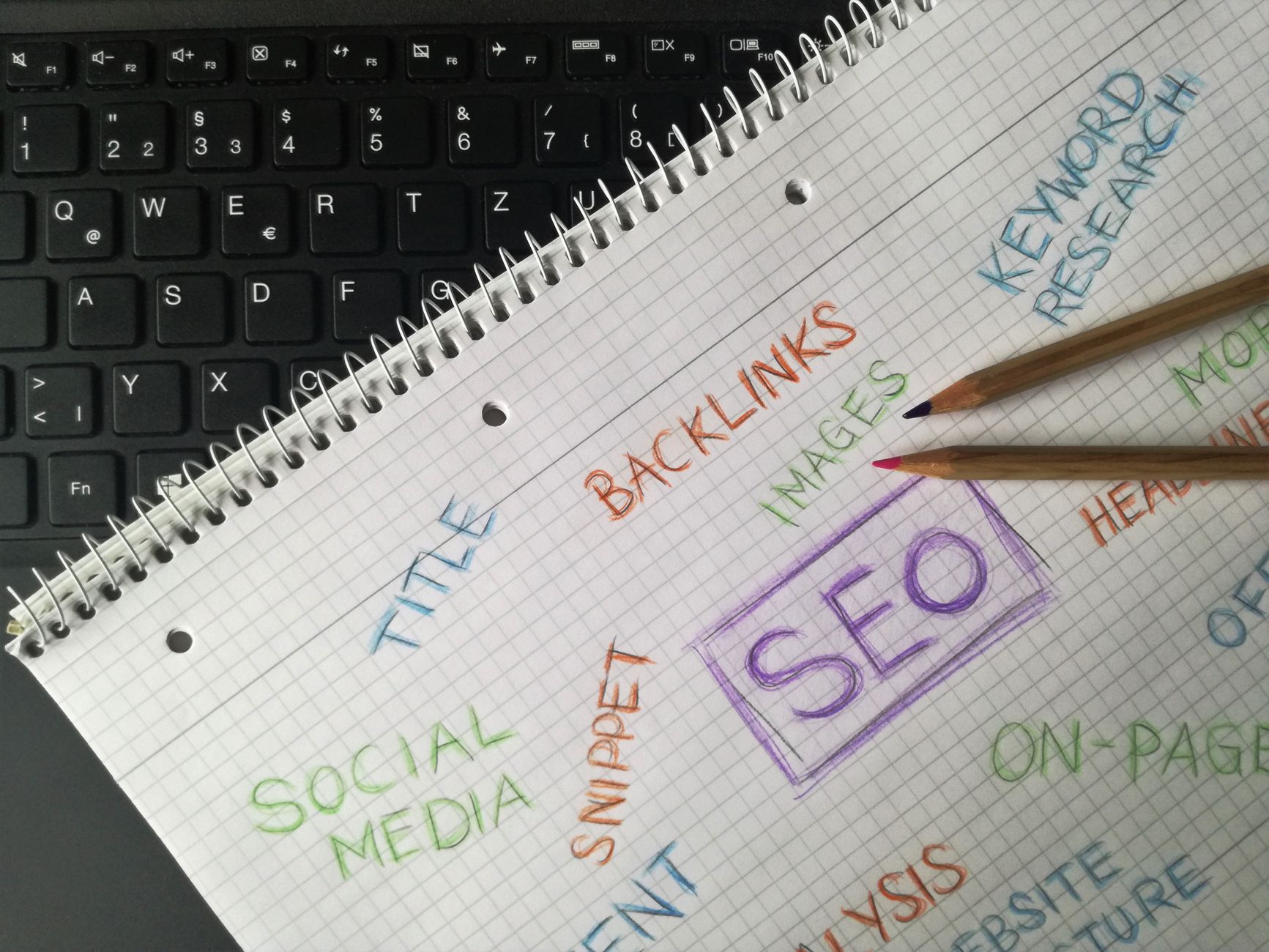
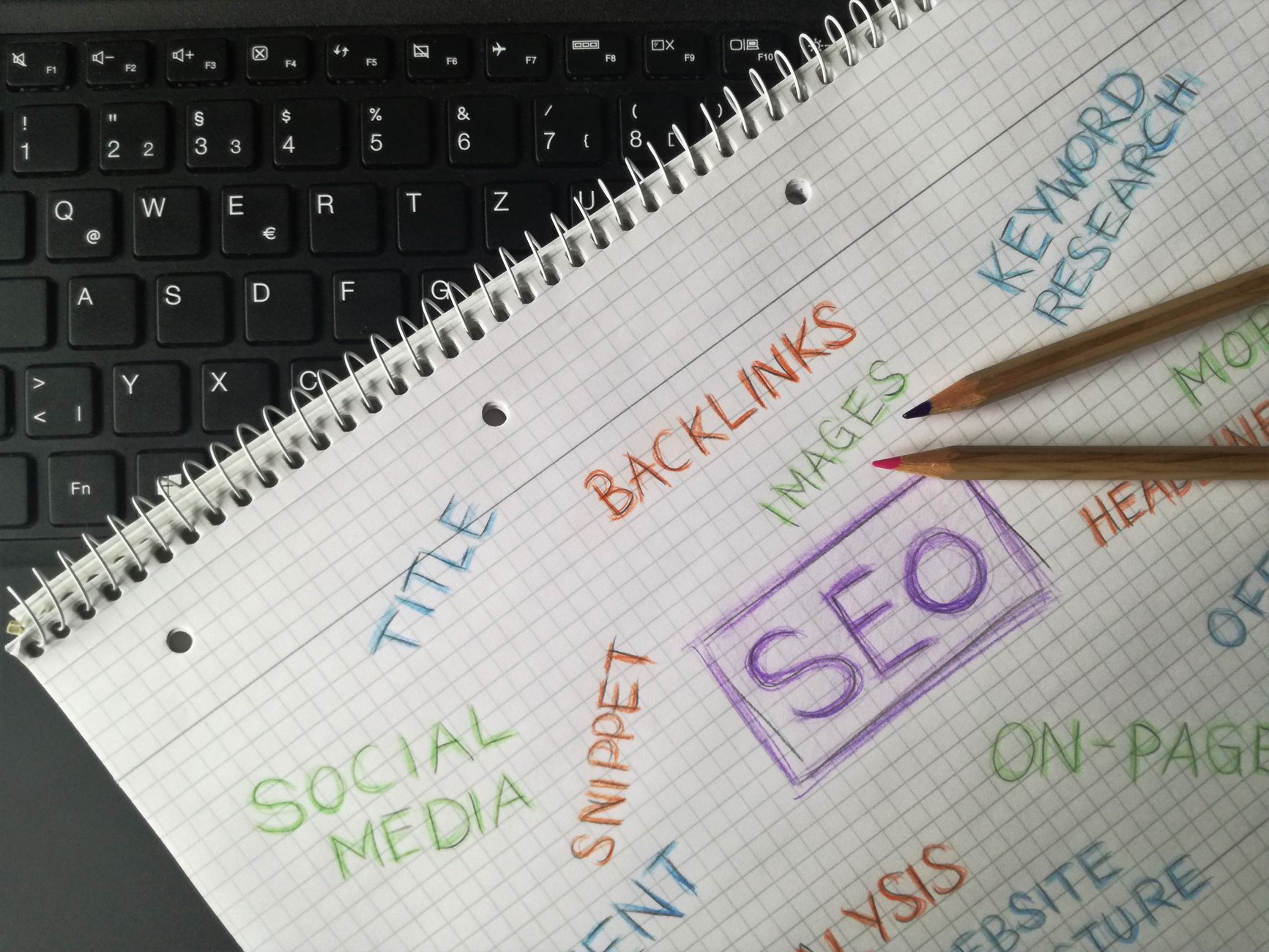
Clear titles are one of the fastest beginner wins because they improve relevance and help users decide what to click. Google recommends descriptive, concise title text and advises site owners to avoid keyword stuffing and repetitive boilerplate.
That means your product and category titles should describe what is actually on the page instead of repeating generic sales phrases. Google also explains that title links in search can be influenced by your page titles, headings, and other prominent text, so consistency matters across the page layout as well.
| Weak title | Stronger title |
|---|---|
| Running Shoes | Buy Shoes | Shoe Store | Men’s Running Shoes for Road Training |
| Category Page | Organic Dog Food for Sensitive Stomachs |
| Product | Best Price | Stainless Steel French Press 34 oz |
Control filter and variation URL clutter
WooCommerce stores can create URL clutter fast. Filter combinations, sorting parameters, and variation-driven paths can multiply pages that add little SEO value but still consume crawl attention.
Google’s ecommerce guidance notes that the same content may be fetched multiple times when different URLs lead to effectively the same page. That is why beginners should decide early which URLs deserve visibility and which ones should stay as navigation tools only. Usually, your main category pages matter more than every filtered version of those categories.
If your store feels bloated or rankings stay flat after adding products, our team at WordPress SEO Expert can help. A focused review often finds small indexing and duplication issues that compound over time.
Make internal linking part of the store structure



Internal linking is not just for blog posts. It helps search engines discover pages and understand which categories, products, and guides matter most across your store.
Google’s guidance says good anchor text should be descriptive, concise, and relevant. For ecommerce beginners, that means linking from blog posts to categories, from categories to related guides, and from core pages to priority collections using plain language. If you are cleaning up store architecture, our article on advanced WordPress SEO setup strategies can help you think more clearly about templates, canonicals, and crawl paths.
Keep the site structure simple
A simple structure usually outperforms a complicated one because it keeps important pages closer to the homepage and easier to support with links. Most beginner stores do better with a small number of meaningful categories than with layers of thin subcategories and tags.
Try to group products in ways that match how customers shop. If users search by use case, brand, material, or problem, your top-level structure should reflect that logic. Do not create multiple thin pages that only swap minor wording. Consolidation usually beats fragmentation.
Use schema and meta descriptions as support layers
Schema and meta descriptions can support ecommerce SEO, but they are not the first fix for weak rankings. Use them to clarify the page, not to compensate for thin copy or messy architecture.
Keep schema relevant to what the page actually shows, and write meta descriptions for your main categories, best-selling products, and other high-priority URLs first. Google may use your meta description when it helps summarize the page, but it can also generate its own snippet. That is another reason to make the on-page copy itself clear and useful.
A beginner ecommerce SEO sequence
The easiest way to stay focused is to follow a short sequence. This keeps you from wasting time on cosmetic tasks while the bigger structural issues stay unresolved.
| Priority | What to fix first |
|---|---|
| 1 | Choose one SEO plugin and remove overlap |
| 2 | Decide which category and product pages should be indexed |
| 3 | Improve titles for main categories and best sellers |
| 4 | Reduce filter, tag, and archive clutter |
| 5 | Add internal links to priority categories and guides |
| 6 | Refine schema, snippets, and speed on key templates |
What beginners should stop doing
Stop chasing plugin scores as if they measure business results. A green light in an SEO plugin does not mean the page deserves to rank, and a red light does not always mean the page is weak.
Also stop creating thin tag pages, indexing every filter combination, and writing titles that repeat the same keyword pattern across the whole store. Most ecommerce SEO trouble comes from accumulation. Small structural mistakes spread across hundreds of URLs faster than most beginners expect.
The best next step
The best next step is a focused review of your categories, product templates, and indexing rules. You do not need to rebuild the whole store. You need to identify which pages deserve visibility and remove the signals that compete with them.
If your rankings are flat and you are not sure whether the real problem is indexing, duplication, weak targeting, or plugin clutter, WordPress SEO Expert can help. Book a free SEO consultation. No pitch, no pressure. Just an honest look at what your site actually needs and whether your current setup is part of the solution or part of the problem.
Contact WordPress SEO Expert today to schedule a consultation if you want a simpler ecommerce SEO plan and a clearer order for what to fix first.

















