

Low rankings usually come from a scattered plan, not one missing plugin. Most WordPress SEO checklist mistakes happen when site owners treat a checklist like a scorecard instead of a sequence. Fix the issues that block visibility before the issues that polish visibility, and your work will start to compound instead of conflict.
A green light in an SEO plugin does not mean the page deserves to rank. Search visibility usually improves when your titles are clearer, your internal links are stronger, your crawl paths are cleaner, and your pages are genuinely more useful than what already exists. That is the standard to aim for.
Why SEO checklists go wrong
Most checklists fail because they flatten important and unimportant tasks into the same list. A missing redirect rule, an accidental noindex setting, and a slightly short meta description do not carry the same weight, but many WordPress site owners treat them as if they do.
Google recommends clear, concise titles and warns against keyword stuffing and repetitive boilerplate. It also distinguishes between crawling controls, indexing controls, and canonicalization, which means the wrong setting can create a larger problem than the checklist item suggests. If you want a stronger baseline first, read our guide on how to improve WordPress SEO.
1. Treating plugin scores like ranking signals

This is one of the most common mistakes. Plugin scores can help you catch missing elements, but they do not tell you whether the page is worth ranking, whether the search intent matches, or whether the title reads well to a real person.
Chasing a perfect score often leads to robotic phrasing, repeated keywords, bloated headings, and awkward internal links. Google’s guidance on title links specifically warns against keyword stuffing and repeated boilerplate in titles. One well-configured SEO plugin is enough. Running overlapping plugins often creates duplicate metadata, conflicting canonicals, and competing sitemap outputs. If you are comparing tools right now, our breakdown of Yoast SEO vs Rank Math explains the trade-offs without the hype.
2. Optimizing titles for the plugin instead of the searcher
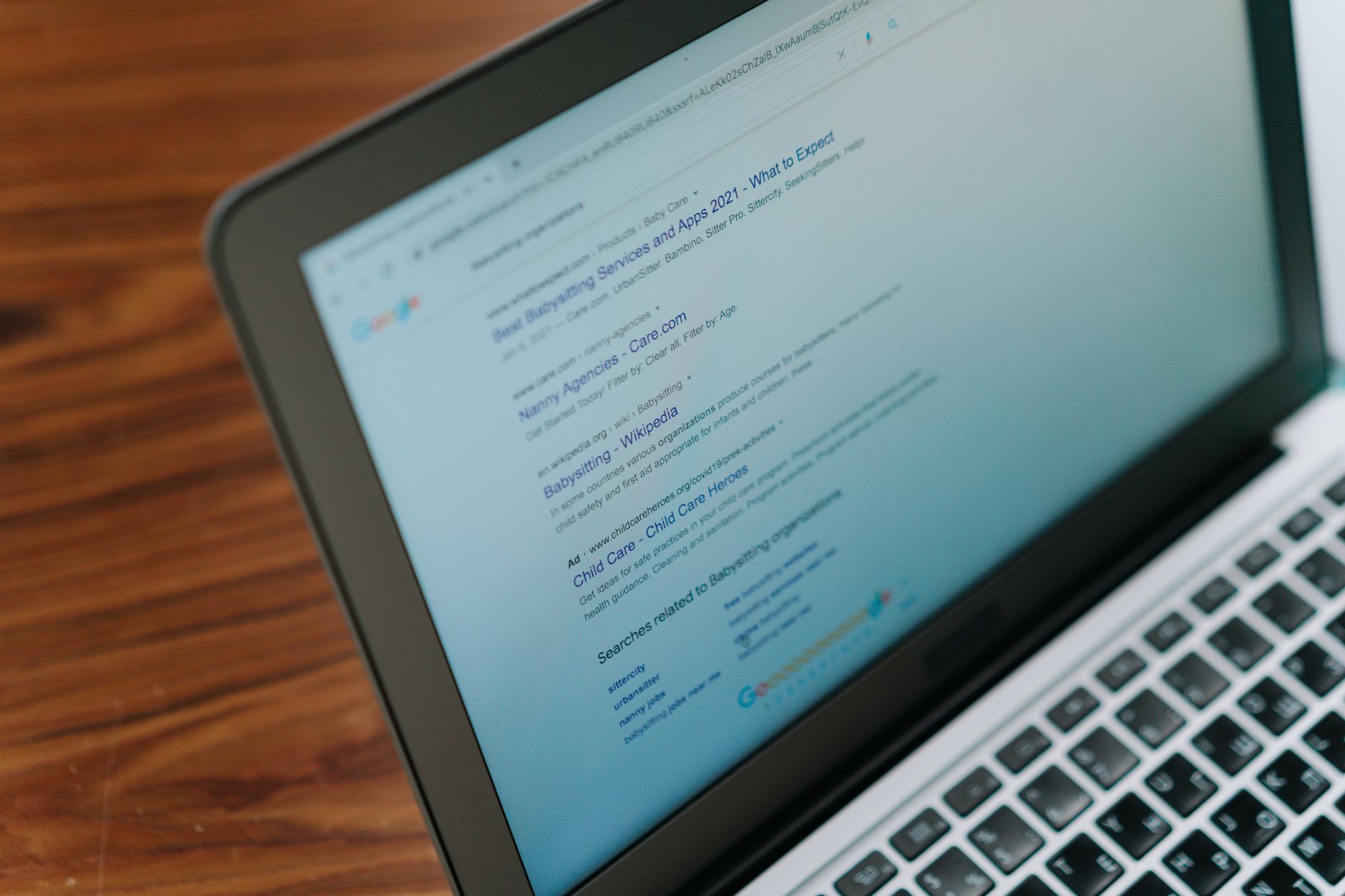
Titles matter, but not in the way many checklist templates suggest. The goal is not to cram every variation of a keyword into the title. The goal is to make the page instantly understandable and click-worthy without sounding repetitive.
Weak title: SEO Services | SEO Company | SEO Expert. Stronger title: WordPress SEO Services for Small Businesses. Google says titles should be descriptive, concise, and distinct from page to page. If your titles repeat the same phrase in multiple forms, shorten them and make the primary topic obvious.
3. Using robots.txt when you really mean noindex
This mistake causes more confusion than most site owners realize. Blocking a URL in robots.txt does not reliably prevent it from being indexed. If you need a page out of search results, use noindex. If you need to guide duplicate URL handling, use canonicals.
Google’s documentation is clear on this distinction. Robots.txt controls crawling access. The noindex rule controls indexing. Canonical tags help consolidate duplicate URLs. When these get mixed together, index coverage becomes harder to diagnose and rankings can stall for reasons that are not obvious in a basic checklist.
4. Letting duplicate URLs pile up
Duplicate URLs rarely look dramatic, but they quietly split signals and create crawl waste over time. WordPress sites often generate duplicates through category archives, tag archives, parameter URLs, pagination paths, attachment pages, or multiple versions of the same content.
Most site owners do not have one catastrophic problem. They have a stack of smaller issues that compound over time. This is a good example. Clean canonicals, cleaner internal linking, and fewer low-value URL variations usually help more than publishing another thin post on the same topic.
5. Publishing thin pages just to check the keyword box

More pages do not automatically mean more traffic. Thin near-duplicate posts often compete with each other, dilute internal authority, and make the site harder to maintain. A checklist that rewards page count can push you in the wrong direction.
A better approach is consolidation. Build one stronger page that answers the topic clearly, matches the query intent, and earns internal links from related articles. That is usually more effective than writing several weak pages that differ only by a phrase or city name.
6. Ignoring internal links until the end

Internal links are not filler. They help search engines understand page relationships and help users move to the next relevant answer. When they are added as an afterthought, they often become generic, forced, or too sparse to matter.
Use descriptive anchor text, link from contextually related pages, and support the pages that actually matter to your business. Google recommends descriptive, natural anchor text rather than cramming every possible keyword into links. If you are not sure which pages deserve more internal support, start with your most important service and revenue pages.
If you are seeing flat rankings and cannot tell whether the issue is content quality, plugin configuration, or crawl signals, WordPress SEO Expert can help. Book a free SEO consultation. No pitch, no pressure. Just an honest look at what your site actually needs and whether your current setup is part of the solution or part of the problem.
7. Trying to fix everything at once
Most checklists become overwhelming because they offer no order of operations. You do not need a perfect score. The goal is a site that loads cleanly, is easy to crawl, is easy to understand, and is genuinely useful to visitors.
Start with indexing blockers, redirect problems, canonicals, sitemap accuracy, and title quality. Then move to internal links, content consolidation, and on-page clarity. Save cosmetic tweaks for later. Short 90-day execution beats a giant strategy document that never gets implemented.
A simple way to use a checklist correctly
A checklist is useful when it helps you prioritize, not when it pushes you to optimize every field equally. The right sequence is simple: confirm important pages can be crawled, confirm the right pages can be indexed, consolidate duplicates, improve titles and headings, then strengthen internal links and content depth.
If your current checklist keeps you busy but does not move rankings, the issue is probably not effort. It is prioritization. Contact WordPress SEO Expert today to schedule a consultation. We will help you separate high-impact fixes from busywork and build a plan your team can actually execute.

















