

Low rankings usually come from a scattered plan, not one missing plugin. Most WordPress sites do not have one catastrophic SEO failure. They have a stack of smaller issues that compound over time, from weak titles and duplicate URLs to thin archive pages and plugin conflicts. The fastest gains usually come from fixing what blocks visibility before polishing what already works.
This is where many site owners get stuck. A green light in an SEO plugin does not mean the page deserves to rank, and publishing more content rarely fixes technical confusion underneath. If you want a broader foundation first, review our WordPress SEO best practices and our comparison of Yoast SEO vs Rank Math before changing core settings.
Using more than one SEO plugin
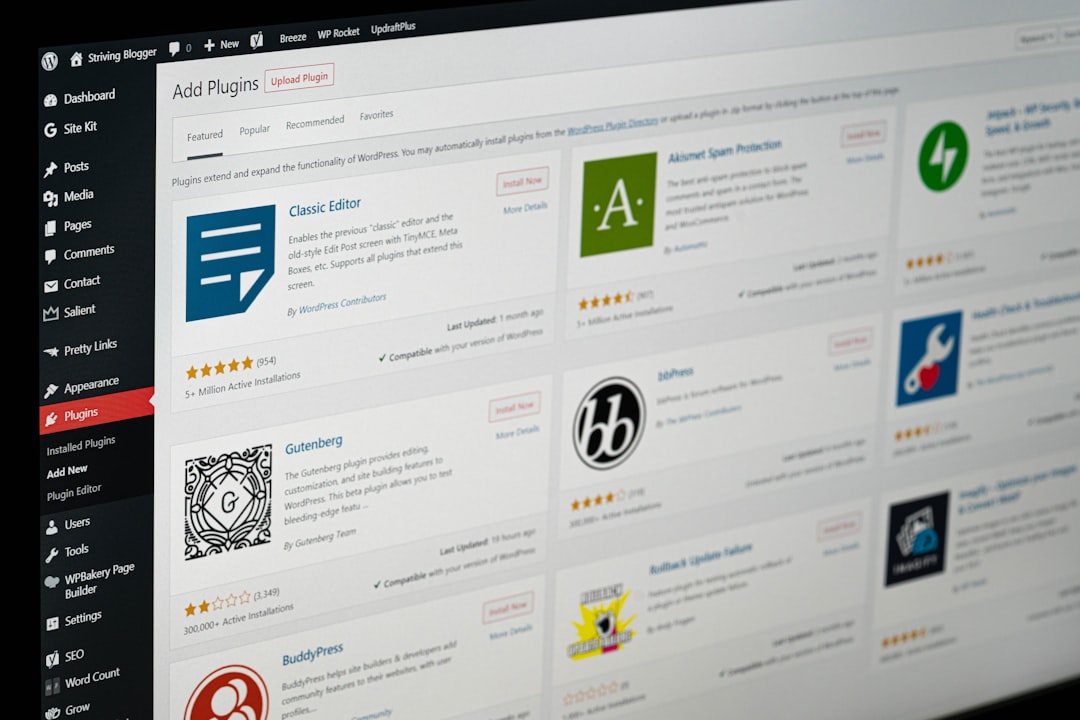
One well-configured SEO plugin is enough. Running overlapping plugins often creates duplicate metadata, conflicting canonicals, and multiple sitemap outputs that make troubleshooting harder than it needs to be.
This is one of the most common WordPress Google SEO mistakes because it feels productive. Site owners install a second plugin for schema, a third for redirects, and then wonder why search results look inconsistent. Keep one primary SEO plugin, configure the essentials carefully, and remove tools that duplicate the same job.
Chasing plugin scores instead of search intent
Plugin recommendations can help you catch missing basics, but they are not a ranking strategy. If your page does not match what the searcher actually wants, better scores will not rescue it.
This mistake shows up when a page is stuffed with repeated phrases, awkward subheadings, and forced keywords just to turn an indicator green. Google recommends content that is created to benefit people, not content built primarily to manipulate rankings, and its guidance on title links also warns against keyword stuffing and repetitive boilerplate. Keep the page clear, useful, and written for real readers first.
Writing vague or repetitive title tags
Your title tag still matters, but only when it clearly describes the page. Repetitive titles make it harder for users and search engines to understand what is unique about each page.
Google recommends descriptive, concise title text and advises site owners to avoid keyword stuffing and repeated boilerplate. If many pages on your site use the same format with only one word changed, clean that up first. Distinct titles usually help more than longer titles.
| Weak title | Stronger title |
|---|---|
| SEO Services | SEO Company | SEO Expert | WordPress SEO Services for Small Businesses |
| Blog | WordPress Google SEO Mistakes to Avoid |
| Best SEO Tips for WordPress Websites | Common WordPress Google SEO Mistakes |
Leaving duplicate URLs unresolved
Duplicate or near-duplicate URLs dilute signals and confuse Google about which version should rank. This problem is usually more damaging than a missing keyword variation in a blog post.
In WordPress, duplication often comes from tag archives, attachment pages, parameters, filter URLs, and inconsistent internal linking. Pick the preferred version, support it with internal links, and redirect or deindex low-value duplicates where appropriate. Fix the issues that block visibility before the issues that polish visibility.
Ignoring crawlability and indexability
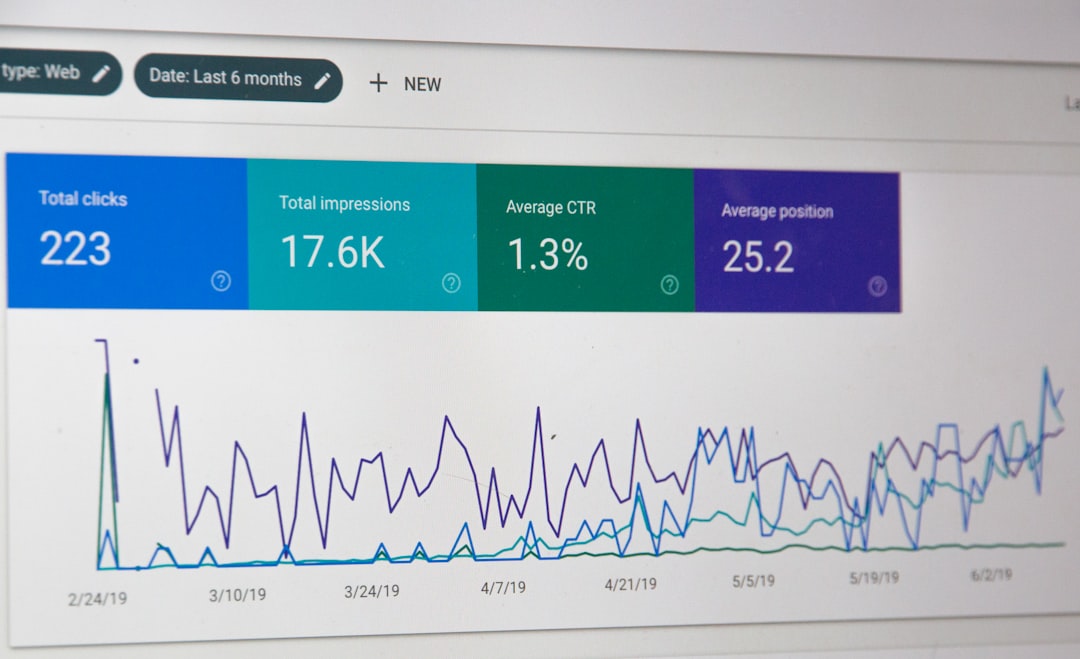
If Google cannot crawl the right pages or index them correctly, on-page optimization will underperform. This should be checked before you spend time rewriting every heading and description.
Common problems include accidental noindex settings, important pages buried too deep, broken internal links, and orphaned pages that only appear in a sitemap. Google also recommends crawlable links with descriptive anchor text so it can better understand site structure. If key service or product pages are hard to reach, fix that before publishing more content.
Using weak internal linking
Internal links help Google discover pages, understand hierarchy, and connect related topics. When they are missing or vague, strong pages often stay weaker than they should.
Many sites publish decent content and then fail to link it in a useful way. Broad guides should connect to related service pages. Supporting posts should point back to core pages. Descriptive anchor text usually works better than generic wording. If you are auditing structure, our WordPress SEO best practices article pairs well with this checklist.
Treating meta descriptions like a ranking lever
Meta descriptions are better viewed as click support, not a direct ranking fix. Their job is to summarize the page clearly enough that the right searcher wants to visit.
Google explains that snippets are often generated from on-page content, but it may use the meta description when it better summarizes the page. That is why unique, page-specific descriptions are more useful than a sitewide template repeated everywhere. Write them for clarity, not for keyword density.
Publishing thin variations of the same topic
More pages do not always mean more search visibility. When several posts target tiny keyword variations with overlapping advice, they often compete with each other instead of building one strong result.
A better approach is usually consolidation. Build one stronger page with a clearer angle, better structure, and stronger supporting links. Google’s people-first content guidance reinforces the same principle: publish content because it is genuinely useful, not just because it might catch a search variation.
Obsessing over perfect scores instead of a usable site
You do not need a perfect score. The goal is a site that loads cleanly, is easy to use, and sends clear technical signals without clutter.
That means reducing unnecessary plugins, keeping templates lean, and avoiding cosmetic SEO changes that make content worse. If you are not sure whether your current plugin setup is helping or quietly hurting you, WordPress SEO Expert can help. A short review usually uncovers whether the problem is indexing, duplication, internal links, or weak page targeting.
What to fix first
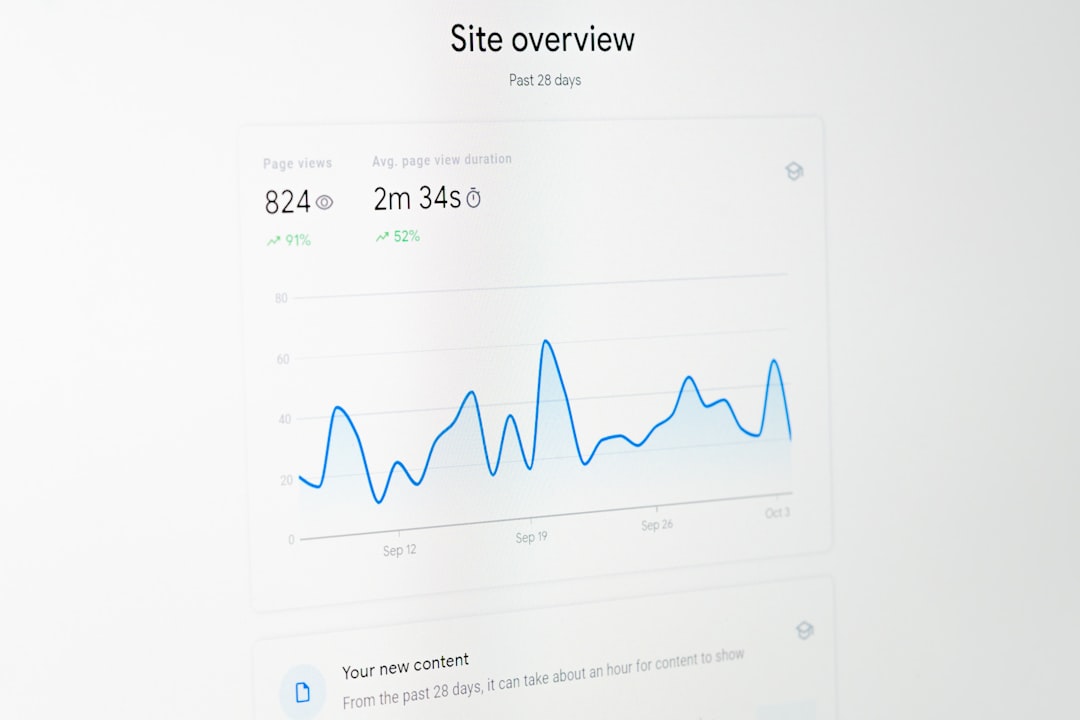
Start with the issues that directly block crawling, indexing, or canonical clarity. Once those are stable, improve titles, internal links, and content structure on the pages that already matter most to leads or sales.
| Priority | Fix first | Why it matters |
|---|---|---|
| 1 | Indexing and crawl access | Pages cannot rank if Google cannot reach or index them properly |
| 2 | Canonical and duplicate URL issues | Clarifies which version of a page should rank |
| 3 | Title tags and page targeting | Improves relevance and click potential |
| 4 | Internal linking | Strengthens discovery and site hierarchy |
| 5 | Content depth and formatting | Helps pages satisfy intent more clearly |
The best next step
The best next move is usually a focused review of your highest-value pages, not a sitewide rewrite. Most ranking problems become easier to solve once you stop treating WordPress SEO like a plugin checklist and start treating it like a prioritization problem.
If you are experiencing these issues, our team at WordPress SEO Expert can help. Book a free SEO consultation. No pitch, no pressure. Just an honest look at what your site actually needs and whether your current setup is part of the solution or part of the problem.
Contact WordPress SEO Expert today to schedule a consultation.

















