
Low rankings usually come from a scattered plan, not one missing plugin. If you want better results with WordPress Google SEO, start by fixing the issues that block visibility before you spend more time chasing plugin scores, publishing extra posts, or rewriting every paragraph on the site.
Most site owners do not have one catastrophic problem. They have a stack of smaller issues that compound over time: weak titles, thin internal links, duplicate URLs, unclear indexation rules, and content that was written to satisfy a plugin instead of a searcher. A green light in an SEO plugin does not mean the page deserves to rank.
If you need a broader foundation first, review our WordPress SEO best practices and our comparison of Yoast SEO vs Rank Math before changing your setup.
What improves WordPress Google SEO fastest?
The fastest gains usually come from cleaning up crawl and page-level signals on pages that already matter. That means checking whether Google can crawl and index the right URLs, improving titles and internal links, and consolidating duplicate or overlapping content before you publish more.
Start with your highest-value pages first. Service pages, top category pages, and blog posts that already earn impressions should get attention before low-priority archive pages or thin supporting content. This keeps your work focused on pages that can produce leads, sales, or clearer ranking gains.
Use one SEO plugin, not several
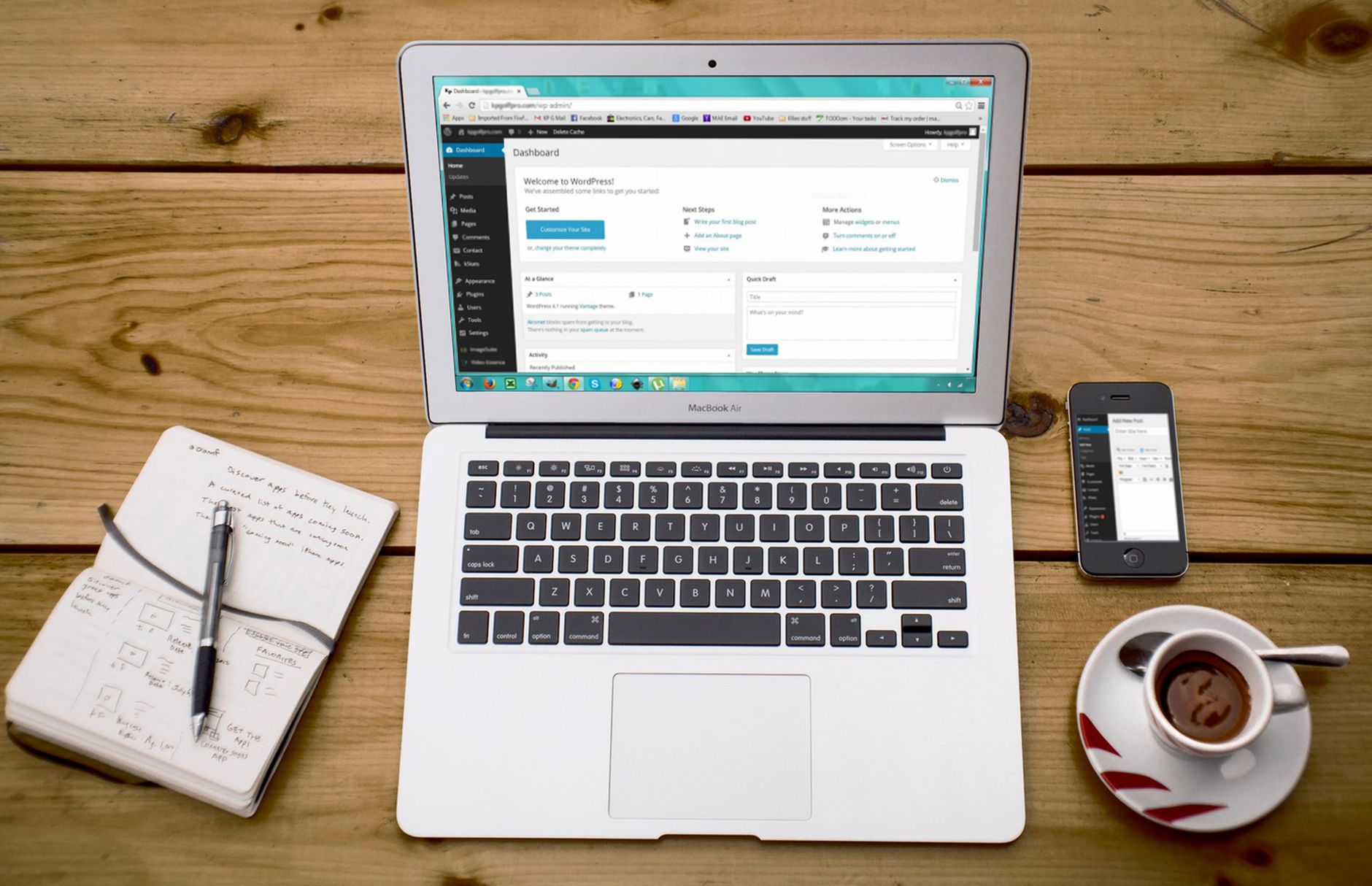
One well-configured SEO plugin is enough. Running overlapping plugins often creates duplicate metadata, conflicting canonicals, and competing sitemap outputs that make troubleshooting harder than it needs to be.
Pick one primary plugin and configure the essentials: title templates, meta descriptions, XML sitemaps, archive indexing rules, and social defaults. The goal is not to activate every feature. The goal is a clean setup that sends consistent signals. If you are still deciding between tools, our Yoast SEO vs Rank Math comparison can help you choose based on workflow and site type.
Write titles for clicks, not plugin scores
Your title tag is one of the strongest on-page elements you control. Google recommends descriptive, concise titles and warns against keyword stuffing and repetitive boilerplate, which means a page title should tell both the user and the search engine what the page is actually about.
Weak title: WordPress SEO | Google SEO | SEO Help
Stronger title: How to Get Better Results With WordPress Google SEO
Google also explains that it may generate title links from several page signals, including the HTML title and visible headings, so clarity across the page matters, not just the field inside your plugin. Descriptive titles are easier to click and easier for Google to interpret.
Improve meta descriptions the right way
Meta descriptions do not guarantee rankings, but they can improve how your page is summarized in search and help qualified users decide to click. The practical job of the description is to support the title with a clear, relevant promise.
Google says it may use the meta description when it describes the page better than on-page text alone, but it can also generate snippets from page content. That is why every important page needs both a useful description and page copy that clearly matches search intent.
Fix duplicate URLs before publishing more
Duplicate and near-duplicate URLs quietly dilute rankings. If several versions of the same page compete for attention, Google has to guess which one is primary, and your internal signals often get split across variants.
Common WordPress causes include tag archives, attachment pages, parameter URLs, inconsistent trailing slashes, and WooCommerce filters. Decide which URL should rank, point internal links to that version, and redirect outdated versions where appropriate. This work usually beats publishing another thin article aimed at a slight keyword variation.
If your site dropped after a redesign or migration, this step matters even more. Canonicals, redirects, and sitemap consistency are often part of the real problem, even when the traffic drop first looks like a content issue.
Build internal links with intent
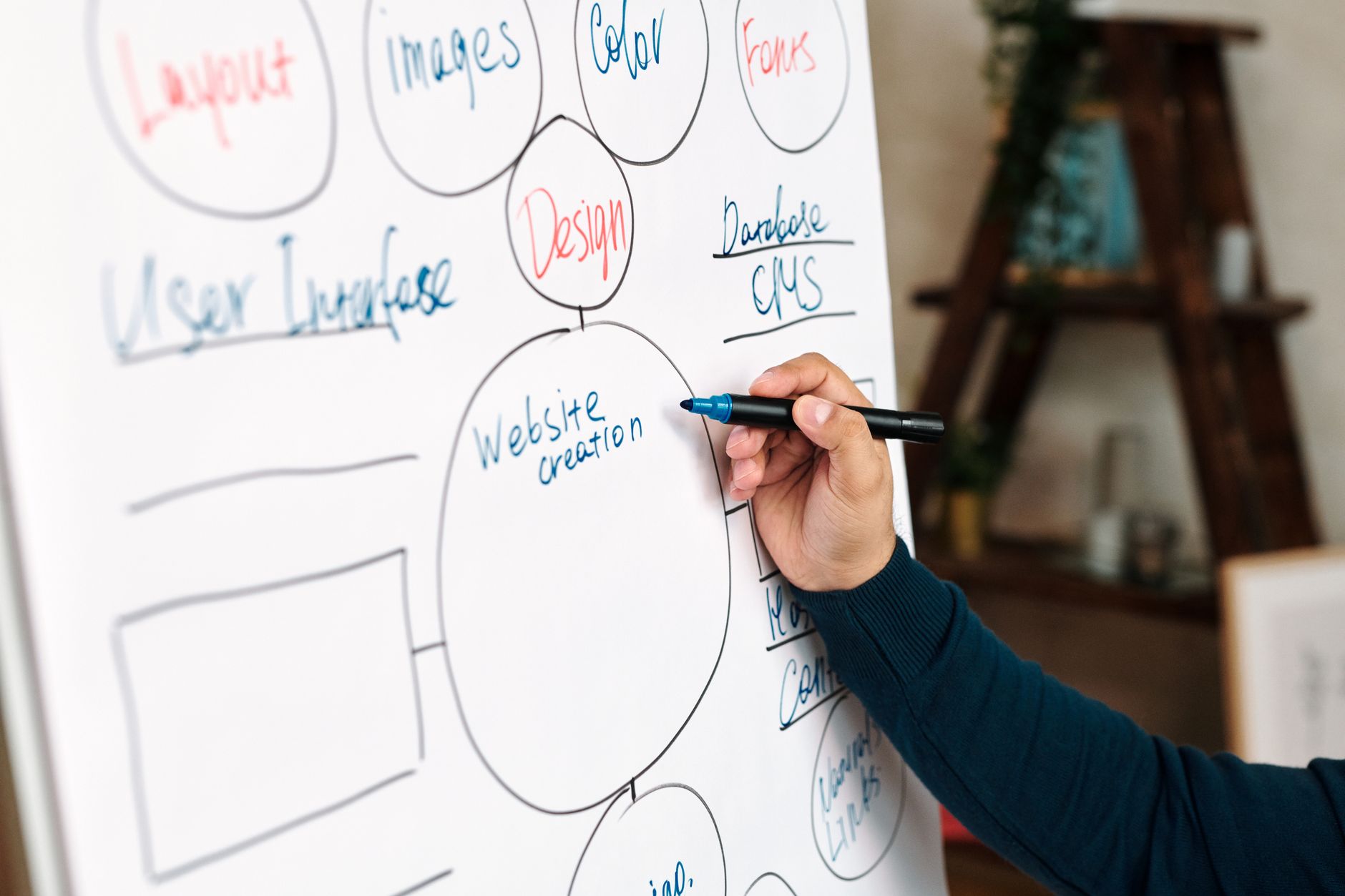
Internal linking helps Google discover pages, understand topic relationships, and interpret which pages matter most on your site. It also helps real visitors move from an informational page to the next useful step instead of leaving after one click.
Google recommends anchor text that is descriptive, concise, and natural. Link related posts to service pages, connect overlapping blog topics, and make sure important pages are not only sitting in your XML sitemap with no meaningful links pointing to them.
If you are not sure which pages should support each other, WordPress SEO Expert can help identify the internal links that will strengthen site structure without creating clutter.
Make content more helpful, not just longer

Better SEO content is not automatically longer content. Google’s guidance emphasizes helpful, reliable, people-first content created to benefit readers, so the goal is to answer the query clearly and completely instead of padding the page to hit an arbitrary word count.
For most small business sites, this means one clear H1, useful subheadings, shorter paragraphs, direct answers near the top of each section, and fewer thin posts targeting tiny keyword variations. Consolidation often beats expansion. A stronger page usually comes from better structure, clearer intent, and smarter internal support.
What to fix first
Fix the issues that block visibility before the issues that polish visibility. That sequence keeps you from wasting hours on details that cannot matter yet because the page is still hard to crawl, index, or interpret correctly.
| Priority | What to check first | Why it matters |
|---|---|---|
| 1 | Indexing and crawl access | Pages cannot rank if Google cannot reach or index them properly. |
| 2 | Canonical and redirect setup | Prevents duplicate URL confusion and split signals. |
| 3 | Title tags and search intent | Improves relevance and click potential. |
| 4 | Internal linking | Strengthens discovery, hierarchy, and topic relationships. |
| 5 | Content clarity | Helps the page satisfy the reader faster. |
| 6 | Speed and template cleanup | Improves usability without distracting from higher-impact fixes. |
What to stop doing
Stop treating plugin indicators as the goal. Green lights can be useful reminders, but they are not proof of quality, usefulness, or ranking strength. A page can score well and still fail because the title is vague, the intent is off, or the site structure is weak.
Also stop stacking plugins, publishing near-duplicate posts, and polishing low-value pages before your money pages are stable. You do not need a perfect score. The goal is a site that loads cleanly, is easy to use, and gives Google consistent signals about what each page should rank for.
If your rankings are flat and you want a clear next-step plan, WordPress SEO Expert can help. Book a free SEO consultation. No pitch, no pressure. Just an honest look at what your site actually needs and whether your current setup is part of the solution or part of the problem.
The best next move
The best next move is usually a focused review of the pages already closest to producing results. Look at the pages earning impressions, the pages tied to leads or sales, and the pages that should rank but remain stuck. That is where SEO work becomes measurable instead of theoretical.
Contact WordPress SEO Expert today to schedule a consultation if you want help separating plugin noise from the fixes that actually move rankings.

















