
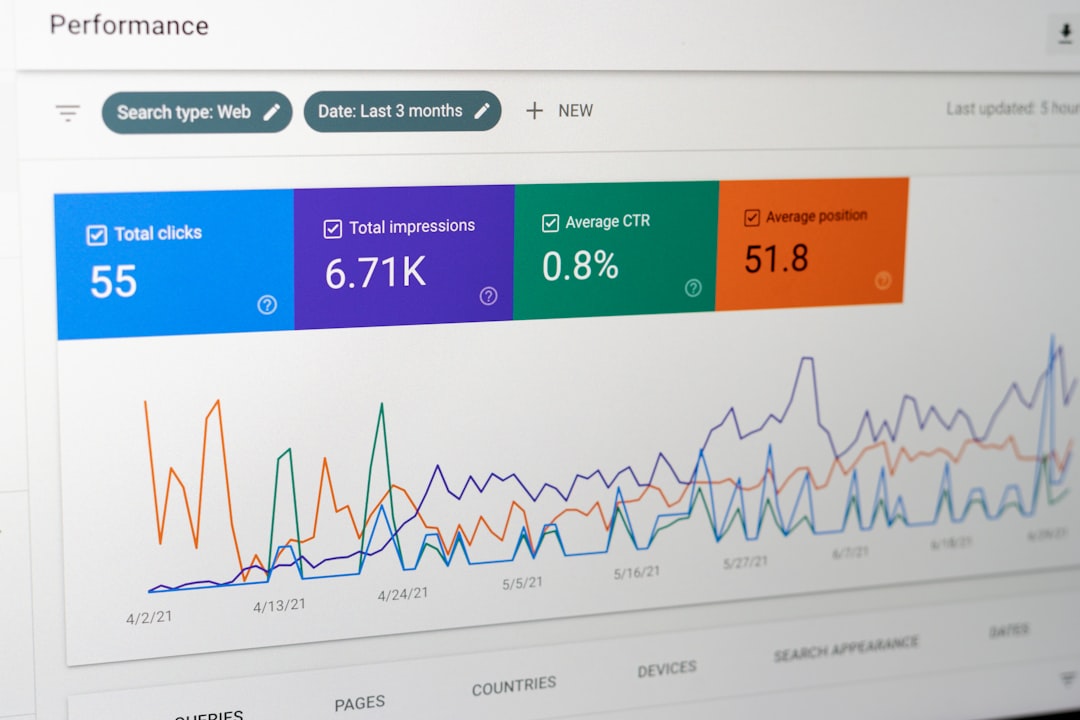
Flat rankings on a WordPress site usually point to compounding issues, not one missing tactic. Advanced WordPress SEO is less about adding features and more about tightening the signals your site already sends through crawlability, indexation, page targeting, internal links, and plugin configuration.
That is why the most useful advanced work rarely starts inside an SEO scorecard. A green light in an SEO plugin does not mean the page deserves to rank. The goal is a site that loads cleanly, is easy to use, and sends consistent signals about which pages matter most.
If you need a strong baseline before going deeper, review our guides on WordPress SEO fundamentals and fixing common setup problems. Both support the strategies below and help you separate foundational fixes from advanced tuning.
What Counts as Advanced WordPress SEO?
Advanced WordPress SEO means improving the systems behind rankings, not just polishing individual pages. The focus shifts from basic metadata to crawl control, canonical consistency, archive management, internal link architecture, content consolidation, and template-level decisions that affect the entire site.
Most site owners do not have one catastrophic problem. They have a stack of smaller issues that compound over time. On WordPress, those issues often come from thin archives, duplicate URL paths, overlapping plugins, attachment pages, weak title templates, and content that competes with other content on the same site.
Prioritize Technical Signals Before Content Volume
Publishing more content will not solve a site structure problem. Fix the issues that block visibility before the issues that polish visibility, especially if your important pages are under-indexed, poorly linked, or diluted by duplicate URLs.
Advanced optimization starts with a practical audit order. First confirm that your key pages are indexable. Then review canonicals, redirects, archive settings, XML sitemaps, and internal links. Only after those are stable should you spend significant time expanding content or rewriting large sections of the site.
| Priority | What to Review | Why It Matters |
|---|---|---|
| 1 | Indexing and crawl access | Pages cannot rank if search engines cannot reliably reach them |
| 2 | Plugin conflicts and duplicate output | Overlapping metadata and sitemap signals create confusion sitewide |
| 3 | Canonicals and redirects | Consolidates authority and reduces duplicate URL noise |
| 4 | Title templates and page targeting | Improves relevance and click potential on core pages |
| 5 | Internal link architecture | Strengthens hierarchy, discovery, and topical relationships |
| 6 | Content consolidation | Prevents cannibalization and improves depth on important topics |
Use One SEO Plugin and Configure It Well
One well-configured SEO plugin is enough. Advanced WordPress SEO gets harder, not easier, when multiple plugins generate competing canonicals, duplicate schema, repeated Open Graph tags, or separate sitemap outputs.
This is one of the most common issues on sites that have changed owners, added WooCommerce, or gone through a redesign. Simplifying your stack often removes silent conflicts that basic page-level checks never reveal. If your setup feels cluttered, reduce overlap before you add anything new.
Build Smarter Title Templates
Advanced title work happens at both the page level and the template level. Instead of rewriting titles one by one without a system, create patterns that keep titles specific, concise, and aligned with search intent across posts, pages, and taxonomies.
Weak titles usually rely on generic terms or boilerplate. Stronger titles name the audience, topic, or problem more directly. That improves relevance without stuffing variations into every field.
| Weak Title | Stronger Title |
|---|---|
| SEO Services | SEO Company | SEO Expert | WordPress SEO Services for Small Businesses |
| Blog | WordPress SEO Tips for Service Businesses |
| Technical SEO | Technical SEO Fixes for WordPress Sites |
Control Archives, Attachments, and Thin Indexable Pages
Advanced WordPress SEO often means deciding which automatically generated pages should not compete in search. Many sites leak quality signals into thin tag archives, low-value author pages, attachment URLs, and other pages that add crawl load without adding ranking value.
If a taxonomy or archive genuinely helps users, keep and improve it. If it exists only because WordPress created it, review whether it should be noindexed, consolidated, or removed from your active SEO strategy. This is especially important on single-author blogs and sites with dozens of lightly used tags.
Strengthen Internal Link Architecture
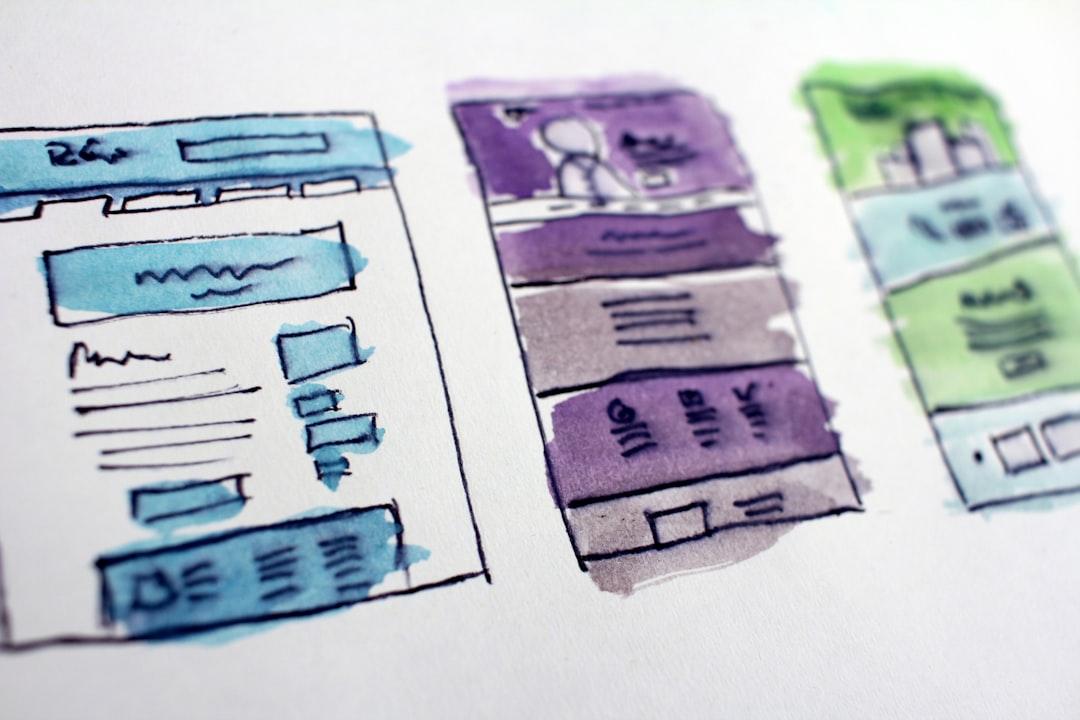
Internal links are one of the clearest advanced levers on a WordPress site because they help search engines understand hierarchy, relationships, and page importance. Better linking can improve discovery and context without publishing a single new post.
Start by linking broad educational posts to service or revenue pages, then connect related posts to each other with descriptive anchors. Important pages should not depend only on menus or sitemaps. They should be reinforced inside the body copy of relevant pages where the relationship is obvious to readers.
If your current content is scattered, go back through older posts and add links where topic overlap already exists. A small number of thoughtful internal links often does more than another thin supporting article.
Consolidate Competing Content

When several posts target nearly the same idea, advanced SEO work usually means combining them, not preserving all of them. Consolidation reduces cannibalization, improves depth, and gives one page a better chance to rank consistently.
This matters on WordPress sites that publish slight keyword variations as separate articles. Instead of maintaining multiple overlapping tutorials, build one stronger resource with clear sections, then redirect or de-emphasize weaker duplicates. A cleaner content map usually outperforms a larger but fragmented one.
Use Category Pages More Intentionally
Category pages can become useful SEO assets when they organize a real topic cluster instead of acting like a thin archive. They work best when the category has a clear theme, a meaningful intro, and enough supporting content to justify indexation.
Do not assume every category deserves to rank. Some should remain navigational. Others can become stronger if you add a short introduction, cleaner post selection, and internal links to cornerstone content. The decision should follow user value, not template convenience.
Apply Advanced SEO Carefully on WooCommerce
WooCommerce adds another layer of SEO complexity because product variations, filter URLs, sort parameters, duplicate category structures, and out-of-stock pages can create crawl noise quickly. The advanced goal is to reduce index bloat while keeping high-intent pages easy to find.
Store owners usually need tighter control over faceted navigation, category depth, product descriptions, and canonical consistency than a standard brochure site. If your store has flat traffic and hundreds of URLs, the problem is often structure and duplication before it is copy quality.
If you are experiencing these symptoms, our team at WordPress SEO Expert can help.
Do Not Treat Speed Scores as the Strategy
Advanced performance work should support usability, not become a separate obsession. A perfect lab score is less important than fast, stable key templates that users can browse without friction.
Review your homepage, a major service page, a category page, and a typical post separately. WordPress sites often perform very differently across templates. Large images, heavy builders, script-heavy plugins, and bloated themes usually create more ranking drag than a missing micro-optimization.
What to Stop Doing
Advanced SEO gets clearer when you remove bad habits. Stop chasing green lights, stacking plugins, publishing near-duplicate posts, and indexing every archive WordPress generates by default.
You do not need a perfect score. You need a site structure that helps search engines find the right pages, understand what each page is for, and recognize which pages deserve the most authority. Simpler systems usually produce stronger long-term results.
When Expert Help Makes Sense
If your site has traffic but no momentum, or content but no clear visibility gains, advanced WordPress SEO usually requires diagnosis more than more effort. The bottleneck may be indexation, duplication, weak targeting, internal link gaps, or plugin clutter that has built up over time.
WordPress SEO Expert can help you identify what to fix first so you do not waste months polishing the wrong layer. Book a free SEO consultation. No pitch, no pressure. Just an honest look at what your site actually needs and whether your current setup is part of the solution or part of the problem.
Contact WordPress SEO Expert today to schedule a consultation.

















