Better WordPress rankings usually come from a cleaner plan, not from adding more plugins or chasing more checklist scores. WordPress SEO works best when you fix visibility blockers first, then improve the pages and content that deserve more traffic.
This beginner-to-advanced guide walks through WordPress SEO in the order it actually matters: setup, indexing, on-page targeting, internal links, technical cleanup, content strategy, and ongoing improvement. A green light in an SEO plugin does not mean the page deserves to rank.
Start with the basics that control visibility
If the wrong pages are indexed or your important pages are hard to crawl, advanced tactics will not help much. Start by making sure search engines can find, understand, and prioritize the pages that matter most.
That means checking your reading settings, confirming your sitemap is active, reviewing whether thin archives should be indexed, and keeping your SEO setup simple. If your current setup feels messy, this guide on fixing WordPress SEO setup problems is a useful companion.
Choose one SEO plugin and configure it well
One well-configured SEO plugin is enough. Running overlapping SEO plugins often creates duplicate metadata, conflicting canonicals, and competing sitemap outputs that make troubleshooting harder than it should be.
For most sites, the better move is not adding another plugin. It is simplifying the stack, setting title templates carefully, reviewing archive rules, and making sure your plugin is not generating unnecessary pages or signals.
Beginner WordPress SEO: what to fix first
Beginners do not need a giant checklist. They need a short list in the right order. Fix the issues that block visibility before the issues that polish visibility.
| Priority | What to review | Why it matters |
|---|---|---|
| 1 | Indexing and crawl access | Pages cannot rank if search engines cannot reach them properly |
| 2 | SEO plugin settings | Titles, canonicals, sitemaps, and archive rules affect the whole site |
| 3 | Page titles and headings | These help search engines understand what each page targets |
| 4 | Internal links | They support discovery, hierarchy, and topical relevance |
| 5 | Page speed and technical cleanup | They improve usability and reduce friction across templates |
| 6 | Content expansion | New pages work better after the foundation is stable |
Check title tags before rewriting content
Title tags are one of the clearest on-page signals you control. If your titles are generic, repetitive, or stuffed with variations, your pages can look weak even when the content itself is decent.
| Weak title | Stronger title |
|---|---|
| SEO Services | SEO Company | SEO Expert | WordPress SEO Services for Small Businesses |
| Blog | WordPress SEO Tips for Service Businesses |
| Home | WordPress SEO Consultant for Growing Sites |
Better titles are clear, specific, and aligned with a single page intent. They do not try to rank for every variation at once.
Intermediate SEO: improve pages that already have potential
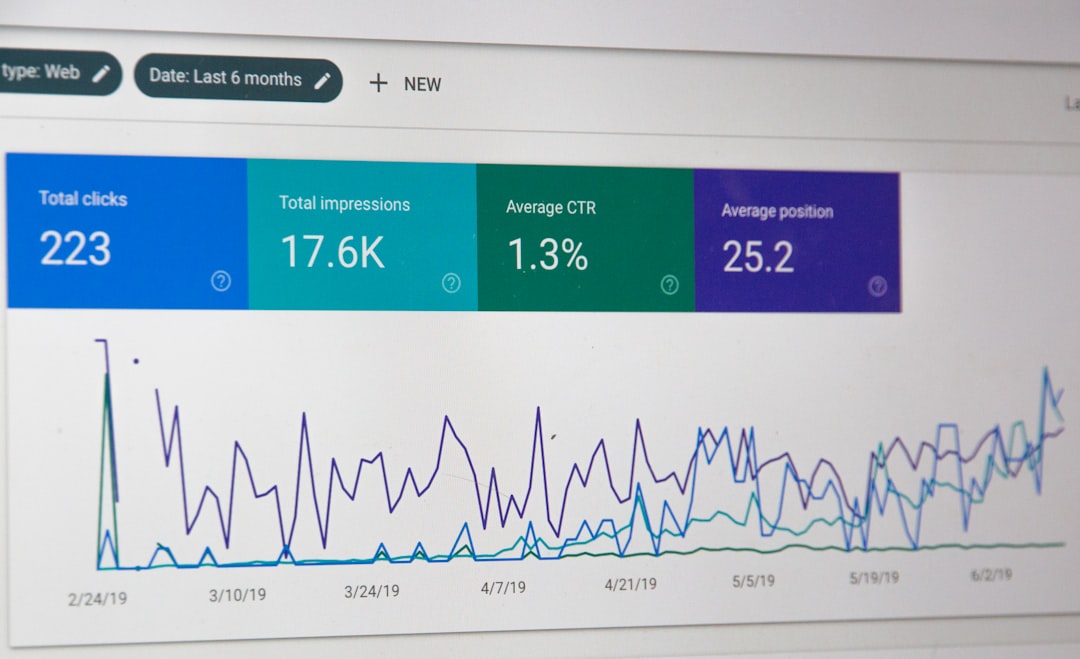
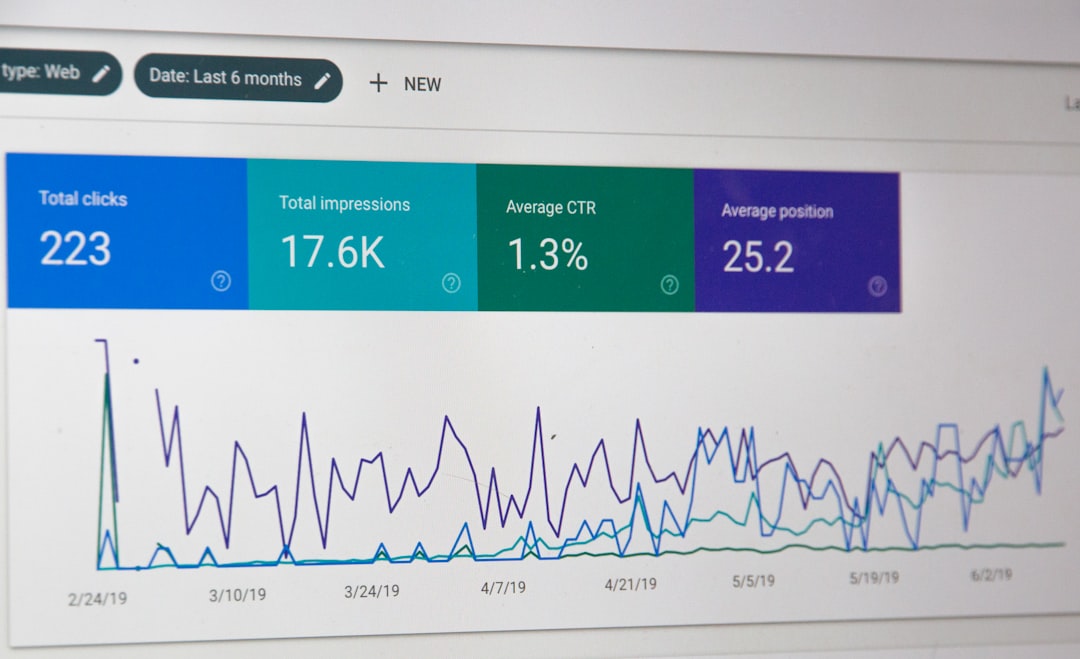
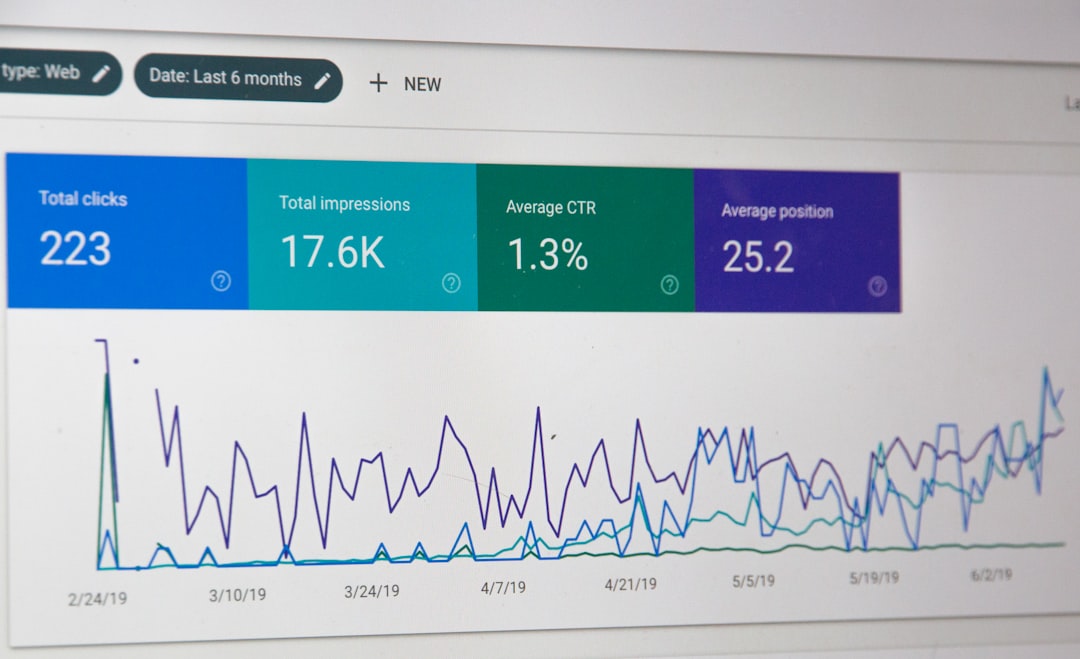
Once the foundation is stable, the next gains usually come from pages that already show signs of life. Focus on pages that are getting impressions, ranking inconsistently, or sitting just outside stronger positions.
Look at your homepage, your main service pages, and any blog posts that already match useful search intent. Tighten the title tag, improve the opening section, clarify the heading structure, and add stronger internal links from related pages. If you want a broader framework, this practical WordPress SEO guide for DIY site owners covers the full layered model.
Use internal links to support your important pages
Internal linking is one of the most underused SEO levers on WordPress. It helps search engines discover pages, understand topic relationships, and see which pages matter most on your site.
Link broad blog posts to specific service pages. Connect closely related posts to each other using descriptive anchor text. Make sure your important pages are linked from more than just the main navigation. Most site owners do not have one catastrophic problem. They have a stack of smaller issues that compound over time, and weak internal links are often one of them.
Clean up duplicate and low-value page types
WordPress can generate more URLs than most site owners realize. Tag archives, author archives, date archives, attachment pages, and filtered URLs can all compete with more useful pages if they are left unmanaged.
Not every archive is a problem, but thin or repetitive archives usually weaken your site structure instead of helping it. The goal is to keep indexable pages focused on pages with real search value.
Advanced WordPress SEO: fix compounding technical issues
Advanced WordPress SEO is usually less about secret tactics and more about reducing technical friction. Once the basics are under control, stronger performance often comes from cleaner architecture, better canonical handling, and more disciplined content mapping.
Review canonicals, redirects, and URL consistency
If your site has gone through redesigns, migrations, slug changes, or plugin swaps, check for duplicate versions of the same content. Consistent internal linking, sensible redirects, and correct canonicals help search engines consolidate signals instead of splitting them.
This matters even more on WooCommerce sites, where product variations, category paths, and filter URLs can create crawl noise quickly. The answer is usually not more complexity. It is deciding which pages deserve visibility and reducing the rest.
Improve speed where users actually feel it
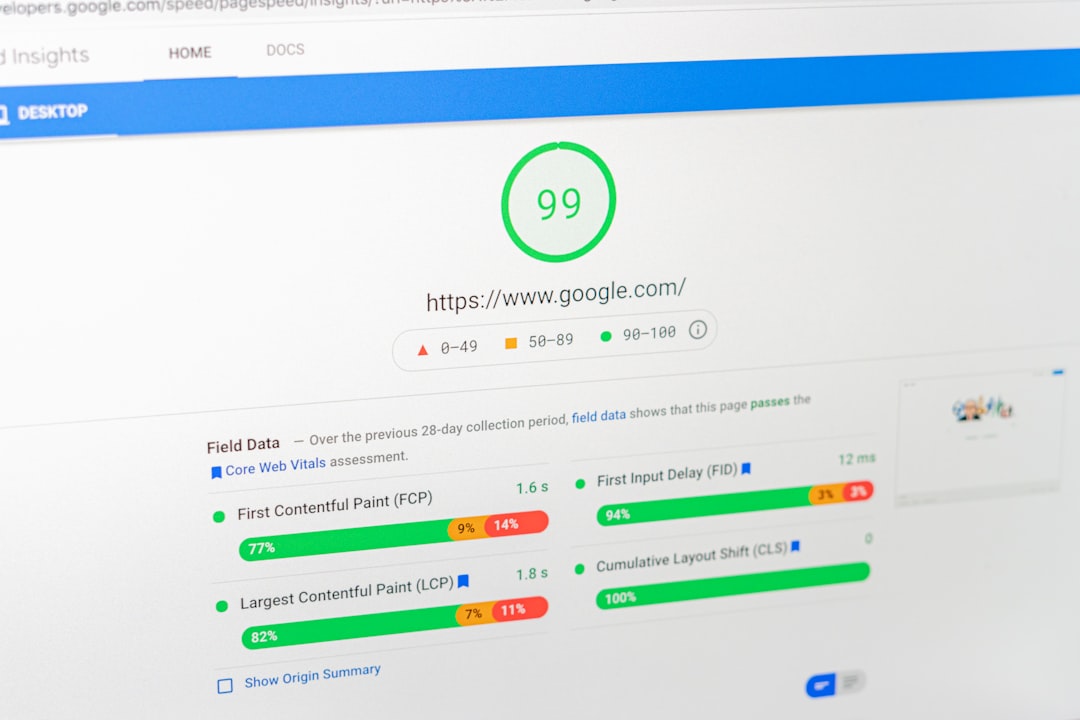
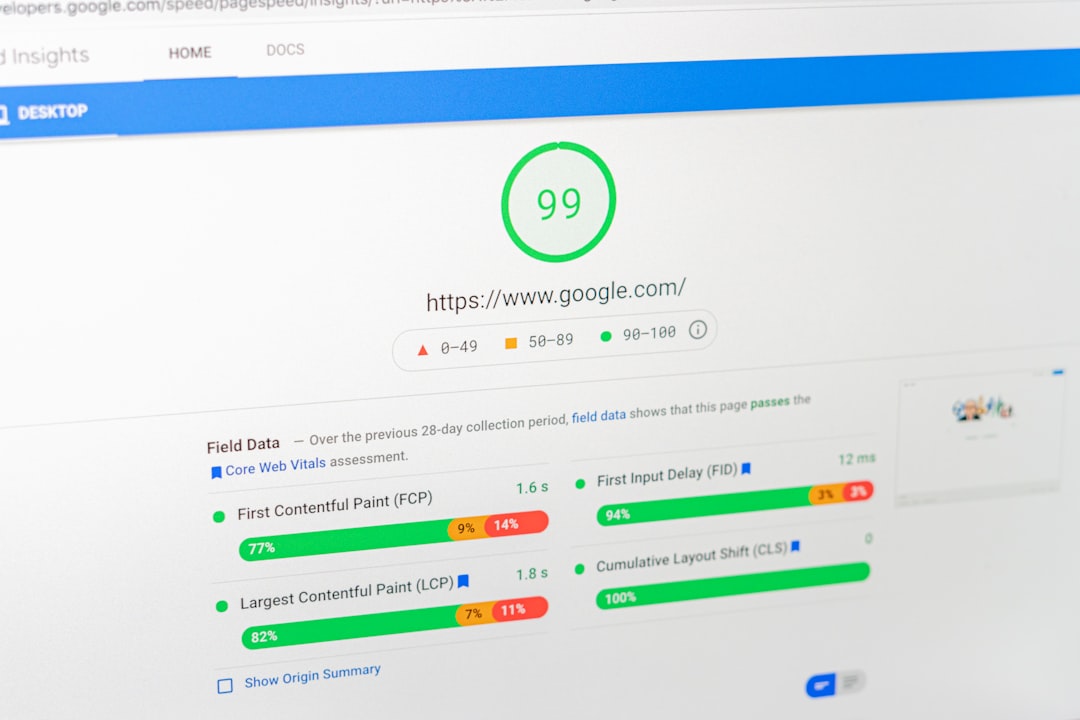
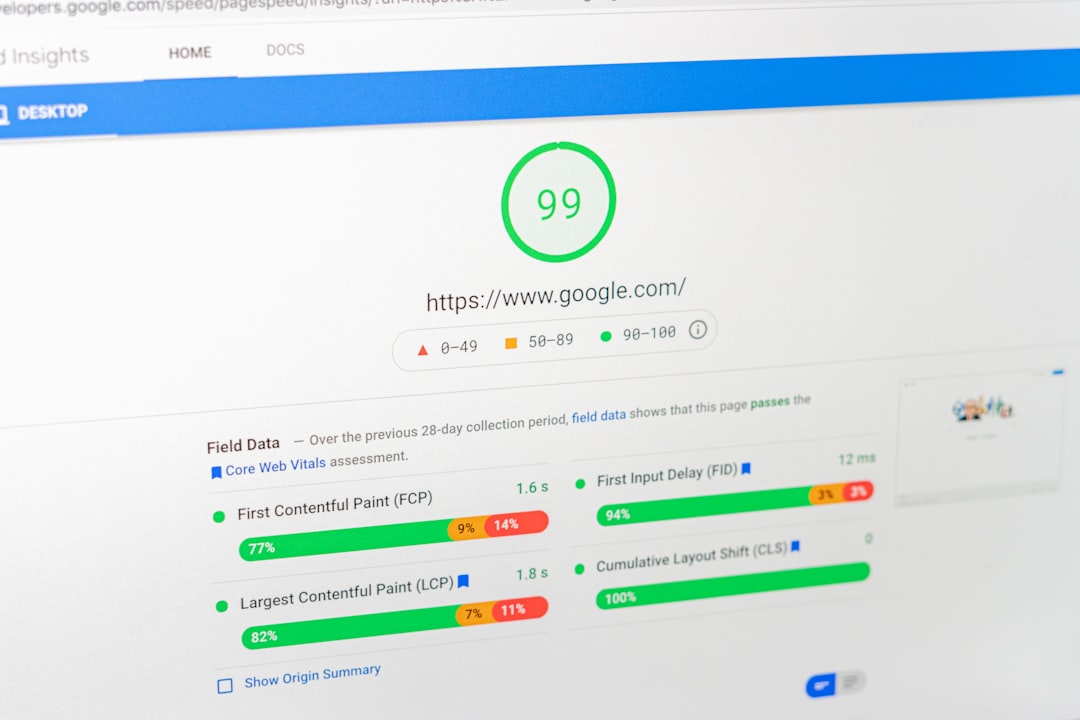
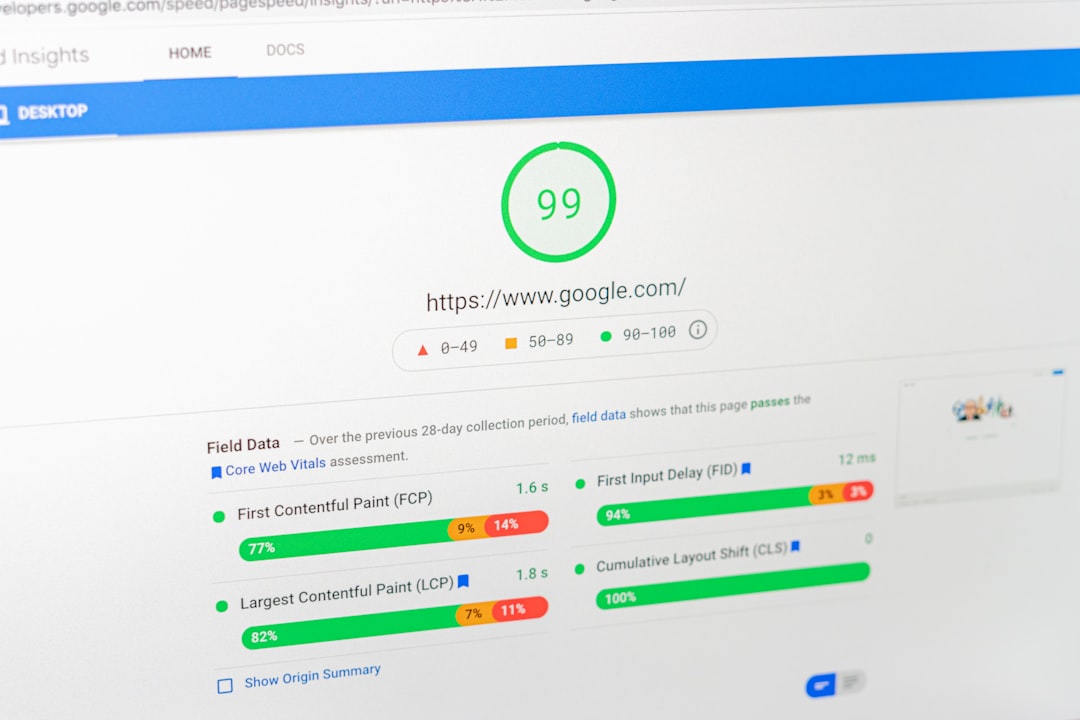
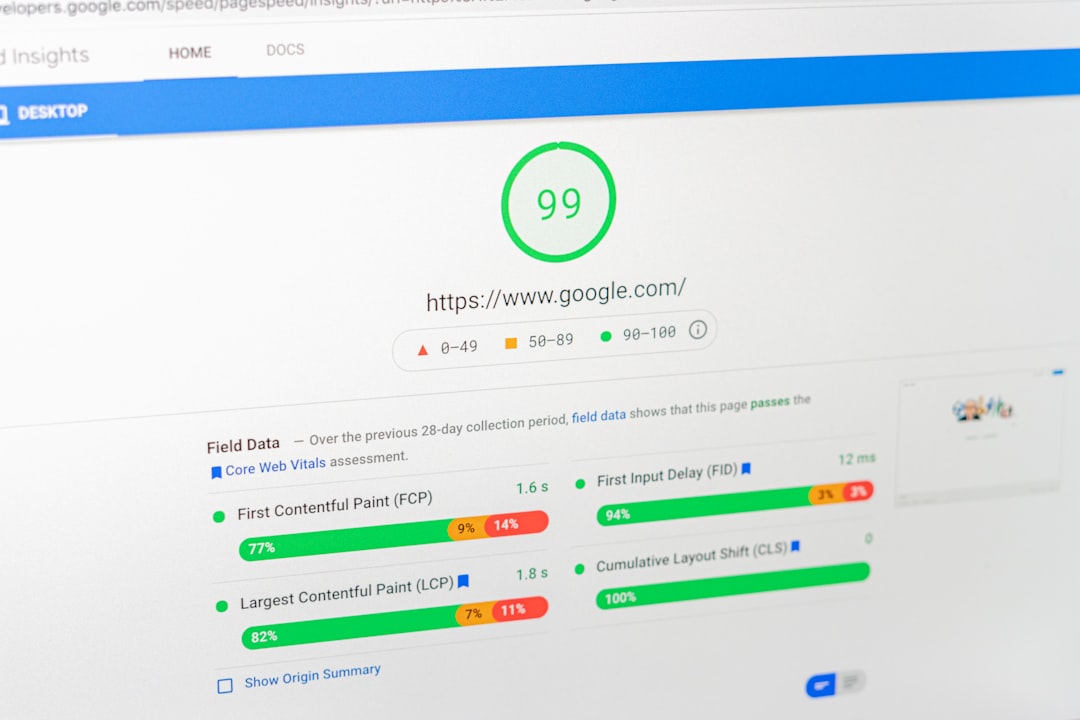
Site speed matters most when it affects usability. You do not need a perfect score. The goal is a site that loads cleanly, is easy to use, and sends consistent signals about which pages matter most.
Start with image compression, page caching, plugin cleanup, and template-level review. Test a homepage, a core service page, and a blog post separately because they often behave differently. Large builders, unnecessary scripts, and oversized media files often cause more trouble than any single missing performance tweak.
If you are experiencing these symptoms, our team at WordPress SEO Expert can help.
Content strategy matters more than publishing volume
Publishing more pages does not automatically improve SEO. Stronger results usually come from clearer targeting, better consolidation, and a site structure that makes each page’s purpose obvious.
Map one main intent to each important page. Let service pages target transactional or commercial searches. Let blog posts answer informational searches and support deeper pages through internal links. Avoid publishing multiple thin posts that chase slight keyword variations with nearly identical copy.
Build clusters instead of random posts
A simple content cluster works better than a scattered blog calendar. Create one strong pillar page for a core topic, then support it with narrower posts that answer related questions and link back naturally.
This approach helps users move through the site logically and helps search engines understand how your topics connect. It also makes internal linking easier because each new article has a clear place in the structure.
What beginners should stop doing
Many WordPress SEO problems persist because site owners keep working hard in the wrong direction. The issue is often prioritization, not effort.
Stop stacking SEO plugins. Stop treating plugin scores as proof of quality. Stop indexing every archive by default. Stop publishing thin near-duplicate posts just to target minor keyword variations. And stop assuming one tweak will fix a site with several smaller issues compounding together.
When to get professional WordPress SEO help
If your rankings are flat after you have handled the basics, the next step is usually diagnosis, not more random changes. A second set of eyes can tell you whether the real issue is indexing, duplication, weak targeting, internal links, or technical clutter.
WordPress SEO Expert can help you sort out what to fix first and what can wait. Book a free SEO consultation. No pitch, no pressure. Just an honest look at what your site actually needs and whether your current setup is part of the solution or part of the problem.
Contact WordPress SEO Expert today to schedule a consultation.