New websites rarely struggle because they picked the wrong plugin. They usually struggle because the setup is scattered from day one. If you want better rankings later, the first goal is simple: make sure search engines can crawl the right pages, understand what each page is about, and see a clean site structure from the start.
WordPress SEO Expert helps site owners simplify that setup before small mistakes turn into long-term ranking problems. A green light in an SEO plugin does not mean the page deserves to rank. What matters is whether your new site sends clear signals about which pages matter most and why they should appear in search.
Start with the pages that actually matter
A new website does not need dozens of pages to be SEO-ready. It needs a small group of pages that each serve a clear purpose, target one main intent, and connect logically to the rest of the site.
Before you worry about schema, score meters, or advanced settings, make sure you have a homepage, core service or product pages, an about page, a contact page, and a blog or resources section only if you plan to maintain it. New sites often publish too much too early, which creates thin pages and weak internal links. One strong page usually does more than three weak ones competing with each other.
If you want a broader framework after launch, review our practical WordPress SEO guide for DIY site owners for the next layer of improvements.
Use one SEO plugin and keep the setup simple
One well-configured SEO plugin is enough for a new WordPress website. Running overlapping plugins often creates duplicate metadata, conflicting canonicals, and competing sitemap output before the site even has traffic.
This is one of the easiest mistakes to avoid. Pick one primary SEO plugin, configure titles, meta descriptions, indexing rules, and sitemaps inside that tool, then leave the rest alone. New sites do not benefit from stacking SEO features across multiple plugins. They benefit from fewer moving parts and cleaner signals.
If your setup already feels cluttered, our post on how to fix WordPress SEO setup problems shows what to clean up first.
Check indexing before you write more content
Indexing comes before content volume. If search engines cannot crawl or index your important pages, publishing more posts just gives you more pages that underperform.
On a new WordPress site, verify that search visibility is turned on, your XML sitemap is active, and your important pages are not blocked by noindex settings or robots rules. Google explains that it discovers pages through links, sitemaps, and redirects, so your site needs a crawlable structure from the beginning. Google also recommends crawlable HTML links with descriptive anchor text, not empty or script-only links.
A simple launch check should include your homepage, primary money pages, and any key category or blog pages. If those pages are live but buried, they are still weakly supported.
Write page titles for clarity, not for plugin scores
Titles are one of the highest-impact elements you control on a new site. The best titles are specific, concise, and clearly tied to what the page actually offers.
Google recommends unique, clear, and concise titles, and warns against keyword stuffing and repetitive boilerplate. That matters on WordPress because many new sites use generic templates that repeat the same wording across every page. A title should help a searcher distinguish one page from another, not make every page look interchangeable.
| Weak title | Stronger title |
|---|---|
| SEO Services | SEO Company | SEO Expert | WordPress SEO Services for Small Businesses |
| Home | Custom Deck Builder in Columbus, OH |
| Blog | WordPress SEO Tips for New Websites |
The stronger versions tell both users and search engines what the page is about without stuffing variations into the same line. If you are building your first setup, our WordPress SEO setup for beginners post pairs well with this step.
Make headings and content match the page intent
Every important page on a new site should target one clear purpose. The H1, section headings, and body content should all support that purpose instead of drifting into unrelated topics.
In practice, that means using one clear H1, then organizing the page with logical H2 and H3 sections. Keep the wording natural. A green light in an SEO plugin does not mean the page deserves to rank if the content is vague, repetitive, or disconnected from what the searcher wants. Strong pages answer the main question quickly, then expand with useful detail.
Build internal links early so pages support each other
Internal links are one of the most overlooked advantages a new website has. They help search engines discover pages, understand hierarchy, and see which pages matter most before the site has earned many external links.
Link from broad pages to specific pages, from blog posts to service pages, and between related posts where the connection is real. Google recommends descriptive anchor text that is concise and relevant. That means linking phrases like WordPress SEO setup, indexing issues, or technical SEO checklist instead of using vague anchors.
If you are experiencing these symptoms, our team at WordPress SEO Expert can help. A focused review often shows whether your problem is weak internal linking, thin content, or a setup issue that is limiting visibility before growth even starts.
Keep archives, duplicates, and extra URLs under control
New websites should stay lean. If WordPress starts generating thin archives, attachment pages, or duplicate pathways too early, those pages can dilute the signals your main pages need.
This is especially important if you use many tags, multiple authors, heavy theme features, or WooCommerce filters. You do not need every archive indexed. You need a site structure that makes it obvious which pages deserve attention. Fix the issues that block visibility before the issues that polish visibility.
Speed matters, but clean setup matters first
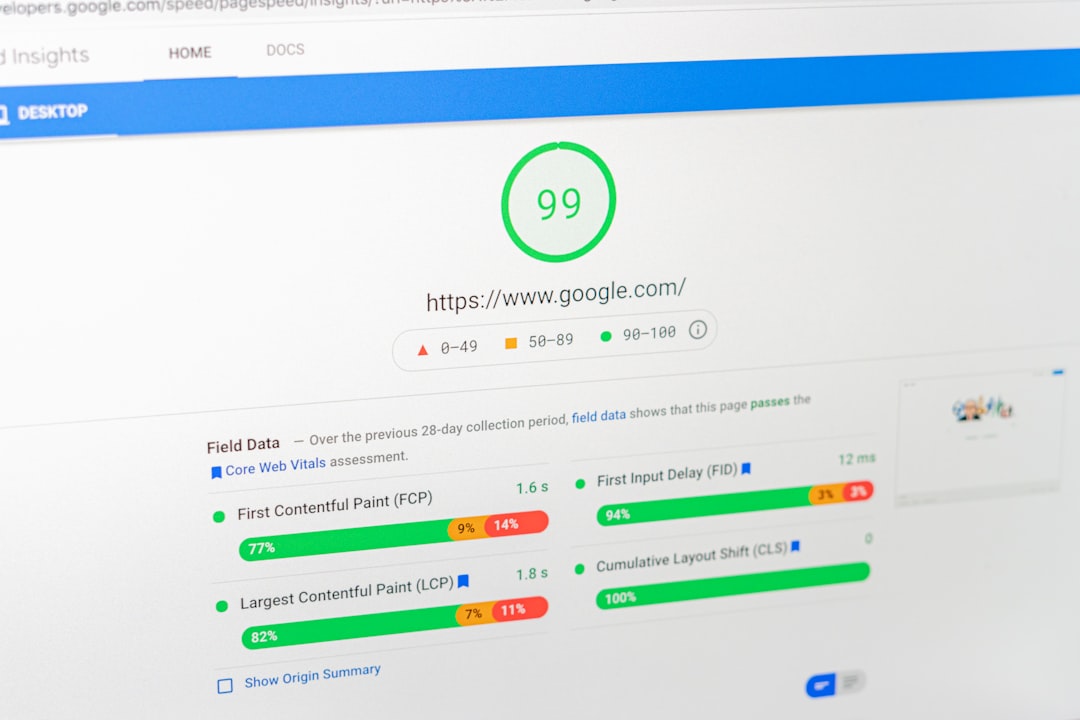
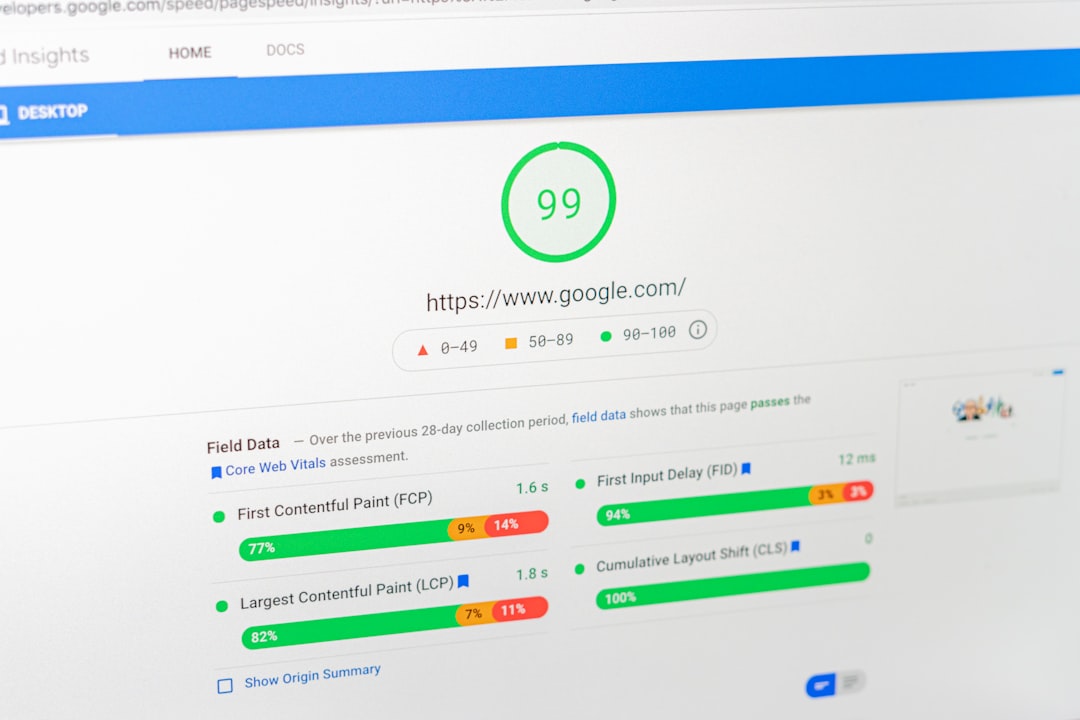
A new site should load cleanly and feel easy to use. That does not mean you need a perfect performance score before publishing. It means avoiding obvious friction like oversized images, too many plugins, and bloated templates.
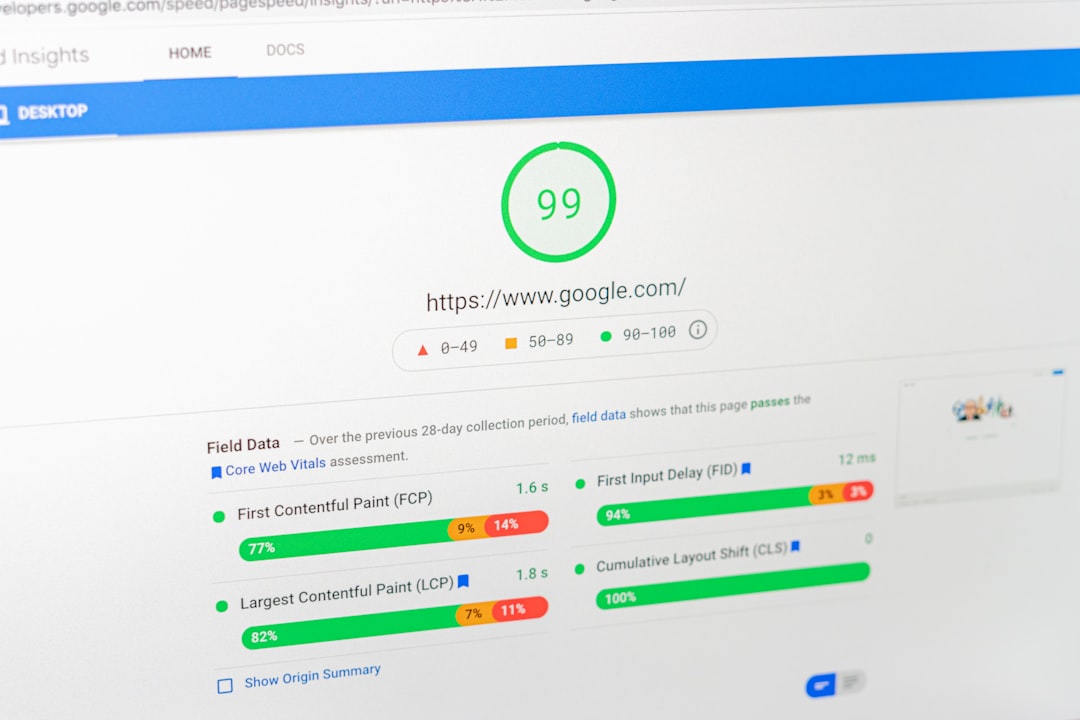
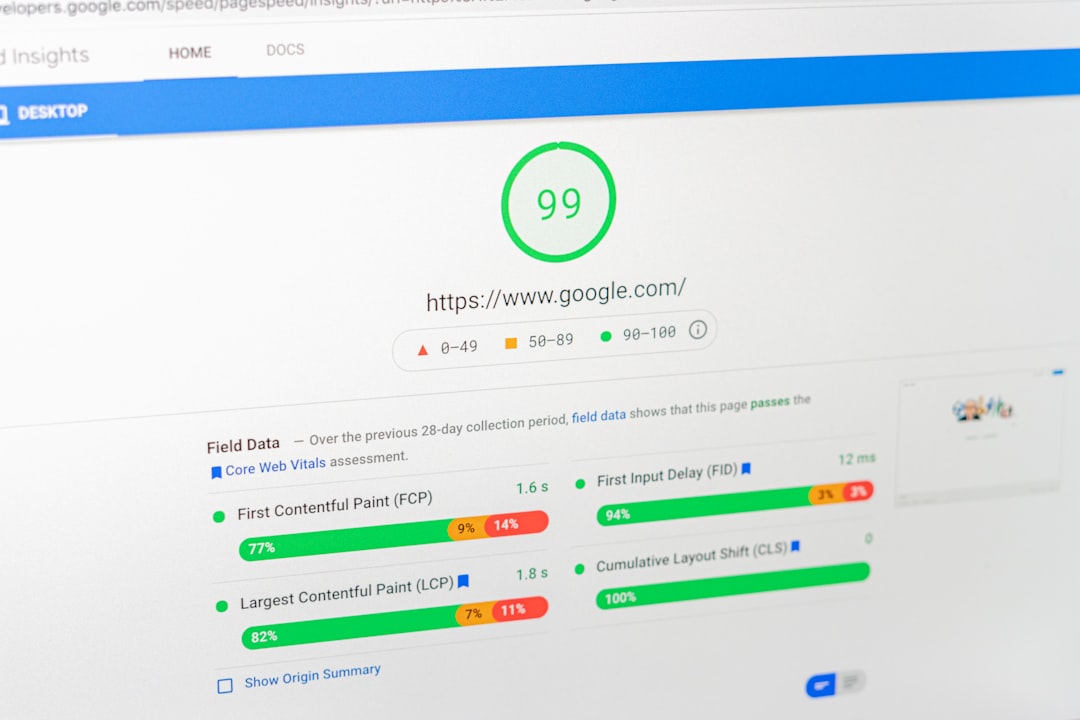
Compress images, use caching, limit unnecessary plugins, and test your main templates instead of obsessing over one screenshot. New websites often waste time chasing minor performance tweaks while ignoring weak targeting or indexing problems. You do not need a perfect score. You need a site that is stable, understandable, and easy for both users and search engines to navigate.
A practical order of operations for new sites
The best SEO plan for a new website is a sequence, not a pile of tasks. When you work in the right order, each improvement supports the next one instead of creating more cleanup later.
| Priority | What to do first | Why it matters |
|---|---|---|
| 1 | Check search visibility, sitemap, and index settings | Pages cannot rank if they are blocked or undiscoverable |
| 2 | Set page titles, H1s, and core page targeting | Clarifies what each page should rank for |
| 3 | Build internal links between key pages | Reinforces hierarchy and discovery |
| 4 | Trim duplicate archives and low-value URLs | Prevents signal dilution on a small site |
| 5 | Improve speed and template cleanliness | Supports usability without distracting from bigger issues |
What new website owners should stop doing
Most early SEO mistakes come from doing too much, not too little. New sites lose focus when owners install overlapping plugins, publish thin pages for every keyword variation, or chase optimization scores instead of clarity.
Keep the structure simple. Use one SEO plugin. Publish fewer pages with clearer intent. Make sure every important page can be found through crawlable links. The goal is not to look optimized inside WordPress. The goal is to make your site understandable and useful in search.
When to get help
If your new site is live but you are not sure whether the real issue is indexing, duplication, weak targeting, or plugin clutter, bringing in a second set of eyes can save a lot of wasted effort. Most site owners do not need more features. They need a cleaner plan.
WordPress SEO Expert can help you diagnose what to fix first before bad habits get baked into the site. Book a free SEO consultation. No pitch, no pressure. Just an honest look at what your site actually needs and whether your current setup is part of the solution or part of the problem.
Contact WordPress SEO Expert today to schedule a consultation if you want a practical roadmap for launching a website with fewer SEO problems and stronger long-term signals.