

Beginner WordPress SEO usually goes wrong in one of two ways: either the advice is too technical to apply, or it turns into a plugin checklist with no priorities. Better organic traffic usually comes from a clearer sequence, not from doing more things at once.
WordPress SEO Expert helps site owners sort out what matters first. If your rankings are flat, the problem is often not effort. It is that crawlability, page targeting, internal links, and site structure are being handled in the wrong order.
What beginners should focus on first
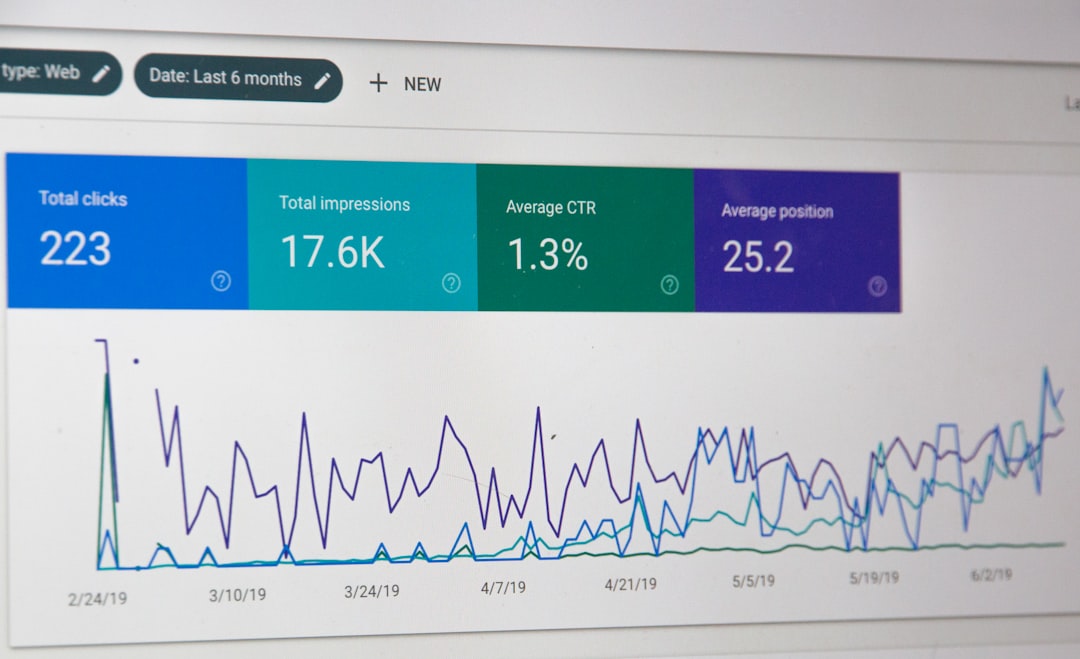
Start with the basics that affect whether search engines can understand and trust your pages. Titles, internal links, clean indexing settings, and useful page content will move you farther than chasing plugin scores.
A green light in an SEO plugin does not mean the page deserves to rank. Google recommends writing descriptive, concise titles, avoiding keyword stuffing, and using clear internal links that help people and search engines understand the page relationship. Review our practical WordPress SEO guide for DIY site owners if you want the broader framework behind these decisions.
Use one SEO plugin only
One well-configured SEO plugin is enough for most sites. Running overlapping SEO plugins often creates duplicate metadata, conflicting canonicals, and messy sitemap output that make beginner setups harder to troubleshoot.
If your site has changed hands, gone through a redesign, or had several plugins added over time, simplify before you optimize. Our guide on how to fix WordPress SEO setup problems walks through the cleanup process in a practical order.
How to improve titles and page targeting
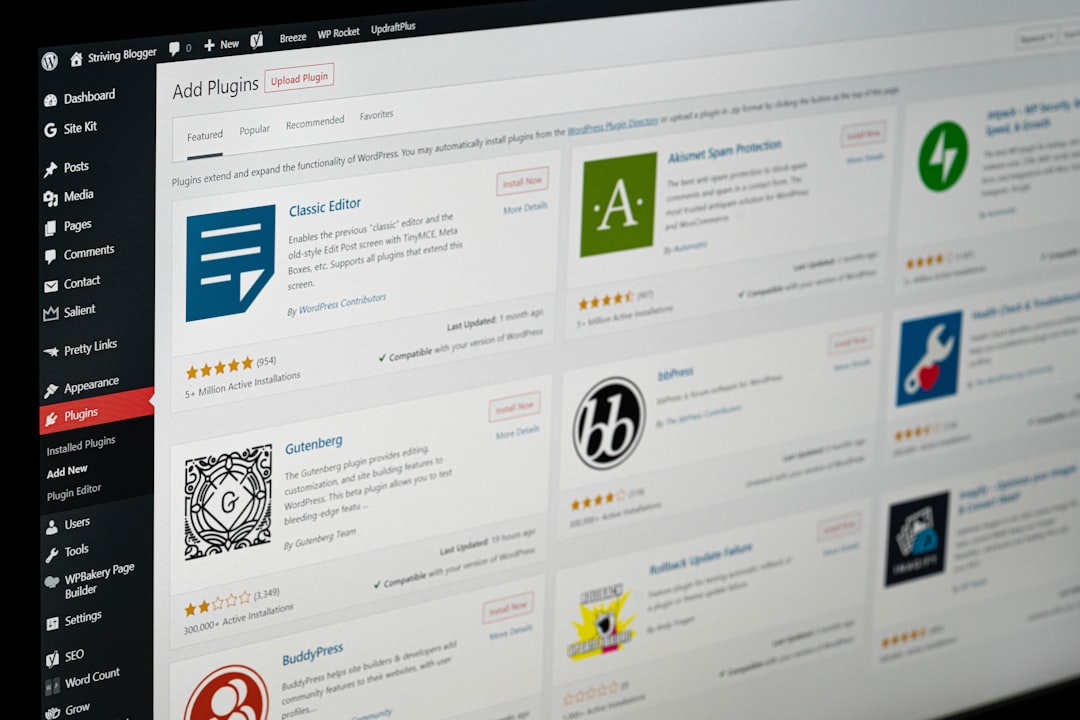
Your page title is one of the strongest beginner-level signals you control. It should tell both users and Google what the page is actually about without repeating variations or wasting space on boilerplate.
| Weak title | Stronger title |
|---|---|
| SEO Services | SEO Company | SEO Expert | WordPress SEO Services for Small Businesses |
| Blog | WordPress SEO Tips for Service Businesses |
| Home | WordPress SEO Consultant for Growing Websites |
Google’s Search Central documentation says title text should be descriptive and concise, and it specifically warns against keyword stuffing and repeated boilerplate. That is why short, specific titles usually perform better than stuffed versions that try to target everything.
For beginners, the easiest win is to rewrite the home page title, main service pages, and any blog posts already getting impressions. You do not need to rewrite every page on the site in one weekend.
Internal links are one of the easiest wins
Internal links help search engines discover your pages and understand which ones matter most. They also keep visitors moving instead of ending their session after one page.
Google recommends crawlable HTML links with descriptive anchor text. In plain terms, that means linking relevant phrases inside your content to related pages, not relying only on menus, buttons, or vague phrases like “read more.”
Begin by linking blog posts to service pages, related guides to each other, and any isolated page to at least a couple of relevant internal sources. If you are experiencing these symptoms, our team at WordPress SEO Expert can help.
Do not ignore indexing and archive settings
Better traffic depends on making sure search engines can reach your important pages without wasting attention on thin or duplicate sections. Beginners often overlook archive settings, attachment pages, and accidental noindex rules.
Check whether your important pages are included in your sitemap, whether thin archives are creating duplication, and whether key pages are linked clearly from navigation or content. Structured data can help search engines understand a page, but Google also says it should match visible content and should not be misleading.
A simple beginner order of operations
Fix the issues that block visibility before the issues that polish visibility. That keeps you from spending hours on meta descriptions or plugin settings while bigger technical or structural problems are still holding the site back.
| Priority | What to do | Why it comes first |
|---|---|---|
| 1 | Confirm indexing and crawl access | Pages cannot rank if search engines cannot reach them |
| 2 | Remove overlapping SEO plugins | Conflicts create mixed signals sitewide |
| 3 | Improve titles on core pages | Clearer relevance and better click potential |
| 4 | Strengthen internal linking | Supports discovery, hierarchy, and context |
| 5 | Refine descriptions and schema | Useful support layers after the basics are stable |
What beginners should stop doing
Stop treating SEO like a pile of disconnected tricks. Most site owners do not have one catastrophic problem. They have a stack of smaller issues that compound over time.
That usually means too many plugins, weak page titles, thin archive pages, inconsistent internal linking, or content that does not match the searcher’s intent. You do not need a perfect score. The goal is a site that loads cleanly, is easy to use, and sends consistent signals about which pages matter most.
When to get help
If better organic traffic still feels confusing after the basics, the next step is diagnosis, not guessing. WordPress SEO Expert can review whether your real bottleneck is indexing, duplication, weak targeting, internal links, or plugin clutter.
Book a free SEO consultation. No pitch, no pressure. Just an honest look at what your site actually needs and whether your current setup is part of the solution or part of the problem. Contact WordPress SEO Expert today to schedule a consultation.

















