
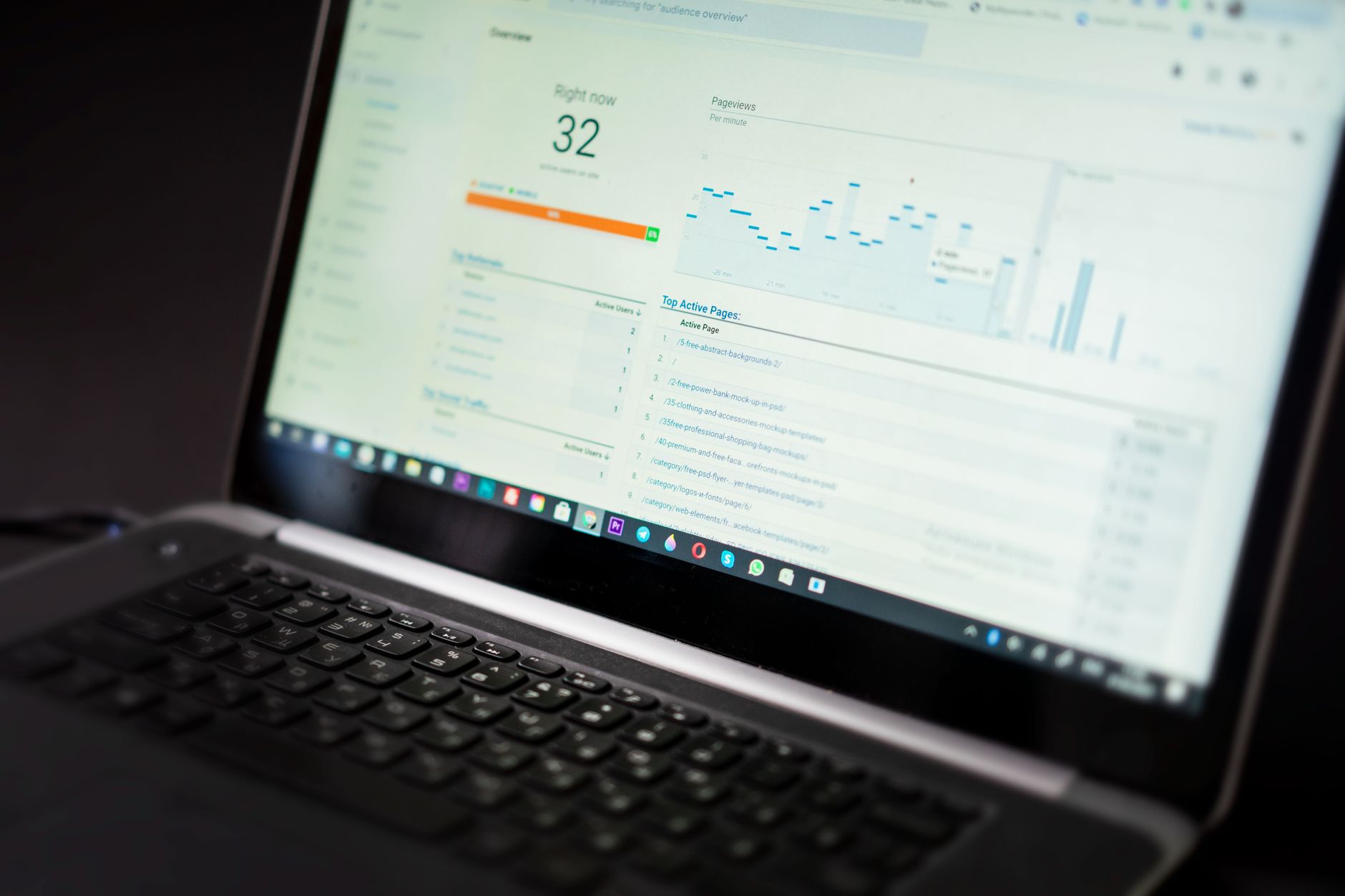
SEO results are easier to track when you stop chasing plugin scores and start watching a small set of signals that show visibility, traffic, and page performance. Beginners do not need a complicated dashboard. They need a simple way to see whether Google is finding the right pages, showing them more often, and sending better traffic over time.
The fastest way to do that is to use Google Search Console for search visibility and Google Analytics 4 for on-site engagement. Google Search Console shows clicks, impressions, average click-through rate, and average position for your site in Google Search, while Google Analytics 4 helps you see what visitors do after they arrive. If you need a broader foundation first, review the practical WordPress SEO guide for DIY site owners on this site before you build your tracking routine.
What should beginners track first?


Start with four metrics: clicks, impressions, average position, and conversions or leads. That gives you a balanced view of whether your pages are being seen, whether searchers are choosing them, whether rankings are moving, and whether the traffic is useful.
Google explains that the Search Console Performance report shows total clicks, total impressions, average CTR, and average position. For beginners, that is enough to spot real progress without drowning in reports. In GA4, engagement metrics help you understand whether people actually interact with the page after they land on it. A green light in an SEO plugin does not mean the page deserves to rank, and it definitely does not prove the page is producing business results.
The simplest setup for tracking SEO


The simplest setup is one verified Search Console property and one GA4 property connected to your WordPress site. You do not need three SEO plugins, multiple analytics overlays, or a custom report before you can learn what is working.
Use Search Console to monitor search performance and indexing. Use GA4 to track engagement and key actions such as form submissions, booked calls, or purchases. If your setup feels cluttered already, our guide to fixing WordPress SEO setup problems can help you simplify before you measure.
Tool checklist
Keep your stack small. One well-configured SEO plugin is enough. Then add the core tracking tools that actually tell you what happened in search and on the site.
| Tool | What it tells you |
|---|---|
| Google Search Console | Clicks, impressions, CTR, average position, indexing status |
| Google Analytics 4 | Engagement, key events, traffic behavior after the visit |
| Your rank tracker if used | Optional keyword movement for a small set of target terms |
How to read Search Console without overcomplicating it
Search Console is the best starting point because it shows what Google is already doing with your pages. Focus on trends, not daily noise. If impressions are rising, Google is showing your pages more often. If clicks are rising too, your visibility and appeal are improving together.
Google also notes that it is usually better to focus on trends in impressions and clicks than on position alone. Average position can move around for many reasons, so beginners should use it as a supporting metric, not the main score. Look at your data weekly or monthly, compare periods, and pay close attention to pages or queries that gain impressions without gaining clicks. That often points to weak titles, weak meta descriptions, or a mismatch in search intent.
What to check every month
A monthly review is usually enough for most small WordPress sites. The goal is not to stare at dashboards every day. The goal is to spot movement, find problems early, and decide what to fix next.
| Report | What to look for |
|---|---|
| Performance | Clicks and impressions trending up or down |
| Queries | Terms with high impressions but low CTR |
| Pages | Pages gaining visibility but not traffic |
| Page Indexing | Important URLs excluded or not indexed |
| URL Inspection | Whether a specific page is indexed and eligible to appear in search |
How to tell if SEO is actually working
SEO is working when the right pages earn more impressions, more relevant clicks, and more useful actions over time. Rankings alone are not enough. A page can move up a few spots and still bring poor traffic if it targets the wrong query.
For service businesses, useful actions usually mean contact form submissions, calls, or quote requests. For content sites, it may mean deeper engagement with related pages. For ecommerce, it may mean product views, add-to-cart actions, or purchases. GA4 defines engagement and engagement rate around meaningful sessions, so it can help you separate low-quality visits from visits that actually interact with the site. If you are experiencing these symptoms, our team at WordPress SEO Expert can help.
The beginner mistakes that distort SEO tracking
Most beginners do not fail because they are not tracking enough. They fail because they track the wrong things or read the right reports the wrong way. Good tracking removes confusion. Bad tracking multiplies it.
Common mistakes include checking rankings for random keywords, reacting to every daily fluctuation, ignoring indexed-page problems, and treating plugin recommendations as proof of progress. Another common mistake is not separating branded queries from non-branded queries. If all your clicks come from people already searching your business name, your broader SEO visibility may still be flat.
What to stop doing
Stop refreshing reports every morning and expecting a clear answer. SEO movement is usually easier to judge over a month than over a day. Stop treating average position as the only score that matters. Stop adding new plugins just because they promise better reporting. One clean setup almost always beats a cluttered one.
A simple beginner SEO scorecard
If you want a practical routine, build a scorecard you can update once a month. It should be simple enough that you will actually keep using it. The point is consistency, not sophistication.
| Metric | Why it matters | Monthly question |
|---|---|---|
| Clicks | Shows search traffic from Google | Are more people arriving from search? |
| Impressions | Shows how often pages appear in search | Is Google showing our pages more often? |
| CTR | Shows how often searchers choose your result | Do titles and descriptions earn the click? |
| Average position | Shows overall ranking trend | Are important pages moving in the right direction? |
| Leads or key events | Shows business value | Did SEO traffic produce useful actions? |
When tracking shows a problem
When the numbers stall, do not assume you need more content immediately. Flat SEO results usually come from a scattered plan, not one missing plugin. Look first for indexing issues, weak page targeting, thin internal links, or titles that earn impressions but not clicks.
Start by asking a few direct questions. Are your key pages indexed? Are impressions rising on the pages you actually care about? Are users landing on the page but leaving without taking the next step? Fix the issues that block visibility before the issues that polish visibility. That order saves time and usually explains more than any all-in-one plugin report.
When to get help
If your rankings are flat and you are not sure whether the real problem is indexing, duplication, weak targeting, or plugin clutter, WordPress SEO Expert can help. Tracking only matters if it leads to the right decisions, and many site owners get stuck because the data is there but the priority order is not.
Book a free SEO consultation with WordPress SEO Expert. No pitch, no pressure. Just an honest look at what your site actually needs and whether your current setup is part of the solution or part of the problem. Contact WordPress SEO Expert today to schedule a consultation.

















