
Mobile SEO for beginners is mostly about priorities, not perfection. If your WordPress site feels flat in search, the problem is usually a stack of smaller issues like weak titles, slow templates, hidden mobile content, and messy internal links rather than one missing setting.
A green light in an SEO plugin does not mean the page deserves to rank. Google evaluates the mobile version of your pages, so the real goal is a site that loads cleanly on phones, keeps the same important content across devices, and makes your next step obvious to both users and search engines.
What should beginners fix first?
Start with the issues that block visibility before the issues that polish visibility. For most small WordPress sites, that means checking mobile content parity, page titles, speed on key pages, and internal links before chasing advanced settings or plugin badges.
Google recommends descriptive, concise title text and advises against keyword stuffing and repetitive boilerplate. Google also says the mobile version of a page is what gets used for indexing, so missing text, links, or structured data on mobile can weaken how the page is evaluated. If you want a broader foundation first, review our WordPress SEO checklist that actually works and our WordPress mobile SEO checklist.
| Priority | What to check | Why it matters |
|---|---|---|
| 1 | Mobile content matches desktop | Google uses the mobile version for indexing |
| 2 | Page titles are clear | Helps users and search engines understand the page fast |
| 3 | Key pages load cleanly on phones | Reduces friction before users bounce or abandon |
| 4 | Internal links are easy to tap and visible | Supports crawling and next-step navigation |
| 5 | One SEO plugin is configured well | Avoids duplicate metadata and conflicting signals |
Why mobile SEO matters in WordPress
Mobile SEO matters because Google primarily evaluates the mobile version of your site, not the desktop version you may spend more time reviewing. If your phone layout strips out key headings, links, or content, you are asking Google to rank a weaker page than the one you think you published.
This is a common beginner problem with page builders, accordions, sliders, and theme templates. Desktop may look complete while mobile quietly hides important sections. The fix is not usually another plugin. It is checking your main pages on an actual phone and confirming that the important copy, internal links, headings, and calls to action still appear clearly.
How to optimize WordPress for mobile SEO
Begin with simple changes that affect real pages. You do not need a perfect score. You need a site that is easy to crawl, easy to use, and consistent enough to send clear signals about which pages matter most.
1. Keep the same important content on mobile
Your mobile pages should not be stripped-down versions of desktop pages. Keep the same main heading, supporting copy, internal links, and important page elements visible on both versions whenever possible.
Google’s mobile-first indexing guidance specifically recommends keeping the same content, metadata, and structured data across mobile and desktop. If your service page explains the offer clearly on desktop but hides half the copy on mobile, both rankings and conversions can suffer.
2. Improve titles for small screens
Better titles help mobile users decide quickly whether your page matches their search. On smaller screens, vague titles waste precious space and stacked keyword versions often look spammy instead of helpful.
Use the main topic first, then add a short qualifier if it improves clarity. Keep the title readable, specific, and different from other pages on the site.
| Weak title | Stronger title |
|---|---|
| SEO Tips | SEO Help | SEO Guide | Mobile SEO for WordPress Beginners |
| WordPress SEO Mobile Optimization Guide Tips | How to Improve Mobile SEO on WordPress |
| Best WordPress Mobile SEO Services | WordPress Mobile SEO Fixes for Small Sites |
3. Reduce image and plugin bloat
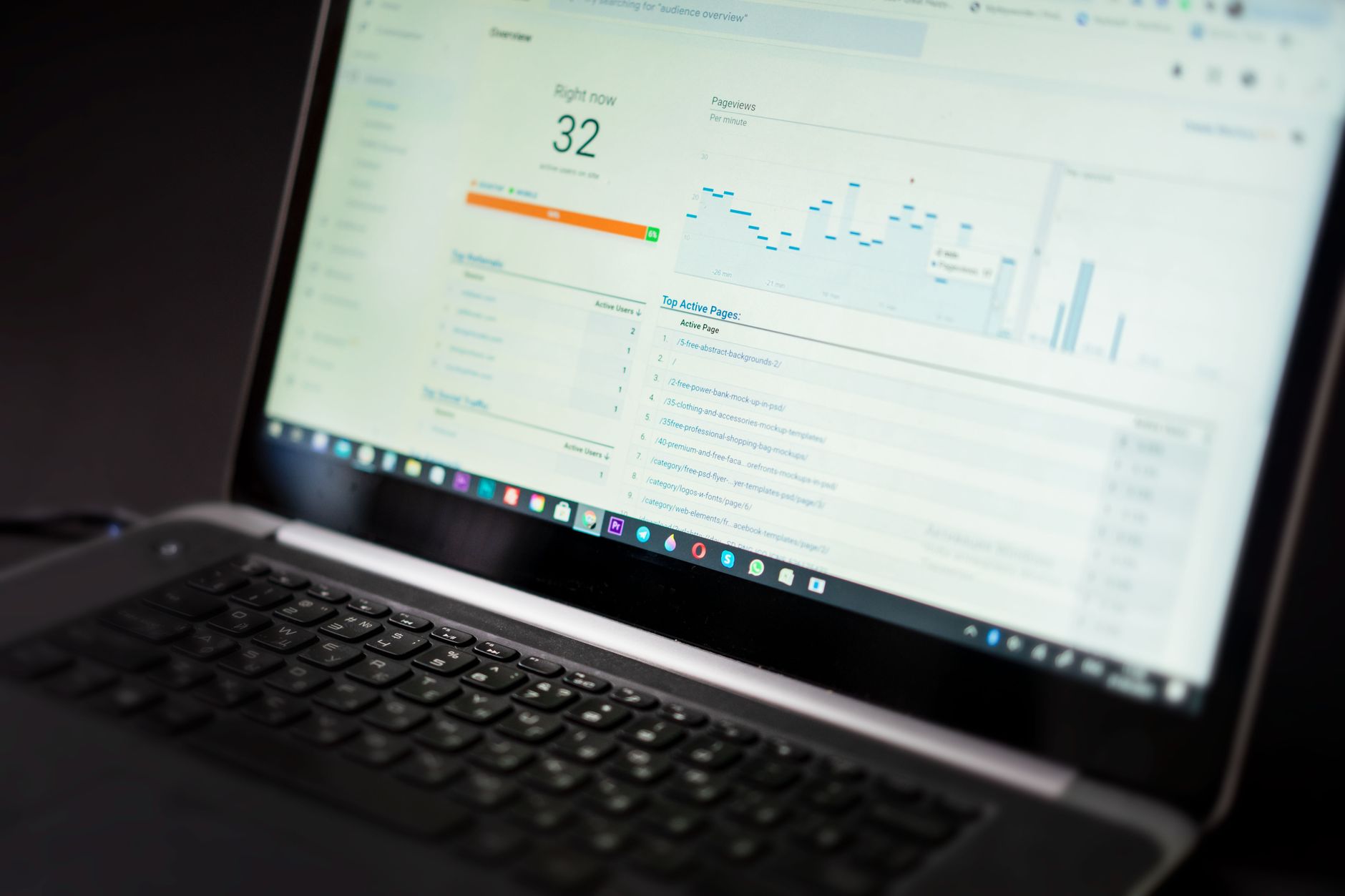
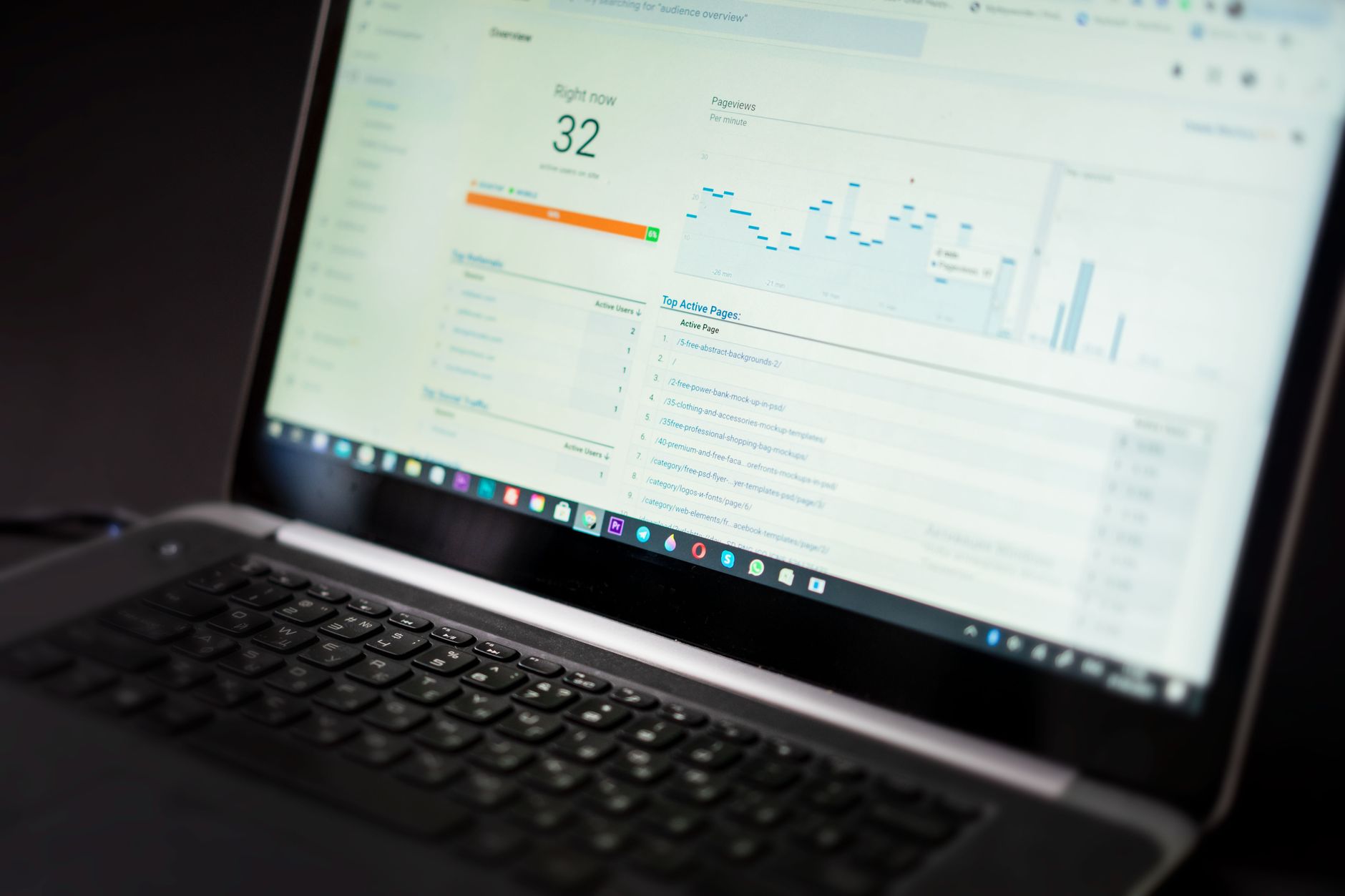
Most slow mobile pages are slow because too many front-end assets load at once. Large hero images, sliders, chat widgets, popups, review tools, and page builder scripts often do more damage than the core WordPress install itself.
Start with your homepage, service pages, and top blog posts. Compress oversized images, remove features that do not help users, and question every script that loads above the fold. One well-configured SEO plugin is enough. Running overlapping plugins often creates duplicate metadata, conflicting canonicals, and competing sitemap outputs.
4. Make internal links easy to use on phones
Internal links still matter on mobile, but they need to be visible, descriptive, and easy to tap. Good links help Google understand site structure and help readers move naturally to the next useful page.
Google recommends concise, relevant anchor text for internal links. That means linking phrases people can understand at a glance, not generic text and not a chain of keyword-stuffed links. If you are cleaning up the bigger picture, our WordPress SEO checklist and mobile SEO checklist for WordPress are good next steps. If you are seeing these issues across several templates, our team at WordPress SEO Expert can help.
5. Test real usability, not just tool scores
Plugin scores and lab tools can point you in the right direction, but they do not replace real testing. A page can be technically indexable and still frustrate mobile users with sticky bars, tiny buttons, awkward forms, and shifting layouts.
Open your key pages on a real phone. Check the menu, call buttons, forms, image loading, and any popups or banners. If users have to pinch, hunt, or re-tap to complete a simple action, simplify the layout before you spend more time polishing metadata.
What beginners should stop doing
Stop treating mobile SEO like a checklist race. Most site owners do not have one catastrophic problem. They have a stack of smaller issues that compound over time, and overcomplicating the setup usually makes diagnosis harder.
Stop stacking SEO plugins, stop publishing thin near-duplicate posts, and stop hiding useful content on mobile just to make a page look cleaner. Fix the issues that block visibility before the issues that polish visibility. That order matters more than any single tool recommendation.
When to get professional help
If you have already improved images, checked titles, and cleaned up mobile layouts but rankings still feel stuck, the problem may be broader than mobile speed alone. Indexing, duplication, internal linking, and weak page targeting often overlap.
WordPress SEO Expert can help you sort out whether the real issue is mobile content parity, plugin clutter, crawl confusion, or page targeting. Book a free SEO consultation. No pitch, no pressure. Just an honest look at what your site actually needs and whether your current setup is part of the solution or part of the problem.
Contact WordPress SEO Expert today to schedule a consultation.

















