
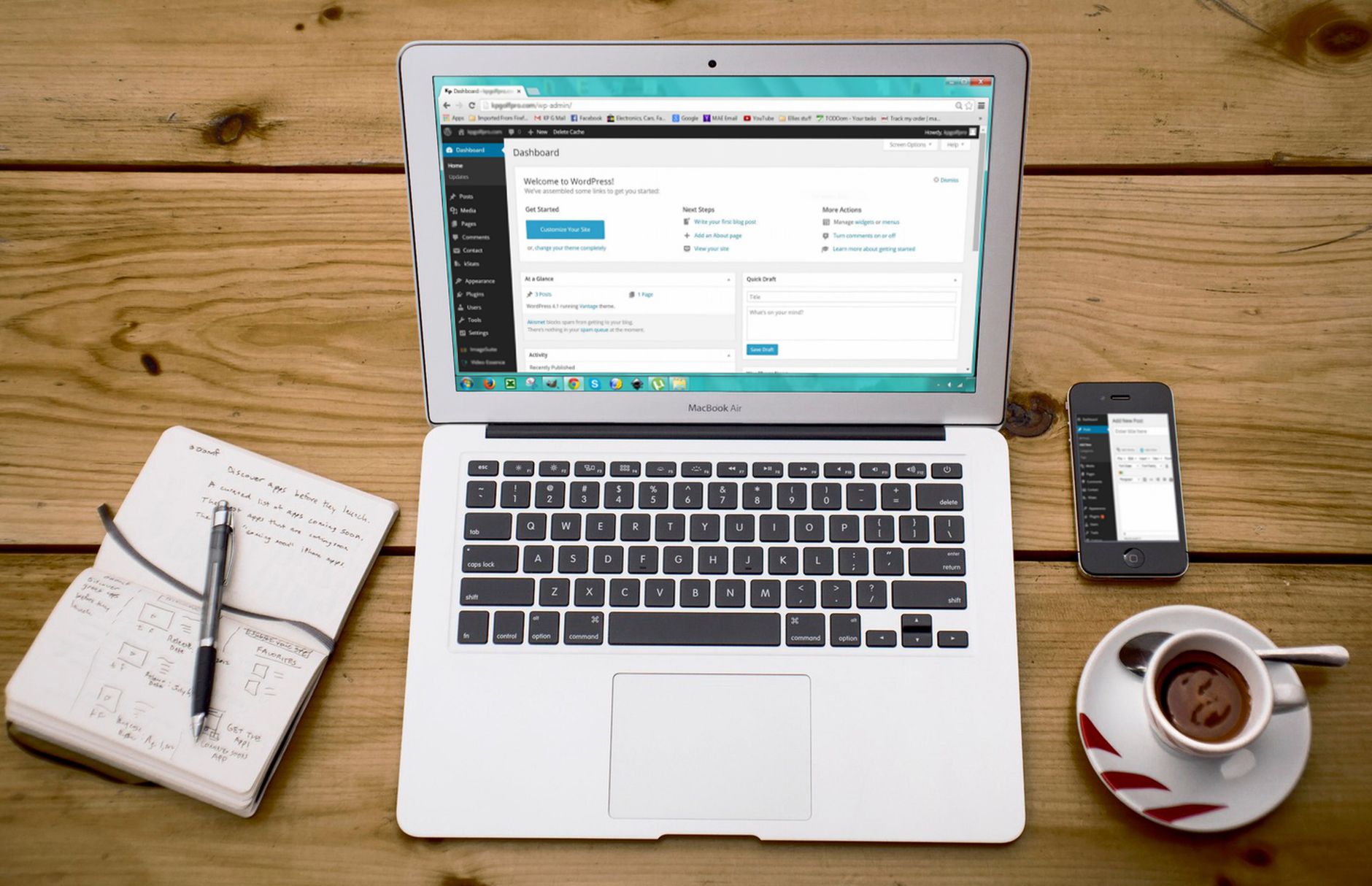
Getting started with SEO in WordPress is usually less about finding the perfect plugin and more about removing confusion. A beginner-friendly setup should help search engines crawl the right pages, explain what each page is about, and avoid the clutter that creates mixed signals from day one.
That is why the best configuration guide is a simple one. One well-configured SEO plugin is enough. A green light in an SEO plugin does not mean the page deserves to rank. What matters more is whether your site is crawlable, your titles are clear, and your important pages are easy to reach through internal links.
If you need a broader starting point before changing settings, review our WordPress SEO setup for beginners and our guide on how to fix WordPress SEO setup problems. Those two posts pair well with the configuration steps below.
What should beginners configure first?
Beginners should configure the settings that affect visibility first: site indexing, one SEO plugin, title formats, sitemap settings, and basic archive rules. Fix the issues that block visibility before the issues that polish visibility, because technical confusion can suppress rankings even when the content itself is decent.
Many site owners start in the wrong place. They spend hours adjusting schema options, social previews, or readability prompts before checking whether important pages can be crawled properly. A cleaner order saves time and reduces mistakes.
Step 1: Use one SEO plugin only

The first configuration rule is simple: keep one primary SEO plugin and remove overlapping ones. Running multiple SEO plugins often creates duplicate metadata, competing sitemaps, and conflicting canonical signals that make troubleshooting much harder.
If you already installed several tools while testing options, simplify before you optimize. One plugin can manage your titles, meta descriptions, XML sitemap, and default schema well enough for most beginner sites. You do not need a bigger stack. You need a cleaner one.
Step 2: Check WordPress visibility settings
Before editing titles or descriptions, make sure your site is allowed to appear in search. In WordPress, check the Reading settings and confirm you are not discouraging search engines from indexing the site. If that setting is wrong, later SEO work will have limited value.
This is the kind of issue that gets missed because it feels too basic to be the problem. Most site owners do not have one catastrophic problem. They have a stack of smaller issues that compound over time.
Step 3: Set clear title formats
Your title settings deserve early attention because they help search engines and users understand the page quickly. Google recommends writing title text that is descriptive and concise, and it warns against keyword stuffing and repetitive boilerplate in title elements. See Google’s title link guidance for the underlying standard.
For beginners, that means avoiding generic patterns and writing titles that match the real purpose of the page. The homepage, service pages, and cornerstone posts should all have distinct titles rather than recycled templates with minor changes.
| Weak title | Stronger title |
|---|---|
| Home | WordPress SEO Services for Small Businesses |
| SEO Plugin Tips | WordPress SEO Plugin Setup for Beginners |
| Blog | WordPress SEO Help and Setup Tips |
Step 4: Write meta descriptions for key pages
Meta descriptions are worth configuring, but only after the bigger visibility settings are stable. Google says it may use the meta description in search results when it better summarizes the page, so the goal is to write short, accurate previews for the pages that matter most. You can review that in Google’s snippet documentation.
Start with your homepage, main services, and highest-value blog posts. Do not worry about filling every archive or low-value page immediately. The right move is focused coverage, not bulk completion.
Step 5: Make sure your links are crawlable
Internal links are part of configuration because they help search engines discover and understand your site structure. Google recommends using crawlable HTML links and descriptive anchor text so both users and search engines can make sense of the destination page. That guidance is covered in Google’s link best practices.
For beginners, the practical takeaway is simple. Link your main pages from navigation, connect related posts with clear anchor text, and avoid burying important pages several clicks deep. If you are still unsure whether your current settings are helping or hurting, WordPress SEO Expert can help.
Step 6: Review sitemap and archive settings
Your XML sitemap should include the pages you want discovered and avoid emphasizing low-value clutter. Archive settings also matter because tag pages, attachment pages, and thin author archives can create unnecessary duplication if they are left unmanaged.
Beginners do not need to over-engineer this part. They do need to decide which sections of the site deserve search visibility and which ones only exist for organization. A simple structure is usually easier to maintain and easier for search engines to interpret.
Step 7: Keep URLs and page structure simple
Clean page structure supports clean SEO signals. Google recommends simple, descriptive URLs, and that principle fits beginner sites especially well because it reduces the risk of duplicate or confusing paths. You can see that guidance in Google’s URL structure documentation.
This does not mean renaming every old URL without a plan. It means using readable slugs on new pages, organizing content clearly, and avoiding unnecessary layers of categories and subcategories that make the site harder to maintain.
A simple beginner configuration checklist
If you want a clear sequence, use this checklist to stay focused. The goal is not to touch every SEO feature. The goal is to set the foundation well enough that future content and optimization have something stable to build on.
| Priority | What to configure |
|---|---|
| 1 | Search visibility and indexing settings |
| 2 | One SEO plugin with basic global settings |
| 3 | Homepage and key page titles |
| 4 | Meta descriptions for core pages |
| 5 | XML sitemap and archive rules |
| 6 | Internal links to important pages |
| 7 | URL cleanliness and duplicate cleanup |
What beginners should ignore for now
Beginners should ignore anything that feels impressive but does not solve a real visibility problem. That includes chasing plugin scores, enabling every schema feature, or obsessing over tiny tweaks before your important pages have strong titles and crawlable links.
You do not need a perfect score. The goal is a site that loads cleanly, is easy to use, and sends consistent signals about which pages matter most. If you are experiencing these symptoms, our team at WordPress SEO Expert can help.
When to get help with WordPress SEO
If your rankings are still flat after a basic cleanup, the problem is often prioritization rather than effort. A second set of eyes can usually tell whether the real issue is indexing, duplication, weak targeting, or plugin clutter instead of another missing feature.
Book a free SEO consultation with WordPress SEO Expert. No pitch, no pressure. Just an honest look at what your site actually needs and whether your current setup is part of the solution or part of the problem. Contact WordPress SEO Expert today to schedule a consultation.

















