
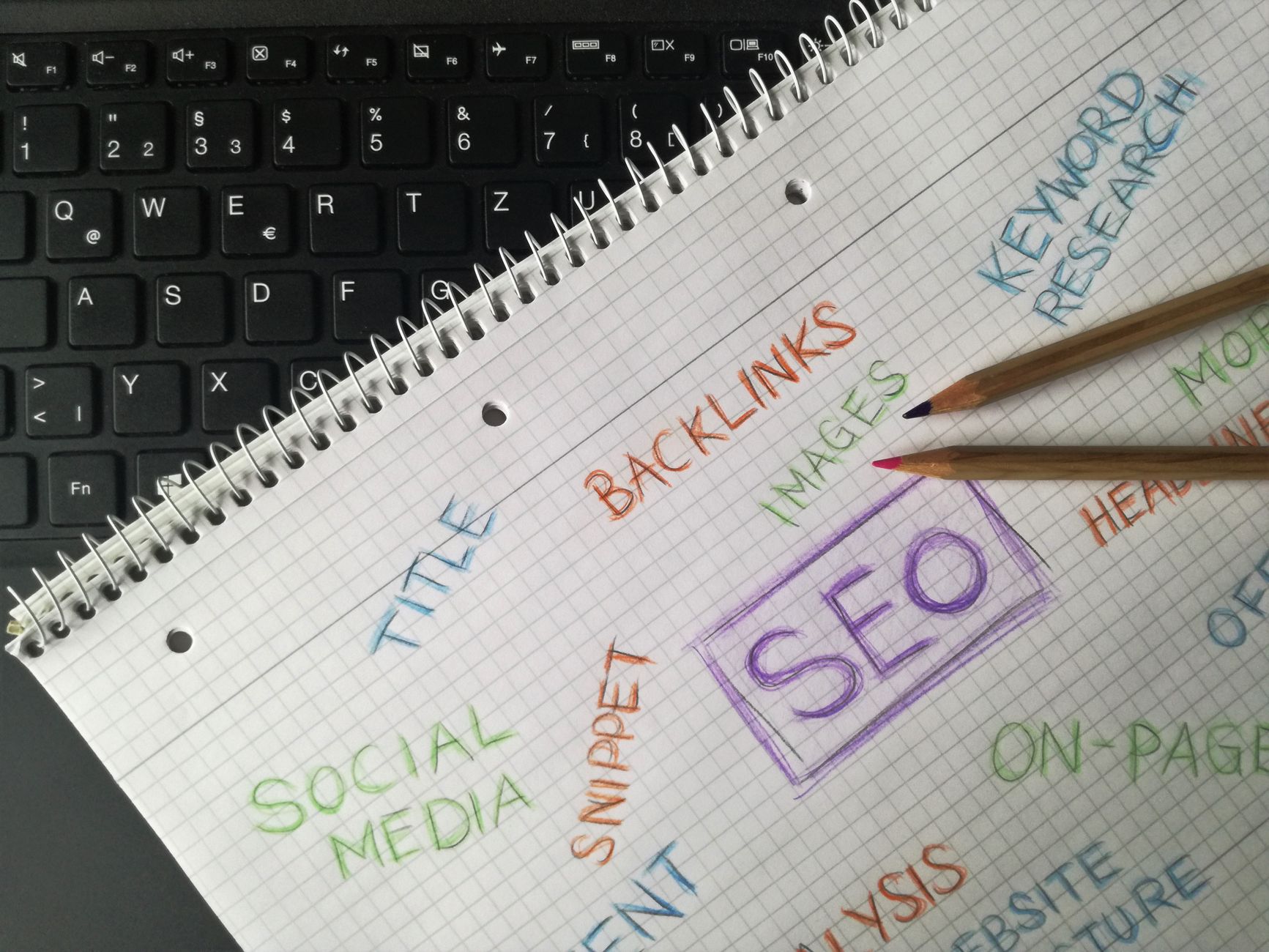
WordPress SEO for beginners gets easier when you stop chasing perfect plugin scores and start fixing the issues that actually affect visibility. Most sites do not struggle because the owner missed one trick. They struggle because indexing, page targeting, internal links, and plugin settings are all pulling in different directions.
That is why the best beginner approach is simple: use one SEO plugin, make sure your key pages can be crawled and indexed, write clearer titles, and connect related pages with helpful internal links. A green light in an SEO plugin does not mean the page deserves to rank.
If you want a broader foundation before you start changing settings, review our WordPress SEO practical guide for DIY site owners. If your setup already feels messy, our post on how to fix WordPress SEO setup problems shows what usually goes wrong first.
What should beginners focus on first?
Beginners should focus on visibility blockers before polish. That means checking whether important pages are indexable, reducing plugin clutter, and making page topics clearer before worrying about advanced schema, extra tools, or score-based recommendations inside the editor.
WordPress gives you a flexible structure, but that flexibility can create thin archives, duplicate URLs, and overlapping plugin output if you are not careful. One well-configured SEO plugin is enough. Running overlapping plugins often creates duplicate metadata, conflicting canonicals, and competing sitemap outputs.
For most small business sites, the right order is straightforward. First confirm search engines can reach the pages that matter. Then improve titles, headings, and internal links on your main pages. After that, review speed, duplicate archive pages, and any technical cleanup that is still getting in the way.
How many SEO plugins do you need?
You only need one SEO plugin. If you are a beginner, installing multiple SEO tools usually creates more confusion than improvement because different plugins can output overlapping tags, sitemaps, redirects, and schema settings.
Keep your setup simple. Choose one primary SEO plugin, configure titles, descriptions, sitemap settings, and archive rules inside that system, then remove the overlapping extras. If your rankings are flat, the answer is almost never “install another plugin.” It is usually “simplify the signals your site is already sending.”
If you are not sure whether the problem is plugin clutter, indexing, duplication, or weak targeting, WordPress SEO Expert can help. We can review what your site is actually sending to search engines before you make bigger changes.
What pages matter most for beginner SEO?
Beginners should start with the pages that already matter to users and search engines. That usually means the homepage, primary service pages, top product or category pages, and any blog posts already getting impressions.
Do not spread your effort across every page at once. Fix the issues that block visibility before the issues that polish visibility. A homepage with a weak title or a service page with no internal links deserves attention before an old low-traffic post gets rewritten for the third time.
This is where many DIY site owners lose momentum. They keep editing small pages because those are easier to change, while the important pages stay vague, underlinked, or poorly structured. SEO results usually improve faster when you work on the pages closest to leads, sales, or core search demand.
How should beginners write titles and headings?
Beginners should write titles and headings that clearly describe the page instead of stuffing variations into every field. Search engines and users both respond better to a specific, readable title than to a string of repeated keywords.
A weak title usually sounds broad, repetitive, or generic. A stronger title tells the reader what the page actually offers and who it is for. The same principle applies to headings inside the page. Use one clear H1, then break the topic into logical H2s and H3s that make the content easier to scan and understand.
| Weak title | Stronger title |
|---|---|
| SEO Services | SEO Company | SEO Expert | WordPress SEO Services for Small Businesses |
| Blog | WordPress SEO Tips for Service Businesses |
| Home | WordPress SEO Consultant for Growing Businesses |
You do not need perfect wording on the first pass. You need titles that match the page topic and headings that help visitors move through the content without getting lost. That is a better beginner goal than trying to satisfy every suggestion inside a plugin checklist.
Why do internal links matter so much?
Internal links are one of the simplest beginner wins because they help search engines discover pages, understand topic relationships, and identify which pages matter most on your site. They also help visitors move from questions to solutions without hitting a dead end.
Most beginner WordPress sites underuse internal links. Blog posts sit alone, service pages depend only on the menu, and useful related pages are never connected. A better approach is to link naturally between related posts, service pages, and category-level resources using descriptive phrases that explain what the next page covers.
As you build out content, connect beginner topics to deeper resources. For example, a post about setup basics should point readers toward your more detailed WordPress SEO guide and any troubleshooting content that helps them solve the next obvious problem.
What technical issues should beginners check?
Beginners do not need an advanced technical audit to make progress, but they do need to check a few basics. Confirm your site is visible to search engines, your sitemap is enabled, your important pages are indexable, and your thin archives are not creating unnecessary clutter.
WordPress sites often run into technical problems that are not dramatic on their own but add up over time. Attachment pages, empty tag archives, duplicate categories, or leftover plugin settings can all dilute signals. Most site owners do not have one catastrophic problem. They have a stack of smaller issues that compound over time.
A practical beginner checklist includes checking site visibility settings, reviewing archive behavior, cleaning up broken internal links, and making sure important pages are not buried too deep in the site structure. If your traffic dropped after a redesign or migration, start with redirects and indexation before touching copy.
Do beginners need perfect speed scores?
No. Beginners do not need perfect speed scores. The goal is a site that loads cleanly, is easy to use, and does not frustrate visitors on important pages.
That usually means compressing oversized images, enabling caching, reducing unnecessary plugins, and keeping page templates from becoming bloated. You do not need a perfect score. The goal is a site that loads cleanly, is easy to use, and sends consistent signals about which pages matter most.
If speed improvements feel technical, keep the principle simple: fix what users feel first. Slow hero images, heavy sliders, and cluttered templates usually matter more than tiny score improvements that do not change the visitor experience.
A simple beginner order of operations
If you are unsure where to start, use a simple sequence and work from the bottom up. This prevents you from wasting time polishing pages while larger visibility issues remain unresolved.
| Priority | What to fix | Why it matters |
|---|---|---|
| 1 | Indexing and crawl access | Pages cannot rank if search engines cannot reach them. |
| 2 | SEO plugin cleanup | One plugin reduces conflicting metadata and settings. |
| 3 | Page titles and headings | Clearer page topics improve relevance and usability. |
| 4 | Internal links | Helps discovery, hierarchy, and page support. |
| 5 | Archive and duplicate cleanup | Reduces thin or competing URLs. |
| 6 | Speed improvements | Supports a better user experience on key pages. |
This order keeps the work practical. It also helps you avoid the beginner trap of treating SEO like a giant checklist where every task deserves equal attention. It does not. Some fixes unlock visibility, and others only refine it.
When should you get help?
You should get help when your rankings are flat, your setup feels cluttered, or you are not sure whether the real issue is indexing, duplication, weak targeting, or plugin conflicts. Beginners often do plenty of work but still struggle because the work is happening in the wrong order.
WordPress SEO Expert can help you sort through the noise and identify what your site actually needs first. Book a free SEO consultation. No pitch, no pressure. Just an honest look at what your site actually needs and whether your current setup is part of the solution or part of the problem.
Contact WordPress SEO Expert today to schedule a consultation if you want a practical plan instead of another plugin recommendation or another scattered checklist.

















