

WordPress SEO gets easier when you stop treating it like a plugin checklist and start treating it like a sequence of decisions. Most flat rankings come from mixed signals, weak page targeting, and messy site structure, not from missing one secret setting.
This tutorial walks through the order that actually matters: indexing first, page targeting second, internal links third, and supporting settings after that. A green light in an SEO plugin does not mean the page deserves to rank.
Start With What WordPress SEO Really Means
WordPress SEO is the process of making your important pages easy to crawl, easy to understand, and clearly connected to search intent. The goal is not perfection. The goal is a site that sends consistent signals about which pages matter most and why they deserve visibility.
That is why tutorials often frustrate site owners. They jump from plugin settings to schema to image alt text without showing what to fix first. If you need a broader foundation before working through this tutorial, review this practical WordPress SEO guide for DIY site owners.
Step 1: Check Indexing Before Anything Else
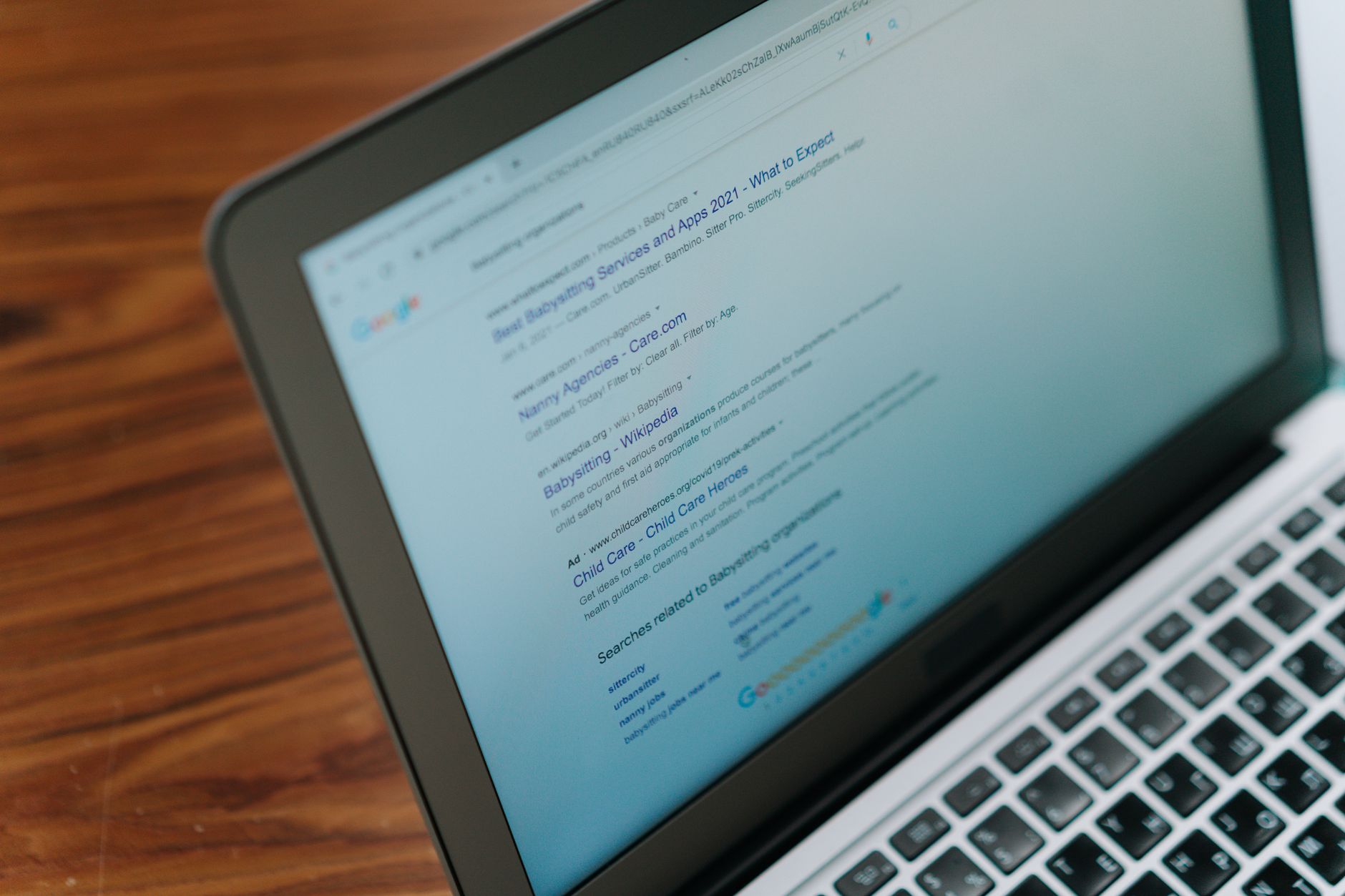
If search engines cannot crawl or index your important pages, every other SEO task becomes secondary. Fix the issues that block visibility before the issues that polish visibility.
Open Google Search Console and review which pages are indexed, excluded, redirected, or marked noindex. On WordPress sites, common problems include thin archives, attachment pages, and old URLs left behind after redesigns. Google explains that pages should be reachable through crawlable links from other findable pages, not only through a sitemap. Google also recommends a simple crawlable URL structure and descriptive internal anchor text.
If your setup already feels cluttered, this guide on fixing WordPress SEO setup problems pairs well with the checklist below.
| What to check | Why it matters |
|---|---|
| Search engine visibility setting | Prevents accidental blocking of the whole site |
| XML sitemap | Helps search engines discover important URLs |
| Archive indexing | Reduces thin or duplicate pages |
| Broken internal links | Improves crawl flow and page discovery |
| Redirects after site changes | Preserves equity and prevents dead ends |
Step 2: Use One SEO Plugin, Not Several
One well-configured SEO plugin is enough for most WordPress sites. Running overlapping plugins often creates duplicate metadata, conflicting canonicals, and multiple sitemap outputs that make troubleshooting harder.
This is one of the most common problems on sites that have changed hands or gone through redesigns. Keep one SEO system, remove overlaps, and configure the basics inside that one tool. If you are not sure which settings matter most, a clean setup usually beats a feature-heavy one.
Step 3: Fix Titles and Headings on Your Core Pages
Your title tag and page heading do more work than most site owners realize. Google recommends descriptive, concise title text and specifically warns against keyword stuffing and repetitive boilerplate.
Start with your homepage, primary service pages, top category pages, and any pages already earning impressions. Give each page one clear topic and write the title around that topic instead of stuffing variations together.
| Weak title | Stronger title |
|---|---|
| SEO Services | SEO Company | SEO Expert | WordPress SEO Services for Small Businesses |
| Blog | WordPress SEO Tips for Service Businesses |
| Home | WordPress SEO Consultant for Growing Sites |
Use one H1 per page, then organize the rest of the page with clear H2 and H3 subheadings. That structure helps users scan the page and gives search engines a more consistent content hierarchy.
Step 4: Write Meta Descriptions for Clicks, Not Scores
Meta descriptions support click-through, even though they are not the main reason a page ranks. Google says it may use the meta description when it provides a more accurate summary, and it recommends unique descriptions that clearly describe each page.
Write descriptions for pages that matter most first. Focus on clarity, usefulness, and relevance. Do not fill the field with repeated keywords just to satisfy a plugin prompt.
Step 5: Build Internal Links With Purpose
Internal links are one of the simplest ways to strengthen WordPress SEO without adding new plugins or publishing more pages. They help search engines discover content, understand topical relationships, and identify which pages are most important.
Google recommends anchor text that is descriptive, concise, and relevant to the target page. That means linking meaningful phrases inside your content instead of relying only on menus, buttons, or vague anchors.
A practical method is to link blog posts to service pages, related guides to each other, and newer posts back to stronger foundational content. If your important pages feel isolated, they usually need better internal support, not another optimization plugin.
If you are experiencing these symptoms, our team at WordPress SEO Expert can help.
Step 6: Clean Up Duplicate and Low-Value Pages
Most WordPress sites create more indexable URLs than they actually need. Tag archives, author archives, attachment pages, filtered URLs, and outdated duplicates can quietly dilute your signals.
Review which archives truly help users and which ones only repeat content. If a page adds little unique value, consider noindexing it, consolidating it, or redirecting it. Most site owners do not have one catastrophic problem. They have a stack of smaller issues that compound over time.
Step 7: Improve Speed Without Chasing Perfect Scores
Speed matters when pages feel slow, unstable, or frustrating to use. You do not need a perfect score. You need a site that loads cleanly and supports the pages that drive leads, sales, and key traffic.
Start with practical improvements: compress large images, enable caching, remove unused plugins, and test important templates separately. A fast homepage does not guarantee a fast product page or service page.
Step 8: Use Schema Carefully
Schema helps search engines understand what is already visible on the page, but it does not replace strong targeting or useful content. Google’s structured data policies say markup should represent the main page content and should not be misleading.
Keep schema aligned with the actual page type. For many sites, that means basic organization details, article markup on posts, and breadcrumb markup where breadcrumbs are visible. More markup is not automatically better.
A Better Order for Your WordPress SEO Work
The fastest tutorial is not the one with the most steps. It is the one that puts the right steps first so your effort compounds instead of scattering.
| Priority | Focus | Goal |
|---|---|---|
| 1 | Indexing and crawl access | Make key pages visible |
| 2 | Plugin cleanup | Remove conflicting signals |
| 3 | Titles and headings | Improve topical clarity |
| 4 | Internal links | Strengthen hierarchy and discovery |
| 5 | Duplicate page cleanup | Reduce wasted crawl paths |
| 6 | Speed and schema | Support usability and understanding |
What This Tutorial Should Change
If this tutorial does one thing, it should move you away from random SEO tasks and toward a cleaner diagnostic process. A green light in an SEO plugin does not mean the page deserves to rank. Clear structure, crawlable pages, focused targeting, and strong internal links matter more.
If your rankings are flat and you are not sure whether the real problem is indexing, duplication, weak targeting, or plugin clutter, WordPress SEO Expert can help. Book a free SEO consultation. No pitch, no pressure. Just an honest look at what your site actually needs and whether your current setup is part of the solution or part of the problem.
Contact WordPress SEO Expert today to schedule a consultation.

















