

SEO results are easier to track when you stop chasing plugin scores and start watching the signals that actually show progress. A green light in an SEO plugin does not mean the page deserves to rank. What matters is whether important pages are indexed, earning impressions, attracting clicks, and producing real business actions over time.
The practical way to measure a WordPress SEO tutorial is to track results in layers. Start with visibility in Google, then measure traffic quality, then measure conversions. If you skip that order, it becomes hard to tell whether the issue is indexing, weak click-through, poor targeting, or a page that gets traffic but does not convert.
If you want a broader baseline before you build a tracking system, review our WordPress SEO practical guide for DIY site owners. If you need a simpler checklist version of the same process, our guide to tracking WordPress SEO results covers the page-by-page workflow.
What should you track first?


Track indexing, impressions, clicks, average position, and conversions first. That gives you a clear view of whether your tutorial changes made pages more visible, more clickable, and more useful. Most site owners jump straight to rankings, but rankings alone rarely explain why performance is flat.
Google Search Console is the best starting point because it shows clicks, impressions, CTR, and average position in the Performance report. Google also recommends using the URL Inspection tool to understand how a specific page is indexed and whether it appears eligible for Google Search. For conversions, use Google Analytics 4 so you can measure form submissions, calls, purchases, or other key events tied to business outcomes.
| Metric | What it tells you | Best tool |
|---|---|---|
| Indexing status | Whether Google can include the page in search | Google Search Console URL Inspection |
| Impressions | Whether the page is being shown more often | Google Search Console |
| Clicks | Whether searchers choose your result | Google Search Console |
| Average position | Whether the page is moving up or down over time | Google Search Console |
| Conversions | Whether SEO traffic leads to real actions | Google Analytics 4 |
How do you set a baseline before changes?
Set a baseline before you change titles, content, internal links, redirects, or plugin settings. Without a baseline, you cannot tell whether the tutorial improved the site or simply changed it. Record the current state of your most important pages before you begin.
A simple baseline sheet should include the page URL, target keyword, indexability, clicks, impressions, average position, and conversions from the last 28 to 90 days. Focus on service pages, product categories, and blog posts that already show some visibility. Pages with no demand or no relevance often distract from pages that are already close to producing results.
How to use Google Search Console for tutorial tracking
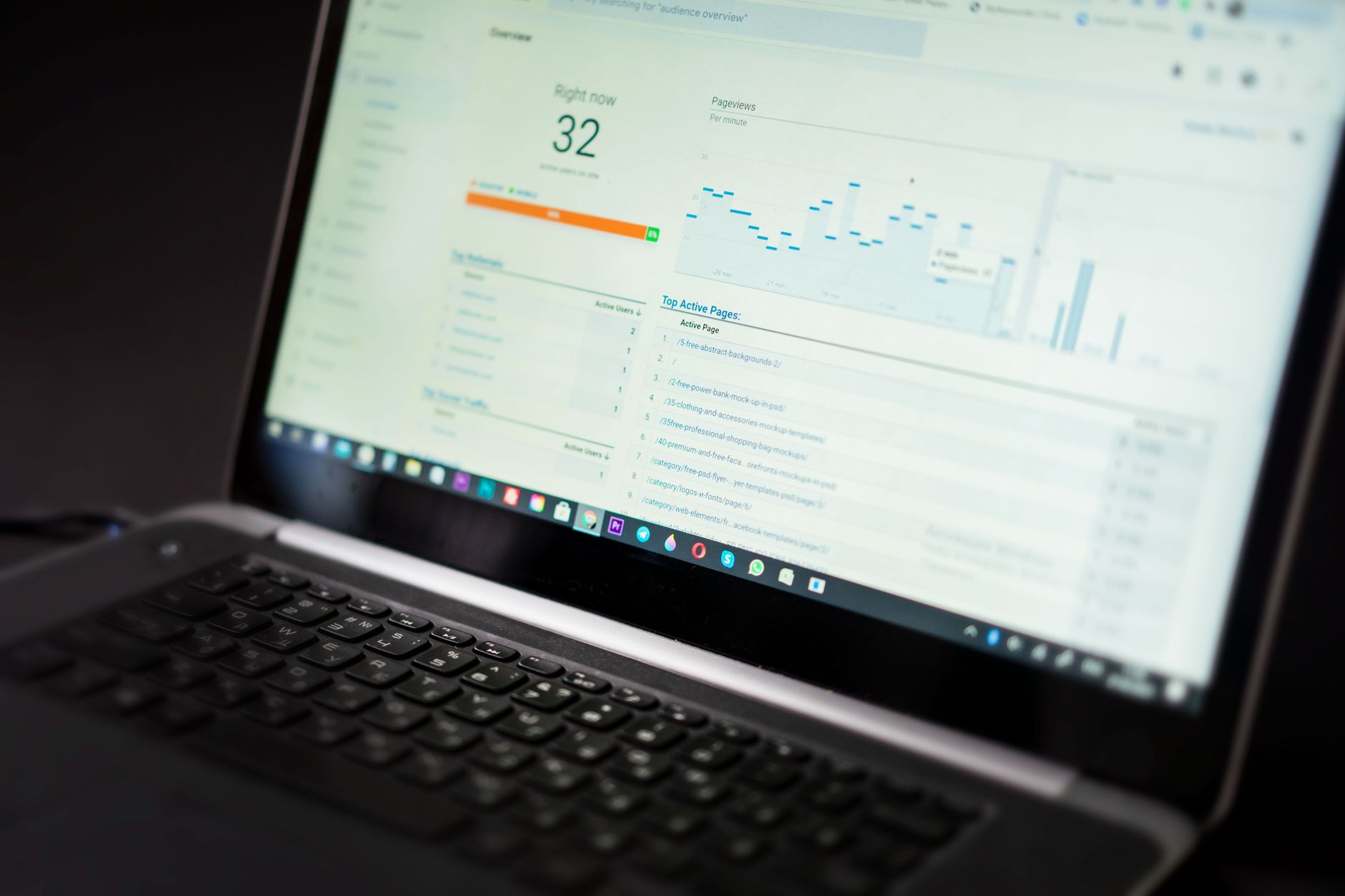
Google Search Console is the clearest way to see whether your WordPress SEO work is increasing search visibility. The most useful reports are Performance for search traffic trends and URL Inspection for page-level indexing checks. That combination tells you whether Google can see the page and whether searchers are responding when it appears.
In the Performance report, watch total clicks, total impressions, CTR, and average position. Google notes that these metrics can be filtered by page, query, country, device, and date range, which makes it easier to isolate the effect of a specific tutorial update. Google also advises focusing more on trends in impressions and clicks than on position alone, because position can fluctuate while visibility still improves.
For individual pages, use URL Inspection after technical changes. That is especially useful after updates to canonicals, noindex settings, redirects, archive controls, or sitemap settings. If your tutorial included technical fixes, confirm the outcome on the page itself instead of assuming the plugin setup is correct.
What a good trend looks like
Good SEO progress usually appears in sequence. Impressions tend to rise first as Google tests the page for more searches. Clicks often improve next if the title and snippet are stronger. Conversions come later when the traffic is relevant and the page gives users a clear next step.
| Signal | Likely meaning |
|---|---|
| Impressions rising | Google is showing the page more often |
| Clicks rising | Your search listing is attracting more visits |
| CTR improving | The title or snippet is more compelling |
| Average position improving | The page is becoming more competitive |
| Conversions improving | The traffic is more qualified or the page experience is stronger |
How to track conversions from SEO traffic

Tracking conversions is what turns SEO reporting into business reporting. Traffic alone does not tell you whether the tutorial produced value. In Google Analytics 4, measure the actions that matter most, such as contact form submissions, booked calls, purchases, quote requests, or other key events.
Google Analytics 4 uses key events to identify important actions you want to treat as conversions. Once those events are set up, you can compare organic traffic quality before and after your changes. This is where many WordPress site owners discover that flat rankings are not the only issue. Sometimes pages get traffic but fail to guide visitors toward the next step.
If you are unsure which actions count as meaningful conversions on your site, WordPress SEO Expert can help. We can review whether your tracking setup reflects real business goals or only surface-level traffic numbers.
How often should you review results?
Review technical issues weekly and broader SEO trends monthly. That pace is usually enough to catch problems early without pushing you into daily noise. SEO changes often need time to settle, especially after content updates, internal link changes, or structural cleanup.
Weekly reviews are best for indexing problems, redirect errors, and sudden drops after migrations or plugin changes. Monthly reviews are better for content, title updates, CTR changes, and conversion trends. If you changed many technical settings at once, shorten the review cycle until the site stabilizes.
Common mistakes when tracking WordPress SEO tutorials
The biggest tracking mistakes are changing too many things at once, relying on plugin scores, and reviewing sitewide averages instead of page-level performance. Those habits make it hard to see what actually improved. Most site owners do not have one catastrophic problem. They have a stack of smaller issues that compound over time.
One well-configured SEO plugin is enough. Running overlapping plugins often creates duplicate metadata, conflicting canonicals, and competing sitemap outputs. If the reporting looks messy, the setup may be messy too. Clean measurement starts with a clean WordPress SEO configuration.
Another mistake is expecting a title rewrite or content update to produce instant results. Search performance moves gradually. Record the date of every meaningful change, then compare the next few weeks against the previous period. That approach keeps reporting honest and prevents panic when short-term fluctuations happen.
A simple reporting format that works
The easiest reporting system is a monthly page-by-page summary. Keep it short, tie every result to a specific action, and focus on priority pages. A giant dashboard is not necessary if it does not help you make decisions.
| Page | Change made | Review window | What to compare |
|---|---|---|---|
| Service page | Updated title and internal links | 28 days | Impressions, clicks, conversions |
| Blog post | Expanded content and improved headings | 28 to 60 days | Visibility, CTR, engagement |
| Category page | Cleaned duplicate URL signals | 14 to 28 days | Indexing status, impressions, rankings |
The bottom line
Tracking a WordPress SEO tutorial works best when you measure outcomes instead of completed tasks. Start with indexing and visibility, then look at clicks, then measure conversions. Fix the issues that block visibility before the issues that polish visibility.
You do not need a perfect score. The goal is a site that loads cleanly, is easy to use, and sends consistent signals about which pages matter most. If your rankings are flat and you are not sure whether the real problem is indexing, duplication, weak targeting, or plugin clutter, WordPress SEO Expert can help.
Contact WordPress SEO Expert today to schedule a consultation. No pitch, no pressure. Just an honest look at what your site actually needs and whether your current setup is part of the solution or part of the problem.

















