

SEO tutorials are only useful if they change what your site can actually do in search. If traffic is flat after all the reading, the problem is usually not effort. It is that most site owners measure the wrong signals, in the wrong order, and end up mistaking activity for progress.
The practical way to measure WordPress SEO performance is to track visibility, clicks, traffic, and conversions by page. Rankings matter, but they are only one part of the picture. A green light in an SEO plugin does not mean the page deserves to rank, and it definitely does not prove the page is helping the business.
If you need the setup basics before you start measuring, review this practical WordPress SEO guide. If you want a measurement workflow focused on outcomes instead of plugin scores, this guide on tracking WordPress SEO results is a useful companion.
What should you measure in WordPress SEO?
You should measure five core things: indexation, impressions, clicks, organic traffic, and conversions. That sequence shows whether your pages can appear in search, whether they are becoming more visible, whether searchers choose them, and whether that traffic turns into something useful.

Most site owners jump straight to keyword rankings because rankings feel easy to understand. The problem is that rankings without context can hide what is really happening. A page can gain impressions before it gains clicks. It can gain clicks before it produces leads. Fix the issues that block visibility before the issues that polish visibility.
| Metric | What it tells you | Best place to check |
|---|---|---|
| Indexing status | Whether important pages can appear in search | Google Search Console |
| Impressions | Whether visibility is growing | Google Search Console |
| Clicks | Whether searchers choose your result | Google Search Console |
| Organic sessions | How much search traffic reaches the site | Google Analytics |
| Conversions | Whether SEO traffic helps the business | Analytics platform or CRM |
Start with a baseline before changing anything
Before you rewrite titles, change plugins, update category pages, or clean up technical settings, record a baseline. Without one, you cannot tell whether your changes improved the site or simply made it different.
Create a simple sheet with your priority pages, target topics, current impressions, clicks, organic traffic, and conversions. Keep the focus on service pages, product categories, and posts that already have some visibility. Pages with no demand often distract from pages that are close to producing results.
A useful baseline also includes the current page title, indexability, canonical status, and a note about internal links pointing to the page. This gives you a clear before-and-after view when performance changes later.
Use page-level tracking, not sitewide averages
Page-level tracking is more useful than broad sitewide averages because SEO gains rarely happen evenly. One service page can improve while another stays flat. One blog post can lose clicks while a category page gains visibility. If you only look at totals, you miss what actually changed.
Choose a small set of important pages and review them consistently. This is especially important for WooCommerce stores, local service businesses, and sites recovering from redesigns, where technical problems often affect some templates more than others.
How to measure technical SEO performance


Technical SEO should be measured by outcome, not by completed tasks. Updating a sitemap or changing noindex settings only matters if important pages become crawlable, indexable, and easier for search engines to understand.
When you make technical changes, review whether key pages remain indexable, whether duplicate URLs are reduced, and whether search engines are seeing the preferred version of each page. This is where many WordPress sites lose momentum after plugin changes, migrations, or archive cleanup.
| Technical change | What to verify after the change |
|---|---|
| Updated noindex settings | Important pages are still eligible for indexing |
| Changed canonicals | Preferred URLs are consistent across the site |
| Added redirects | Old URLs resolve correctly to the right new pages |
| Removed thin archives | Low-value pages stop competing with stronger pages |
| Changed plugin setup | Titles, schema, canonicals, and sitemaps are not duplicated |
If your rankings are flat and you are not sure whether the real problem is indexing, duplication, weak targeting, or plugin clutter, WordPress SEO Expert can help. We can review what is blocking visibility before you spend more time changing settings that may not matter.
How to measure on-page SEO changes
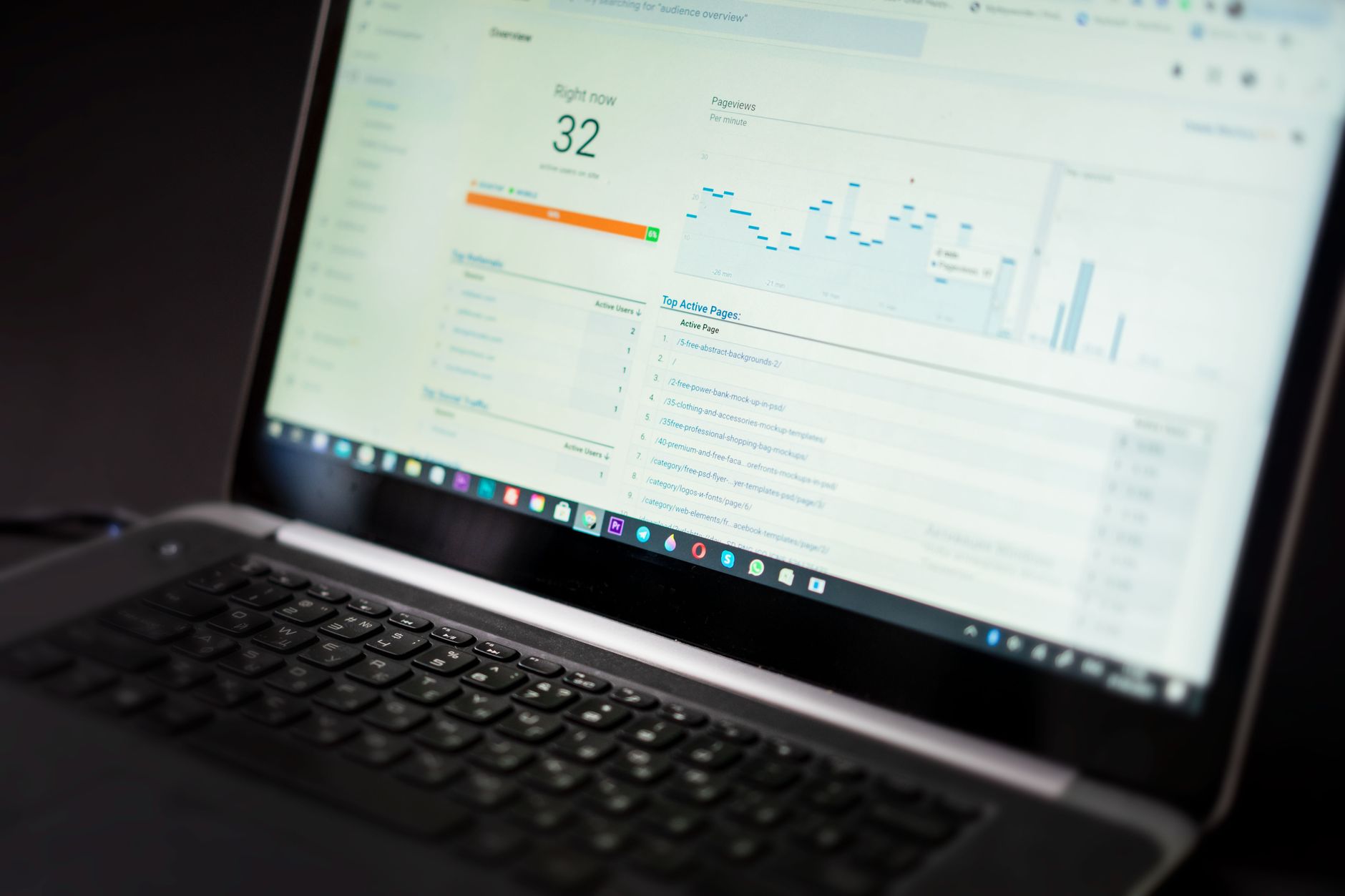
On-page SEO changes should be measured with impressions, clicks, and page-level traffic. Plugin scores are not performance metrics. A green light in an SEO plugin does not measure intent match, usefulness, or whether the page is more compelling in search results.
When you update a title, expand content, improve headings, or add internal links, write down the date. Then compare the next few weeks against the baseline. Look first for more impressions, then better clicks, then stronger traffic. That order keeps you from judging changes too early.
| Signal | What it often means |
|---|---|
| Impressions increase | Your page is appearing for more searches |
| Clicks increase | Your result is earning more attention |
| Organic traffic rises | More searchers are reaching the page |
| Conversions improve | The traffic is becoming more useful to the business |
Measure SEO tutorials by the actions they drive
A WordPress SEO tutorial performs well when readers can apply it, track the outcome, and make better decisions after following it. If the tutorial only creates more tasks, more plugin tweaks, or more confusion, it is not performing well even if the advice sounds smart.
For your own site, that means every tutorial-based change should connect to one of these outcomes: better indexing, stronger visibility, higher click-through, more qualified traffic, or more conversions. If a tactic does not map to one of those results, it is probably busywork.
How often should you review WordPress SEO performance?
Review critical technical issues weekly and broader SEO performance monthly. That rhythm is frequent enough to catch serious problems early without pushing you into daily noise.
Weekly reviews are useful after migrations, redesigns, plugin changes, or indexation issues. Monthly reviews work better for title updates, internal linking improvements, content rewrites, and broader search growth because those changes usually take longer to show a real pattern.
Common mistakes when measuring WordPress SEO
The biggest measurement mistakes are tracking only rankings, changing too many things at once, and using plugin scores as proof of progress. Those habits make it hard to tell what actually moved the needle.
Another common mistake is running overlapping SEO plugins. One well-configured SEO plugin is enough. Running multiple plugins often creates duplicate metadata, conflicting canonicals, and competing sitemap outputs, which makes both performance and reporting harder to trust.
Most site owners do not have one catastrophic problem. They have a stack of smaller issues that compound over time. That is why a calm tracking system matters more than a giant checklist. You do not need a perfect score. You need a site that sends clear signals about which pages matter most.
A simple reporting format that actually helps
The simplest SEO report is often the most useful. Track a handful of important pages, note what changed, record when it changed, and compare the results after a reasonable review window. That keeps reporting tied to evidence instead of opinions.
| Page | Change made | Date | Result to review |
|---|---|---|---|
| Service page | Rewrote title and improved internal links | Enter date | Compare impressions, clicks, and conversions |
| Blog post | Expanded content and cleaned heading structure | Enter date | Compare visibility and traffic |
| Category page | Fixed duplicate URL signals | Enter date | Compare indexing and organic traffic |
The bottom line
WordPress SEO performance is measured best when you follow the sequence that search visibility actually follows: indexing first, then impressions, then clicks, then traffic, then conversions. That approach gives you a cleaner read on whether your work is helping the site or just keeping you busy.
If your site has flat rankings, mixed plugin signals, or confusing performance data, WordPress SEO Expert can help. Book a free SEO consultation. No pitch, no pressure. Just an honest look at what your site actually needs and whether your current setup is part of the solution or part of the problem.
Contact WordPress SEO Expert today to schedule a consultation.

















