
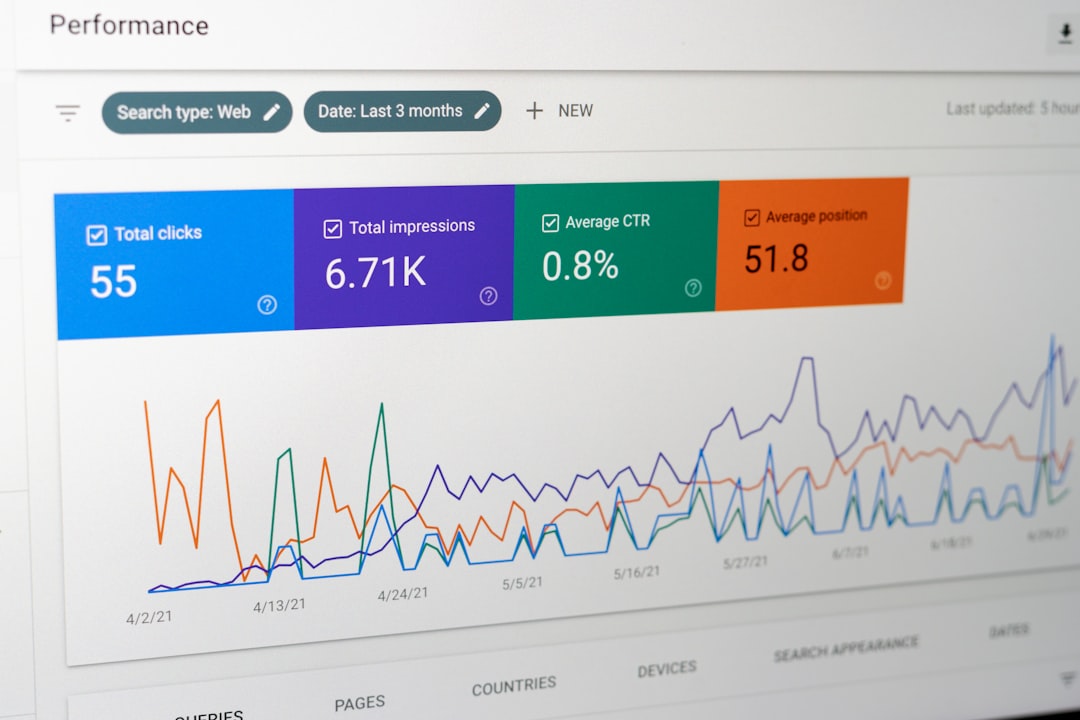
Flat rankings usually point to a scattered setup, not a lack of effort. A WordPress SEO tutorial is most useful when it shows what to fix first: crawlability, page targeting, internal links, and plugin cleanup before you spend more time chasing scores inside a dashboard.
For most sites, the goal is not to collect more SEO features. The goal is to make your important pages easy to crawl, easy to understand, and easy to support with strong internal links. A green light in an SEO plugin does not mean the page deserves to rank.
Start with one clean SEO setup
The fastest improvement usually comes from simplification. If your site runs multiple SEO tools, unclear templates, or thin archives, fix that before rewriting content or adding another plugin.
WordPress SEO Expert recommends using one well-configured SEO plugin, not several. Overlapping plugins often create duplicate metadata, conflicting canonicals, and competing sitemap outputs. If your setup feels messy, review your WordPress SEO setup problems before changing anything else.
Your first checks should be simple. Confirm that search engines can crawl your important pages, that your sitemap is active, that thin archives are not competing with real content, and that your title templates are not repeating the same boilerplate across the site.
Prioritize indexing before on-page polish

If Google cannot reliably crawl and index the right URLs, stronger copy will not solve the real problem. Fix the issues that block visibility before the issues that polish visibility.
This means checking whether important pages are linked internally, whether unnecessary archives or attachment pages are getting indexed, and whether redirects and canonicals are pointing to the right version of each page. Google’s documentation explains that search relies on crawlable links and clear site structure, which is why buried pages often underperform even when the copy is decent.
Most site owners do not have one catastrophic problem. They have a stack of smaller issues that compound over time. That is why indexing, duplication, and internal structure should come before cosmetic tweaks.
Write titles and descriptions for clarity


Better titles improve relevance and click potential faster than most small copy edits. Each key page should have a distinct title that describes the page clearly instead of repeating broad keywords.
Google recommends descriptive, concise title text and warns against keyword stuffing and repetitive boilerplate. Google also says unique meta descriptions can help create a better snippet when they summarize the page accurately. In practice, that means writing a title for the page you actually have, not the five keyword variants you wish it ranked for.
| Weak title | Stronger title |
|---|---|
| SEO Services | SEO Company | SEO Expert | WordPress SEO Services for Small Businesses |
| Blog | WordPress SEO Tips for Service Businesses |
| Home | WordPress SEO Consultant for Growing Sites |
Meta descriptions are support copy, not a ranking shortcut. Write them to earn the click with a clear summary and a concrete benefit. If the page is important enough to rank, it is important enough to have its own description.
Use headings that match search intent
Good heading structure makes a page easier to scan and easier to interpret. Use one clear H1, then organize the rest of the page with H2s and H3s that answer the reader’s next question.
Google’s guidance emphasizes using words people would actually search for in prominent locations such as titles, headings, alt text, and link text. That does not mean stuffing the same phrase into every heading. It means making the page structure descriptive enough that both users and search engines can tell what each section covers.
A practical rule is simple: every section heading should preview the answer underneath it. If a heading is vague, decorative, or written only for style, rewrite it.
Build internal links on purpose
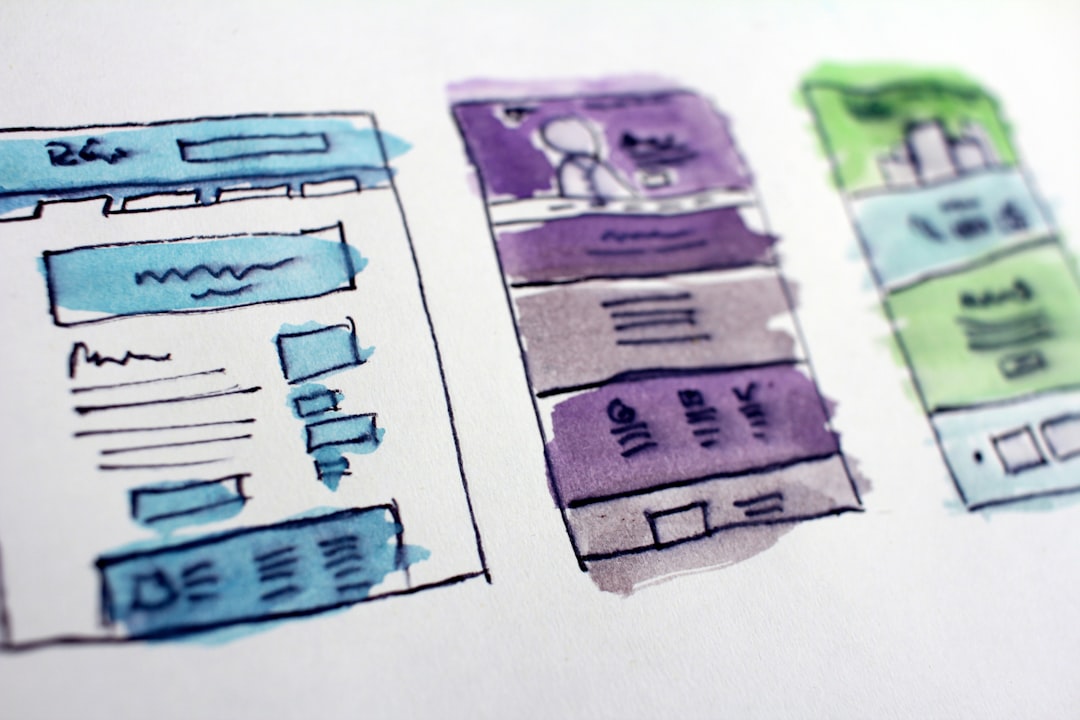
Internal links are one of the most underused WordPress SEO levers. They help search engines discover pages, understand topic relationships, and identify which URLs matter most on your site.
Google recommends crawlable HTML links with concise, descriptive anchor text. That matters because many WordPress sites rely too heavily on navigation menus while leaving blog posts, service pages, and supporting resources disconnected from each other.
Start with these moves: link informational posts to service pages, connect related tutorials to each other, and make sure no important page depends only on a sitemap for discovery. If your rankings are flat and you are not sure whether the real problem is indexing, duplication, weak targeting, or plugin clutter, WordPress SEO Expert can help.
Keep archives, tags, and extras under control
Many WordPress SEO problems come from pages you did not mean to prioritize. Thin tag archives, author archives, attachment pages, and duplicate filtered URLs can dilute signals across the site.
If an archive page adds real value and helps users navigate, keep it. If it is thin, repetitive, or overlapping with stronger pages, noindex it or remove it from the strategy. WordPress is flexible, but that flexibility makes it easy to publish clutter without noticing it.
One well-configured plugin is enough. Running overlapping plugins often creates duplicate metadata, conflicting canonicals, and competing sitemap outputs. Simpler setups are easier to audit, easier to maintain, and more likely to send consistent signals.
A practical order of operations for 2026
The best WordPress SEO tutorial is a prioritized one. Work from the bottom up so you stop spending time on low-impact tasks while bigger visibility blockers stay in place.
| Priority | What to fix | Why it matters |
|---|---|---|
| 1 | Indexing and crawl access | Pages cannot rank if search engines cannot reach or index them properly. |
| 2 | Plugin conflicts and metadata overlap | Conflicting outputs create mixed signals across the site. |
| 3 | Titles, headings, and page targeting | Clearer topical signals improve relevance and usability. |
| 4 | Internal linking | Supports discovery, hierarchy, and topic relationships. |
| 5 | Archive cleanup and duplicate control | Reduces clutter and keeps authority focused on key pages. |
| 6 | Descriptions and support elements | Improves snippets and page presentation after the foundation is stable. |
What to stop doing
Stop treating plugin feedback as the goal. Plugin suggestions can be useful for catching omissions, but they do not measure whether a page matches intent, solves the reader’s problem, or deserves to outrank stronger competitors.
You do not need a perfect score. The goal is a site that loads cleanly, is easy to use, and sends consistent signals about which pages matter most. That usually means fewer plugins, better page targeting, and stronger internal support for your core pages.
When to get expert help
If rankings stay flat after you clean up the basics, the bottleneck is usually diagnosis, not effort. A clear review can tell you whether the real issue is indexing, duplicate handling, weak targeting, or a plugin stack that is quietly working against you.
Book a free SEO consultation with WordPress SEO Expert. No pitch, no pressure. Just an honest look at what your site actually needs and whether your current setup is part of the solution or part of the problem.
Contact WordPress SEO Expert today to schedule a consultation if you want a practical plan instead of another generic checklist.

















