
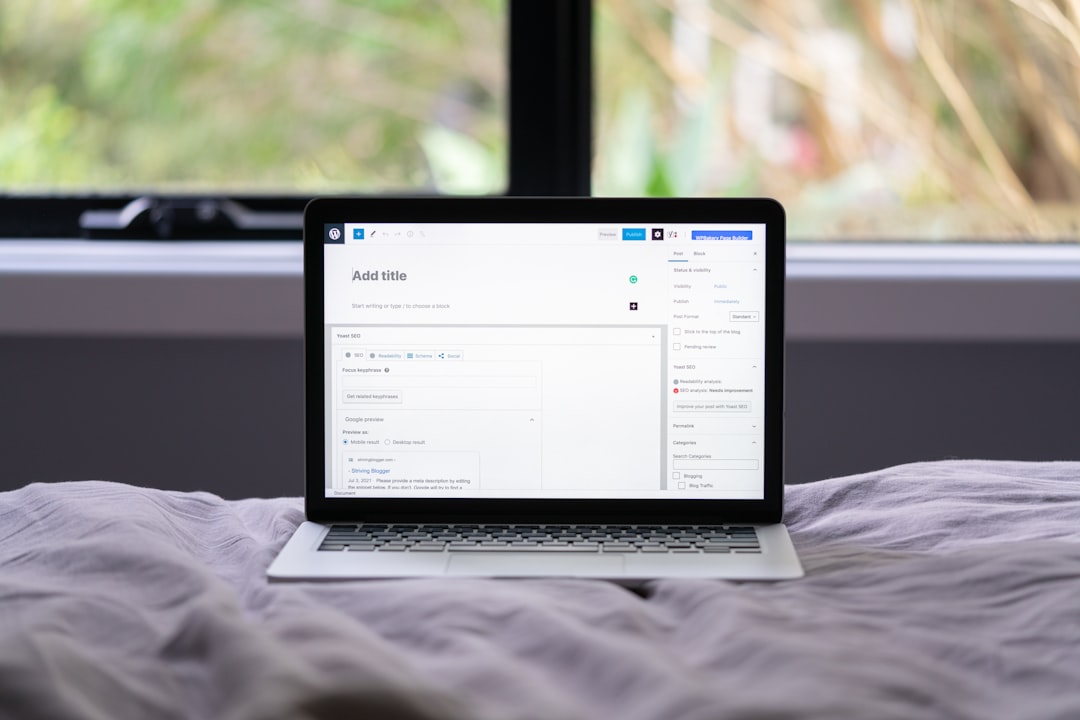
Following a WordPress SEO tutorial and still seeing flat rankings usually means the tutorial gave you tasks, not priorities. Most site owners do not have one catastrophic problem. They have a stack of smaller issues that compound over time, and the fix is to clean up what blocks visibility before you polish what already works.
A green light in an SEO plugin does not mean the page deserves to rank. Tutorial problems often come from copied settings, overlapping plugins, weak title templates, thin archive pages, and internal links that do not support the pages that matter most. If the advice you followed made your setup more confusing, WordPress SEO Expert can help you sort out what actually needs attention first.
Start by fixing the tutorial mistakes that affect the whole site
The fastest recovery comes from checking sitewide settings before editing individual posts. If the tutorial led you into plugin clutter, indexing mistakes, or duplicate signals, those issues will suppress performance across dozens of pages at once.
Start with your visibility settings, your XML sitemap, your robots rules, and your SEO plugin stack. If you need a broader baseline before making changes, review our guide on how to fix WordPress SEO setup problems and our practical WordPress SEO guide for DIY site owners. Those two pages help put tutorial advice into the right order.
Use one SEO plugin, not several
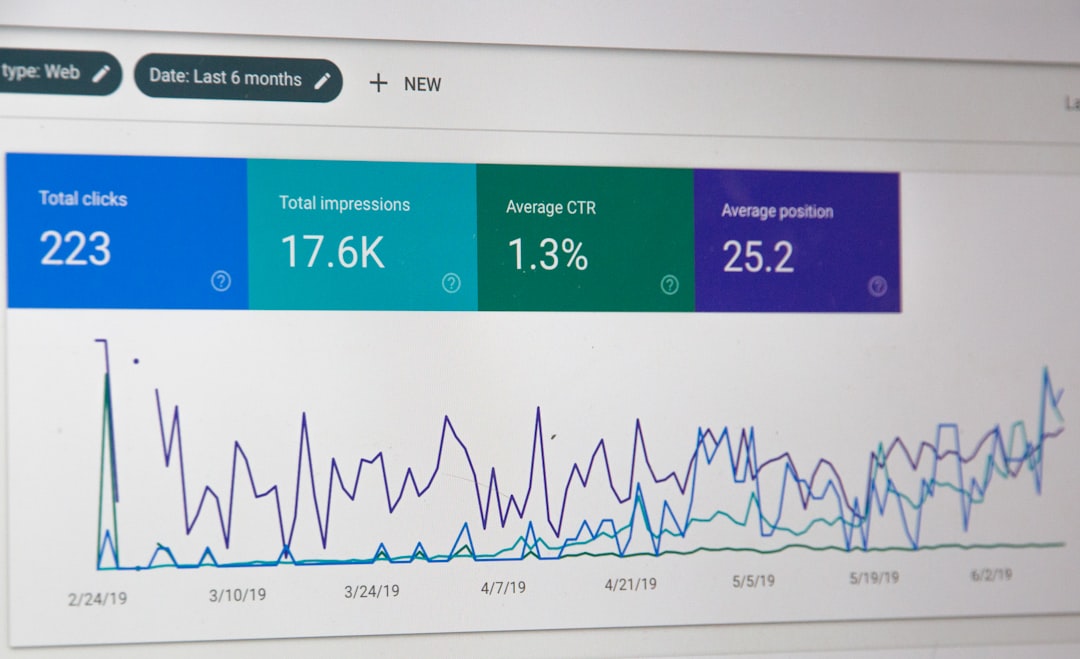
One well-configured SEO plugin is enough. Many tutorial problems start when site owners install Yoast, Rank Math, schema plugins, redirect plugins, and social metadata plugins that all try to control the same fields.
Running overlapping plugins often creates duplicate metadata, conflicting canonicals, and competing sitemap outputs. Keep one primary SEO plugin, confirm it handles your titles, descriptions, schema defaults, and sitemaps, then remove tools that duplicate those jobs. Simpler setups are easier to troubleshoot and usually send cleaner signals.
Check indexing before rewriting content

If search engines cannot crawl or index the right pages, rewriting copy will not fix the real problem. Tutorial checklists often jump straight into keyword placement while ignoring whether the page is even eligible to rank.
Check whether important pages are indexable, included in the sitemap, and linked from crawlable pages. Review category, tag, author, and attachment pages as well. Thin archives and unnecessary indexable pages can pull attention away from your core pages. Fix the issues that block visibility before the issues that polish visibility.
Rewrite weak title setups, not just weak paragraphs
Title problems are one of the most common tutorial leftovers. Many tutorials encourage formulaic patterns that repeat the same broad keywords on every page instead of making each page distinct and useful.
Focus first on your homepage, top service pages, key category pages, and any post already getting impressions. Keep titles specific, concise, and aligned with one clear intent. Do not try to cram every variation into one field.
| Weak title | Stronger title |
|---|---|
| SEO Services | SEO Company | SEO Expert | WordPress SEO Services for Small Businesses |
| WordPress SEO Tutorial | How to Fix WordPress SEO Tutorial Problems |
| Blog | WordPress SEO Tips for Service Businesses |
The stronger version tells both users and search engines what the page is actually about. That is far more useful than a title that tries to sound optimized while saying very little.
Stop treating plugin scores as proof
Plugin scores are helpful for catching basics, but they are not a ranking strategy. A tutorial that teaches you to chase red, orange, and green dots can easily distract you from search intent, page usefulness, and internal linking.
Do not rewrite natural sentences just to satisfy a keyword density check. Do not force exact-match phrases into every heading. The goal is not a perfect score. The goal is a page that loads cleanly, is easy to use, and sends consistent signals about what it should rank for.
Clean up archive and duplicate page problems
WordPress tutorials often overlook the pages WordPress creates automatically. That matters because archive pages, attachment pages, and parameter-based URLs can create duplication that weakens your site structure over time.
Review whether your tag, author, and date archives deserve to be indexed. If they are thin or repetitive, they usually need a noindex setting. Make sure canonicals are consistent, redirect outdated URLs, and avoid creating multiple versions of the same page through plugin features you do not need.
Strengthen internal links after the basics are stable
Once indexing, plugin conflicts, and title issues are under control, internal links become one of the clearest next steps. They help search engines understand which pages matter most and help users move naturally from informational content to your key service pages.
Link related posts using descriptive anchor text, connect broad guides to narrower supporting articles, and make sure important pages are not isolated. For example, if you are simplifying your plugin setup, linking to a relevant comparison or a broader setup guide gives both users and search engines better context.
If you are experiencing these symptoms, our team at WordPress SEO Expert can help. A focused review often shows whether your real issue is indexing, duplication, weak targeting, or plugin clutter disguised as optimization.
A practical order for fixing tutorial problems
The right order saves time and reduces confusion. Most tutorial advice becomes more useful once you stop trying to fix everything at once and start with the issues that affect the whole site.
| Priority | What to fix | Why it comes first |
|---|---|---|
| 1 | Indexing and crawl access | Pages cannot rank if search engines cannot reach them properly |
| 2 | SEO plugin conflicts | Sitewide conflicts create misleading metadata and duplicate outputs |
| 3 | Canonicals and duplicate URLs | Prevents signals from being split across multiple versions |
| 4 | Page titles and templates | Improves topical clarity and click potential |
| 5 | Internal linking | Supports discovery, hierarchy, and page importance |
| 6 | Meta descriptions and schema | Helpful support layers after the foundation is stable |
When tutorial advice is no longer enough
If you have followed multiple tutorials and your rankings are still flat, the problem is usually not effort. It is that generic advice cannot tell you which issue on your specific site is suppressing results. That is where a real diagnostic review matters more than another checklist.
Book a free SEO consultation with WordPress SEO Expert. No pitch, no pressure. Just an honest look at what your site actually needs and whether your current setup is part of the solution or part of the problem.
Contact WordPress SEO Expert today to schedule a consultation if you want a practical plan for fixing WordPress SEO tutorial problems without making your setup more complicated.

















