
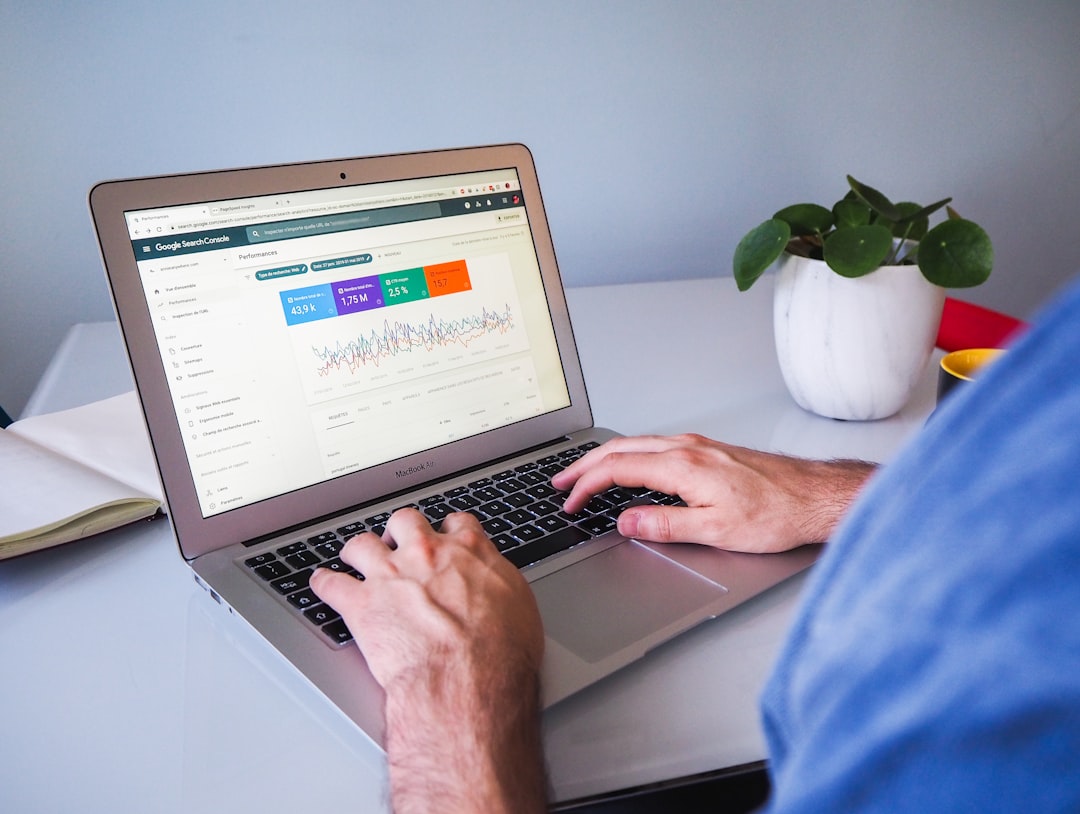
Higher Google rankings usually come from better prioritization, not more plugins. If you have already installed an SEO plugin, published content, and still are not seeing traction, the problem is often that the important fixes are buried under busywork. A green light in an SEO plugin does not mean the page deserves to rank.
This tutorial walks through the WordPress SEO basics in the order they matter most: indexing, titles, site structure, internal links, content quality, and technical cleanup. If you want a broader foundation first, start with our practical guide for DIY WordPress site owners.
Start With What Blocks Visibility
The first job is making sure Google can crawl, understand, and index the right pages. Before you rewrite copy or install another tool, check whether your key pages are actually accessible and eligible to appear in search.
In WordPress, the most common issues are simple but costly: accidental noindex settings, weak internal linking, duplicate archives, and plugin conflicts. Google recommends crawlable HTML links with descriptive anchor text, which means your site structure matters more than many site owners realize. If your setup feels messy, our post on how to fix WordPress SEO setup problems is a useful next step.
Use One SEO Plugin and Configure It Well
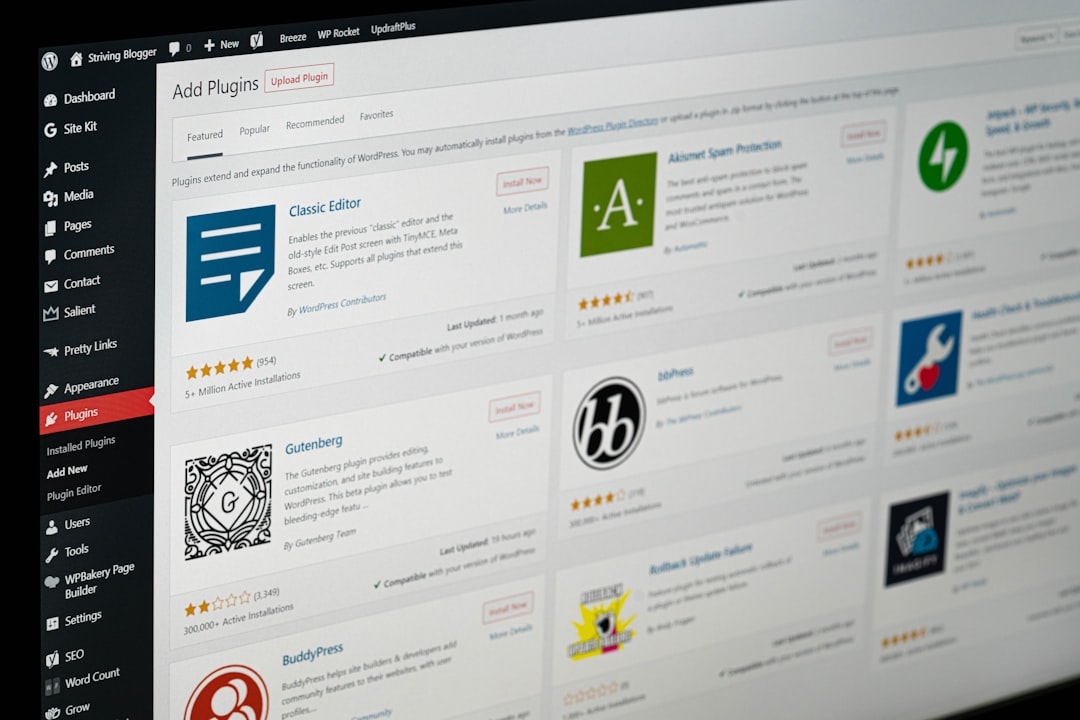
One well-configured SEO plugin is enough. Running overlapping plugins often creates duplicate metadata, conflicting canonicals, and competing sitemap outputs that make troubleshooting harder instead of easier.
If you have Yoast, Rank Math, and extra schema or social metadata plugins all trying to control the same outputs, simplify first. Most site owners do not have one catastrophic problem. They have a stack of smaller issues that compound over time. Clean configuration usually beats a feature-heavy stack.
Fix Your Titles Before Expanding Content
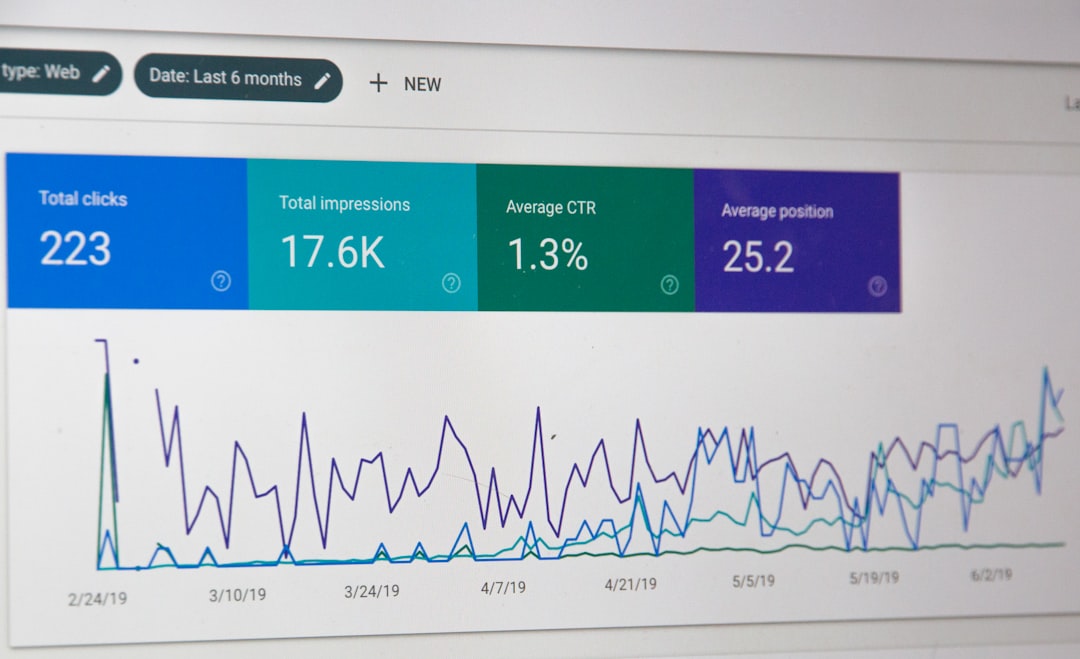
Title tags are one of the clearest signals you control, so they deserve early attention. Google recommends descriptive, concise titles and warns against keyword stuffing or repetitive boilerplate, which is why vague or bloated titles often underperform even when the page itself is useful.
| Weak title | Stronger title |
|---|---|
| SEO Services | SEO Company | SEO Expert | WordPress SEO Services for Small Businesses |
| Blog | WordPress SEO Tutorial for Higher Rankings |
| Home | WordPress SEO Consultant for Small Business Sites |
Start with your homepage, main service pages, and the posts already earning impressions. Those are the pages where clearer titles can improve both relevance and click potential fastest.
Write Meta Descriptions That Support the Click
Meta descriptions are not a shortcut to better rankings, but they can improve how your page is summarized in search. Google may use the meta description when it describes the page better than the on-page text, so each important page should have a useful, unique summary.
Keep them specific. Explain what the page offers, who it is for, and why the click is worth it. Generic descriptions repeated across dozens of pages make the whole site look interchangeable.
Improve Headings and On-Page Structure
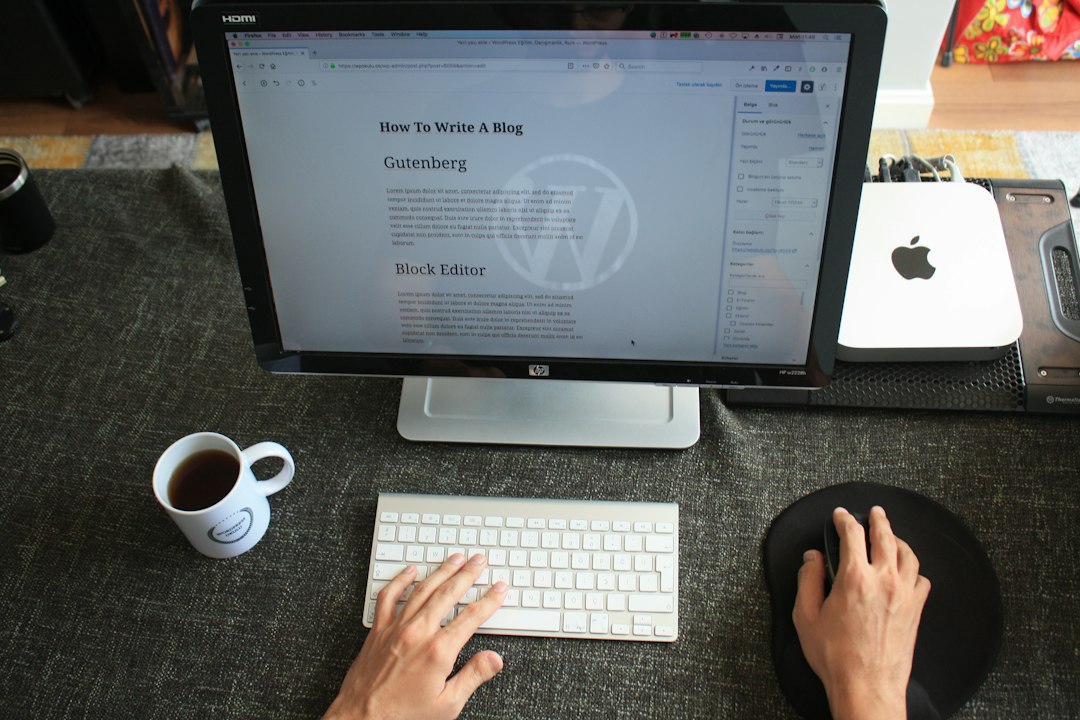
A clean heading structure helps users scan the page and helps search engines understand what each section covers. Use one clear H1 for the main topic, then organize the rest of the page with H2s and H3s that reflect the actual flow of the content.
This is also where many DIY pages drift off topic. If the title promises a tutorial, the page should deliver steps. If the title promises help with rankings, the sections should stay focused on ranking-related fixes instead of wandering into unrelated plugin features.
Strengthen Internal Links on Important Pages
Internal linking is one of the easiest ways to improve clarity and support your priority pages. Google advises using descriptive anchor text and crawlable links, which means internal links should explain what the destination page is about instead of relying on vague phrases.
Link related blog posts to service pages, connect overlapping guides, and make sure your important pages are not only accessible from the main menu. Contextual links inside the body of a page often do more to reinforce topic relationships than navigation alone. If you are experiencing these symptoms, our team at WordPress SEO Expert can help.
Clean Up Archives and Duplicate URLs
WordPress can create more indexable URLs than you actually need. Tag pages, author archives, attachment pages, and parameter-based URLs can dilute signals if they are thin, repetitive, or competing with stronger pages.
The goal is not to remove every archive. The goal is to keep the pages that help users and noindex the pages that create noise. Fix the issues that block visibility before the issues that polish visibility.
Focus on Helpful Content, Not Volume
Publishing more pages does not automatically improve rankings. Google’s guidance emphasizes helpful, reliable, people-first content, which means each page should exist for a clear reason and satisfy a real search intent.
That usually means consolidating overlap instead of producing near-duplicate posts for slight keyword variations. One stronger page with better internal support often outperforms several thin pages competing with each other.
Keep Schema and Technical Features in Their Place
Schema helps clarify visible content, but it is not a ranking shortcut. Google’s structured data policies say markup should reflect the main content of the page and should not be misleading, so it is better to use a small amount of accurate schema than to enable every option your plugin offers.
For many WordPress sites, the basics are enough: organization details, article markup for posts, and breadcrumb schema where it matches the page. Technical features support visibility. They do not replace clear targeting, useful content, or strong internal linking.
A Simple WordPress SEO Order of Operations
If rankings are flat, follow a sequence instead of attacking everything at once. This keeps you from wasting time polishing pages that are still buried under larger technical or structural issues.
| Priority | What to fix first | Why it matters |
|---|---|---|
| 1 | Indexing and crawl access | Pages cannot rank if Google cannot reach or index them |
| 2 | Plugin conflicts and sitemap settings | Conflicting signals create avoidable sitewide issues |
| 3 | Titles and page targeting | Improves topical clarity and click potential |
| 4 | Internal links | Strengthens discovery and page relationships |
| 5 | Duplicate archives and URL cleanup | Reduces noise and signal dilution |
| 6 | Content updates | Improves usefulness after the foundation is stable |
When DIY Fixes Stop Being Efficient
Some ranking problems are simple once you know where to look, but hard to spot when you are inside the site every day. If you are not sure whether the real issue is indexing, duplication, weak targeting, or plugin clutter, getting a focused diagnosis usually saves time.
WordPress SEO Expert can help you sort out what to fix first instead of guessing through scattered advice and plugin settings. Book a free SEO consultation. No pitch, no pressure. Just an honest look at what your site actually needs and whether your current setup is part of the solution or part of the problem.
Contact WordPress SEO Expert today to schedule a consultation if you want a practical plan for improving rankings without overcomplicating your WordPress setup.

















