

Flat rankings usually come from a scattered setup, not one missing plugin. Many WordPress sites do not have a single dramatic SEO failure. They have a handful of basic mistakes that weaken titles, confuse crawling, dilute internal links, and send mixed signals about which pages matter most.
That is why fundamentals matter. A green light in an SEO plugin does not mean the page deserves to rank. What helps more is a clean setup, clear page targeting, crawlable links, and fewer avoidable conflicts across your site.
The biggest WordPress SEO mistakes usually compound
Most ranking problems build slowly. One weak title will not sink a site, but weak titles plus duplicate archives plus thin internal linking plus plugin overlap can absolutely flatten performance over time. Fix the issues that block visibility before the issues that polish visibility.
If you need a broader starting point before troubleshooting, read our WordPress SEO practical guide for DIY site owners. If the problem feels more technical than strategic, our guide to fixing WordPress SEO setup problems is a useful companion.
Mistake 1: Using more than one SEO plugin
One well-configured SEO plugin is enough. Running multiple SEO plugins often creates duplicate metadata, competing XML sitemaps, overlapping schema output, and conflicting canonical tags that make troubleshooting much harder than it needs to be.
This mistake is common on sites that changed owners, went through redesigns, or had several freelancers add their preferred tools over time. Simplicity wins here. Keep one primary SEO plugin, configure it carefully, and remove overlapping add-ons unless they solve a specific problem your main plugin cannot handle.
Mistake 2: Treating plugin scores like ranking signals
Plugin checklists can catch simple issues, but they cannot tell you whether a page is useful, well targeted, or aligned with search intent. Chasing green lights often pushes site owners into awkward wording, repetitive keywords, and unnecessary edits that do not improve real visibility.
You do not need a perfect score. The goal is a site that loads cleanly, is easy to use, and sends consistent signals about which pages deserve attention. Use plugin feedback as a basic quality check, not as proof that the page should rank.
Mistake 3: Writing vague or repetitive title tags
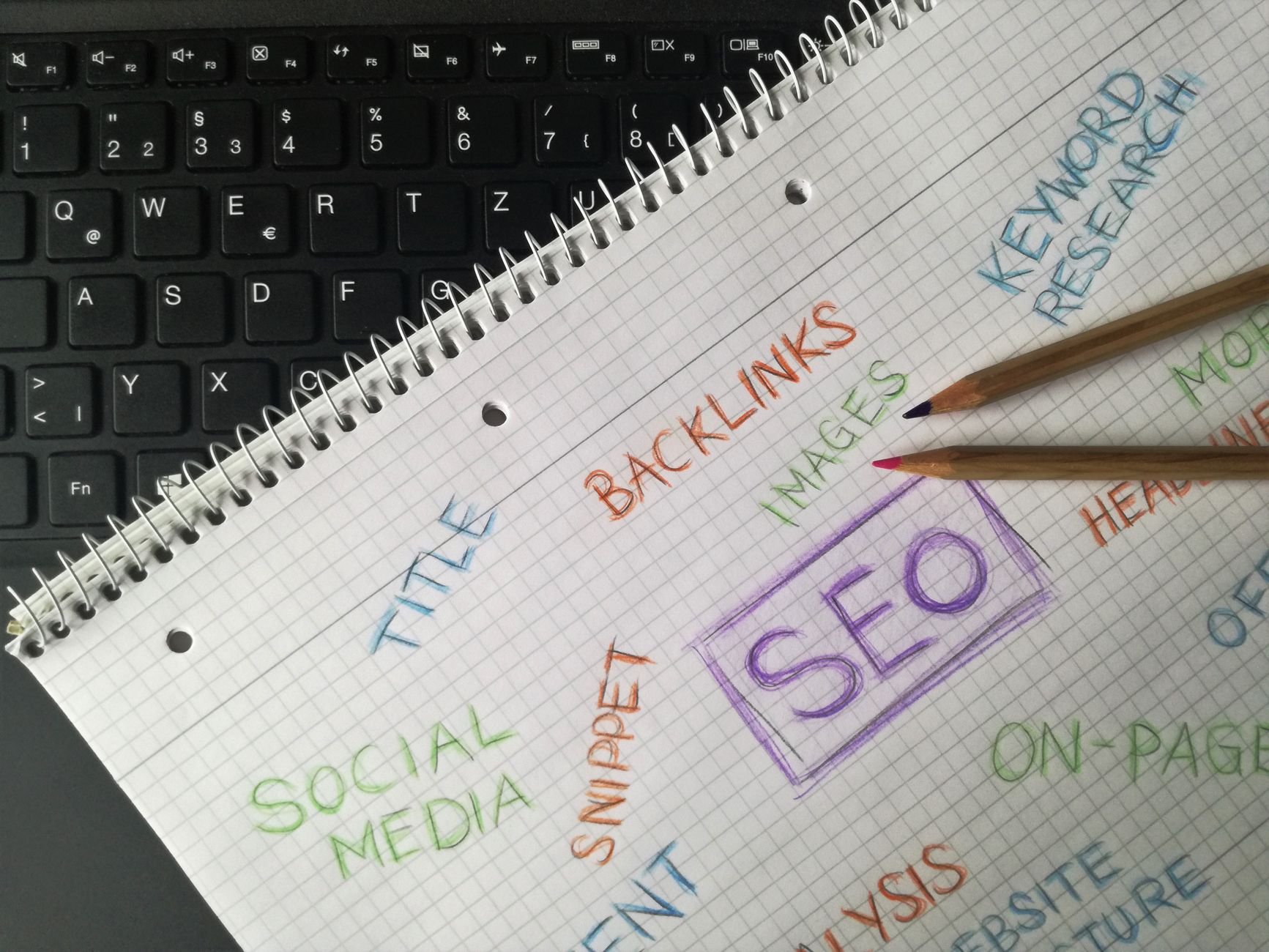
Title tags are one of the clearest signals you control, so vague or stuffed titles can hurt both relevance and clicks. Google recommends descriptive, concise titles and warns against keyword stuffing and repeated boilerplate across pages.
That means titles like Services, Blog, or SEO Company | SEO Expert do not give enough context. A better title tells both users and search engines what the page actually covers. Keep each important page distinct instead of reusing the same pattern with only one word changed.
| Weak title | Stronger title |
|---|---|
| SEO Services | SEO Company | SEO Expert | WordPress SEO Services for Small Businesses |
| Blog | WordPress SEO Tips for DIY Site Owners |
| Home | WordPress SEO Consultant for Growing Businesses |
Mistake 4: Leaving internal links weak or random

Internal links help search engines discover pages, understand site hierarchy, and connect related topics. Google recommends crawlable HTML links with descriptive anchor text, which means navigation and contextual links do more work than many site owners realize.
Many WordPress sites rely too heavily on menus and forget contextual linking inside pages and posts. Important service pages end up isolated, supporting articles never connect to them, and orphan pages sit in the sitemap with little internal support. Linking related pages with specific anchor text is one of the simplest fundamentals to clean up.
If you are not sure which pages should support each other, WordPress SEO Expert can help. A short review often shows whether the real issue is thin internal linking, weak page targeting, or technical clutter blocking stronger pages from gaining traction.
Mistake 5: Indexing thin archives and low-value pages
Not every WordPress-generated page needs to rank. Thin tag archives, duplicate author archives, attachment pages, and low-value filtered URLs can waste crawl attention and dilute the importance of your real content pages.
This is especially common on smaller sites with a single author or a light blog. If an archive adds no unique value, it usually should not compete with your core pages. Keep the pages that help users. Reduce or noindex the pages that mostly repeat existing content.
Mistake 6: Ignoring crawlability and indexing basics
Before rewriting copy or adding more content, make sure search engines can actually crawl and index the pages you care about. A site can look fine on the front end while key pages are blocked, buried, or excluded for avoidable reasons.
Review your sitemap, robots directives, canonical setup, and internal navigation first. Google’s documentation also emphasizes crawlable HTML links with descriptive anchor text, which is a useful reminder that technical access and clear linking work together. If crawlability is weak, even strong pages can struggle to perform.
Mistake 7: Publishing too many thin pages
More content does not automatically mean better SEO. Publishing slight variations of the same topic often creates overlap, weakens targeting, and leaves you with several average pages instead of one strong page that clearly deserves to rank.
Consolidation is often the better move. If two or three pages chase the same intent, merge them into one stronger page, improve the title and headings, and redirect the weaker URLs if needed. This usually helps both clarity and internal link equity.
Mistake 8: Writing meta descriptions like templates, not summaries
Meta descriptions are not a shortcut to rankings, but they can affect how well your result earns the click. Google may use the meta description when it better summarizes the page, so generic boilerplate across many URLs is a missed opportunity.
Write unique descriptions for the pages that matter most. Keep them clear, specific, and aligned with the page itself. Think of the description as click support, not as a place to cram in every keyword variation.
What to fix first
The right order matters. Start with the mistakes that block discovery and clarity, then move to the improvements that refine performance. That usually means fixing crawlability, plugin conflicts, duplicate pages, and page titles before spending hours polishing secondary details.
| Priority | What to review first |
|---|---|
| 1 | Indexing and crawl access |
| 2 | SEO plugin overlap or conflicts |
| 3 | Duplicate archives and low-value URLs |
| 4 | Title tags on core pages |
| 5 | Internal links between related pages |
| 6 | Meta descriptions and secondary polish |
When a second set of eyes helps
If rankings are flat and you are not sure whether the real problem is indexing, duplication, weak targeting, or plugin clutter, outside review can save a lot of wasted effort. Most site owners do not need more features. They need a clearer diagnosis and a better order of operations.
WordPress SEO Expert can help you sort out what is actually hurting visibility and what is just noise. Book a free SEO consultation. No pitch, no pressure. Just an honest look at what your site actually needs and whether your current setup is part of the solution or part of the problem.
Contact WordPress SEO Expert today to schedule a consultation if you want a practical plan for cleaning up WordPress SEO fundamentals without overcomplicating the site.

















