
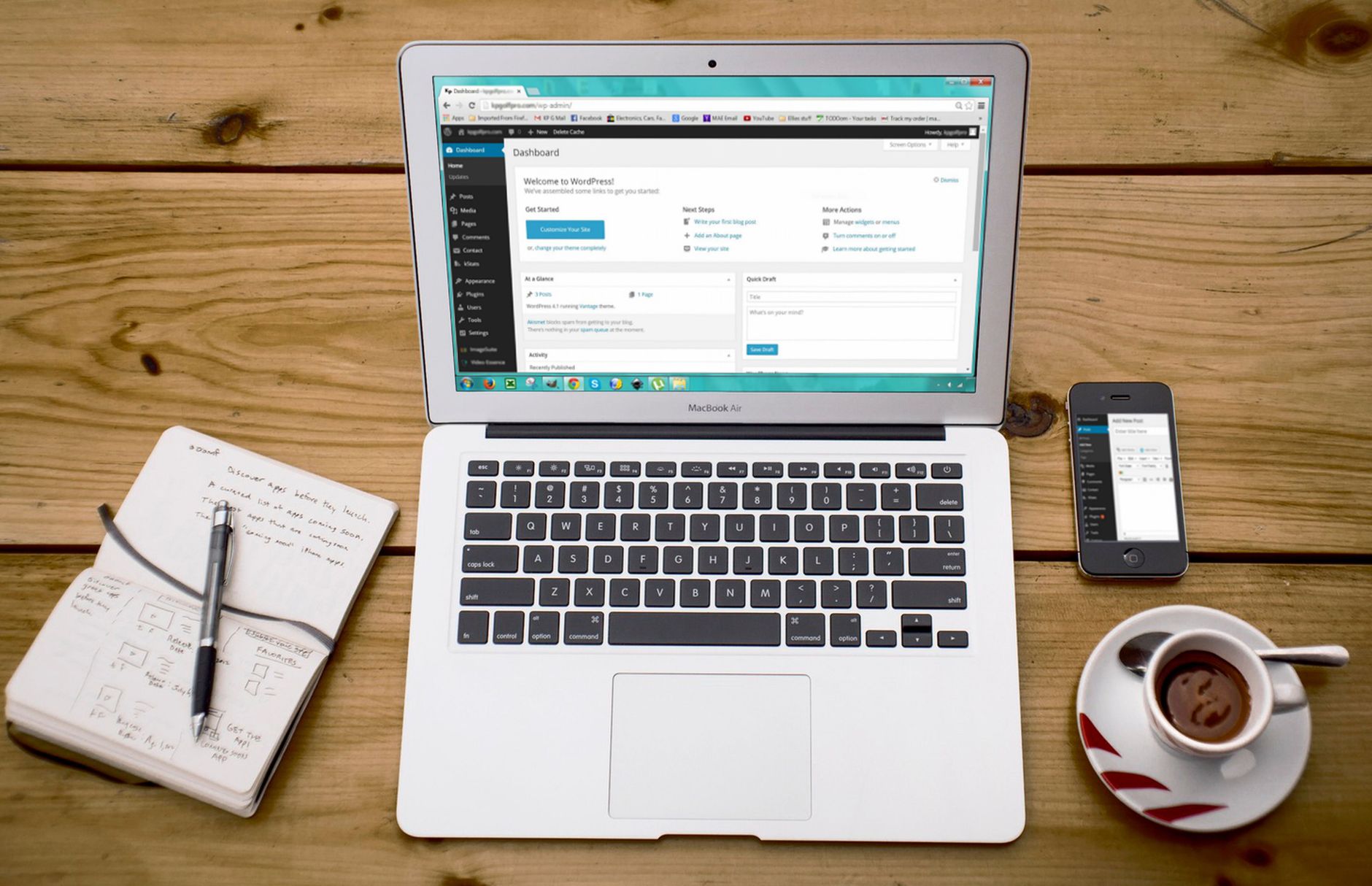
WordPress SEO fundamentals are less about chasing every setting and more about choosing the right defaults once. Flat rankings usually come from a scattered setup, not one missing plugin. If your site feels half-optimized despite plugins, content, and checklists, the problem is usually configuration order, not effort.
Start with crawlability, indexing, title templates, archive rules, and internal links before you spend time polishing secondary features. A green light in an SEO plugin does not mean the page deserves to rank. One well-configured SEO plugin is enough, and most site owners get better results by simplifying their setup instead of expanding it.
What should you configure first?

Configure the settings that control whether search engines can find, understand, and prioritize your important pages. That means visibility settings, permalink structure, one SEO plugin, sitemap output, title patterns, and archive indexing rules before anything else.
Begin in WordPress Settings and confirm that your site is not discouraging search engines from indexing it. Then use a clean permalink format, usually the post name structure, so your URLs are readable and consistent. After that, choose a single SEO plugin and remove overlapping tools that generate duplicate metadata, competing sitemaps, or conflicting canonicals. If you need a broader baseline before changing settings, review our practical WordPress SEO guide for DIY site owners.
Use one SEO plugin, not several


One plugin should control your titles, meta descriptions, canonicals, schema defaults, and XML sitemaps. Running overlapping SEO plugins usually creates more confusion than improvement, especially on sites that have changed hands or gone through redesigns.
Whether you use Yoast, Rank Math, or another reputable option, keep the setup simple. Disable or remove duplicate functionality from other plugins when possible. A cleaner setup makes it easier to troubleshoot indexing problems, duplicate URLs, and template mistakes. If your current configuration feels cluttered, our post on how to fix WordPress SEO setup problems walks through the most common conflicts.
Set titles and meta descriptions the right way
Your title setup is one of the strongest signals you control. Google recommends titles that are unique, clear, concise, and accurately describe the page, while also warning against repetitive boilerplate and unhelpful patterns. Meta descriptions support click-through by summarizing the page clearly, even though Google may rewrite them in search results.
Use title templates for consistency, but do not let the template make every page look the same. Home, service, category, product, and blog post templates should each reflect their purpose. Google also recommends creating descriptions that accurately describe the specific page, rather than repeating one generic summary across the site. Keep your important pages distinct and readable first, then refine lower-priority pages later.
| Page type | Weak setup | Stronger setup |
|---|---|---|
| Service page | SEO Services | SEO Company | SEO Expert | WordPress SEO Services for Small Businesses |
| Blog post | Blog | Site Name | WordPress SEO Configuration Basics |
| Category page | SEO Archives | WordPress SEO Articles and Tutorials |
Control what gets indexed
Most WordPress sites do not struggle because too little is published. They struggle because too many low-value URLs are left open for crawling and indexing. Archive settings, attachment pages, tag pages, and parameter-based duplicates often create a stack of smaller problems that compound over time.
Review your author, date, and tag archives carefully. If they add little value or duplicate stronger pages, noindex them in your SEO plugin. Attachment pages are another common source of thin URLs on WordPress and are often better redirected to the parent media file or attachment source page, depending on your plugin and site structure. Fix the issues that block visibility before the issues that polish visibility.
Make internal links part of configuration

Internal linking is not just a content task. It is part of a sound WordPress SEO configuration because it helps search engines discover pages, understand hierarchy, and see which pages matter most. Important pages should never depend on the sitemap alone.
Google recommends crawlable HTML links with descriptive anchor text, which means your navigation and contextual links should use real anchor elements that Google can crawl. Link from broad blog posts to key service pages, connect related articles naturally, and make sure important pages receive links from more than just the menu. If you are experiencing these symptoms, our team at WordPress SEO Expert can help.
A practical configuration checklist
The best WordPress SEO configuration is simple, consistent, and easy to maintain. You do not need a perfect score. The goal is a site that loads cleanly, is easy to use, and sends consistent signals about which pages matter most.
| Area | What to configure | Priority |
|---|---|---|
| Site visibility | Confirm search engines are allowed to index the site | High |
| Permalinks | Use a clean, readable URL structure | High |
| SEO plugin | Keep one primary plugin only | High |
| XML sitemap | Enable and submit it in Search Console | High |
| Titles and meta | Create distinct templates and page-level overrides | High |
| Archives | Noindex thin author, date, or tag archives where appropriate | Medium |
| Attachment URLs | Reduce thin media pages if they add no value | Medium |
| Internal links | Link important pages from relevant content | High |
What to stop doing
Stop treating plugin settings as a substitute for prioritization. More modules, more plugins, and more green checks usually do not fix the underlying issue. They often hide it under extra complexity.
Do not rewrite every page before confirming that your indexing rules, titles, and internal links are working in the right direction. Do not let category pages, tags, and archives expand unchecked. And do not assume the plugin score inside the editor reflects how helpful or relevant the page is to a real searcher.
When to get help
If your rankings are still flat after cleaning up the basics, the issue is usually prioritization, duplication, or weak page targeting rather than one hidden trick. A focused review can tell you whether your bottleneck is indexing, internal architecture, or a configuration conflict quietly suppressing performance.
WordPress SEO Expert can help you sort out what to fix first without adding more clutter to the site. Book a free SEO consultation. No pitch, no pressure. Just an honest look at what your site actually needs and whether your current setup is part of the solution or part of the problem. Contact WordPress SEO Expert today to schedule a consultation.

















