

Better WordPress rankings usually come from cleaner priorities, not more tools. If traffic is flat, the problem is often a scattered setup: weak page targeting, thin internal links, duplicate signals, or technical clutter that keeps Google from understanding which pages matter most.
WordPress SEO Expert sees this pattern often. Site owners put in real effort, install recommended plugins, and still get stuck because the work is happening out of order. A green light in an SEO plugin does not mean the page deserves to rank. What helps most is fixing visibility blockers first, then improving the pages already closest to earning traffic.
If you need a broader baseline before diving into details, start with our practical WordPress SEO guide for DIY site owners and our advice on how to fix WordPress SEO setup problems.
Start With Crawlability and Indexing
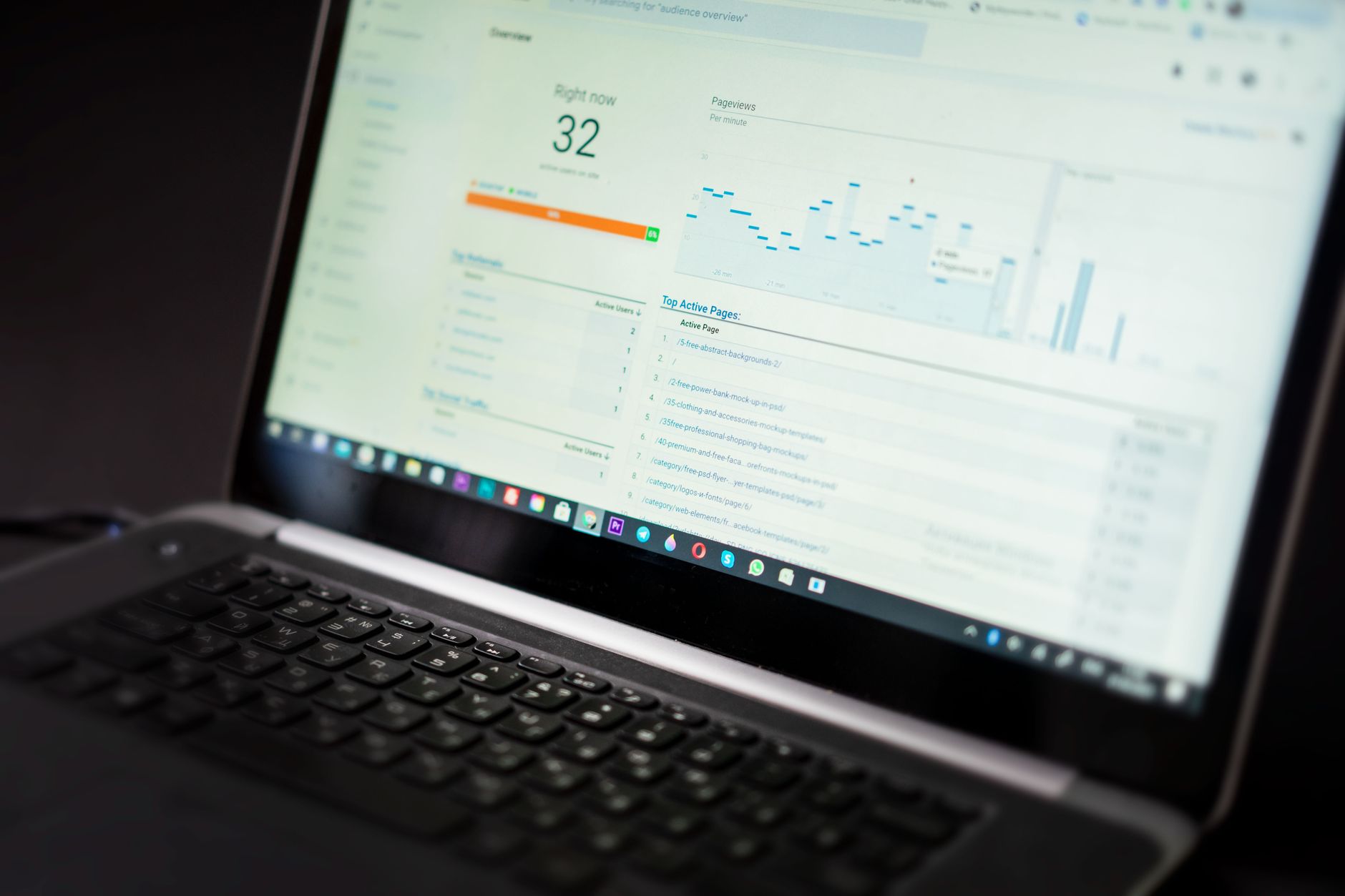
The first SEO fundamental is simple: if Google cannot reliably crawl and index your important pages, the rest of your work underperforms. Before rewriting copy or adding schema, make sure your core pages are accessible, linked, and not blocked by conflicting settings.
Check your site visibility settings, XML sitemap, robots directives, and page indexation status in Google Search Console. Google’s documentation explains that crawling and indexing depend on Google being able to find and parse your content, and that crawlable links help Google discover pages more effectively. It also recommends that every important page be reachable from another findable page through standard HTML links.
On many WordPress sites, the real issue is not one major technical failure. It is a stack of smaller mistakes: pages buried too deep, archives indexed without a purpose, old redirects missing after a redesign, or important service pages that are technically live but weakly connected.
Use One SEO Plugin Well
One well-configured SEO plugin is usually enough. Running overlapping plugins often creates duplicate metadata, conflicting canonicals, and competing sitemap outputs that make troubleshooting harder instead of easier.
This matters because WordPress is flexible enough to let several tools output similar SEO elements at once. If titles, schema, canonicals, or sitemaps are being generated by multiple plugins, Google receives mixed signals. Simplifying your setup is often more valuable than adding new features.
You do not need a perfect plugin score. The goal is a site that loads cleanly, is easy to use, and sends consistent signals about which pages matter most.
Write Better Title Tags First
Title tags are one of the clearest on-page signals you control, so they deserve attention early. Strong titles help Google understand the page and improve the odds that the right searcher clicks through.
Google says titles should be descriptive and warns against repetitive boilerplate and keyword stuffing. It also explains that search result titles may be rewritten when page titles are too long, too generic, or overloaded with repeated terms. That is why cleaner, more specific titles usually outperform stuffed versions.
| Weak title | Stronger title |
|---|---|
| SEO Services | SEO Company | SEO Expert | WordPress SEO Services for Small Businesses |
| Blog | WordPress SEO Tips for Service Businesses |
| Home | WordPress SEO Consultant for Growing Sites |
Fix your homepage, key service pages, top category pages, and posts that already earn impressions before touching low-value pages. Priority sequencing matters. Fix the issues that block visibility before the issues that polish visibility.
Treat Meta Descriptions as Click Support
Meta descriptions do not replace weak SEO fundamentals, but they can improve how your page is summarized in search. A good description supports the click by clearly stating what the page offers and why it is worth visiting.
Google says it may use the meta description tag to generate the search snippet when that description gives users a more accurate summary of the page. That makes uniqueness and clarity more important than squeezing in every keyword variation.
For important pages, write descriptions that sound natural and specific. Avoid generic templates repeated across dozens of URLs. If two pages serve different intents, their descriptions should also feel different.
Keep Headings Clear and Logical
Good heading structure helps both readers and search engines understand the page quickly. Every core page should have one clear H1, supported by H2s and H3s that organize the content into a logical sequence.
This is not about chasing a formatting rule for its own sake. It is about making the page easier to scan, easier to interpret, and easier to expand without becoming messy. On WordPress sites, confusing heading hierarchies often reflect confusing page structure overall.
Build Internal Links With Intent
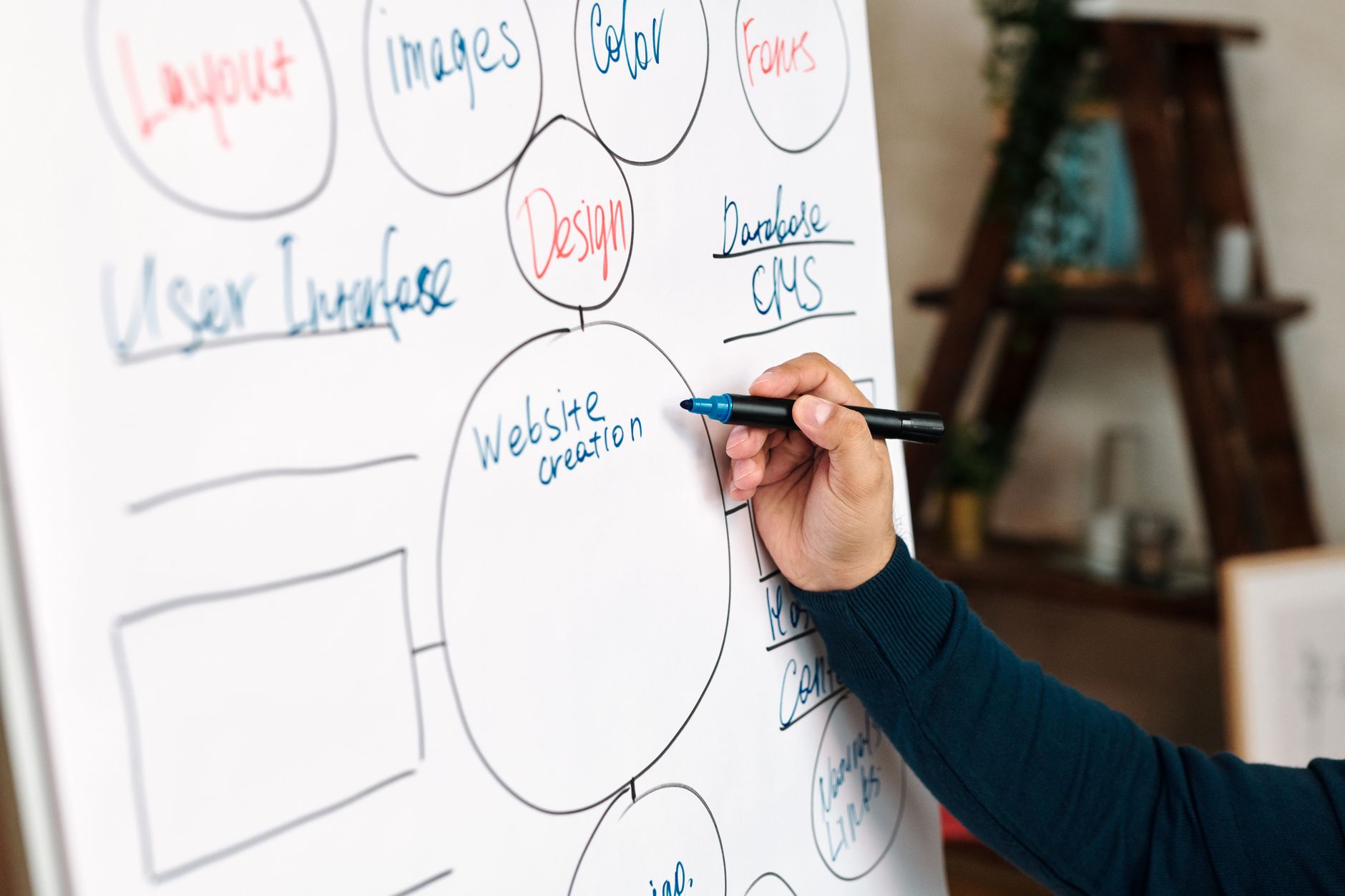
Internal linking is one of the most overlooked WordPress SEO fundamentals. It helps Google discover pages, understand relationships between topics, and recognize which URLs deserve more attention.
Google recommends crawlable HTML links and descriptive anchor text that is concise and relevant to the destination page. In practice, that means linking related blog posts to service pages, connecting supporting articles to pillar pages, and making sure important URLs are not isolated from the rest of the site.
If your site has useful content but rankings are still flat, weak internal linking may be part of the problem. Our WordPress SEO practical guide and SEO setup troubleshooting article both connect this step to the technical foundation underneath it.
If you are experiencing these symptoms, our team at WordPress SEO Expert can help.
Focus on Helpful Content, Not More Content

Publishing more pages does not automatically improve rankings. Google recommends creating helpful, reliable, people-first content, which means each page should serve a real purpose for a real audience instead of existing just to target one more keyword variation.
Most site owners do not need dozens of near-duplicate posts. They need fewer, stronger pages with clearer intent. One strong page often outperforms several thin pages chasing the same idea from slightly different angles.
That is especially true on WordPress, where category pages, tags, archives, and attachment URLs can already create enough duplication. Content should clarify your structure, not add to the noise.
A Simple Order of Operations
The best way to improve rankings is to work in the right order. Start with the fundamentals that affect discovery and understanding, then move to the elements that improve relevance and clicks.
| Priority | What to fix | Why it matters |
|---|---|---|
| 1 | Crawlability and indexing | Pages cannot rank if Google cannot reliably find and process them. |
| 2 | Plugin conflicts and duplicate signals | Mixed metadata and sitemap output create confusion sitewide. |
| 3 | Title tags and page targeting | Improves topical clarity and click potential. |
| 4 | Internal linking | Strengthens discovery, hierarchy, and support for key pages. |
| 5 | Content depth and usefulness | Helps pages better satisfy search intent. |
This sequence keeps you from wasting time polishing pages that still have structural problems underneath them. Low rankings usually reflect compounding issues, not one missing tactic.
When to Get Professional Help
If you have already done the basic SEO work and rankings are still flat, the next step is usually diagnosis, not another round of plugin changes. A second set of eyes can tell you whether the main bottleneck is indexing, duplication, weak targeting, internal link gaps, or a migration-related issue.
WordPress SEO Expert can help you sort out what to fix first and what can wait. Book a free SEO consultation. No pitch, no pressure. Just an honest look at what your site actually needs and whether your current setup is part of the solution or part of the problem.
Contact WordPress SEO Expert today to schedule a consultation.

















