

Better rankings usually come from cleaner priorities, not more SEO tools. If your site already has content, a plugin, and a long to-do list, this checklist helps you fix the issues that block visibility before the issues that only polish it.
Most site owners do not have one catastrophic problem. They have a stack of smaller issues that compound over time. A green light in an SEO plugin does not mean the page deserves to rank. The goal is a site that is crawlable, clear, fast enough to use, and organized around pages that match real search intent.
If you want a broader baseline before working through the list below, review our WordPress SEO practical guide for DIY site owners and our WordPress SEO checklist that actually works.
Start with crawlability and indexing
If search engines cannot crawl the right pages or index them correctly, everything else underperforms. Check access and visibility first before rewriting titles, adding schema, or chasing plugin scores.
Review whether important pages are indexable, linked internally, and included in your XML sitemap. Look for accidental noindex settings, blocked resources, thin archive pages, and orphan pages that only appear in the sitemap. On many WordPress sites, this step solves more ranking problems than any on-page rewrite.
Checklist
Confirm that search engine visibility is enabled in WordPress settings. Make sure your main pages return normal live status codes. Verify that your XML sitemap is active and only includes pages you want indexed. Check that thin tag, author, date, and attachment pages are not creating duplicate or low-value indexation.
Use one SEO plugin, not several
One well-configured SEO plugin is enough for most WordPress sites. Running overlapping plugins often creates duplicate metadata, conflicting canonicals, and competing sitemap outputs that make diagnosis harder later.
Pick one primary SEO plugin and set the fundamentals first: title templates, meta defaults, archive indexing rules, and sitemap behavior. Do not add extra plugins just to chase features you may not need. A simpler setup usually produces cleaner signals and fewer technical conflicts.
If you are still deciding how simple your setup should be, our WordPress SEO practical guide for DIY site owners explains why layered cleanup usually matters more than feature stacking.
Write better title tags and page headings
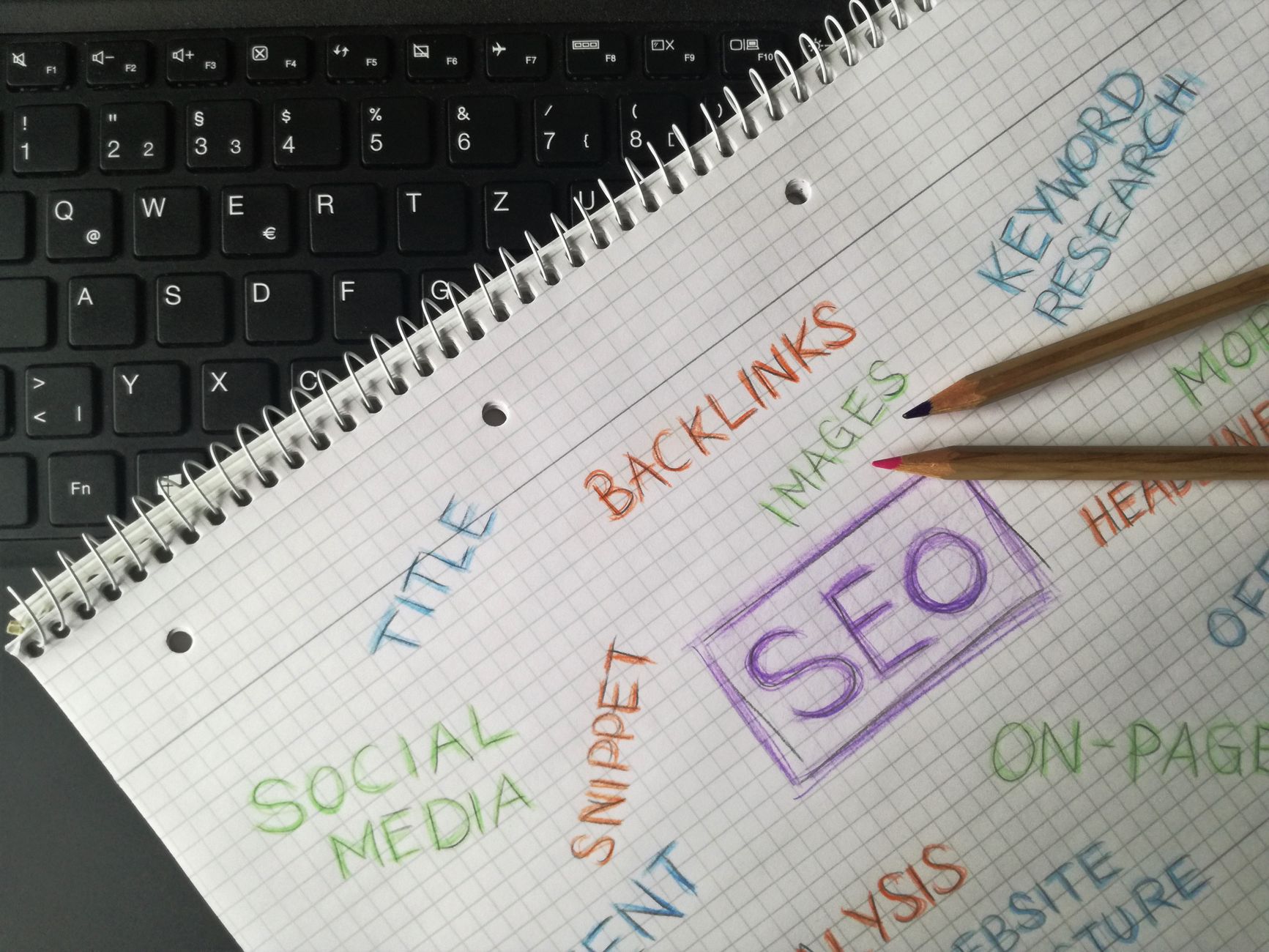
Titles and headings should make the page topic obvious to both search engines and people. Keep them specific, readable, and distinct instead of repeating the same terms in slightly different orders.
Your title tag is one of the strongest on-page signals you control. Your H1 should clearly describe the page itself. These do not need to be identical, but they should align with the same search intent. Avoid generic boilerplate and avoid stuffing multiple versions of the same keyword into one title.
| Weak title | Stronger title |
|---|---|
| SEO Services | SEO Company | SEO Expert | WordPress SEO Services for Small Businesses |
| Blog | WordPress SEO Tips for Service Businesses |
| Technical SEO Checklist | WordPress SEO Fundamentals Checklist |
Treat meta descriptions as click support
Meta descriptions support clicks, not rankings by themselves. Write them to summarize the page clearly enough that the right visitor wants to choose your result.
Every important page should have a unique description that explains the benefit of visiting that page. Keep it concise, specific, and relevant to the searcher’s next step. Reused descriptions across many pages usually signal weak targeting and create missed opportunities in search results.
Strengthen internal links

Internal links help search engines discover pages, understand topic relationships, and identify which pages matter most. They also help users move from information to action without getting stranded.
Link related blog posts to one another. Link informational articles to service pages where the next step makes sense. Use descriptive anchor text that matches the destination naturally. If important pages only live in the menu or sitemap, they usually need stronger contextual links from within your content.
If you are not sure how to sequence those fixes, our WordPress SEO checklist that actually works goes deeper into prioritizing internal links, indexing, and page intent.
Fix duplicate and competing URLs
Duplicate URL issues often hold sites back more than a lack of content. When multiple URLs compete to represent the same topic, search signals get diluted and the wrong page may rank.
Check for archive duplication, attachment pages, inconsistent URL formats, filtered URLs, and outdated pages that should redirect. Canonical tags help clarify preferred versions, but they work best when your site structure and internal links also reinforce the same preferred URL. Many flat-ranking WordPress sites are understructured, not underpublished.
Improve speed on key templates

Speed work matters most when slow templates frustrate users or make pages harder to use. The goal is not a perfect score. The goal is a site that loads cleanly and feels stable on the pages that matter most.
Start with oversized images, weak caching, bloated templates, and plugin clutter. Test your homepage, service pages, blog posts, and product pages separately because performance problems often vary by template. You do not need a perfect score. You need pages that are easy to load, easy to navigate, and consistent in how they perform.
If your rankings are flat and you are not sure whether the real problem is indexing, duplication, weak targeting, or plugin clutter, WordPress SEO Expert can help.
Match each page to one clear intent
Each important page should target one primary intent. When multiple pages chase the same need, they usually compete with each other instead of strengthening your visibility.
Keep service pages focused on commercial or transactional intent. Use blog posts for informational questions that naturally support those service pages. Consolidate overlapping content when two pages cover the same topic with only minor variations. One strong page is usually more useful than several thin pages aimed at slightly different phrases.
Keep content structure simple
Strong content structure makes a page easier to scan, easier to understand, and easier to maintain. Clear hierarchy usually outperforms clever formatting.
Use one H1, logical H2s, and supporting H3s where needed. Keep paragraphs readable and focused. Organize sections around the real questions a visitor needs answered before taking the next step. This is not about satisfying a plugin score. It is about making the page easier to understand for both users and search engines.
A practical WordPress SEO fundamentals checklist
The most useful checklist is one you can follow in order. Handle the foundation first, then move into relevance, structure, and polish.
| Priority | What to check | Why it matters |
|---|---|---|
| 1 | Indexing rules and crawl access | Pages cannot rank if search engines cannot reach or index them properly |
| 2 | Canonical setup and duplicate URLs | Prevents split signals and wrong-page ranking issues |
| 3 | Title tags, H1s, and page targeting | Improves clarity, relevance, and click potential |
| 4 | Internal linking | Strengthens discovery, hierarchy, and topic relationships |
| 5 | Template speed and usability | Supports a better experience on key pages |
| 6 | Content depth and structure | Helps pages satisfy intent more clearly |
| 7 | Metadata and technical polish | Supports cleaner signals after the core issues are fixed |
What to stop doing
Stop treating plugin indicators as the goal. Better rankings rarely come from squeezing every page into a perfect plugin score. They come from clear targeting, cleaner structure, and removing the technical friction that keeps strong pages from performing.
Also stop stacking SEO plugins, publishing near-duplicate posts, and creating archives that add more crawl noise than value. Fix the issues that block visibility before the issues that polish visibility. That is usually where the real gains begin.
The next step if rankings are still flat
If your checklist keeps growing but your rankings are not moving, the problem is usually prioritization, not effort. A focused review of your highest-value pages often reveals where visibility is being blocked.
Book a free SEO consultation with WordPress SEO Expert. No pitch, no pressure. Just an honest look at what your site actually needs and whether your current setup is part of the solution or part of the problem.
Contact WordPress SEO Expert today to schedule a consultation and get a practical plan for what to fix first on your WordPress site.

















