

Expert WordPress SEO setup is usually simpler than site owners expect. The difference is not that experts use secret tools. It is that they remove conflicting signals, decide what should rank, and set the site up so search engines can crawl and understand it without guesswork.
A green light in an SEO plugin does not mean the page deserves to rank. Most weak setups are not missing one magic feature. They are carrying too many small issues at once: duplicate metadata, thin archive pages, unclear internal links, or plugin overlap that makes the site harder to trust.
What experts focus on first
Experts start with visibility blockers before they touch polish. That means crawlability, indexation, page targeting, and duplication come before schema tweaks or score chasing. Fix the issues that block visibility before the issues that polish visibility.
This is why a strong setup often looks restrained. One well-configured SEO plugin is enough. Running overlapping plugins often creates duplicate metadata, conflicting canonicals, and competing sitemap outputs. If your current setup feels messy, our guide on how to fix WordPress SEO setup problems shows the kinds of conflicts experts clean up first.
The expert setup order
Experts usually follow the same order because sequencing matters. A site with weak titles but strong crawl access is easier to improve than a site with polished metadata that search engines cannot interpret cleanly.
1. Confirm the site can actually be crawled and indexed
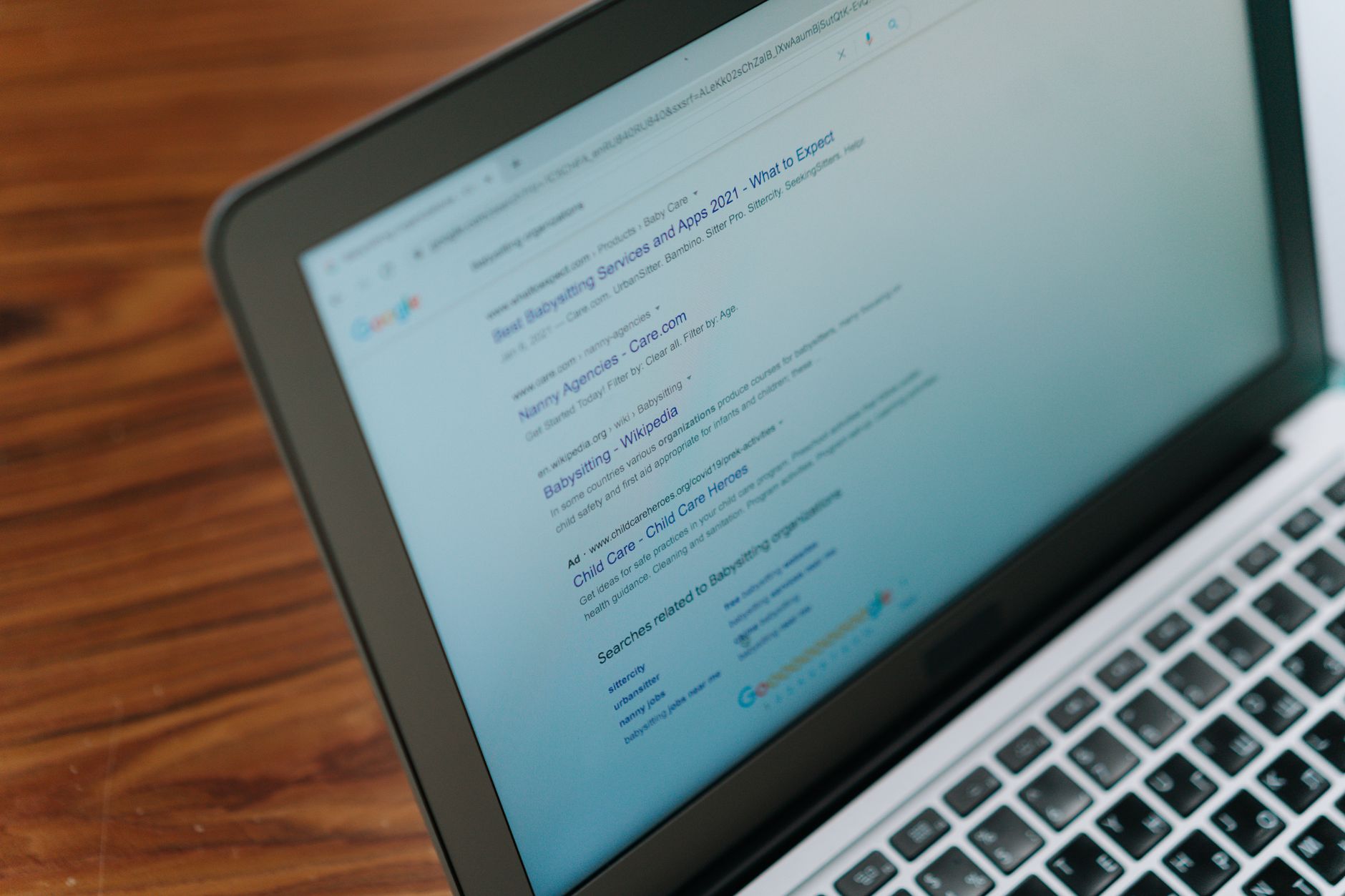
The first check is basic but critical: can search engines reach the important pages, and are those pages allowed to be indexed? Google recommends crawlable links, descriptive titles, and a structure that helps it find pages through normal HTML links rather than relying on unclear scripts or hidden pathways.
Experts review robots settings, noindex usage, canonicals, XML sitemap output, and whether the main pages are linked from other discoverable pages. They also make sure the site is not wasting crawl attention on low-value archives, search results, tag clutter, or parameter-heavy duplicates.
2. Decide which pages deserve to rank

Experts do not try to make every URL rank. They choose the pages that should carry search intent, then reduce internal competition around them. That usually means clearer service pages, stronger category logic, and fewer thin pages that dilute relevance.
This is where many WordPress sites drift. Blog posts, archives, attachments, and near-duplicate pages all exist, but no one has decided which URLs are the real targets. If you want a broader framework for prioritizing those decisions, see our WordPress SEO: The Practical Guide for DIY Site Owners.
3. Simplify titles, descriptions, and page signals
Experts write titles to clarify relevance, not to cram variations. Google advises using descriptive, concise titles and avoiding keyword stuffing or repetitive boilerplate. Meta descriptions matter too, but as support for click-through clarity, not as a shortcut to rankings.
| Weak title | Stronger title |
|---|---|
| SEO Services | SEO Company | SEO Expert | WordPress SEO Services for Small Businesses |
| Blog | SEO Tips | WordPress SEO Tips for DIY Site Owners |
You do not need a perfect score. The goal is a site that loads cleanly, is easy to use, and sends consistent signals about which pages matter most.
4. Build internal links that support the important pages

Experts use internal links to clarify structure, not just to sprinkle SEO signals around. Google recommends crawlable links with descriptive anchor text, because those links help both users and search engines understand how pages relate to each other.
That means linking from supporting posts to the pages that matter most, using anchor text that describes the destination clearly. It also means removing orphan pages and making sure key pages are reachable in a logical path from the rest of the site.
If you are experiencing these symptoms, our team at WordPress SEO Expert can help.
5. Keep the setup stable enough to maintain
Experts avoid setups that only make sense to the person who built them. If a site depends on overlapping plugins, custom exceptions, and hidden settings scattered across the dashboard, the setup becomes fragile after redesigns, staff changes, or content updates.
A stable setup is documented, limited, and intentional. One plugin handles SEO fundamentals. The indexable content types are clear. Archive rules are consistent. Canonical behavior is understood. The sitemap reflects the pages that should actually be discovered.
What experts usually ignore
Experts usually ignore cosmetic SEO distractions until the fundamentals are settled. That includes obsessing over plugin scores, adding every schema type available, or rewriting metadata repeatedly while more serious structural issues are still unresolved.
Most site owners do not have one catastrophic problem. They have a stack of smaller issues that compound over time. The expert approach is to reduce that stack in order, not panic and rebuild everything at once.
A better way to judge your setup
A strong WordPress SEO setup is not defined by how many features are turned on. It is defined by whether the right pages are crawlable, indexable, internally supported, and clearly matched to search intent. That is what experts check first because that is what affects visibility first.
If your rankings are flat and you are not sure whether the real problem is indexing, duplication, weak targeting, or plugin clutter, WordPress SEO Expert can help. Book a free SEO consultation. No pitch, no pressure. Just an honest look at what your site actually needs and whether your current setup is part of the solution or part of the problem.
Contact WordPress SEO Expert today to schedule a consultation.

















