

Low rankings usually come from a scattered plan, not one missing plugin. An advanced WordPress SEO setup is not about stacking tools or turning on every feature. It is about tightening the parts that control crawlability, duplication, metadata, internal links, and site structure so search engines see the right pages clearly.
Most site owners do not have one catastrophic problem. They have a stack of smaller issues that compound over time. A green light in an SEO plugin does not mean the page deserves to rank. If you want a stronger baseline before changing settings, review our WordPress SEO best practices and our comparison of Yoast SEO vs Rank Math to make sure your plugin choice is not creating avoidable friction.
Start With What Blocks Visibility
The first advanced move is simple: fix the issues that block visibility before the issues that polish visibility. If important pages are noindexed, duplicated, orphaned, or missing from your internal link structure, better copy and better schema will not carry the page very far.
Check your homepage, core service pages, category pages, and top blog posts first. Make sure each important URL resolves cleanly, uses one preferred version, is linked from crawlable pages, and is included in your XML sitemap when it should be indexed. This sounds basic, but it is where many redesigns, plugin changes, and WooCommerce builds quietly go wrong.
Use One SEO Plugin and Configure It Deeply
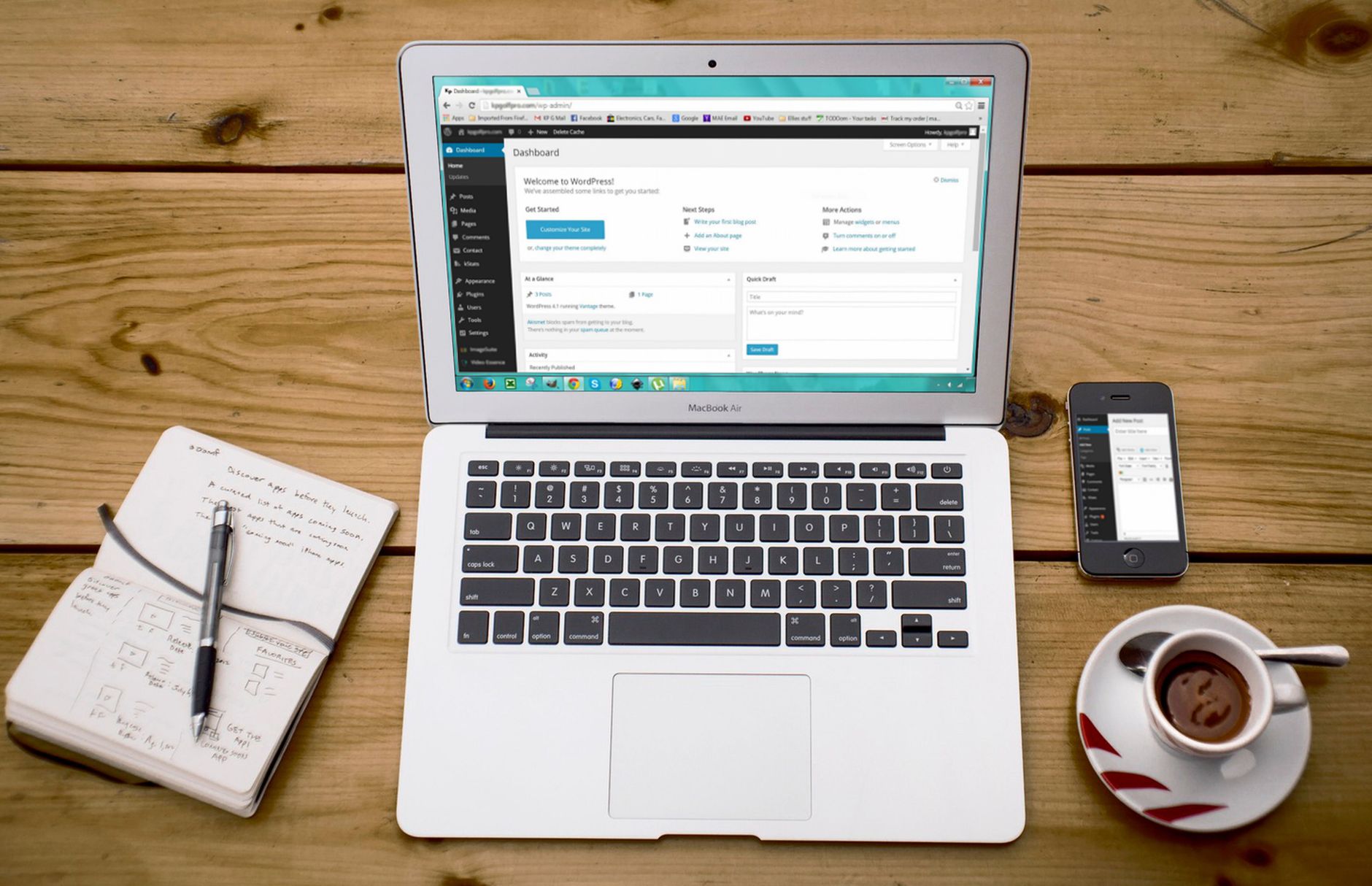
One well-configured SEO plugin is enough. Running overlapping plugins often creates duplicate metadata, conflicting canonicals, and competing sitemap outputs. The advanced setup is not more plugins. It is a cleaner setup with fewer conflicts and tighter defaults.
Pick one primary plugin and fully configure title templates, meta defaults, archive indexing rules, social defaults, schema settings, and sitemap behavior. Then test the output on actual pages. Many WordPress sites look configured in the dashboard but still output weak titles, index thin archives, or expose attachment URLs that should not compete in search.
Control Indexing at the Template Level
Advanced WordPress SEO usually improves when you stop thinking page by page and start thinking template by template. If a content type should not rank, handle that at the global level instead of trying to clean it up one URL at a time.
Review categories, tags, author archives, date archives, search result pages, media attachment pages, and any custom post types added by themes or plugins. Some of these deserve indexation on larger editorial sites. Many do not on small business sites. The goal is not to noindex everything. The goal is to keep low-value templates from diluting signals and wasting attention.
Fix Canonical Confusion Early

Canonical problems are one of the most common advanced setup failures because they hide behind an otherwise healthy-looking site. If similar URLs compete with each other, search engines get mixed signals about which version matters most.
Look closely at trailing slash inconsistencies, HTTP to HTTPS redirects, www versus non-www handling, pagination behavior, filtered URLs, tag archives, and duplicate product or service paths created during migrations. Your canonical setup should reinforce one clear preferred URL, and your internal links should point to that version consistently. This is especially important on WooCommerce stores where layered navigation can multiply low-value URLs quickly.
Build Stronger Title and Meta Templates
Advanced optimization starts with better defaults. A strong title template saves time, improves consistency, and prevents dozens of weak pages from inheriting generic boilerplate that says almost nothing to users or search engines.
Keep templates concise and descriptive. Use the page topic first, then brand only when it adds value. Avoid repeating the same sales phrase across every URL. For service pages, category pages, and product collections, write templates that reflect what the page actually offers rather than what the plugin says will earn a perfect score. If you are rewriting plugin defaults, focus on clarity before cleverness.
| Weak setup | Stronger setup |
|---|---|
| SEO Services | SEO Company | SEO Expert | WordPress SEO Services for Small Businesses |
| Category Archive | Blog | WordPress SEO Tips for Service Businesses |
| Product Category | Shop | Commercial Lighting Parts and Replacements |
Strengthen Internal Linking With Intent

Advanced internal linking is not about adding more links everywhere. It is about sending stronger signals to the pages that matter most. If your best pages are hard to reach or disconnected from related content, rankings often stall even when the on-page work looks solid.
Link informational posts to service pages, connect overlapping articles, and make sure your highest-value URLs are supported by relevant pages higher in the site structure. Descriptive anchor text helps users understand the destination and makes the site easier to crawl. If your most important pages only appear in menus and sitemaps, your internal architecture is probably weaker than it looks.
If you are not sure whether your current plugin configuration is helping or quietly hurting you, WordPress SEO Expert can help. A focused review often finds that flat rankings come from weak architecture and conflicting technical signals more than from missing content alone.
Clean Up WooCommerce SEO Noise
WooCommerce sites usually need more technical control than brochure sites. The advanced setup work is often less about product copy and more about reducing duplicate paths, controlling parameter URLs, and making category pages easier to understand and crawl.
Audit filtered URLs, sort parameters, product variations, tag archives, out-of-stock handling, and thin category pages. Decide which taxonomy pages should rank, which should support navigation only, and where canonical or noindex rules belong. Product pages rarely carry the full SEO load by themselves. Strong category architecture often does more for store visibility than endless product-level tweaking.
Treat Schema as Support, Not a Shortcut
Schema can clarify page meaning, but it does not rescue weak structure or thin content. The advanced approach is to keep it accurate, relevant, and aligned with what visitors actually see on the page.
Use the schema types that fit the page template and business model. Then confirm the plugin is not outputting overlapping or unnecessary markup from multiple sources. Service pages, articles, organization details, breadcrumbs, and products usually cover most WordPress needs. More markup is not automatically better. Cleaner markup is.
Watch What Happens After Redesigns and Migrations

Traffic drops after launches usually come from a cluster of setup issues, not one dramatic mistake. The advanced move is to compare old and new URL behavior quickly so you can stop losses before they spread.
Check redirects, canonical tags, sitemap output, heading structure, internal links, image paths, and whether important copy disappeared during the rebuild. Developers often preserve layout and miss the signals that supported rankings before launch. If rankings dropped after a migration, diagnose the crawl and indexing layer first before rewriting content or changing plugins again.
Use a Practical Setup Sequence
The best advanced strategy is a clear order of operations. Fix the issues that block visibility before the issues that polish visibility. That prevents wasted effort and keeps you from chasing plugin scores while larger problems stay untouched.
| Priority | What to fix first | Why it matters |
|---|---|---|
| 1 | Indexing and crawl access | Pages cannot rank if search engines cannot reach them correctly. |
| 2 | Canonicals and redirects | Prevents duplicate URL confusion and diluted signals. |
| 3 | Title templates and page intent | Improves relevance and click potential. |
| 4 | Internal linking | Strengthens discovery, hierarchy, and topic relationships. |
| 5 | Archive and taxonomy controls | Reduces low-value indexation and crawl noise. |
| 6 | Schema and sitemap cleanup | Supports clearer technical output. |
| 7 | Content refinement | Polishes pages after the foundation is stable. |
Know When to Stop Optimizing
You do not need a perfect score. The goal is a site that loads cleanly, is easy to use, and sends consistent relevance signals. Over-optimization often creates awkward copy, bloated templates, and technical clutter that makes future troubleshooting harder.
Stop adding features just because they exist. Stop publishing near-duplicate posts for tiny keyword variations. Stop treating plugin indicators like a performance report. A leaner setup with clear priorities usually outperforms a busier one.
The Best Next Step
Advanced WordPress SEO setup strategies work best when they are tied to diagnosis, not guesswork. If your rankings are flat, the answer is usually hidden in indexing rules, canonicals, internal links, taxonomies, or migration leftovers, not in one missing plugin feature.
WordPress SEO Expert can help you find what is actually holding the site back and what to fix first. Book a free SEO consultation. No pitch, no pressure. Just an honest look at whether your current setup is part of the solution or part of the problem.
Contact WordPress SEO Expert today to schedule a consultation if you want a cleaner setup, a shorter fix list, and a clearer path to better rankings.

















