

Low rankings usually come from a scattered plan, not one missing plugin. Traditional SEO and WordPress SEO follow the same search rules, but WordPress changes how you apply them through themes, plugins, taxonomies, permalinks, and template settings. That means the strategy stays familiar while the day-to-day fixes become more platform-specific.
If your site runs on WordPress, the real question is not which type of SEO is better. The better question is which WordPress-specific settings are helping search visibility and which ones are quietly creating duplicate URLs, thin archives, slow templates, or conflicting metadata.
What is the difference?

Traditional SEO is the broader discipline. WordPress SEO is standard SEO implemented inside a content management system that adds its own controls, shortcuts, and failure points.
On a custom site, changes to titles, canonicals, schema, or XML sitemaps may require development work. On WordPress, many of those controls are available through core settings and plugins. That convenience helps, but it also makes it easier to create overlap. One well-configured plugin is usually enough. Running overlapping SEO plugins often creates duplicate metadata, conflicting canonicals, and competing sitemap outputs.
| Area | Traditional SEO | WordPress SEO |
|---|---|---|
| Core goal | Improve visibility on any platform | Improve visibility on a WordPress site |
| Ranking rules | Same Google rules apply | Same Google rules apply |
| Implementation | Often handled in code or platform settings | Handled through WordPress core, themes, plugins, and templates |
| Common risks | Weak content, slow pages, poor indexing, weak structure | Those same risks plus plugin conflicts, archive bloat, and messy URL settings |
| Speed of changes | May require more developer time | Often faster to change, easier to misconfigure |
What stays the same?
The fundamentals do not change. Search engines still need to crawl your pages, understand the topic, and see that the page is useful enough to rank.
Google’s guidance applies across platforms. It recommends creating helpful, people-first content, using words people would actually search for, and making links crawlable so Google can discover other pages on your site. It also recommends writing descriptive, concise titles and avoiding keyword stuffing or repetitive boilerplate. Those rules apply whether the site is on WordPress, Shopify, Webflow, or a custom stack.
If you need the WordPress-specific baseline first, review our WordPress SEO best practices to see which settings and structural issues usually matter most.
Where WordPress SEO changes the work
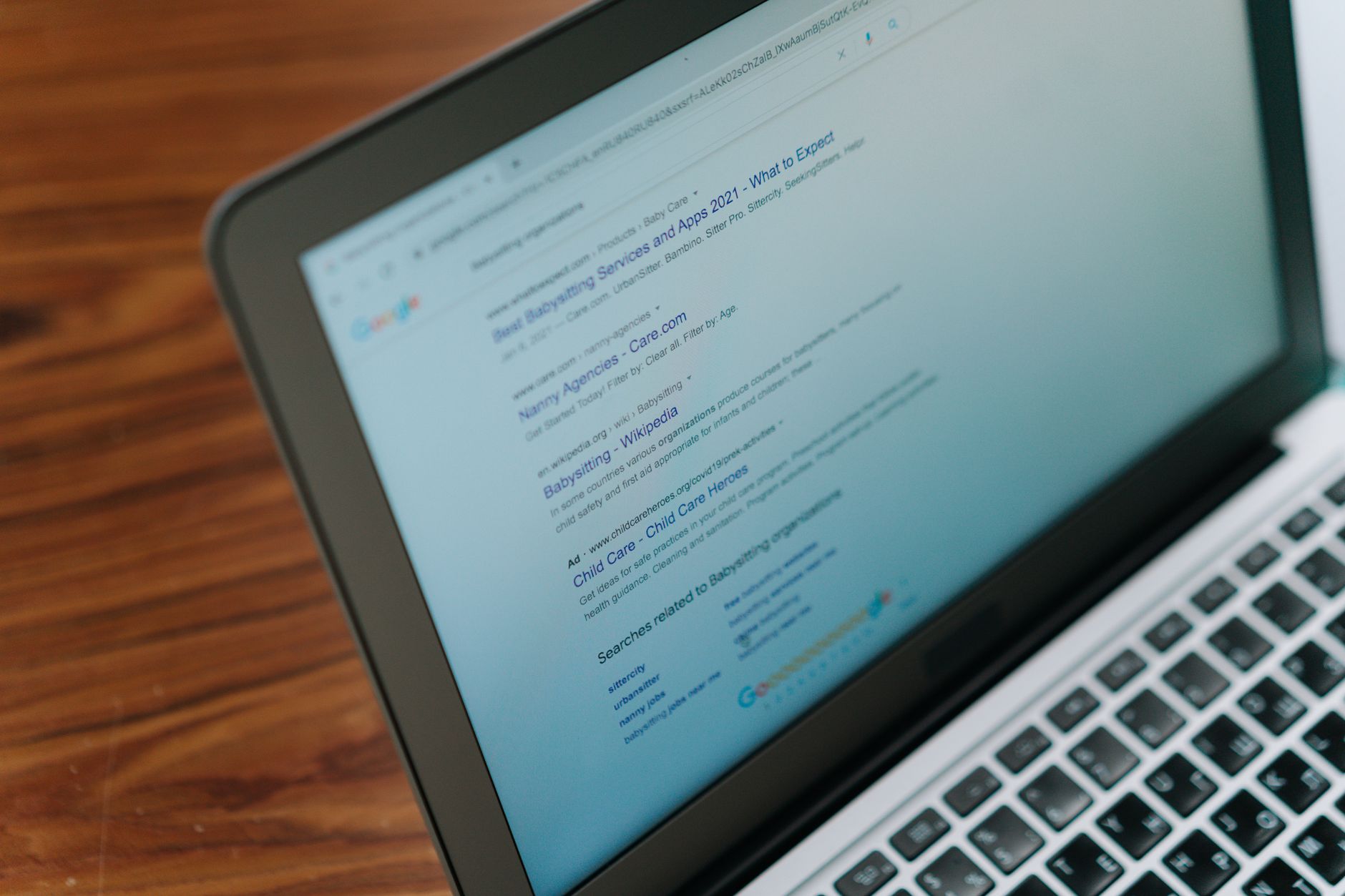
WordPress changes the practical workflow more than the strategy. The SEO rules stay the same, but the platform adds settings and generated pages that can either speed up optimization or create extra noise.
Plugins make implementation easier and riskier
WordPress makes SEO controls more accessible. You can usually adjust titles, meta descriptions, XML sitemaps, schema, redirects, and canonicals without custom development.
That is the upside. The downside is that site owners often keep adding tools instead of simplifying the setup. A green light in an SEO plugin does not mean the page deserves to rank. If the plugin stack is bloated, you can end up optimizing settings without improving visibility.
Taxonomies and archives can create index bloat
WordPress can generate many extra URLs with very little effort. That is useful for publishing, but it can also create thin pages that add crawl noise instead of search value.
Category archives, tag archives, author archives, date archives, media attachment pages, pagination, and internal search URLs can all expand the number of pages Google sees. Most site owners do not have one catastrophic problem. They have a stack of smaller issues that compound over time. Fix the issues that block visibility before the issues that polish visibility.
WordPress performance is often theme and plugin driven
Slow pages are not unique to WordPress, but WordPress performance problems often come from heavy themes, page builders, extra scripts, and unnecessary plugins.
The practical advantage is that the source of the slowdown is often visible if you check template by template. The goal is not a perfect score. The goal is a site that loads cleanly and is easy to use. If you are tuning performance next, our guide on how to improve WordPress site speed for SEO can help you prioritize the right fixes.
Canonical and URL control need active management

WordPress gives you strong control over URLs, but it also gives you more opportunities to create duplicates if settings are inconsistent.
Trailing slash variations, parameter URLs, archive overlap, and plugin-generated paths can all dilute signals. Traditional SEO has the same issue in principle, but WordPress site owners run into it more often because the platform can produce alternate versions so quickly.
Which one matters more for rankings?
Neither is inherently stronger. Rankings come from execution, not from the label you use.
WordPress does not rank better just because it is WordPress, and traditional SEO is not more effective just because it sounds broader. What matters is whether your important pages are crawlable, indexed correctly, internally supported, aligned with search intent, and technically clean. WordPress simply changes how fast you can make those improvements and how easy it is to misconfigure them.
If you are not sure whether your current plugin configuration is helping or quietly hurting you, WordPress SEO Expert can help.
What to fix first on a WordPress site
A WordPress site needs the normal SEO checklist plus a platform-specific one. Start with the issues that affect crawlability, indexation, and duplicate control before worrying about cosmetic plugin scores.
| Priority | What to check | Why it matters |
|---|---|---|
| 1 | Search engine visibility setting, robots rules, and noindex directives | Blocked pages cannot rank |
| 2 | Canonical tags, redirects, and preferred URL versions | Prevents duplicate URL confusion |
| 3 | Title tags and page intent | Improves clarity and click potential |
| 4 | Internal linking between related pages | Helps search engines discover and prioritize content |
| 5 | Theme, plugin, and template speed issues | Improves usability and page experience |
| 6 | Archive and taxonomy handling | Reduces thin pages and crawl waste |
WordPress includes some native SEO-related features, including an automatically generated XML sitemap and a search engine visibility setting in core. Those defaults help, but they are only a starting point. They do not replace good page targeting, internal links, or a clean indexing strategy.
Should you learn traditional SEO first?
Yes. Learn the fundamentals first, then learn how WordPress affects implementation.
Start with search intent, page targeting, titles, headings, internal linking, crawlability, and indexation. Then learn how WordPress handles menus, archives, metadata, redirects, and template output. That sequence gives you a better decision-making framework than jumping straight into plugin features.
The short answer
Traditional SEO is the overall discipline. WordPress SEO is that same discipline applied inside a platform that adds both convenience and complexity.
If your site runs on WordPress, you need both: solid SEO fundamentals and a clear understanding of how WordPress settings, themes, plugins, and templates shape technical performance. Book a free SEO consultation. No pitch, no pressure. Just an honest look at what your site actually needs and whether your current setup is part of the solution or part of the problem.
Contact WordPress SEO Expert today to schedule a consultation. We can help you identify whether your rankings are being held back by indexing issues, content overlap, weak internal linking, or a WordPress setup that is working against you.

















