
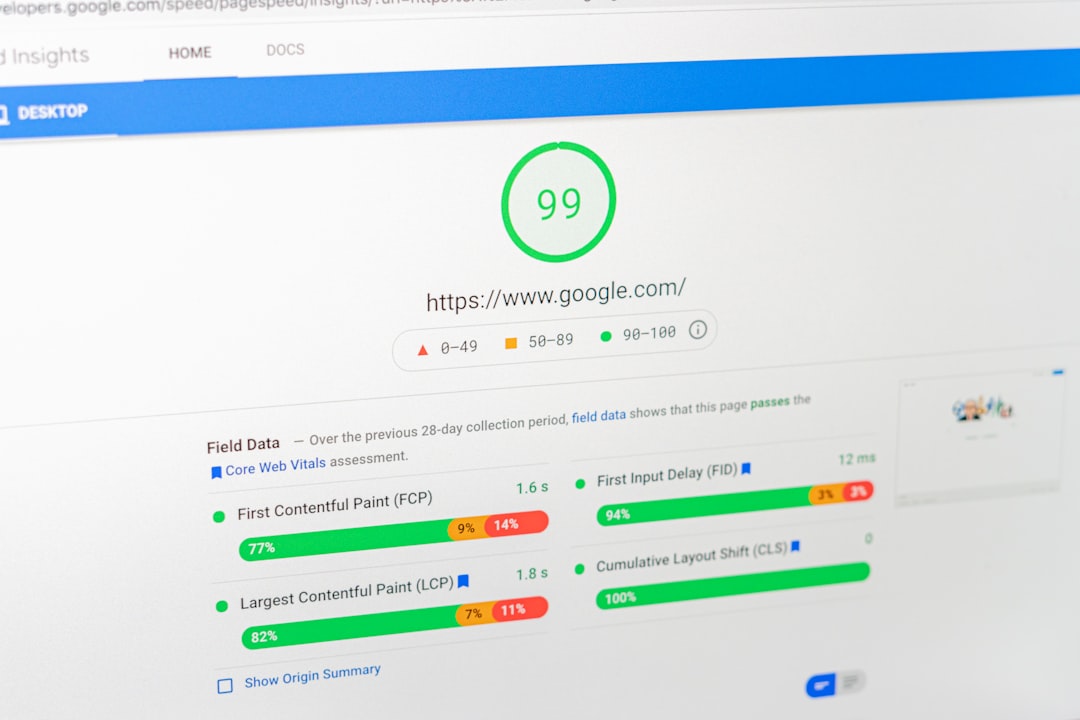
Low rankings usually come from a scattered plan, not one missing plugin. If you want to optimize WordPress SEO, start by fixing the issues that block visibility first: indexing, titles, internal links, duplicate URLs, and site structure. A green light in a plugin does not mean the page deserves to rank.
Most site owners do not have one catastrophic SEO problem. They have a stack of smaller issues that compound over time. This is why a simple, prioritized setup usually beats a busy stack of plugins and half-finished tactics. For a deeper baseline, see our WordPress SEO best practices guide and our comparison of Yoast SEO vs Rank Math if you are still deciding which tool to use.
Start with crawlability and indexability
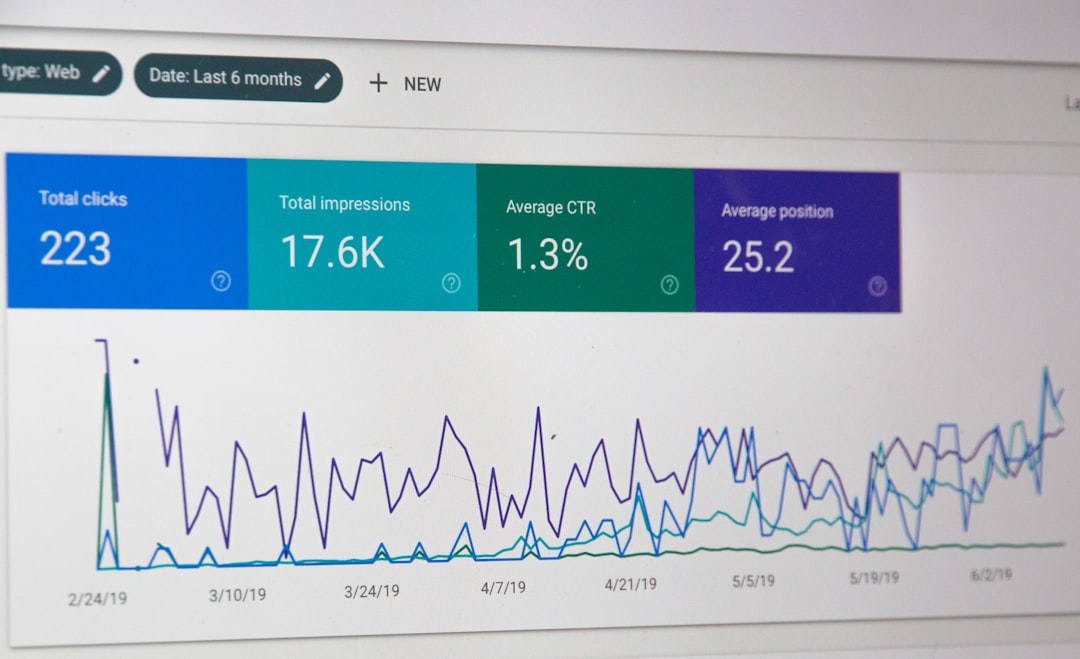
If search engines cannot crawl the right pages or index them correctly, everything else underperforms. Before you rewrite copy or add schema, make sure your important pages are accessible, linked, and meant to be indexed.
Check whether your service pages, category pages, and key blog posts are live, internally linked, and included in your XML sitemap if they should appear in search. Review noindex settings, archive rules, and any plugin or theme behavior that creates thin or duplicate pages. Google recommends crawlable links built with normal anchor tags and descriptive anchor text because that helps search engines understand structure and discover pages more reliably.
Use one SEO plugin, not several

One well-configured SEO plugin is enough for most WordPress sites. Running overlapping plugins often creates duplicate metadata, conflicting canonicals, and competing sitemap outputs.
Pick one primary SEO plugin and configure the essentials first: title templates, meta descriptions, sitemap settings, archive indexing, and social defaults. Do not chase every feature just because it exists. The point is clean output and simple control, not the most crowded dashboard. If you are unsure which plugin fits your workflow, WordPress SEO Expert can help you review the trade-offs before you make changes that are hard to unwind.
Write stronger title tags
Your title tag is one of the strongest on-page signals you control. Keep it clear, specific, and aligned with what the page actually offers instead of stuffing in repeated keywords.
Google recommends descriptive, concise titles and warns against keyword stuffing and repetitive boilerplate. That means every important page should have a distinct title that helps a user understand why the result is relevant. Many WordPress sites underperform because their titles read like a plugin checklist instead of a helpful search result.
| Weak title | Stronger title |
|---|---|
| SEO Services | SEO Company | SEO Expert | WordPress SEO Services for Small Businesses |
| WordPress SEO Tips | How to Optimize WordPress SEO Step by Step |
| Best SEO Plugin | Yoast vs Rank Math for WordPress Sites |
Treat meta descriptions as click support
Meta descriptions do not replace strong content, but they can improve how your page is summarized in search. Write them to support clicks with a clear benefit, not to cram in more keywords.
Google primarily builds snippets from page content, but it may use the meta description when that description better summarizes the page. That is why unique descriptions still matter. Write a short summary that matches the page intent, makes the benefit obvious, and sounds like something a real person would want to click.
Fix duplicate URLs before publishing more
Duplicate URL issues often weaken pages more than a missing keyword ever will. If several versions of the same content compete, search engines get mixed signals about which one should rank.
Common WordPress duplication problems come from tag archives, attachment pages, parameter URLs, inconsistent internal linking, and WooCommerce filters. Decide which version of each page is the primary version, use that version in your internal links, and redirect outdated or unnecessary duplicates where appropriate. Fix the issues that block visibility before the issues that polish visibility.
Build internal links with intent
Internal links help search engines discover pages and understand which pages matter most. They also help visitors move to the next logical page instead of stopping after one visit.
Link related blog posts, connect informational pages to service pages, and make sure your important pages are never isolated. Use descriptive anchor text that explains what the linked page covers. If your content only appears in the sitemap and nowhere in the body of the site, that page is harder to discover and easier to ignore. If you are experiencing these issues, our team at WordPress SEO Expert can help.
Keep your site structure simple
A simple site structure is usually better than a clever one. Important pages should be easy to reach, easy to understand, and grouped in ways that make sense for visitors first.
For service businesses, keep core pages close to the main navigation. For blogs, use a small number of meaningful categories instead of dozens of overlapping tags. For WooCommerce sites, pay close attention to category depth, filter URLs, and variations that create near-duplicate pages. You do not need a perfect score. The goal is a site that loads cleanly and is easy to use.
Use schema carefully
Structured data can help search engines understand a page more clearly, but it is not a shortcut to rankings. Add only the schema that matches what users can actually see on the page.
Google’s structured data guidance makes the standard clear: markup should reflect visible content and should not be misleading. In practical terms, that means using the right schema type for the page and avoiding the habit of turning on every schema option in your plugin just because it is available.
A practical order for WordPress SEO fixes
The right order matters because not all SEO tasks carry the same weight. Start with the issues that prevent pages from being seen correctly, then improve the signals that help them compete.
| Priority | What to fix first | Why it matters |
|---|---|---|
| 1 | Indexing and crawl access | Pages cannot rank if search engines cannot reach or index them. |
| 2 | Canonicals and redirects | Prevents duplicate URL confusion and diluted signals. |
| 3 | Title tags and search intent | Improves relevance and click potential. |
| 4 | Internal linking | Strengthens discovery, hierarchy, and topic relationships. |
| 5 | Content quality and formatting | Helps the page answer the search more clearly. |
| 6 | Speed and template cleanup | Improves usability and reduces friction. |
| 7 | Schema and extra enhancements | Supports cleaner technical signals after the foundation is stable. |
What to stop doing
Most WordPress SEO problems get worse when site owners keep adding more tools and more pages without fixing the foundation. Stop treating plugin scores as proof a page is optimized.
Also stop publishing thin variations of the same topic, stacking overlapping optimization plugins, and leaving low-value archives open by default. A cleaner setup usually outperforms a busier one because it gives search engines fewer mixed signals and gives your team fewer settings to manage badly.
The best next step
The best next move is a focused review of your highest-value pages, not a full-site panic rewrite. Start with the pages already getting impressions, the pages tied to leads or sales, and the pages closest to ranking well.
If you are not sure whether your current setup is helping or quietly hurting your site, WordPress SEO Expert can help you sort that out quickly. Book a free SEO consultation. No pitch, no pressure. Just an honest look at what your site actually needs and whether your current setup is part of the solution or part of the problem.
Contact WordPress SEO Expert today to schedule a consultation and get a clearer plan for what to fix first on your WordPress site.

















