

Low rankings usually come from a scattered plan, not one missing plugin. Most WordPress SEO problems are not dramatic. They are a stack of smaller issues like weak titles, crawl waste, duplicate URLs, thin archives, and conflicting plugin settings that compound over time.
This is the practical way to fix them: start with visibility blockers first, then clean up the signals that help Google understand and trust your pages. If you want a broader baseline before making changes, review our WordPress SEO best practices and our comparison of Yoast SEO vs Rank Math if your current plugin setup feels messy.
Fix indexing and crawl problems first

If Google cannot crawl the right pages or index the pages that matter, everything else underperforms. Before rewriting content or chasing plugin scores, make sure your key service pages, product categories, and blog posts are reachable, indexable, and internally linked.
Check whether important pages are accidentally set to noindex, blocked from crawling, orphaned from the main site structure, or missing from your XML sitemap. Google explains that crawlable links, redirects, and sitemaps all help Googlebot discover URLs, while blocked or hidden paths can make important pages harder to find. Google also expects each important page to have a descriptive title and meta description that helps explain relevance.
A simple first pass helps. Open your top pages, confirm they load normally, confirm they are linked from other crawlable pages, and confirm your SEO plugin is not excluding them by mistake. Fix the issues that block visibility before the issues that polish visibility.
Use one SEO plugin, not several
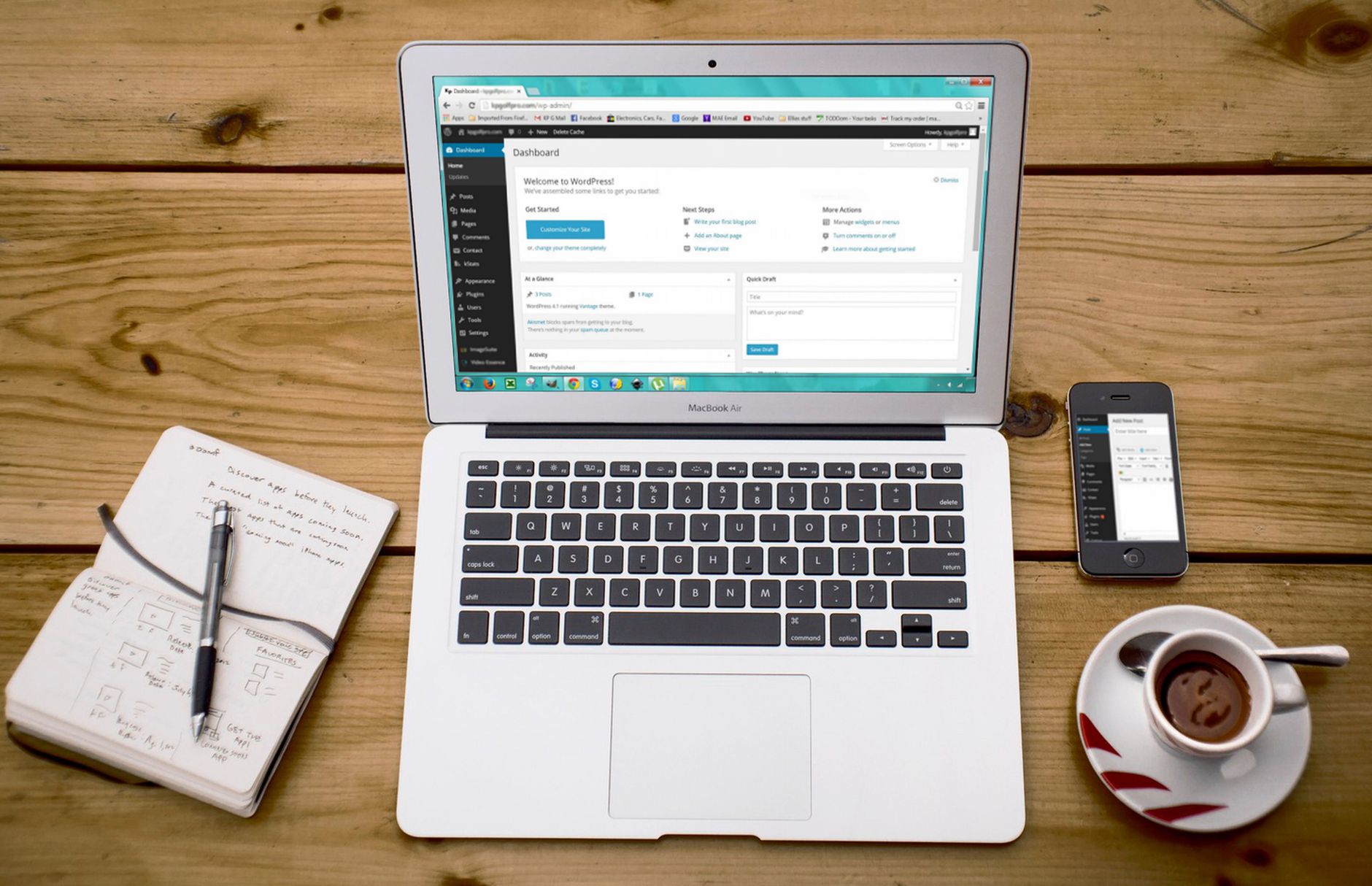
One well-configured SEO plugin is enough. Running overlapping plugins often creates duplicate metadata, conflicting canonicals, and competing sitemap outputs that make troubleshooting harder than it needs to be.
If you have Yoast, Rank Math, SEOPress, AIOSEO, or schema add-ons all touching the same outputs, simplify the setup. Keep one primary SEO plugin, set your title templates, meta descriptions, archive rules, and sitemap options, then stop there. A green light in an SEO plugin does not mean the page deserves to rank. It only means the plugin liked the pattern it was trained to score.
If you are deciding whether to stay with your current plugin or switch, a Yoast SEO vs Rank Math comparison can help you choose without creating more technical clutter.
Rewrite titles that are vague or stuffed
Your title tag is one of the clearest on-page signals you control. Weak titles usually fail for one of two reasons: they are too generic to describe the page clearly, or they repeat keywords so heavily that they read like boilerplate.
Google recommends descriptive, concise title text and warns against keyword stuffing and repetitive boilerplate across pages. It also helps to keep each important page title distinct so users and search engines can tell pages apart more easily.
| Weak title | Stronger title |
|---|---|
| SEO Services | SEO Company | SEO Expert | WordPress SEO Services for Small Businesses |
| Blog | WordPress SEO Tips for Service Businesses |
| Best SEO Plugin, SEO Plugin WordPress, SEO Plugins | How to Choose the Right WordPress SEO Plugin |
Write for clarity first. Include the topic naturally, keep the promise specific, and avoid repeating the same phrase three different ways just to satisfy a plugin score.
Clean up meta descriptions and heading structure
Meta descriptions do not force rankings, but they can improve click quality when they clearly preview the page. Heading structure matters for a different reason: it helps users and search engines understand the page quickly.
Google says snippets are usually generated from page content, but it may use the meta description when that description better summarizes the page. That means your meta description should support the click, not stuff in every variation of the keyword. Keep one clear H1 per page, use subheadings that reflect the actual topic, and avoid turning every heading into an exact-match phrase.
A practical rule is simple: if the page feels awkward to read out loud, it is probably over-optimized. You do not need a perfect score. The goal is a page that reads cleanly and answers the search clearly.
Fix duplicate URLs before publishing more pages
Duplicate and near-duplicate URLs dilute signals and waste time. If several versions of the same page can be crawled, indexed, or linked internally, Google has to decide which one matters. That confusion often holds back pages that should perform better.
Common WordPress causes include tag archives, attachment pages, URL parameters, trailing slash inconsistencies, and WooCommerce filters or product variations. Pick the preferred URL, link to that version internally, use redirects where appropriate, and make sure your canonical settings are not fighting your actual internal linking.
Most site owners do not have one catastrophic problem. They have a stack of smaller issues that compound over time. Duplicate URLs are a perfect example because they often look harmless until crawl signals and page authority start splitting across versions.
Strengthen internal links with intent

Internal links help search engines discover pages, understand topic relationships, and identify which pages matter most. They also help users move from informational content to service pages or product pages without friction.
Google recommends anchor text that is descriptive, concise, and relevant to the linked page. That means your internal links should explain what the next page is about, not rely on vague anchors or isolated buttons. Link related articles together, connect broad blog posts to commercial pages, and make sure high-value pages are not buried or orphaned.
If you are seeing flat rankings across a cluster of pages, weak internal linking is often part of the problem. WordPress SEO Expert can help you identify which pages deserve more link support and which pages should be consolidated instead of expanded.
Use schema carefully, not aggressively
Schema can help search engines understand a page more clearly, but adding more markup does not automatically improve visibility. The safest approach is to use only the structured data that matches what users can actually see on the page.
Google’s structured data guidelines say markup should reflect visible content and should not be misleading. In practice, that means avoiding the habit of turning on every schema module in your plugin just because it exists. Clean, accurate markup is better than bloated markup that does not match the page.
Prioritize fixes in the right order
The fastest way to improve WordPress SEO best practices problems is to stop treating every issue as equally urgent. Start with the problems that block crawling, indexing, and clear page understanding. Save cosmetic tweaks for later.
| Priority | What to fix | Why it comes first |
|---|---|---|
| 1 | Indexing and crawl access | Pages cannot rank if search engines cannot reach or index them properly. |
| 2 | Canonicals, redirects, and duplicate URLs | These prevent split signals and URL confusion. |
| 3 | Title tags and page intent | These improve relevance and help support clicks. |
| 4 | Internal linking | Links strengthen discovery, hierarchy, and topical relationships. |
| 5 | Content depth and formatting | Better structure helps the page satisfy intent more clearly. |
| 6 | Schema and minor refinements | These support cleaner signals after the fundamentals are in place. |
What to stop doing
Stop chasing plugin scores as if they were rankings. Stop publishing thin near-duplicate pages to target tiny keyword variations. Stop stacking multiple SEO tools because it feels thorough. A cleaner setup usually outperforms a busier one.
Most WordPress sites do not need more plugins, more tags, or more posts. They need a better sequence. Fix the problems that block visibility, then strengthen the pages already closest to performing.
The best next step
If your rankings are stuck, the best next move is usually a focused review of your highest-value pages, not a sitewide rewrite. Start with the pages already earning impressions, the pages closest to page one, and the pages tied directly to leads or sales.
If you are not sure whether your current plugin setup is helping or quietly hurting you, WordPress SEO Expert can help. Book a free SEO consultation. No pitch, no pressure. Just an honest look at what your site actually needs and whether your current setup is part of the solution or part of the problem.
Contact WordPress SEO Expert today to schedule a consultation and get a clearer plan for what to fix first on your WordPress site.

















