
Low rankings usually come from a scattered plan, not one missing plugin. A WordPress Google SEO configuration guide matters because the wrong setup can quietly create duplicate metadata, weak titles, thin archive indexing, and sitemap confusion before you publish a single new page.
This guide shows you what to configure first, what to leave alone, and how to keep your setup clean. If you are still deciding between plugins, review our Yoast SEO vs Rank Math comparison alongside our WordPress SEO best practices so your settings match a broader strategy.
Start With One Clean SEO Setup
The direct answer is simple: use one well-configured SEO plugin, connect the site to Google Search Console, confirm indexing rules, and write titles for humans first. Most WordPress sites do not need more tools. They need fewer conflicts.
One clean setup usually includes a single SEO plugin, crawlable internal links, a working XML sitemap, clear title templates, and archive rules that stop low-value pages from cluttering Google’s view of the site. Google recommends descriptive, concise titles, warns against keyword stuffing, and advises site owners to use crawlable links with descriptive anchor text. Structured data should also match visible page content instead of exaggerating what is on the page.
What To Configure First
Fix the issues that block visibility before the issues that polish visibility. If Google cannot crawl the right pages or understand which URLs matter, plugin score badges and extra schema settings will not rescue the site.
| Priority | What to configure | Why it comes first |
|---|---|---|
| 1 | Search engine visibility and indexing rules | Pages cannot rank if they are blocked or set to noindex by mistake |
| 2 | Preferred URL structure, redirects, and canonicals | This reduces duplicate URL confusion |
| 3 | Title templates and meta descriptions | This improves relevance and click support |
| 4 | XML sitemap and Search Console submission | This helps Google discover key URLs more efficiently |
| 5 | Archive and taxonomy settings | This keeps thin pages from diluting site quality |
| 6 | Schema settings | This supports cleaner understanding after the basics are stable |
Check WordPress Visibility Settings First
The first setting to verify is whether WordPress is discouraging search engines from indexing the site. This sounds obvious, but it is one of the most common post-launch mistakes after redesigns, staging pushes, or rushed migrations.
Go to Settings, then Reading, and confirm the search engine visibility box is not blocking normal indexing for your live site. After that, review your SEO plugin’s post type and taxonomy indexing settings. Service pages, product categories, and important blog posts should usually stay indexable. Thin tag archives, duplicate attachment pages, or empty author archives often should not.
Choose One SEO Plugin Only
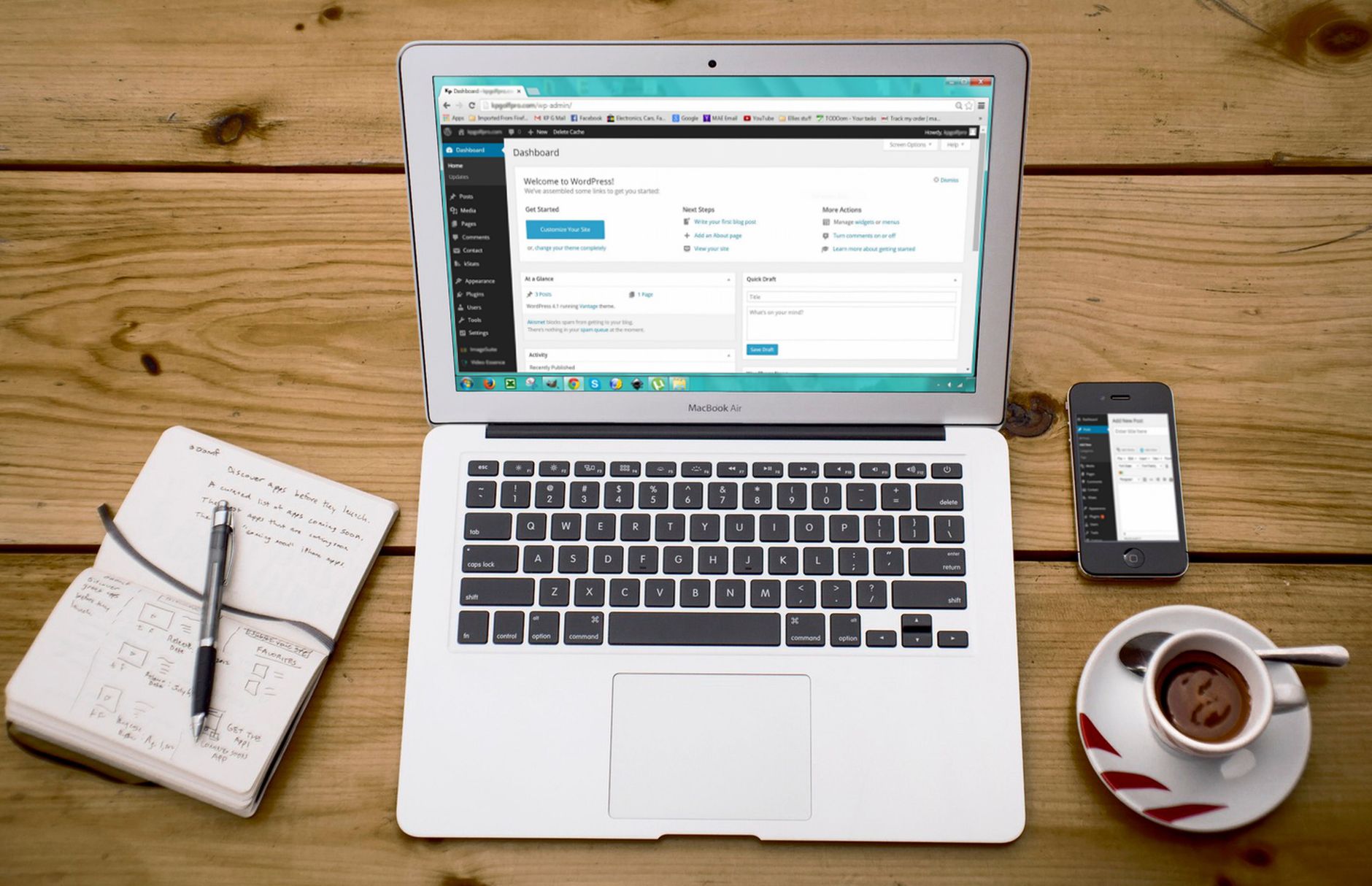
One well-configured SEO plugin is enough. Running overlapping plugins often creates duplicate metadata, conflicting canonicals, and competing sitemap outputs that are harder to troubleshoot than the original SEO problem.
If you already use Yoast, Rank Math, SEOPress, or another major plugin, the goal is not constant switching. The goal is a stable configuration. A green light in an SEO plugin does not mean the page deserves to rank. It only means the plugin thinks a few on-page signals look acceptable.
Configure Title Tags For Google, Not Plugin Scores
Your title setup should be descriptive, concise, and distinct from page to page. Google says every important page should have a title, recommends concise descriptive title text, and warns against repeated boilerplate and keyword stuffing.
In your plugin settings, create simple templates for page types, then manually improve titles on your highest-value pages. Keep brand text short and avoid repeating the same generic phrase across dozens of URLs.
| Weak title | Stronger title |
|---|---|
| SEO Services | SEO Company | SEO Expert | WordPress SEO Services for Small Businesses |
| Blog | WordPress Google SEO Configuration Tips |
| Product Category | Commercial Coffee Grinders for Cafes |
Write Meta Descriptions As Click Support
Meta descriptions are not a direct ranking shortcut, but they still matter. Google explains that snippets are often generated from page content, yet it may use the meta description when that description summarizes the page better.
That means your job is not to stuff in every keyword variation. Your job is to write a short, clear summary that matches the page intent. For core pages, explain what the page offers and why the visitor should care. For blog posts, preview the answer they will get.
Set Canonicals And Redirects Before Publishing More Pages
Canonical confusion is one of the fastest ways to waste a decent setup. If several URLs show the same or nearly the same content, Google gets mixed signals about which version should be treated as primary.
Check for duplicate versions caused by trailing slash inconsistencies, parameter URLs, attachment pages, category paths, or old slugs left behind after edits. Use redirects when an old URL should permanently forward to the current version. Use canonical tags when similar URLs must exist but one should be preferred. If your rankings dropped after a redesign, this step deserves special attention.
If you are working through post-launch cleanup, WordPress SEO Expert can help. We can identify whether the problem is redirects, canonicals, indexing settings, or a stack of smaller issues that compound together.
Submit A Clean XML Sitemap To Google Search Console
Your sitemap should support discovery, not advertise clutter. A clean XML sitemap usually includes important indexable pages and excludes URLs that should not appear in search.
After confirming the sitemap is active in your plugin, submit it in Google Search Console and watch for coverage issues. Search Console will not fix problems for you, but it will show you whether pages are excluded, crawled but not indexed, or blocked by settings you may have overlooked. If your plugin offers multiple sitemap types, keep only the useful ones enabled.
Configure Archives Carefully
Not every WordPress archive deserves to rank. The right archive settings depend on whether the archive genuinely helps users or just creates another thin page with little unique value.
Category archives can be useful when they organize substantial content. Tag archives often become near-duplicate clutter on smaller sites. Author archives may be redundant on a single-author business site. Date archives are rarely useful unless your content depends on chronology. Keep what serves a purpose. Noindex or disable what adds noise.
Use Schema With Restraint
Schema helps search engines understand a page more clearly, but it is not a ranking cheat code. Google states that structured data should reflect visible page content and should not be misleading.
In practical terms, that means you should enable the schema types that honestly match the page. A blog post can use article markup. A product page can use product markup. A local business page can use local business details that visitors can actually verify on the page. More schema is not always better. Cleaner schema is better.
Build Internal Links Google Can Crawl

Internal linking is configuration, not just content polish. Google recommends crawlable links and descriptive anchor text because links help it discover pages and understand site relationships.
Make sure your key service pages, category pages, and cornerstone posts are linked from other crawlable pages using normal HTML links. If you need help choosing the right plugin foundation before adjusting internal links, read our Yoast SEO vs Rank Math guide. For the bigger strategic picture, our WordPress SEO best practices article explains how internal linking fits into a broader cleanup plan.
A Simple Google SEO Configuration Checklist
If you want a practical stopping point, use this checklist. You do not need a perfect score. The goal is a site that loads cleanly, is easy to use, and sends consistent signals about which pages matter.
| Area | Good enough standard |
|---|---|
| SEO plugin | One plugin only, no overlapping metadata tools |
| Indexing | Important pages indexable, low-value archives reviewed |
| Titles | Unique, descriptive, concise, written for people |
| Meta descriptions | Clear summaries that support clicks |
| Canonicals | Main version of each page clearly defined |
| Redirects | Old URLs forwarded to relevant current URLs |
| Sitemap | Submitted in Search Console and free of obvious clutter |
| Schema | Matches visible content and page type |
| Internal links | Important pages linked with descriptive anchor text |
When To Get Help
If your settings look correct but rankings are still flat, the issue is usually not one dramatic failure. It is often a stack of smaller problems involving content overlap, weak internal links, crawl waste, poor title targeting, or leftover migration damage.
If you are not sure whether your current configuration is helping or quietly hurting you, WordPress SEO Expert can help. Book a free SEO consultation. No pitch, no pressure. Just an honest look at what your site actually needs and whether your setup is part of the solution or part of the problem.
Contact WordPress SEO Expert today to schedule a consultation if you want a clearer plan for what to fix first on your WordPress site.

















