
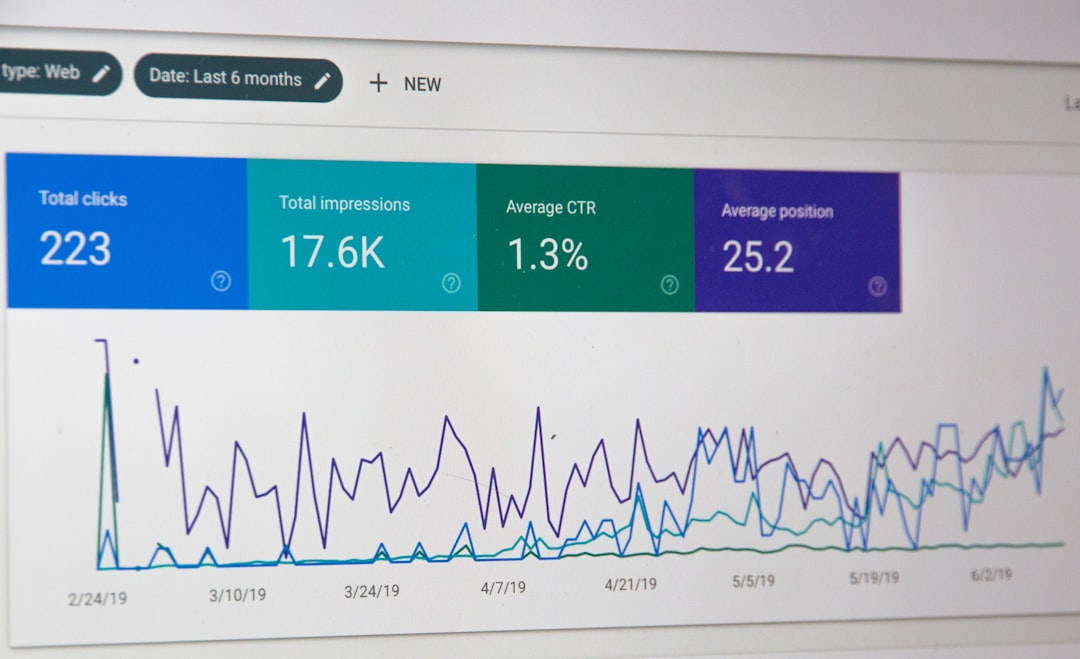
Low rankings usually come from a scattered plan, not one missing plugin. Advanced WordPress SEO is less about piling on features and more about fixing the issues that block visibility first, then strengthening the pages that already have a chance to win.
Most site owners do not have one catastrophic problem. They have a stack of smaller issues that compound over time: weak title patterns, duplicate URLs, thin archive rules, conflicting plugin output, and internal links that do not guide either users or search engines. If you want a strong baseline before you go deeper, review our WordPress SEO best practices and our comparison of Yoast SEO vs Rank Math.
Start with crawlability and index control
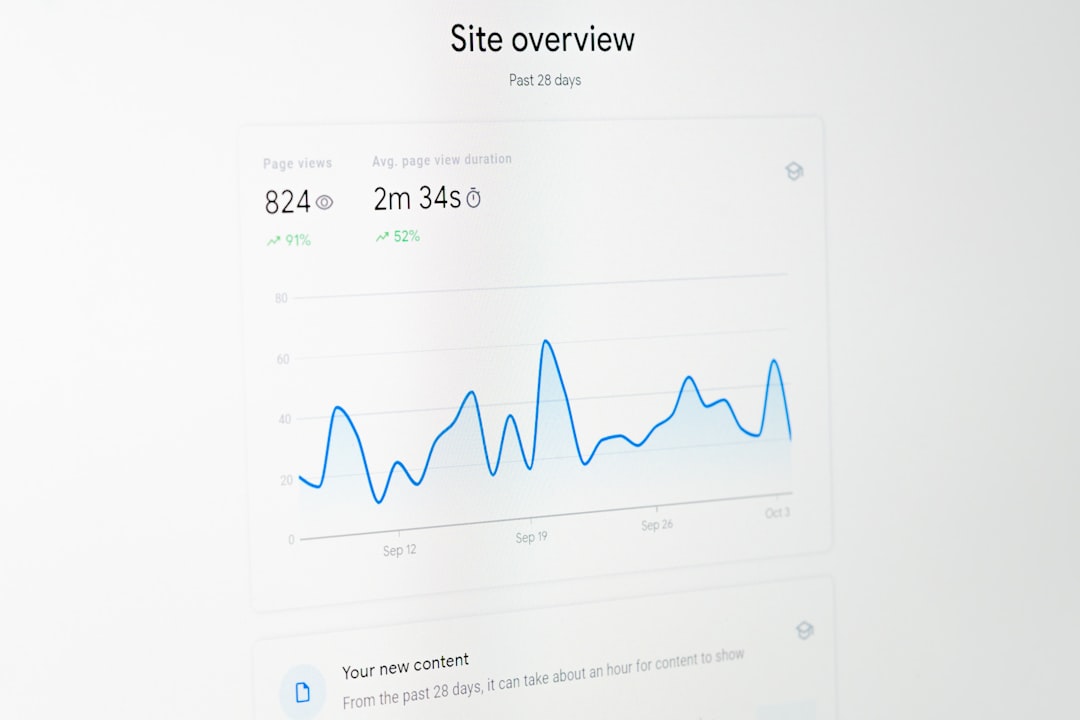
Advanced SEO starts with a simple question: can search engines reach, understand, and index the right pages? If the answer is unclear, do not spend your time polishing schema or chasing plugin scores yet.
Check whether your key service pages, product categories, and revenue-driving posts are indexable, linked from crawlable pages, and included in your XML sitemap when they should be. This is also where you review accidental noindex settings, blocked resources, weak pagination handling, and archive pages that add crawl noise without adding search value.
Google recommends using crawlable HTML links and descriptive anchor text so it can better discover and understand linked pages. It also emphasizes that meeting technical best practices does not guarantee rankings by itself, which is why indexing health has to connect to page quality and site structure too.
Use one clean SEO stack
One well-configured SEO plugin is enough. Running overlapping plugins often creates duplicate metadata, conflicting canonicals, and competing sitemap outputs that are harder to diagnose than the original problem.
This is where many WordPress sites quietly lose ground. An SEO plugin, a theme schema feature, a redirect plugin, WooCommerce settings, and a page builder can all output signals that partially overlap. The goal is not maximum coverage. The goal is one clean setup where titles, meta descriptions, canonicals, schema, redirects, and indexing rules are consistent.
A green light in an SEO plugin does not mean the page deserves to rank. Treat the plugin as a control panel, not as proof that the work is done.
Fix duplicate URL paths before publishing more
Canonical confusion often limits strong pages more than thin content does. If multiple URLs compete to represent the same topic, search engines receive mixed signals about which version should rank.
On WordPress, this usually shows up through tag archives, attachment pages, filtered category URLs, inconsistent trailing slashes, parameter variations, and old URLs left alive after redesigns or migrations. For WooCommerce stores, faceted navigation and product variations can expand the problem quickly.
Fix the issues that block visibility before the issues that polish visibility. Choose the preferred version of each important URL, link to that version internally, redirect retired versions when appropriate, and keep your canonical signals aligned with the version you actually want indexed.
Write titles for intent, not plugin scores

Your title tag is still one of the clearest signals you control. Advanced on-page work is usually not about making titles longer. It is about making them more specific, more distinct, and more aligned with the search intent of the page.
Google recommends descriptive, concise titles and warns against keyword stuffing and repeated boilerplate. It may also rewrite title links in search when page titles do not describe the content well enough. That means generic templates often underperform even when they technically include the target phrase.
| Weak title | Stronger title |
|---|---|
| SEO Services | SEO Company | SEO Expert | WordPress SEO Services for Small Businesses |
| Blog | WordPress SEO Tips for Service Businesses |
| Technical SEO | Technical WordPress SEO Fixes After a Redesign |
If you are updating old content, review page titles in clusters. Repeated structures across dozens of posts often signal a template problem, not a single-page problem.
Use internal links to shape topical authority
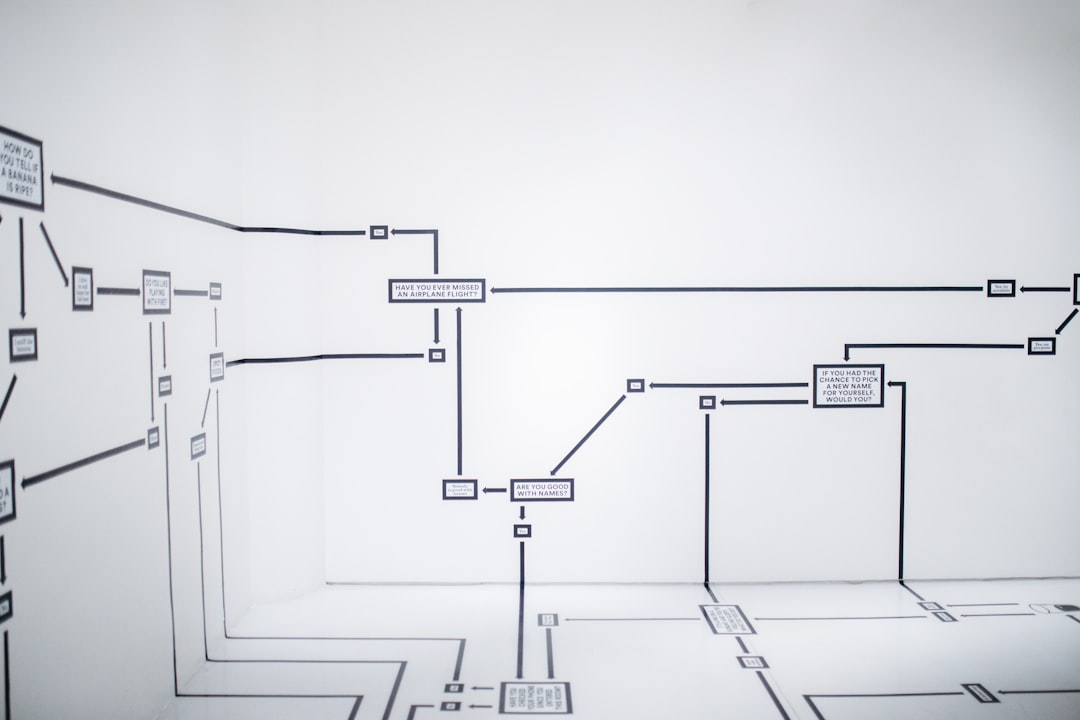
Internal linking is one of the simplest advanced strategies because it strengthens discovery, hierarchy, and relevance without requiring new tools. The point is not to add more links everywhere. The point is to connect the right pages in the right sequence.
Link broad educational posts to your service pages. Link supporting articles back to the main page you want to rank. Use descriptive anchors that tell users and search engines what to expect next. Google specifically recommends concise, descriptive anchor text and crawlable links, which makes weak anchors and JavaScript-only navigation worth reviewing.
If you publish regularly but key commercial pages stay isolated, your site may be building content volume without building page strength. That is where internal architecture starts working against you.
If you are not sure whether your current link structure is helping or quietly diluting authority, WordPress SEO Expert can help.
Simplify site architecture
A simple structure usually performs better than a clever one. Important pages should be easy to reach, easy to interpret, and grouped in ways that make sense for both users and search engines.
For service businesses, keep main pages close to the primary navigation and avoid burying them several levels deep. For content sites, use a small category set with clear topical boundaries. For WooCommerce, pay close attention to filter combinations, pagination patterns, and archive paths that multiply indexable URLs without adding unique value.
Most architecture problems are not dramatic enough to trigger alarms. They just make every other SEO effort less efficient. That is why structural cleanup often creates more lift than another round of keyword expansion.
Use schema carefully and honestly
Structured data can clarify page meaning, but it is not a shortcut around weak content. The advanced move is not adding every schema type available. It is matching visible page content with the markup that genuinely fits.
Google’s structured data guidance says markup should reflect the content users can actually see and should not be misleading. In practice, that means reviewing plugin defaults, avoiding redundant schema layers, and checking whether templates are outputting organization, article, product, or breadcrumb markup in a way that matches the page.
Clean schema helps search engines understand context. Messy schema creates another layer of ambiguity.
Treat meta descriptions as click support
Meta descriptions do not guarantee rankings, but they can improve how a page is summarized in search. The best advanced approach is to write them for relevance and click quality, not for keyword repetition.
Google often generates snippets from page content, but it may use the meta description when that summary is more accurate for the query. Unique descriptions are usually more helpful than repeating one template across an entire site. This matters most on pages already earning impressions, where a stronger description can support better click-through performance.
Prioritize page groups, not random tasks
Advanced SEO gets easier when you stop working page by page in isolation. Group pages by purpose, performance, and template type so you can fix patterns once instead of repeating the same cleanup manually.
Start with your highest-value groups: service pages, product categories, top blog posts, and pages that already sit near page one. Review them for title patterns, index rules, canonical consistency, internal link support, duplicate intent, and template-level issues. This kind of prioritization produces faster gains than trying to optimize every URL equally.
| Priority | What to review first | Why it matters |
|---|---|---|
| 1 | Indexing and crawl access | Pages cannot rank if search engines cannot reliably reach or index them |
| 2 | Canonical and redirect rules | Prevents duplicate URL confusion and diluted signals |
| 3 | Title intent and page uniqueness | Improves relevance and click potential |
| 4 | Internal linking and architecture | Strengthens discovery, hierarchy, and topical relationships |
| 5 | Template performance and usability | Supports a cleaner user experience across key page types |
You do not need a perfect score. The goal is a site that loads cleanly, is easy to use, and sends consistent signals about which pages matter most.
What to stop doing
Stop publishing thin near-duplicate posts to chase minor keyword variations. Stop stacking multiple SEO tools because it feels thorough. Stop treating archive pages, tags, and filter URLs as harmless when they can quietly bloat your crawl paths and dilute page signals.
Most importantly, stop looking for one tactic that fixes everything. Advanced WordPress SEO usually works because the site becomes clearer, cleaner, and easier for search engines to interpret over time.
The best next step
The best next move is usually a focused review of the pages closest to producing leads or sales. Look for the pages already earning impressions, the pages affected by migration or redesign changes, and the pages competing against duplicates or weak internal support.
If your rankings are flat and you are not sure whether the real issue is technical SEO, weak on-page signals, or structural confusion, WordPress SEO Expert can help. Book a free SEO consultation. No pitch, no pressure. Just an honest look at what your site actually needs and whether your current setup is part of the solution or part of the problem.
Contact WordPress SEO Expert today to schedule a consultation.

















