

Low rankings on a new site usually come from setup gaps, not from a lack of content. If you launch a WordPress site without clean URLs, one clear SEO plugin, and the right indexing settings, Google has to work harder to understand pages that should have been simple from day one.
SEO for WordPress is not about chasing every plugin recommendation or turning every light green. The real job is making sure search engines can crawl the site, understand page purpose, and find the pages that matter first. If you want the launch-stage checklist first, review our WordPress SEO checklist for new websites before you start changing titles and content.
What should you do first on a new WordPress site?
Start with crawlability, URL structure, and one clean SEO setup. Before you worry about blog frequency or backlinks, make sure the site can be indexed properly and that your core pages clearly describe what the business does.
Most new websites do not have one catastrophic problem. They have a stack of smaller issues: the default permalink structure is still active, duplicate archive pages are indexable, the homepage title is generic, and no one has checked whether the site is actually open to search engines. Those issues compound quickly.
Google recommends descriptive, concise titles and warns against repetitive keyword stuffing in title elements. It also recommends using self-referential canonical tags on canonical pages, which matters when WordPress creates multiple paths to similar content through archives, attachments, or filtered URLs. WordPress itself has included XML sitemaps since version 5.5, and native image lazy loading also arrived in WordPress 5.5, so a modern setup already gives you a decent technical baseline if you configure it correctly.
The best SEO setup for a brand-new WordPress site
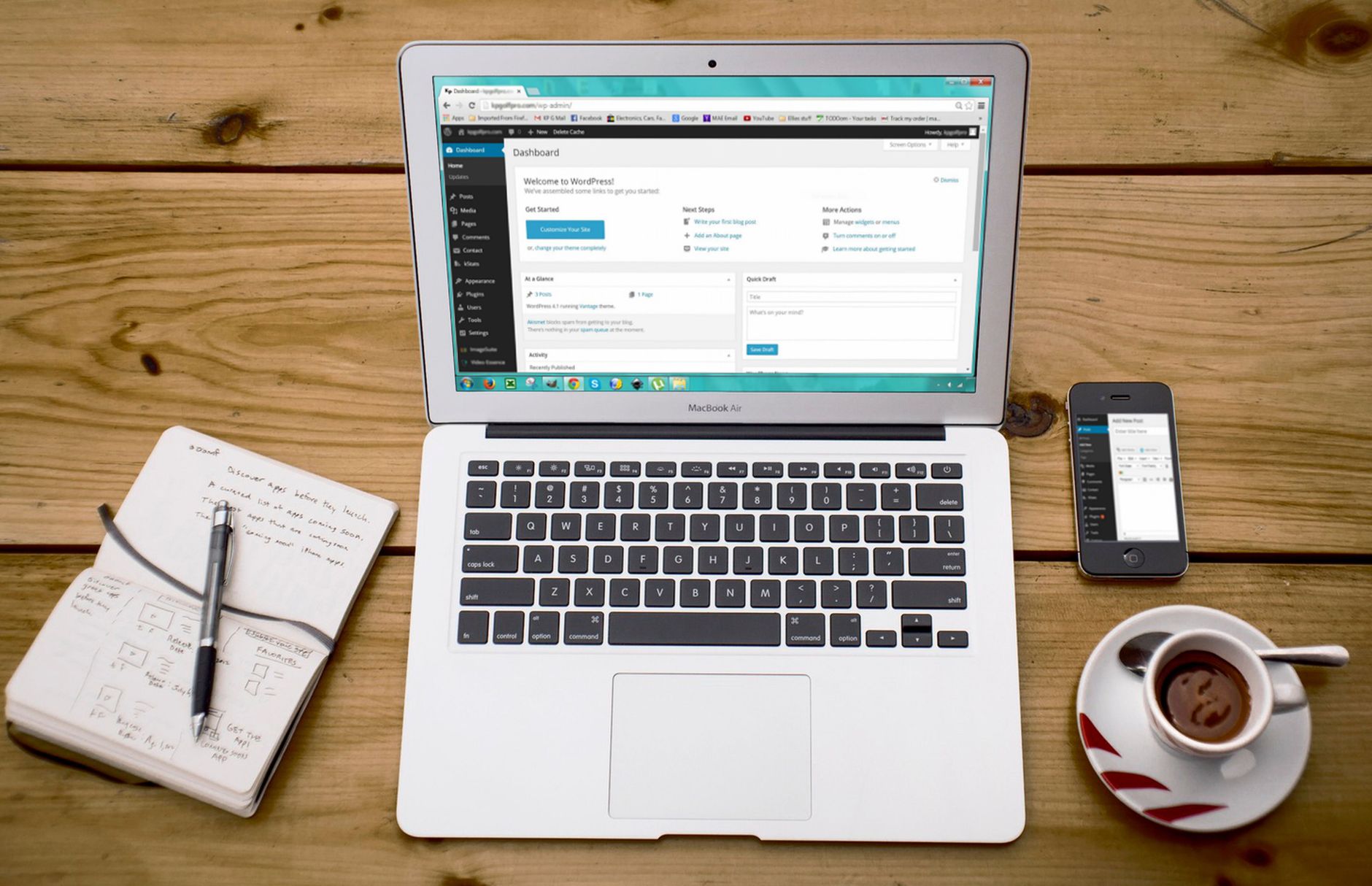
There is no single best SEO plugin for WordPress in every situation. For a new website, the best setup is usually the one that stays simple: one SEO plugin, clean permalinks, a clear sitemap, and page templates you can manage without adding three more tools later.
Use this order:
| Area | What to set up first | Why it matters |
|---|---|---|
| Permalinks | Set to Post name | Creates readable URLs and avoids default query-string style links |
| SEO plugin | Install one plugin only | Prevents duplicate meta tags, sitemap conflicts, and schema overlap |
| Homepage SEO | Write a custom title and meta description | The homepage is often the first page Google evaluates |
| Indexing controls | Check search engine visibility and archive settings | Stops accidental noindex problems and thin archive clutter |
| Sitemap | Confirm one working XML sitemap | Helps discovery of pages that should be indexed |
| Internal linking | Link core pages and related posts early | Helps Google understand site structure and page importance |
How to set up WordPress SEO the right way
Set up WordPress SEO like a system, not a checklist you race through once. A new website needs a stable technical base first, then page-level optimization, then content expansion. If you reverse that order, you usually create more pages before you fix the pages that already exist.
1. Choose one SEO plugin and stop there
Running multiple SEO plugins creates conflicts more often than it creates benefits. New site owners sometimes install one plugin for titles, another for schema, and another for redirects. That usually leads to duplicate canonicals, competing sitemap files, and inconsistent settings.
Pick one primary SEO plugin and configure it fully. Then check what it outputs on the front end, not just in the dashboard. View source on the homepage and a service page. Confirm there is one title tag, one meta description, and one canonical tag per page.
2. Fix your permalink structure before content grows

Clean URLs are easier for users to read and easier to manage long term. On a new site, this is a two-minute setting change. On an older site with indexed pages, it becomes a redirect project.
In WordPress, go to Settings, then Permalinks, and choose Post name unless you have a specific reason to use something else. A weak URL like /?p=123 gives neither users nor search engines much context. A stronger URL uses the page topic in plain language.
If your site is already live and you are not sure what else to audit after launch, our guide on how to improve WordPress site speed for SEO pairs well with permalink and crawl checks because speed and indexing problems often show up together.
3. Write better titles for core pages
Your title tags should explain the page clearly, not repeat the same keyword in three variations. New sites often launch with titles like Home, Services, or SEO Company | SEO Agency | SEO Expert. Those titles waste your best opportunity to tell Google what the page is actually about.
Use this simple pattern: primary topic first, business descriptor second if needed. Keep each page title distinct. Google’s guidance is to write unique, descriptive, concise titles, and that is still the right standard for most WordPress sites.
Weak title: Home
Weak title: SEO Services | SEO Company | SEO Expert
Stronger title: WordPress SEO Services for Small Businesses
Stronger title: Local SEO for WordPress Sites in the US
4. Control what gets indexed
Not every WordPress-generated page deserves to rank. A new site can create category archives, tag archives, author archives, date archives, attachment pages, and search results pages long before any of them offer real value to users.
That does not mean every archive should be noindexed by default. It means you should make the decision deliberately. Category pages can be useful if they organize real content. Tag archives and date archives often create thin duplication on smaller sites. Single-author author archives are usually unnecessary unless they serve a real editorial purpose.
Also confirm that the site is not blocking search engines globally. On new builds, that setting is easy to overlook, especially after staging or migration work.
5. Make your homepage do a clearer job
A homepage should tell both visitors and search engines what the business offers, who it serves, and where it operates if location matters. Many new WordPress homepages look polished but stay vague. They say things like solutions, growth, and excellence without naming the service.
Write a homepage title, meta description, H1, and intro copy that match the actual offer. If you are a local business, include the service area naturally. If you are a national B2B company, lead with the service category and the audience.
If you are building a site and want a second set of eyes before changing core settings, WordPress SEO Expert can help identify what to fix first.
What pages should a new WordPress site create first?
Start with revenue pages, not a pile of low-priority blog posts. A new website needs a homepage, core service or product pages, an about page that builds trust, and a contact page that is easy to use. After that, publish supporting content tied to real search intent.
For most small businesses, the first content stack should look like this:
| Page type | Priority | SEO role |
|---|---|---|
| Homepage | Highest | Defines brand, core service, and primary topical relevance |
| Main service pages | Highest | Targets commercial-intent searches |
| Location pages | High when applicable | Supports local visibility for service areas |
| About page | Medium | Builds credibility and helps users evaluate the business |
| Contact page | High | Supports conversions and trust signals |
| Supportive blog posts | Medium | Targets questions, comparisons, and early-stage searches |
The common mistake is publishing ten blog posts before the service pages are fully optimized. If the pages that make money are weak, more content does not fix the foundation.
How important is site speed on a new WordPress website?
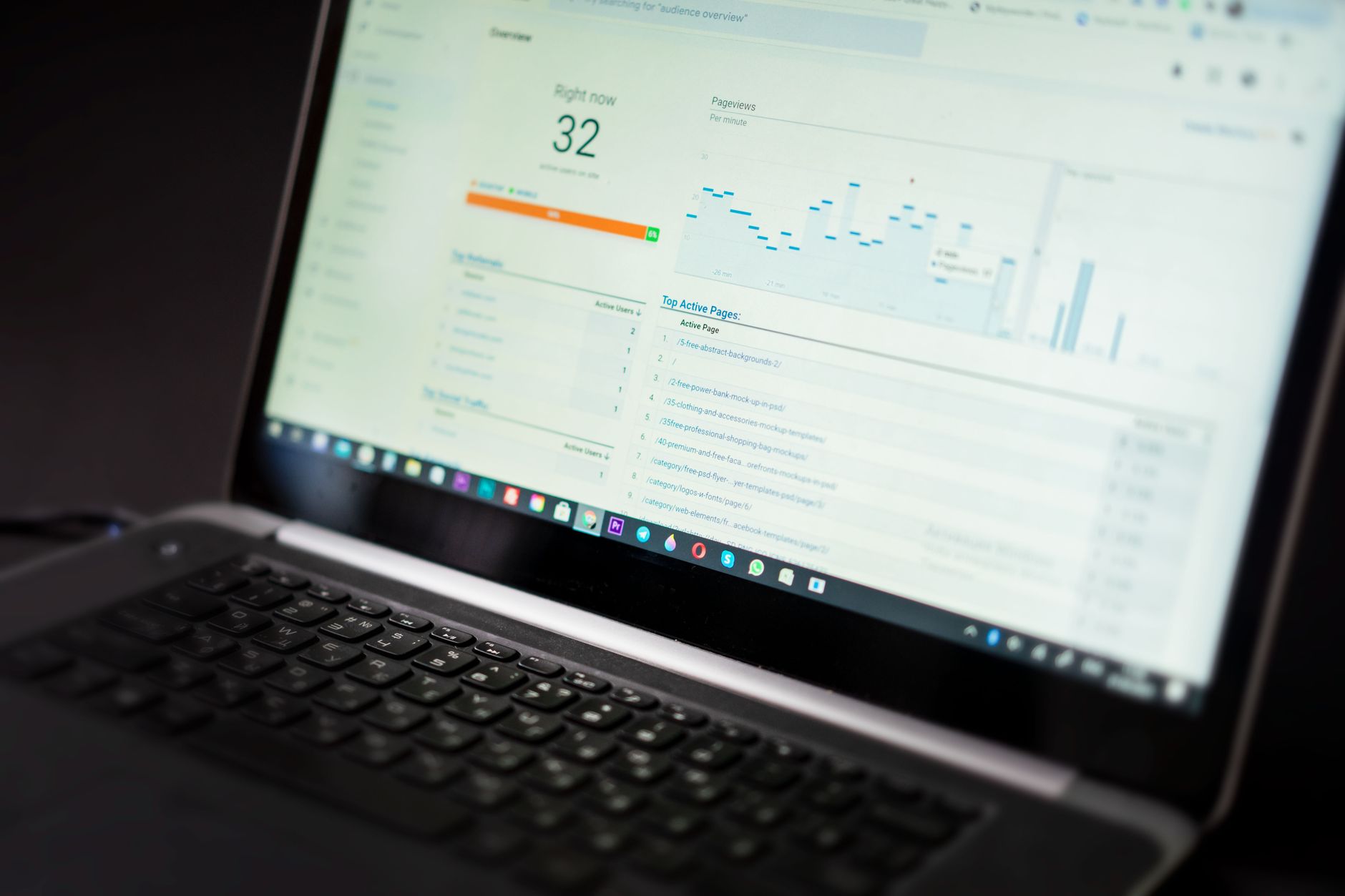
Site speed matters, but not in the way most new site owners think. It is rarely the only reason a site will not rank. It does matter when your pages are already competitive and when poor performance makes the site frustrating to use.
WordPress already supports native lazy loading for qualifying images, but that does not solve oversized files, heavy themes, or too many plugins. A new site should aim for a sensible baseline: compressed images, caching, limited plugin bloat, and a theme that does not load unnecessary scripts everywhere.
There is a practical stopping point. Good performance is the goal, not perfection. Chasing tiny score improvements while ignoring content quality, internal links, or crawl issues is a common waste of time on new websites.
Common SEO mistakes on new WordPress sites
New WordPress sites usually struggle because too many defaults are left untouched. Most of these mistakes are easy to fix once you know where to look, but they can hold rankings back for months if no one checks them early.
| Mistake | What happens | Fix first |
|---|---|---|
| Using two SEO plugins | Duplicate meta tags, sitemap overlap, conflicting canonicals | Remove one plugin and standardize settings |
| Leaving default titles | Weak relevance signals and poor click appeal | Rewrite homepage and service page titles |
| Ignoring archive settings | Thin or duplicate pages enter the index | Review categories, tags, authors, and dates |
| Publishing without internal links | Important pages look isolated | Link support content to core commercial pages |
| Uploading oversized images | Slower pages and worse user experience | Compress before upload and use modern formats |
| Relying on plugin scores | SEO effort shifts toward checkboxes instead of intent | Optimize for page purpose and clarity instead |
A simple SEO plan for your first 90 days
The first 90 days should focus on clean setup, better core pages, and a small number of targeted content pieces. New sites do better with a short, prioritized roadmap than with a giant SEO list nobody finishes.
Weeks 1 to 2: finalize permalinks, plugin setup, indexing rules, sitemap, homepage title, and service page copy.
Weeks 3 to 6: improve internal linking, write supporting content tied to your services, and tighten weak title tags and headings.
Weeks 7 to 12: review search performance, expand the pages that get traction, and fix technical issues that show up in crawling or indexing reports.
If you do not know whether your problem is technical, content-related, or both, that is usually the moment to get outside review. WordPress SEO Expert can help you sort the high-impact fixes from the noise before you spend another month tweaking plugin settings.
Final takeaway
SEO for a new WordPress website works best when you simplify it. Get the site crawlable, keep the structure clean, write better core pages, and make intentional indexing decisions. Most early ranking problems come from scattered execution, not from one missing trick.
If your new site is live but rankings are stuck, contact WordPress SEO Expert to schedule a consultation. We can help you find what is actually holding the site back before you waste time on the wrong fixes.

















